






Making the Complicated Simple





How do I clear the cache in WordPress?
Recently, I received a private message from a reader. He is just learning WordPress and asked us how to clear the cache in WordPress. All, today a tutorial dedicated to talk about "how to clear the cache in WordPress". What is the WordPress cache?...

How to install and setup WP Super Cache for newbies?
A website that can be accessed quickly allows for an enhanced customer experience. It also facilitates SEO and improves the ranking of the website, Google search engine now makes the website speed as an important ranking factor. WP Super Cache is a popular plugin that...

How to Fix Facebook and Instagram oEmbed Issues in WordPress
The default oEmbed or Embed block in WordPress doesn't work anymore. If this block was previously used to add Facebook or Instagram content to WordPress, it may cause errors and missing content on your WordPress site. Don't worry, we will...

How to use advanced features in Elementor
Elementor Pro (Professional Edition) offers advanced features to make WordPress websites more beautiful. Additional widgets, theme builder, popup builder and custom field features are available. Below, we'll share a guide on how to build these extra elements to turn your page...

What's up with the missing Elementor button in the WP admin bar for the Edit button?
After we installed the Elementor plugin, the WordPress admin bar does not provide a button for editing with Elementor What's going on? Possible Reasons and Solutions Here are some possible reasons and corresponding solutions. Elementor post type is not set...

Comprehensive analysis of the Avada theme: features, installation and template import tutorial (01)
Today we will talk about Avada Theme Welcome to this WordPress tutorial, today we will delve into the power of Avada theme and how to use it. As a popular and versatile theme, Avada offers website builders great flexibility and a wealth of options...
WordPress SEO Audit Checklist: Can Improve Your Site's Ranking
What is an SEO Audit? Optimizing your WordPress website for search engines is important to attract more visitors. However, many webmasters don't know if their technical SEO strategies are working. This is where an SEO audit comes in handy. It is a process to determine if a website has been properly...
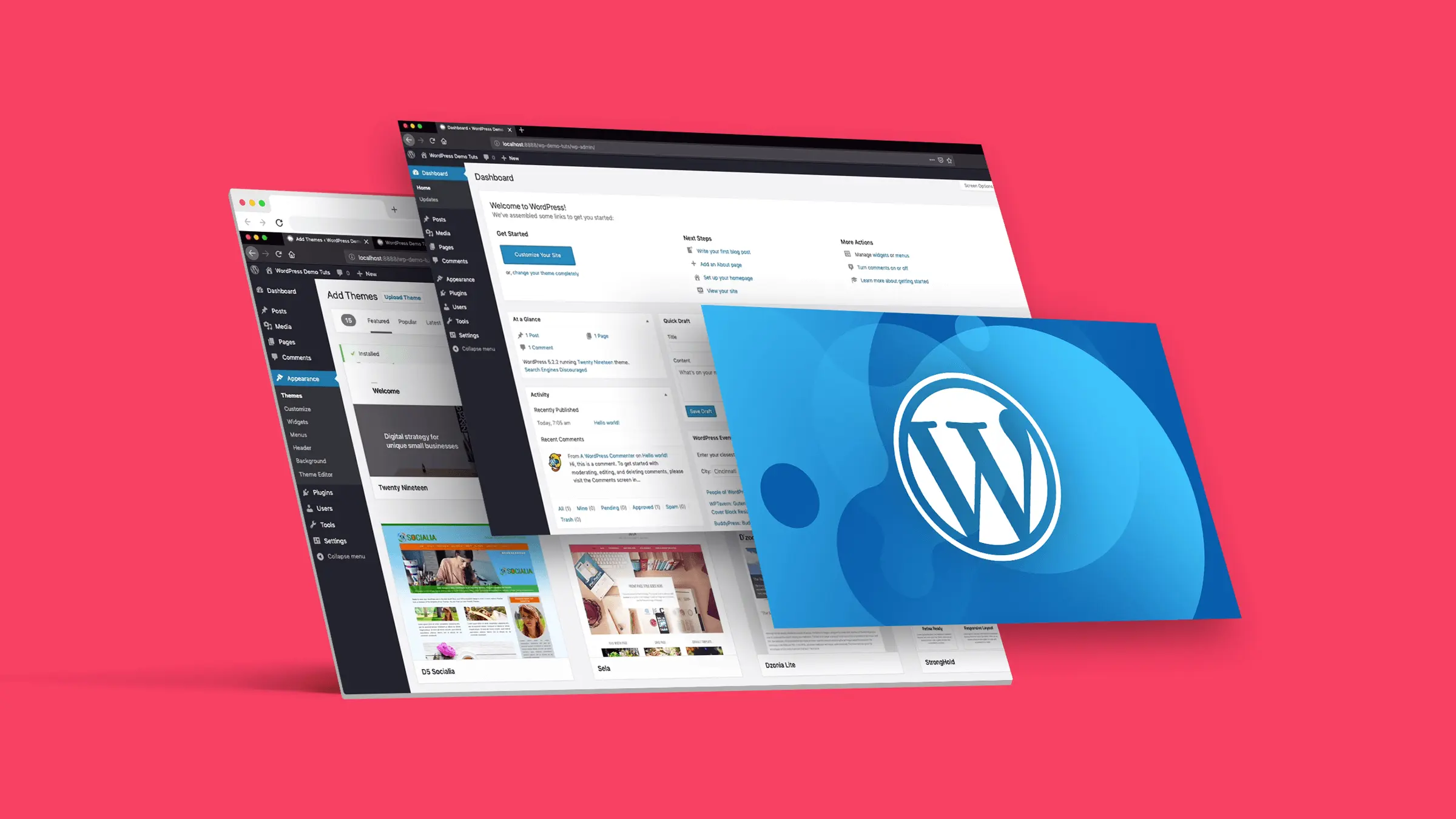
How to Customize the Background Color of WordPress Block Editor (Gutenberg)
Want to change the Gutenberg editor background color in WordPress to match the site branding colors and showcase the site culture. Detailed tutorial today it's here! Why should I change the background color of the block editor in WordPress? Want to change the background color of...

How to Write Blog Posts Using WordPress Default Theme and Gutenberg Editor (02)
In this post, we'll dive into how to write blog posts using WordPress' default theme and the Gutenberg Editor. The Gutenberg Editor, the built-in editor for WordPress, uses a block system to provide a way for users to...

How do I customize the colors of my WordPress website?
What are WordPress themes? Can I change the theme colors? WordPress themes control the appearance of a website and the visual experience users have while using it. A typical WordPress theme is a set of pre-designed templates that can be installed on a website to change its...
Mastering the Gutenberg Editor: Practical Tips and Advanced Features (03)
In this post, we're going to continue our deep dive into WordPress' Gutenberg editor, highlighting some advanced features and useful tips to help you further improve your content creation. From adding anchors and custom styles to Blocks, to using different types of re...

Astra Theme Settings Explained: How to Easily Manage the Appearance of Your Website (10)
Astra theme is known for its lightweight and high customizability, but for novice users, its settings may feel a bit complicated for the first time. In this article, we will introduce the main settings location and functions of Astra theme in detail to help you easily manage and customize the appearance and layout of your website. Whether it's row...

In-depth Analysis of WooCommerce Integration Features and Store Settings in Astra Theme (11)
In this article, we'll dive into how Astra theme seamlessly integrates with WooCommerce to bring more customization and optimization options to online stores. With the rich functionality provided by Astra theme, you can easily set up the store layout, product categories, shopping cart, checkout page and more...
Astra Theme Explained: A Guide to Setting Headers and Footers (12)
Theme selection and settings are crucial when it comes to creating a perfect WordPress website.Astra theme has become the first choice for many users due to its highly customizable and flexible features. In previous tutorials, we have discussed other settings of Astra theme and today will re...
WordPress SEO "Crawl Budget" Problem and Its Solution: Improving SEO Results
Hello everyone! Today's tutorial will have a new vocabulary - crawl budget. He is a direct translation of Google's term, you do not need to be overly obsessed with it, just need to understand what it means. Crawl budget" in WordPress SEO refers to the amount of time a search engine allocates to a web...

A comprehensive look at the Gutenberg editor: from default theme integration to feature optimization (01)
Before we officially start the tutorials for the default theme and the tutorials for the Gutenberg blog, let's take a deeper look at the Gutenberg editor. As the default content editor for WordPress, Gutenberg, since its release in 2018, has become a heavyweight in web design and content management...
How to Fix "The Link You Followed is Expired" Error in WordPress
What causes the "The link you follow has expired" error? When trying to upload a WordPress theme or plugin that is larger than the file size limit set by the server WordPress is running on, it is common to get a "The link you follow is outdated" error. The message is shown below...

How to Check and Fix WordPress Plugin Conflicts: A Beginner's Guide
After so many years of doing WordPress, we've encountered a lot of errors, many of which are due to plugin conflicts. Plugin conflicts can cause all sorts of problems with a website, from minor issues to complete crashes are common. Today's tutorial on how to check for WordPress plugin conflicts,...

How to Create Custom Headers and Footers with Elementor: A Step-by-Step Guide (09)
When building a website with WordPress, the default Astra theme header and footer may not fulfill all your needs for the look of your website. Fortunately, with elmentor, you can easily create and customize your own header and footer. This post will detail how to elmentor...

How to sign up for WooPayments: detailed tutorials
A lot of cross-border retailers have left comments in our "Q&A Community", hoping for a tutorial on how to sign up for WooPayments, and here it is today. First of all, let's give you a brief introduction, what is WooPayments? WooPayments provides an integrated payment solution ...

How Elementor Intuitively Customizes and Edits WooCommerce Product Page Templates
Elementor allows you to design individual product pages with ease. With a simple drag-and-drop operation, you can customize the design by adjusting various elements on the page to your liking. In the past, customizing the design of WooCommerce pages usually required writing large...

How to Change WordPress Link Settings (4 Easy Ways)
WordPress addresses and website addresses (or URLs) are very important for websites. They are like your website's door number on the web, telling us how to find your website files and admin pages. Want to change your WordPress URL; for example, if you change to a new domain name, want to put...

Elementor and Astra Theme Layout Tips: Container and Grid Best Practices (07)
In the last installment, we explored some basic typography tips for the Astra theme. Today, we're going to continue to dive into how to better utilize Container and Grid layouts in the Elementor editor to help you create more flexible and aesthetically pleasing web designs. Whether you're a beginner...

How to fix "Your connection is not a private connection" error
The "Your connection is not a private connection" error is displayed when the browser is unable to determine the security of the website it is trying to access. The message displayed varies slightly depending on the browser used, which can make troubleshooting a bit difficult for novices. Let's take a look at what's going on...

How to Fix WordPress "Unable to Load Resource" Error
Why do I get an 'Unable to load resource' error? The 'Unable to load resource' error occurs when WordPress fails to load a file that should be loaded. Basically, when WordPress generates a page, it includes multiple files in the code such as images, scripts,...
Astra Themes & Elementor: Module Gap Adjustment & Template Saving Tips (08)
Today we continue to explain Astra theme and Elementor more settings and tips, when using Astra theme with Elementor to build a WordPress website, the layout and gap settings between modules are crucial. A good gap layout can significantly improve the page aesthetics and...

How to Fix HTTP Image Upload Error in WordPress
What causes HTTP errors when uploading media on WordPress? Uploading files to a WordPress website using the WordPress media uploader can result in HTTP errors. Basically, WordPress has a hard time figuring out the cause, which is that it displays the generic "HTT...
Astra Theme Official Typography Guide: Elementor Module Setup and Optimization Tips (06)
We have already talked about the individual details of the Astra theme's features, and today we are talking about how to formalize the layout In today's WordPress ecosystem, the Astra theme has won the favor of a wide range of users for its lightweight and highly customizable features. However, for first-time users of Astra theme...

How to Edit wp-config.php File in WordPress
Many of our previous tutorials have mentioned editing the "wp-config.php" file when resolving issues. This file is very important as it controls key WordPress settings, especially for security, performance and troubleshooting. So, when modifying this file...

Fast Ranking Boost: How to Automate WordPress SEO
One of my clients who does cross-border work just asked me if SEO can be automated and the process streamlined so he can have more time for other things. In our experience, SEO can automate a lot of processes, which can save time and can be effective in improving your site's rankings. But that doesn't mean it can be...

 简体中文
简体中文  English
  日本語
日本語  Français
  Español



