


 Harry.



Making the Complicated Simple





How to Automatically Watermark Images in WordPress
Why add watermarks to images in WordPress? Watermarks are semi-transparent logos, text, or patterns that cover an image. Watermarks are designed to be obvious but subtle so that users are not disturbed when viewing photos, but cannot download and use the files without purchasing...

Ways to skip directly to the shopping cart page in WooCommerce
WooCommerce is a free and open-source e-commerce plugin for WordPress websites, and many people use it to build their own online malls. However, some users want to make the checkout process a little smoother as a way to improve the user experience of their website. Skipping shopping in WooCommerce...
Gutenberg 19.5 Released: Optimized Zoom Editing Experience and Enhancements
Gutenberg 19.5 has been released and is available for download! This release focuses on stabilizing existing features, but also makes some improvements to the general UI and the zoom editing experience, with 116 PRs from 47 contributors.Let's take a look at it! Smoother zoom in/out...

How to Install Python on a Linux Server
There are usually two ways to install Python on Linux: through a package manager or manually. Here we describe how to install Python through a package manager: Installing Python with a Package Manager Linux distributions usually come with Python, but it may be an older version of Py...
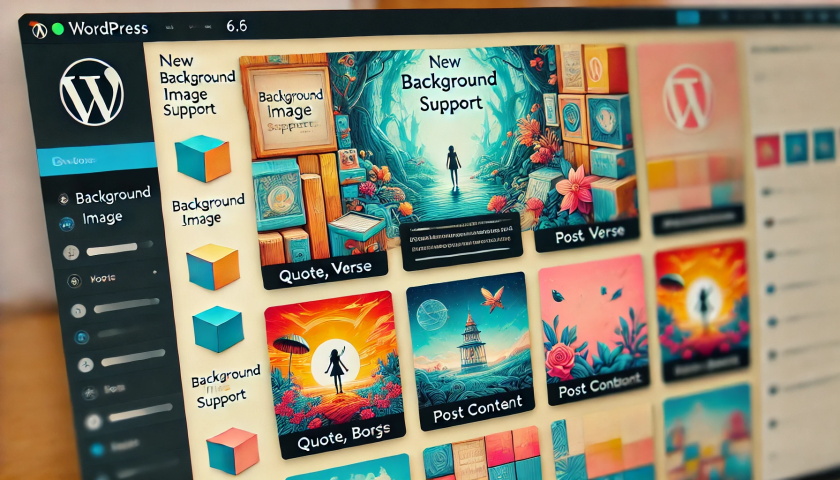
Gutenberg 18.6 Update: Enhanced Background Image Support and DataViews Extension
Gutenberg 18.6 mainly did some bug fixes in preparation for the release of WordPress 6.6, not many new features were added, mainly adding background image support for a variety of blocks. Background image support for quote, verse and post content blocks Quotes with background and negative margins...

How to Set Up Multiple Domains in WordPress
Using multiple domains to access and manage the same WordPress site can increase flexibility and scalability. This article will detail the steps and practicalities of setting up multiple domain names in WordPress. 1. Why use multiple domain names? There are several benefits of using multiple domain names: Branding:...

Why Your WordPress Site Needs Akismet Anti-spam and Jetpack
WordPress is a powerful content management system, but as website traffic increases, it also becomes an easy target for spam comments and security attacks. That's why it's crucial to install plugins like Akismet Anti-Spam and Jetpack. Akismet Anti-s...

How to use advanced features in Elementor
Elementor Pro (Professional Edition) offers advanced features to make WordPress websites more beautiful. Additional widgets, theme builder, popup builder and custom field features are available. Below, we'll share a guide on how to build these extra elements to turn your page...

Basel Theme Setup Guide: A Comprehensive Look at Web Interface Configuration (10)
The look and functionality of your website is crucial to the user experience. Choosing a powerful theme and setting it up appropriately can make your website stand out from the crowd. In this article, we'll take you on an in-depth look at how to optimize the various interfaces of your website with Basel theme settings so that you...

WordPress source code - jquery-ui (1.8.20 - jquery.effects.fold.js)
ne 1 /*! 2 * jQuery UI Effects Fold @VERSION 3 * 4 * Copyright 2012, AUTHORS.txt (http://jqueryui.com/about) 5 * Dually licensed under the MIT or GPL Version 2 licenses. 6 * http://j...

Google faces €250 million fine in France: copyright controversy and legal challenges to AI use
Recently, according to international media reports, Google is once again facing a major legal challenge for violating the European Union's intellectual property laws, specifically infringing on the copyrights of news media organizations, and the relevant French regulators have imposed a fine of up to 250 million euros. This time the fine is marked...
Why should we always use the latest version of WordPress for our WordPress website?
Hello everyone! Today there is no tutorial, but mainly an answer to one of the most frequently asked questions by our readers in our community. The question is "Why should we always use the latest version of WordPress for our WordPress website? Why should we update WordPress WordPress is free,...

Efficient WordPress CRM plugin for foreign trade enterprises
With CRM software, it is easy to collect various information about your customers, track their previous purchases, and also analyze their spending habits and preferences. With this information, it is easier to identify new opportunities in the market and make every customer's shopping experience enjoyable. ...

When running a YouTube account, it's easy to create breaks, how do you get high and steady production?
When running a YouTube account, in order to attract more viewers, maintain a fan base and increase views, it's necessary to maintain high-quality video content and keep a steady frequency of updates. Here are some ways to help you avoid breaks in updates and keep your production high and steady. Develop a...

How to Migrate from WordPress.com to WordPress.org
Many new users who are just starting out with WordPress choose WordPress.com.This is a lot more restrictive compared to the open version (WordPress.org), which has the advantage of being cheap, easy, and doesn't require a lot of skill. Due to the limitations of WordPress.com, it will take it...

How to Fix "Upload: Unable to write file to disk" Error in WordPress
When uploading files in WordPress, sometimes you will see "Upload: Unable to write file to disk" error. This is a headache for newbies, as this error prevents you from uploading files to your WordPress site. Let's see how to fix this error you...

Recommended: Best WooCommerce Currency Converter Plugin
WooCommerce has turned out to be a popular choice for building foreign trade e-commerce websites. However, when you create an international website with WooCommerce, you often encounter situations where you need to display multiple currencies. This is where the WooCommerce Currency Converter plugin comes in handy. This...

Fast Ranking Boost: How to Automate WordPress SEO
One of my clients who does cross-border work just asked me if SEO can be automated and the process streamlined so he can have more time for other things. In our experience, SEO can automate a lot of processes, which can save time and can be effective in improving your site's rankings. But that doesn't mean it can be...

How to layout SEO keywords in wordprees website?
Here's how to lay out SEO keywords in your WordPress website:Know your target keywords:Before deciding which keywords to use for your content, you need to know your target audience and the keywords they are likely to search for. Use some keyword research tools like Google AdWord...

WordPress source code - jquery-ui (1.8.20 - jquery.effects.bounce.js)
1 /*! 2 * jQuery UI Effects Bounce @VERSION 3 * 4 * Copyright 2012, AUTHORS.txt (http://jqueryui.com/about) 5 * Dually licensed under the MIT or GPL Version 2 licenses. 6 * http://jq...

WordPress Tutorial: Creating a Slideshow with Image and Video Support
WordPress is a popular content management system (CMS), especially popular with website owners who are not very good at programming, as it allows them to focus more on creating content. It also has a large user community that offers hundreds of great plugins for use...

SEO from pizza making: an analogy you'd never think of
Do you love pizza? The beauty of pizza is that each topping blends together harmoniously to create an irresistible flavor. In fact, it's very similar to what we do when creating a great SEO strategy. Today, let's go through the pizza...
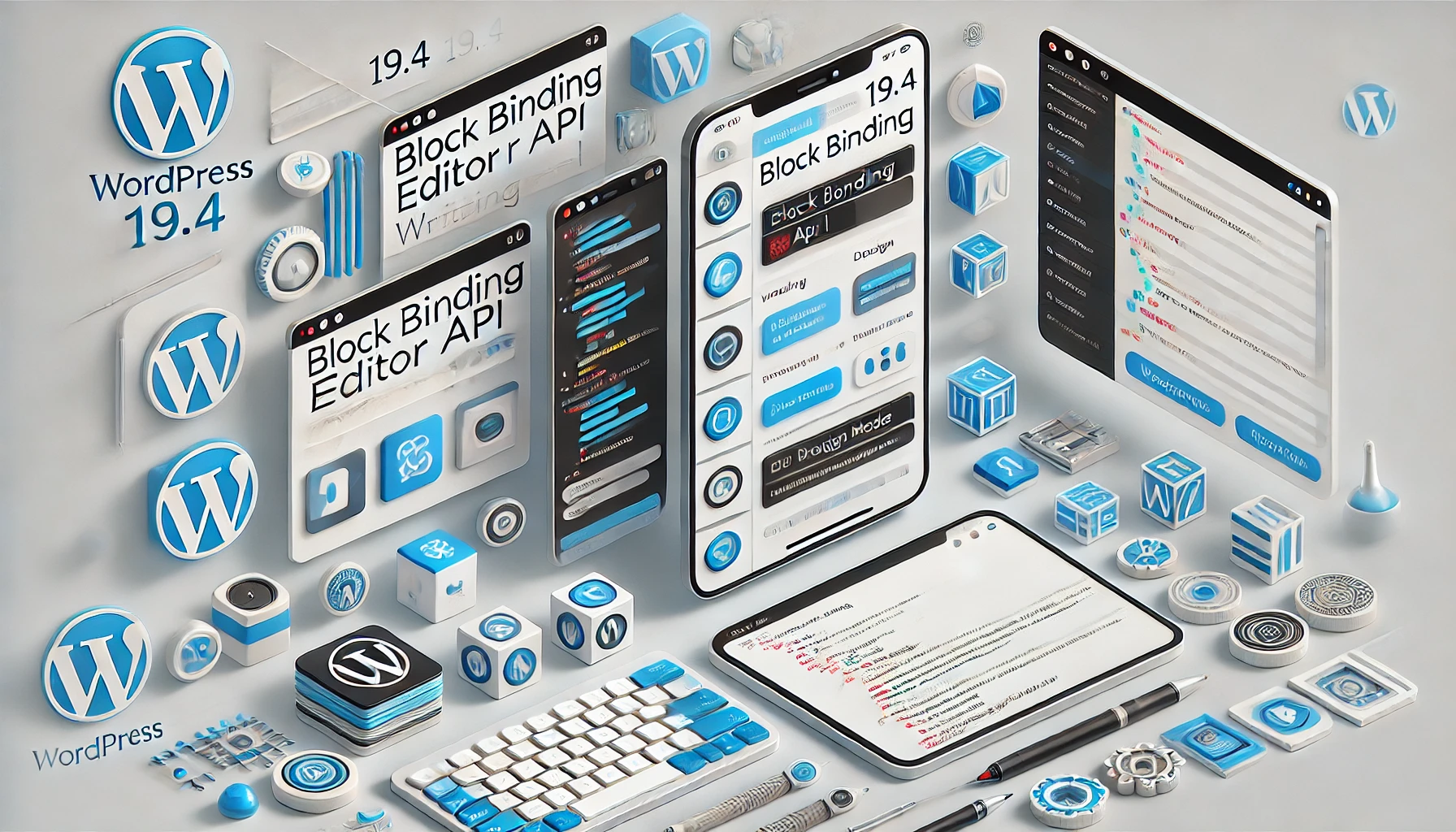
Gutenberg 19.4 (Gutenberg) Updated and released!
Every two weeks, Gutenberg is updated. Now it is to Gutenberg 19.4 has been released and is available for download! Let's see what's new. New Write/Design modes Edit and Select modes are now called Write and Design modes. In writing mode, it is possible to...

5 Ways to Prevent Your SEO Site from Being Downgraded
Avoiding Illegal SEO Techniques Illegal SEO techniques are those that violate search engine guidelines, such as using too many keywords in your website, hiding text in your website, and exchanging links. These techniques may allow your website to be recognized as spam by search engines and thus...

How to Enable Multiple Domains in WordPress
WordPress is able to meet the needs of various types of websites, such as managing multiple independent websites on a single WordPress instance with separate domain names for each, you can enable the multi-site multi-domain feature of WordPress. Let's take a look at how to enable WordPress...

How Elementor Quickly Accesses Widget and Configuration Page Settings
Effective management of your website's widgets not only improves the functionality of your website, but also optimizes the user experience. When using the Elementor editor, you can easily create and manage a "Favorites" section to quickly access the most frequently used widgets in the widget panel. This article focuses on how to utilize Ele...
How to Customize the Background Color of WordPress Block Editor (Gutenberg)
Want to change the Gutenberg editor background color in WordPress to match the site branding colors and showcase the site culture. Detailed tutorial today it's here! Why should I change the background color of the block editor in WordPress? Want to change the background color of...

In-depth analysis of Avada theme special modules: product rotation, product grid and image hotspot (05)
In the last installment, we explored the basic module setup in Avada theme. Today, we'll move on to some of the more unusual modules such as the WooCommerce Product Rotator, Product Grid and Image Hotspot modules. These modules provide an opportunity to exhibit...

Creating an Effective and Powerful WordPress Website Optimization Solution: Getting a Deeper Mastery of the Rank Math SEO Plugin
Comprehensive Rank Math SEO plugin configuration and usage guide to help you easily optimize your WordPress website, including 404 monitoring, redirect management, sitemap generation, and other features to provide optimization support for WooCommerce and improve your website's search engine ranking.

How to Password Protect Posts, Pages and WooCommerce Products
If you want to password protect individual posts, pages, or WooCommerce products, WordPress actually includes a built-in feature to help you set it up via its Visibility settings. The visibility settings will be found in the WordPress editor, so you can use them for our above...

 简体中文
简体中文  English
  日本語
日本語  Français
  Español



