


 Harry.



Making the Complicated Simple




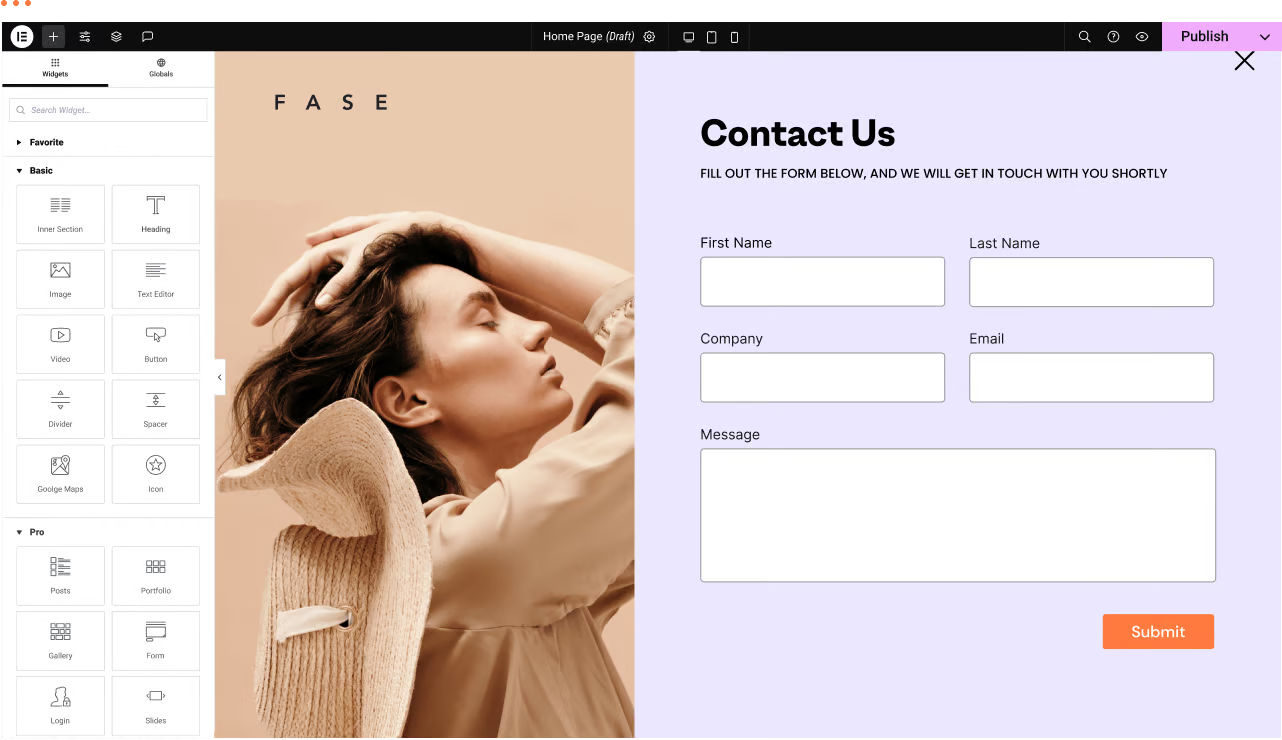
WordPress Troubleshooting: Page Not Found or 404 Page Error
We have a WordPress website with the Elementor editor. Sometimes there are malfunctions, for example: a page not found or 404 page error when trying to navigate to a certain page. Let's analyze the reasons and how to fix it! Possible reasons ...

5 Best WordPress Caching Plugins to Speed Up Your Website
Caching is like taking a snapshot of your WordPress website and saving it on the server. This way, when a user revisits your site, the server can quickly display this snapshot without having to reload the entire site each time. There are many WordPress caching on the market...

What's new in WordPress 6.6?
The final release date for WordPress 6.6 is expected to be July 16, 2024. This version focuses on sophistication and refinement. Features from previous versions have new flexibility and smoother flow, as well as some new tricks. And of course there are some brand new features. Today take a brief...

Amazon Europe sellers face funds reservation warning: important reminder for tax compliance
Recently, there has been a lot of volatility in the seller community on Amazon Europe. Many Amazon merchants located in the UK, France, and elsewhere have received warning emails from the platform informing them that the funds in their accounts have been temporarily...

Astra Theme Nanny Tutorial
Get an in-depth look at how to use the Astra theme, from installation to customization settings, with a full breakdown of Astra and Astra Pro features. With this tutorial, you will learn how to build a professional website using Astra theme with Elementor, explore the template library, navigation menu settings, header and footer...

Detailed explanation of the Basel theme footer function: from the basic settings to the link to jump the whole strategy (12)
In today's tutorial, we will talk about the footer feature of Basel theme in detail.Basel theme, known for its powerful features and flexible design. This post will teach you how to modify the footer content and set jump links to enhance the user experience of your website. About Basel theme...
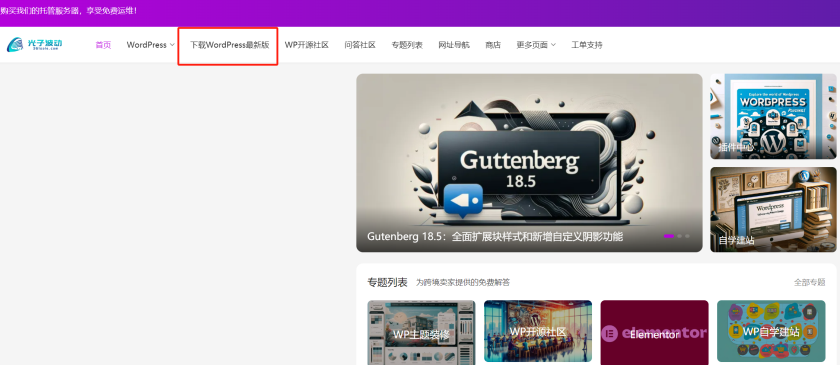
Detailed WordPress Installation and Configuration Guide
WordPress is relatively easy to install. In most cases, WordPress installations take less than 5 minutes to complete. Many web hosts now offer tools to install WordPress automatically (e.g. Fantastico). But if you want to install WordPress yourself, the following tutorials are useful for...
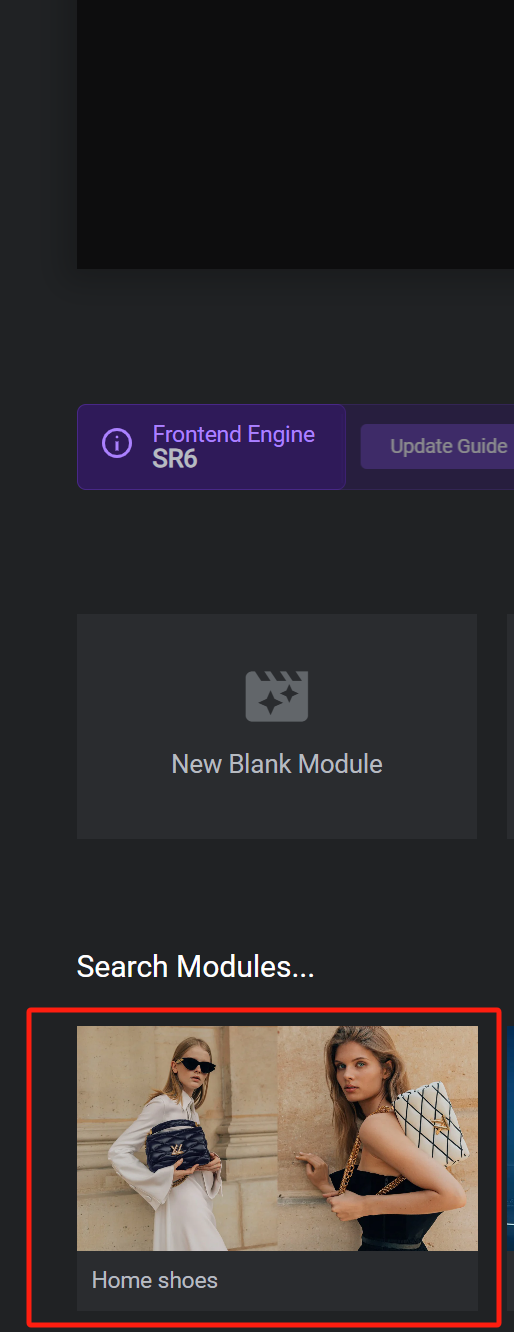
How to Create Dynamic Website Posters with Slider Revolution in BoxShop Theme (03)
In this installment, we talk about setting up a poster (banner) for the BoxShop theme, which is actually quite simple, and like the previously mentioned Basel theme setup, this tool not only provides an easy-to-use interface, but also ensures that the poster is displayed perfectly on a variety of devices. Next, we will detail ...

How to Build a WordPress Web Application Using Microservices Architecture
WordPress is a powerful Content Management System (CMS) that lays the foundation for different types of websites and applications. It uses a typical 'monolithic architecture', but as a website grows, this may not be the most appropriate architecture. This is where the 'microservices architecture ' of...

How to fix Elementor won't load error
With Elementor, you can replace the block editor with a more intuitive page builder. If you are an Elementor user, you need to load the editor every time you create or edit a page. However, sometimes it may fail to load Elementor due to an error.There are several ways to...

How to Customize Page Sorting in WordPress with Elementor Editor
By default, WordPress sorts the pages on the site alphabetically or by publish date. However, as the site grew in content, it became clear that this default sorting did not meet the expectations of the site's structure. Wanting pages to be sorted in a certain logical order, such as by content of...

How to Install Magento on Linux: A Complete Guide
Magento is a powerful open source e-commerce platform that is widely favored by many merchants. Installing Magento on Linux may be a challenge for beginners, but don't worry, this article will guide you through the installation process step by step. Preparation Before you begin, please...

How to Fix WordPress Not Sending Emails Issue
I don't know if you have encountered WordPress website can't send email, contact form submission disappeared, important notification email did not deliver and so on. In fact, the problem does not lie in WordPress, but in the way the website sends emails. Let's see what are the...

How to Fix WooCommerce Not Sending Order Emails
What causes WooCommerce emails not to be sent? Being an online store, then emails can be used to help the business run smoothly. For example, if a customer hasn't paid after they have already added to their cart, you can send an email to remind them of the order, etc. Use email to welcome new customers. Send ...

How to parse Gutenberg content in WordPress
Gutenberg is the default editor for WordPress. This editor allows content to be created and designed using discrete blocks of text, images, video, and other website elements through a drag-and-drop interface. This approach enhances the flexibility and design capabilities of WordPress. Using the REST API ...

How to Use WooPayments for Multi-Currency Settlement
WooPayments' multi-currency feature enables displaying product prices to customers in multiple currencies. It also allows customers to select their preferred currency from a list defined on the site and then purchase their products in that currency. In this issue, a tutorial has been requested by the "community readers". Introducing...

WordPress Multi-Domain Redirection Setup Guide
When running a WordPress website, you come across situations where you need to redirect multiple domains to one main domain. Whether it's for SEO optimization, to unify your brand image, or to avoid user confusion, it's important to set up your redirects correctly. Why do you need multiple domain redirects? 1. to unify...

How to Fix Image Upload Issues in WordPress (7 Simple Tips)
What should I do if I encounter an image upload error in my WordPress website? Especially for newbies, it's quite a head-scratcher when you encounter inability to upload images! But there's no rush, follow our step-by-step guide that will teach you to troubleshoot the problem and fix it step by step. What causes WordPress ...
How to Send WordPress Emails with Free SMTP Server
I don't know if you guys have noticed that the default PHP email feature of WordPress doesn't work well. It often sends important emails directly to the spam folder, or even not at all. We ourselves use an SMTP server to make sure we get our emails every time. But...

WooCommerce Approved Download Catalog
Approved Download Catalogs is a feature that helps manage the catalogs that are allowed to be used to store downloadable product files. This feature was introduced in WooCommerce 6.5 if one is selling or intends to sell products that can be downloaded, especially if the site has the ability to create...

How to Build WordPress Themes with React
Creating a Basic WordPress Theme Structure Creating a basic WordPress theme structure involves setting up a series of files and directories that WordPress uses to apply the theme's styling, functionality, and layout to your WordPress site. 1. In your website runtime loop...

Potential Risks and Legal Consequences of Elementor Pro Cracked Version
As Elementor Pro is widely used in WordPress website design, many users are attracted by its powerful features and flexible design capabilities. However, some users choose to use a cracked version of Elementor Pro software in order to save money. While this may seem like a quick...

WordPress Tags, Categories and Sorting Manager - AI Autotagger
With axoPress, it is possible to create and manage tags, categories and all WordPress taxonomy terms.TaxoPress helps to manage everything in WordPress, from adding tags and categories to pages, to managing WooCommerce product categories and bbPress theme tags. T...
WordPress 6.7 Internationalization Improvements: Translation Management and Performance Optimization
There are various internationalization (i18n) improvements in WordPress 6.7, so let's take a look at them together. Determining if a translation exists Sometimes it's useful to know if a translation already exists in memory without having to load the translation for a given text field first. The new has_translation()...

WordPress SEO "Crawl Budget" Problem and Its Solution: Improving SEO Results
Hello everyone! Today's tutorial will have a new vocabulary - crawl budget. He is a direct translation of Google's term, you do not need to be overly obsessed with it, just need to understand what it means. Crawl budget" in WordPress SEO refers to the amount of time a search engine allocates to a web...

Why is the Elementor widget grayed out?
Why are widget elements grayed out in the Elementor editor? There are two common reasons why you see widget elements "grayed out" when editing pages or content in the Elementor editor. The element has been hidden on some devices If the visibility of the element has been...

How to force a domain transfer: steps and considerations
When you want to transfer a domain name from one registrar or hosting provider to another, it is usually necessary to obtain authorization from the current registrant of the domain name. However, in some cases, it may be necessary to perform a mandatory transfer, i.e., to transfer a domain name to another service without authorization...

A Complete Guide to Efficient Bulk Editing and Managing Variable Products in WooCommerce
Previously we talked about how to upload variable products in WooCommerce, now let's see how to edit them in bulk. Bulk Editing When working with a large number of product variants, you can edit all of them at once using the "Bulk Actions" dropdown at the top of the Variants tab: from...

WordPress Sidebar Design Tips: Improve Website Visuals and Usability
WordPress sidebars can attract visitors' attention, guide them through content, and more. Our team has been doing WordPress for many years, and we have a lot of experience and insights in WordPress sidebars. Today we share all of them with you, hope it will help you! Why customize...

WordPress foreign trade website settings: how to block mainland IP access
If your website is primarily geared towards certain specific countries or regions with little or no access from elsewhere, you may have noticed that there are sometimes unexpected spikes in traffic that strain server resources and disrupt the operation of your website. Often, this unusual traffic comes from hackers or automated machines...

 简体中文
简体中文  English
  日本語
日本語  Français
  Español



