


 I heard your name is Bo.



The guy was lazy and didn't write anything...


Elementor Safe Mode and Cross-Browser Compatibility: Ensuring the Perfect Experience for All Users
Learn how to diagnose browser compatibility issues with Elementor's Safe Mode, along with practical optimization strategies to ensure website consistency and performance across all major browsers and devices.

How to use Elementor Safe Mode for quick troubleshooting?
Experiencing Elementor loading failures, editor crashes, or style errors? This article shows you how to use Elementor Safe Mode to quickly locate and fix the problem and improve troubleshooting efficiency.
Elementor Security Model and Teamwork: How to Improve Stability in Multi-Developer Projects?
Building a WordPress website with Elementor in a multi-developer environment? This guide teaches you how to quickly diagnose problems, avoid plugin conflicts, and improve the stability and efficiency of your collaborative projects through Safe Mode.

Fatsome and SEO: How to Optimize Fatsome Theme to Improve Search Ranking
Building a website with the Fatsome theme? This guide teaches you how to optimize all aspects of SEO, from structure to content to technology, to improve your WordPress website's visibility and ranking in search engines.

How Open Source CMS Supports Custom Development and Integration
Learn how open source CMSs support custom development and system integration through plugins, templates, and APIs. Cover hands-on tips for building effective content platforms, including WordPress, Drupal, and Strapi.
Elementor Secure Mode for Mobile Optimization: How to Improve Mobile User Experience?
Understand the real impact of Elementor's security model on mobile presentation, and master practical tips and responsive design recommendations to enhance the mobile user experience during debugging and development.
How can Elementor Safe Mode help optimize site performance and reduce resource consumption?
Get a deeper understanding of how Elementor Security Mode can help troubleshoot plugin conflicts, reduce page resource consumption, improve loading speed, and provide a smoother, more efficient user experience and performance guarantee for WordPress sites.

Best Practices for Content Creation and Management in an Open Source CMS
Master the best practices of open source CMS (e.g. WordPress, Drupal, Joomla) in content creation and management, from strategy planning, editorial collaboration to SEO optimization, to enhance the efficiency and professionalism of website content.
Elementor Secure Mode vs Debug Mode: Which is better for your workflow?
Understand the core difference between Elementor Safe Mode and Debug Mode, master how to quickly locate and solve common problems such as website loading, white screen, plugin conflicts, etc., to improve your WordPress development and design efficiency. Understand the core difference between Elementor safe mode and debug mode, master...
Responsive design of the Flatsome theme: perfect display on all devices!
Learn how Flatsome theme can achieve perfect website display on all kinds of devices such as cell phones, tablets and desktops through responsive layout, media query and navigation optimization, and comprehensively improve user experience and access efficiency.
How to Troubleshoot Incompatibility with Themes via Elementor Safe Mode
Use Elementor Safe Mode to quickly troubleshoot conflicts between themes or plug-ins and editors, solve common failures such as page failure to load, wrong style, etc., and improve WordPress website stability.
Open source CMS security: how to protect your site from hackers?
Learn how to comprehensively improve the security of your open source CMS website by updating the CMS, using strong passwords, restricting login attempts, setting up firewalls, and other methods to prevent hacker attacks and ensure stable site operation.

How to choose an open source CMS for a multilingual website?
Learn how to choose the right open source CMS for your multilingual website. This article compares WordPress, Drupal, Joomla, and many other CMSs to help you make the best choice based on your needs and build an efficient multilingual website.
Elementor Safe Mode and Website Backup: How to Synchronize Your Website Security
Learn how to troubleshoot plugin conflicts with Elementor Safe Mode and secure your WordPress site with regular backups. This article provides complete instructions and advice to help you secure a stable website.

WooCommerce vs Magento: Which open source e-commerce CMS is better for your online store?
Compare the pros and cons of two open source e-commerce platforms, WooCommerce and Magento, to help you choose the best e-commerce CMS for your online store.Understand the features, pricing, and scenarios where both platforms are applicable to make an informed decision.
A deeper look at WordPress add_action hooks
Solve WordPress add_action hooks and learn how to execute custom functions at different action moments. This post provides detailed examples and best practices to help developers easily master the use of WordPress hooks.

Professional WordPress patches: the key to ensuring website security and performance
Learn how to improve your site's security, fix vulnerabilities, and optimize performance by installing WordPress patches on a regular basis. This article provides a complete guide on WordPress core, plugin, and theme updates to help you keep your website running stably.

How to build a personal blog and content creation platform using open source CMS
Learn how to build a personal blog and content creation platform with an open source CMS such as WordPress, Ghost, Joomla, and more. This article provides a complete guide from choosing the right CMS to content creation to help you quickly launch and optimize your blogging platform.
How to Avoid Data Loss in Page Design with Elementor Security Patterns?
Learn how to effectively avoid data loss in page design, resolve plugin conflicts and editor crashes, safeguard your design results and improve development efficiency by enabling Elementor Security Mode.

Elementor Safe Mode and Automatic Backup: Important Tools for Preventing Accidental Losses
Learn how to effectively prevent data loss in page design, safeguard the integrity of design results, and improve development efficiency and security by enabling Elementor's Safe Mode and Auto Backup features.

Why Elementor Safe Mode is a must-have tool for every developer?
Learn how Elementor Safe Mode helps developers quickly pinpoint problems, reduce debugging risks, and save time and effort. By isolating distractions and improving debugging efficiency, Elementor Safe Mode is a must-have tool for improving development productivity.
The Impact of Elementor Secure Mode on SEO Optimization: Improving Website Performance and Accessibility
Learn how Elementor Security Mode can indirectly improve the SEO performance of your WordPress site by optimizing site performance and accessibility, with a full breakdown from load speed to user experience.

Open Source CMS vs. Commercial CMS: A Comparison from a Flexibility and Cost Perspective
This paper compares open source CMSs with commercial CMSs, focusing on the advantages and challenges from a flexibility and cost perspective, to help developers and organizations choose the most appropriate content management system."
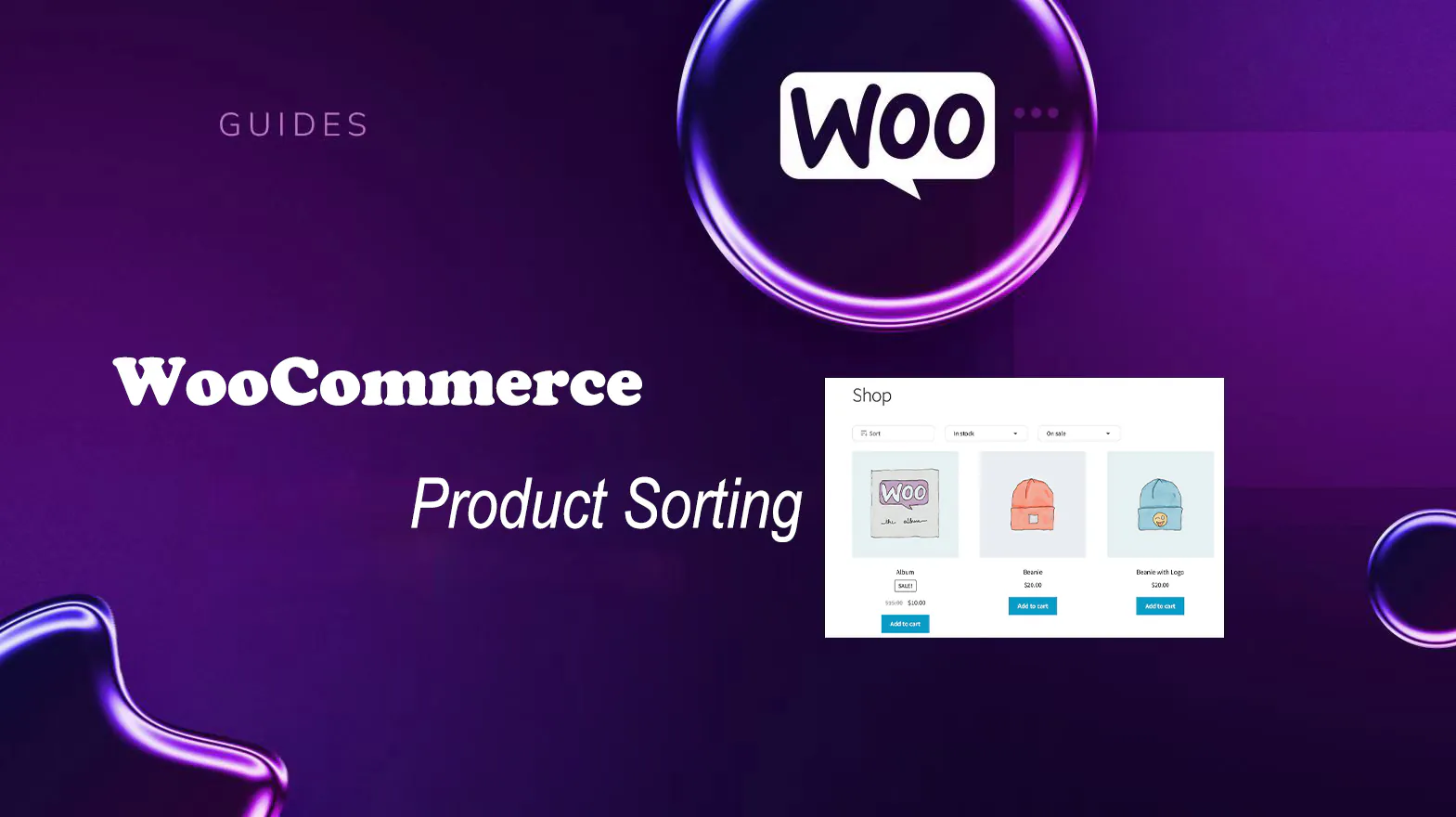
The Best Open Source CMS Solutions for E-Commerce in 2025
Explore the best open source CMS solutions for e-commerce in 2025, including a comparison of platforms such as WooCommerce, Magento, PrestaShop, OpenCart, and Shopware, to help merchants choose the most suitable e-commerce system for building an online store.
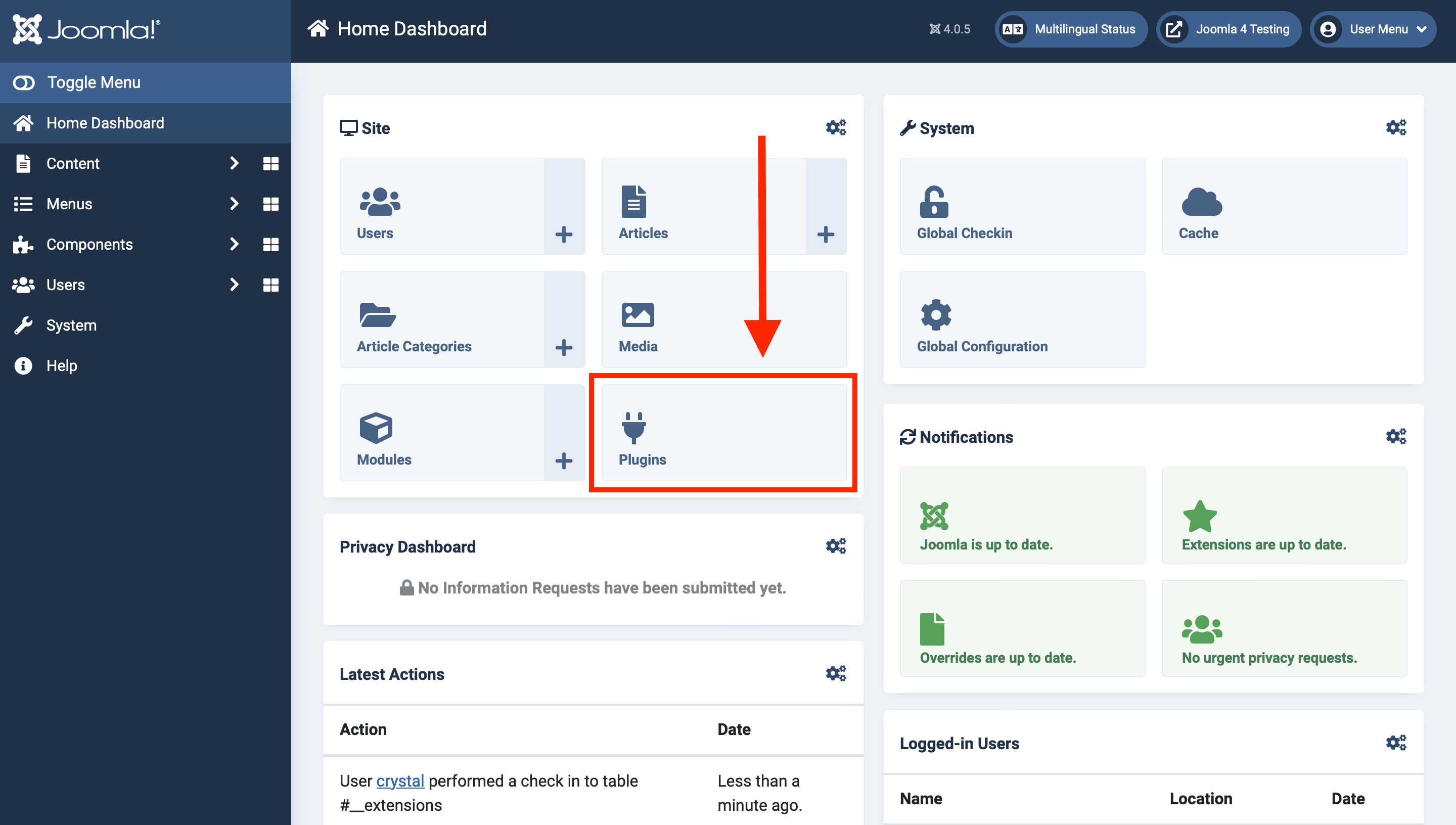
Open Source CMS Beyond WordPress: Exploring Options for Developers
This article explores open source CMS for developers, describing the features and benefits of Joomla, Drupal, Grav, Ghost, OctoberCMS and Craft CMS to help developers choose the content management system that best suits their project needs.
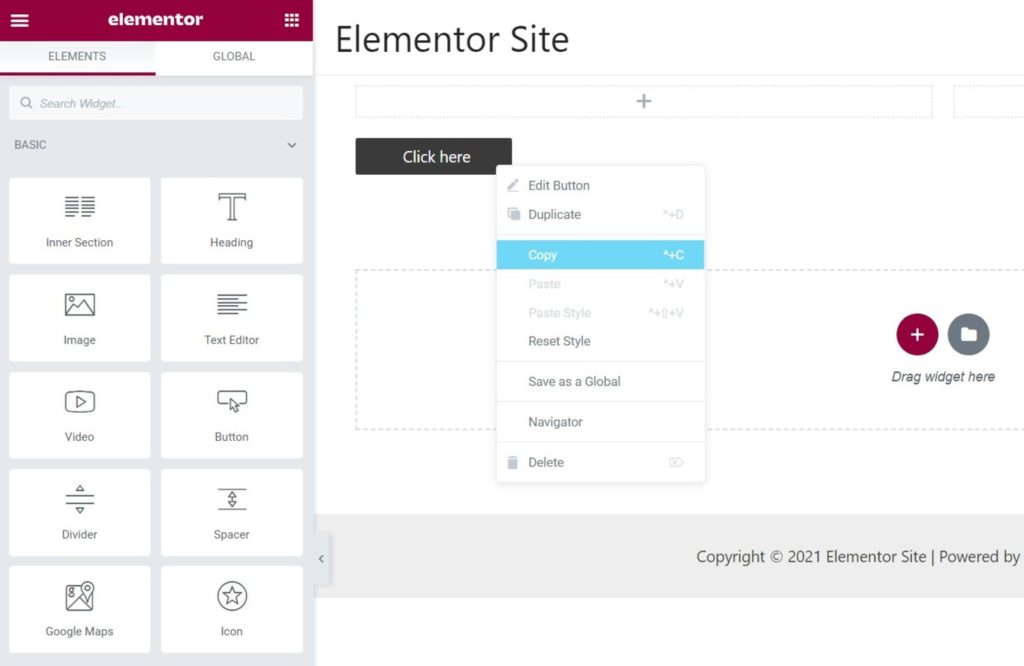
Common Misconceptions and Solutions in Elementor Safe Mode
Learn about common misconceptions and solutions in Elementor security mode to help you easily troubleshoot plugin conflicts, front-end design issues, and performance impacts to optimize your WordPress site building process.

Elementor Security Mode vs. other page builders: which is better for your site?
An in-depth comparison of Elementor Security Mode with page builders like WPBakery, Beaver Builder, Divi and more to help you choose the best tool for your site. Learn about their security, ease of use, functionality, and performance features to make an informed decision.
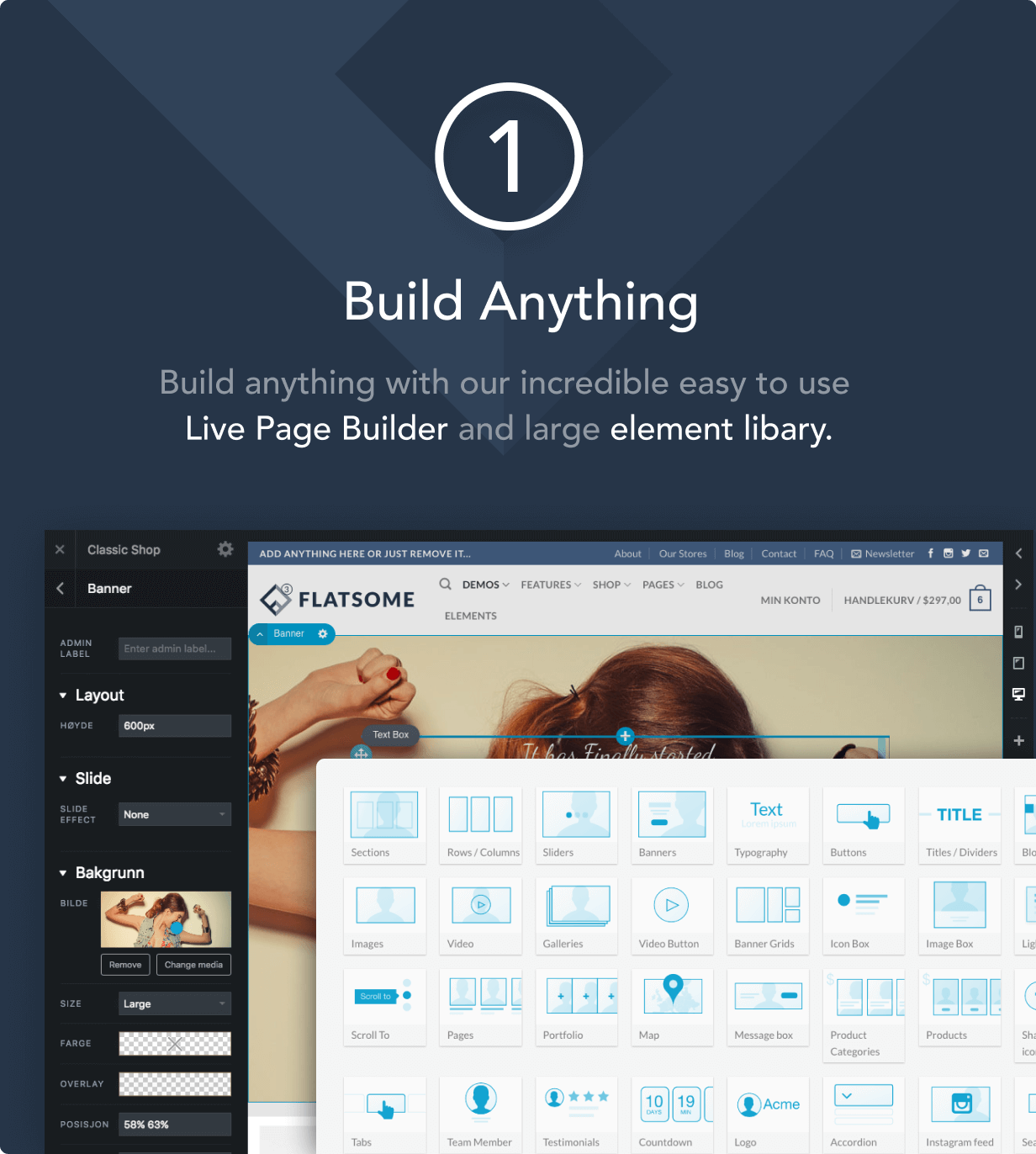
How to Improve Website Loading Speed with Fatsome Theme
Learn how to use Fatsome theme to improve website loading speed and master optimization techniques such as image compression, cache configuration, delayed loading, etc. to improve website performance, user experience and SEO ranking.

How to prevent malicious attacks and code injection with Elementor Security Mode?
Learn how to protect your website from malicious attacks and code injection risks by enabling Elementor Security Mode. Learn ways to improve website security, including preventing XSS, SQL injection attacks, and file upload vulnerabilities, to ensure the long-term stability and security of your organization's website.

How to achieve SEO optimization and increase website traffic through open source CMS
Learn how to achieve effective SEO optimization and boost website traffic with an open source CMS. This article details key techniques such as keyword strategy, image optimization, site structure and load speed optimization to help you improve your search rankings.

 简体中文
简体中文  English
  日本語
日本語  Français
  Español



