





arrange in order

WordPress Tutorial: Add a Personalized Mouse Pointer to Your Website with Nexter Blocks
Want to make your website stand out? Use the Nexter Blocks plugin to add custom mouse cursor effects to WordPress, such as dinosaur icons, circle follows, and more, for a creative and interactive experience without writing code.
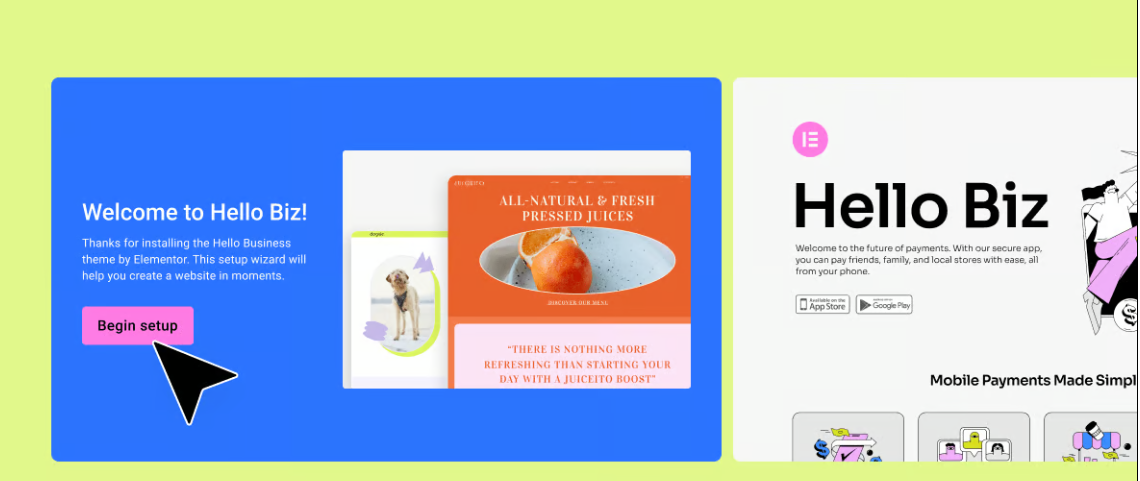
Hello Biz: A WordPress Theme Tailored for Beginners
Hello Biz is a WordPress theme designed for small businesses and freelancers that is easy to use and offers professional templates and widgets to help you quickly build a responsive website and launch your online business.

Must-have plugin recommendations for the 2025 Astra theme: top 10 tools to improve performance and functionality!
The 10 must-have plugins for 2025 that are highly compatible with Astra themes cover performance optimization, functionality extension and SEO enhancement. Whether it's boosting site speed, enhancing e-commerce functionality, or optimizing SEO rankings, these plugins will help you maximize the potential of the Astra theme to create high...

Improving Kadence Theme SEO Performance: 5 Optimization Tips to Do
Learn how to optimize your Kadence theme with five practical tips to improve your website's loading speed, search engine friendliness, and user experience to help boost your website rankings.

Master the Avada Off Canvas panel once and for all! Create popups, sidebar menus and sliders in one step!
This tutorial describes in detail how to use the Avada theme Off Canvas Builder tool, zero code to create an email subscription slider, and set the user to stay on the page after 4 seconds to automatically appear, applicable to marketing promotions, user interaction, message notification and other scenarios, easy to increase conversion...

WP Rocket Features Explained: Increase Website Loading Speed to 1 Second with WP Rocket
This article describes in detail how to use WP Rocket plugin to optimize the loading speed of your WordPress website, improve user experience and SEO ranking. By gradually enabling cache preloading, CSS/JS compression, lazy loading, database optimization and other features, you can significantly improve the performance of your website.

Astra theme tutorial: how to create sticky headers for free?
Sticky header functionality is also possible with the free version of Astra! Keep the top navigation of your WordPress site fixed while scrolling with simple CSS code, no plugins, no Pro upgrades, step-by-step instruction for newbies to get started quickly.

Astra Theme Tutorial: How to Enable and Design a Custom 404 Page on Astra Theme
Learn how to use the Site Builder module in the Astra Pro plugin to create and customize your WordPress website's 404 error page to improve user experience and brand professionalism.

Amelia Plugin Getting Started Guide: A Hands-On Guide to Quickly Enabling Online Appointments
Learn how to create and set up an appointment form on your WordPress website using the Amelia plugin. This article describes in detail the installation, configuration, staff management, service settings, front-end appointment process and payment settings of the Amelia plugin to help users quickly build a professional online appointment system...

5 Best Free Elementor Themes Recommended: Easily Build High-Performance WordPress Websites
We recommend 5 free WordPress themes that are perfectly compatible with Elementor, including Astra, Hello Elementor, Neve, GeneratePress and Zakra, which are suitable for different scenarios of blogs, e-commerce, enterprise official websites and so on, and help you easily build high-performance, high-conversion rate web...

How to Set Up Vertical Menus and Mobile Tab Menus in Flatsome: The Complete Guide
This article describes how to set up vertical menus and mobile tab menus in Flatsome theme to enhance the user experience of e-commerce websites, especially on mobile, to help better display and navigate products.

How to Customize the Appearance of WooCommerce Product Images with Essential Addons (Elementor Free Plan)
Learn how to use Essential Addons plugin with Elementor Free Edition in this tutorial to customize the image display of WooCommerce product pages, including rotating, thumbnail arrangement and popup view functions, to enhance the visual effect and user experience of product pages, and to easily achieve...
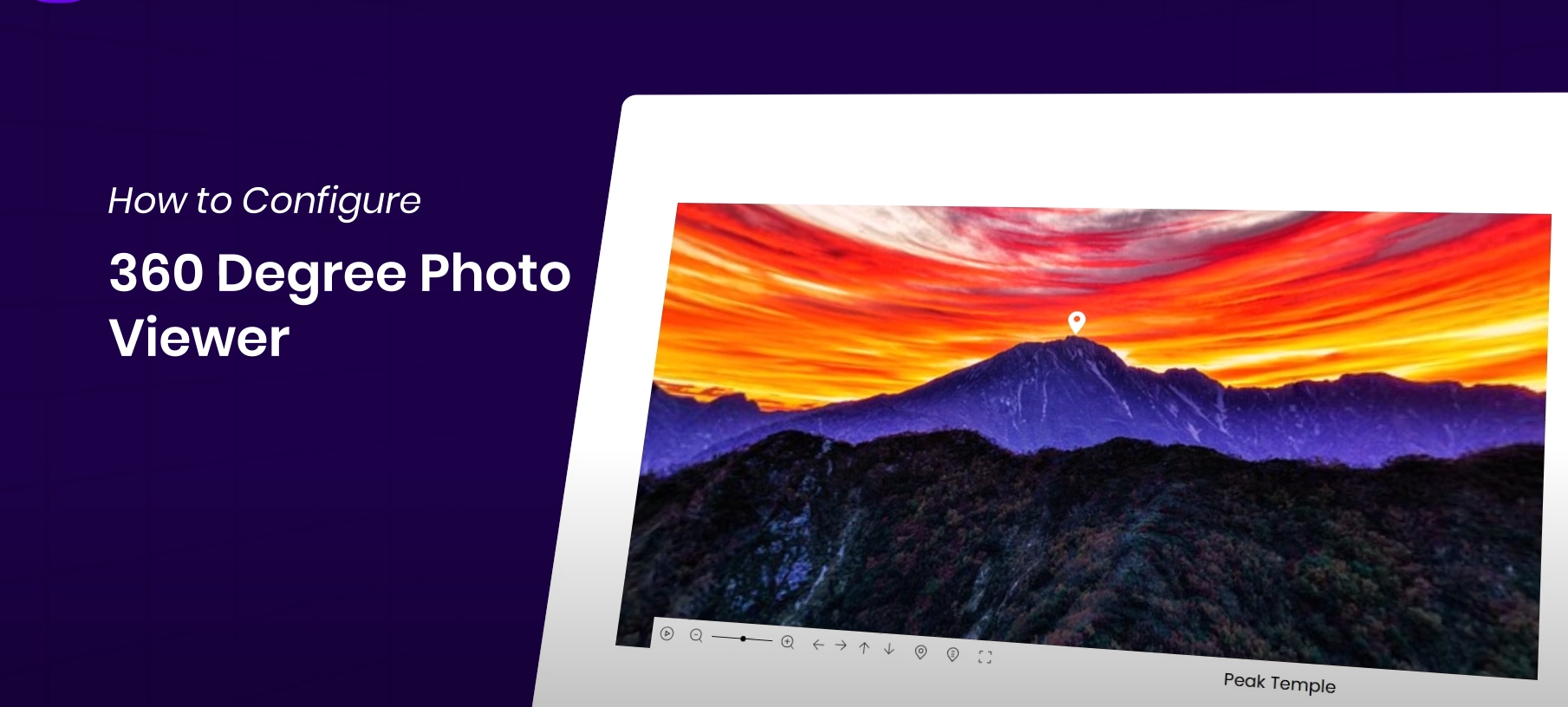
How to Display 360° Panoramic Images in Elementor Websites for Highly Interactive Images
Easily display 360° images on your WordPress website with the Essential Addons plugin and Elementor for an interactive, immersive user experience. This article details how to install and configure a 360° image viewer to help you enhance your website's visuals and...

How to Fully Customize WooCommerce Checkout Page with Elementor
Fully customize the appearance and functionality of your WooCommerce checkout page with Elementor's Checkout Widget. This article shows you how to set up the layout, fields, payment methods, and styles of the checkout page to optimize the user experience and increase conversions.

How to Change Passwords and Usernames in WordPress (Full Tutorial)
Learn how to change passwords and usernames in WordPress, learn simple steps to solve the problem of forgotten passwords without creating a new user, and improve account security. Easily change usernames with the Swiss Toolkit plugin.

How to solve the problem of inconsistent fonts displayed on different devices in WordPress pages?
This article describes how to solve the problem of inconsistent font display on different devices in WordPress websites, providing best practices for using web fonts, setting up font stacks, adjusting CSS rendering, optimizing responsive design, and more to help fonts stay consistent across all devices and browsers and improve...

How to Reset WordPress Password with WP-CLI
Learn how to quickly reset your WordPress password using WP-CLI for VPS environments. Manage WordPress from the command line to increase efficiency and save time.
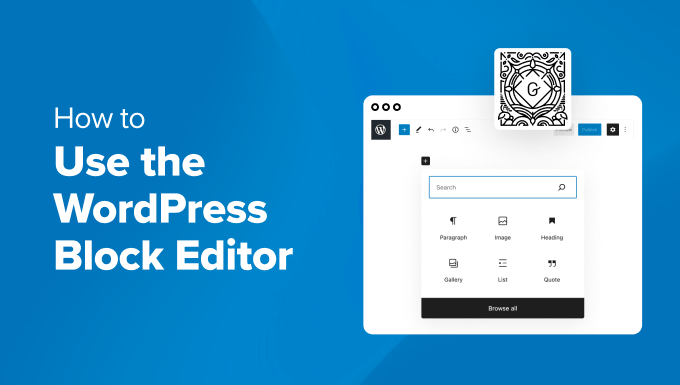
How to Quickly Build an Effective and Professional WordPress Website with the Gutenberg Editor
A detailed look at how to create effective WordPress websites using the Gutenberg editor, including block theme selection, global style customization, template creation, and SEO optimization tips for both novice and experienced developers.
Elementor Preview Page Not Loading: Causes and Solutions
Encountered the problem that Elementor preview page can not be loaded? This article explains in detail the common causes of the problem, such as theme settings, plugin conflicts, server configuration, etc., and provides a step-by-step solution to help you easily restore the page preview function.

Flatsome theme comprehensive guide: from installation to optimization for an efficient e-commerce site
Flatsome is a powerful WordPress eCommerce theme built for WooCommerce. It offers an intuitive UX Builder page builder with support for highly customizable designs, responsive layouts, fast loading and SEO optimization features to help you easily build and optimize...
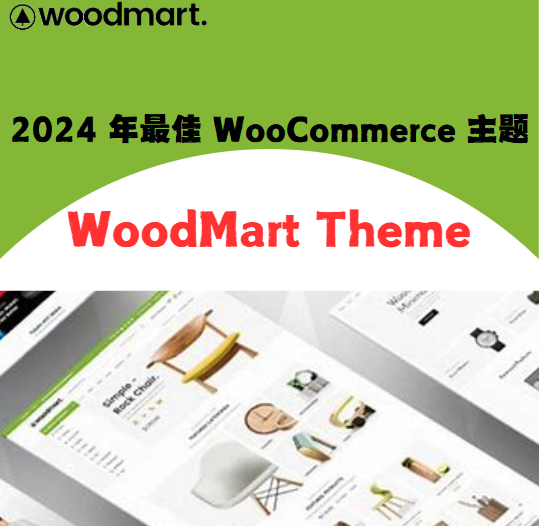
Best WooCommerce Themes for 2024: Why WoodMart Stays at the Top?
WoodMart Theme is a powerful, flexibly designed, high-performance e-commerce theme built for WooCommerce, suitable for e-commerce websites of all sizes. It has extremely fast loading speed, responsive design, rich template library and built-in marketing tools to help e-commerce merchants improve user...

Must Learn in 2025: How to Optimize Your SEO Performance with Avada Themes
With its powerful customization features and deep integration with WordPress, Avada theme has become the first choice of many website builders. To help you better utilize Avada theme to improve SEO performance, this article will introduce some effective SEO optimization tips that will help your web...

The Complete Guide to WordPress Slug: Definitions, Setup Methods and Optimization Suggestions
Comprehensive analysis of what WordPress Slug is, how to modify it and its importance in SEO. Suitable for newbies to understand the role of Slug, generation rules and optimization techniques, to improve the structure of the site and search rankings.

How to Customize Shopping Cart Pages with Elementor's WooCommerce Cart Widget
Customize the structure and style of your WooCommerce shopping cart page with Elementor's Cart widget to achieve brand consistency, improve user experience and checkout conversion rates. In this article, we will take you from the layout settings to style beautification to fully master the shopping cart customization skills.

A Deeper Look at Elementor's Loop Grid: Why It's a Powerful Tool for Your Content Presentation
Elementor's Loop Grid is a powerful tool that allows users to flexibly display content such as articles, products, categories and more. With customizable layouts, dynamic content display, and powerful querying capabilities, Loop Grid provides an efficient and creative way to display content and enhance user experience...

How to Create Filterable Image Galleries in WordPress Websites with the Essential Blocks Plugin
Create feature-rich filtered image galleries in your WordPress website with the Essential Blocks plugin to enhance the user experience. This article details how to use Elementor to configure and customize filtered image galleries, including choosing a template, uploading images, setting filters...

How to Enhance Website Storytelling with Essential Blocks' Timeline Slider
Learn how to use the timeline slider of the Essential Blocks plugin in the Gutenberg editor to create an interactive timeline that enhances the visual appeal and user experience of your website. Easily display historical events, project progress, and other time with simple setup and customization...

How to Easily Add New Stickers in Gutenberg with Essential Blocks Plugin
Easily add new sticker features in the Gutenberg editor to boost website interactivity with the Essential Blocks plugin. Learn how to configure content feeds, set up animations, and implement dynamic content displays to help keep your site up to date and users engaged.

Getting Started with Elementor Containers: Structure, Orientation and Layout Controls Explained
Get an in-depth understanding of the structure and orientation of the Elementor container, as well as tips on content width, minimum height, customized typography, and responsive layout, to help you create professional WordPress pages with ease.

How to Embed YouTube Videos on a WordPress Website: EmbedPress Plugin Guide
Learn how to easily embed YouTube videos, live streams, channels, and playlists into WordPress websites using the EmbedPress plugin. This article details embedding methods in different editors such as Elementor, Gutenberg, and Classic Editor, and provides...

 简体中文
简体中文  English
  日本語
日本語  Français
  Español



