





arrange in order
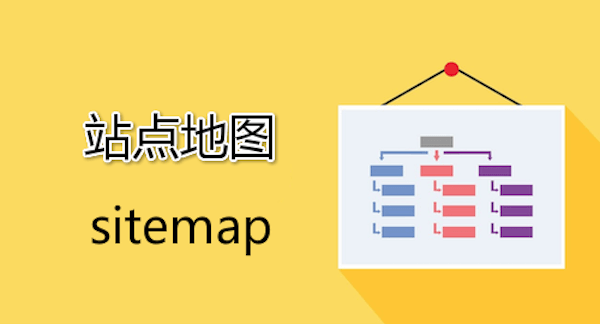
How to set up a sitemap with Yoast SEO and submit it to Google Search Console
Learn how to use Yoast SEO to generate sitemaps and submit them to Google Search Console to improve crawl efficiency and SEO ranking.

Cloudflare Bug 525 Workaround Guide: Fixing SSL Handshake Failures
Encountering Cloudflare Error 525 Understand what causes SSL handshake failures and get practical tips for resolving TLS issues to quickly restore site access.

WordPress Local Installation Detailed Tutorial: Server Deployment
Detailed explanation of how to choose and configure a server for WordPress station building, using Tencent Cloud as an example, from real-name authentication to the deployment of WordPress mirrors step by step.

Solution for Cloudflare SSL Settings that Raise TOO_MANY_REDIRECTS
The TOO_MANY_REDIRECTS error on your website may be caused by a conflict between Cloudflare's SSL settings and the server configuration. This article explains in detail the common causes and solutions to help you quickly fix the infinite redirection problem and restore normal access to your website.

WooCommerce API Methods for Updating Product Inventory: A Practical Guide for Developers
Through the WooCommerce REST API, developers can achieve single or batch update of product inventory, reduce manual operations and improve the efficiency of inventory synchronization. This article describes in detail the API Endpoint for updating inventory, PHP sample code, Postman test methods and notes to help ...
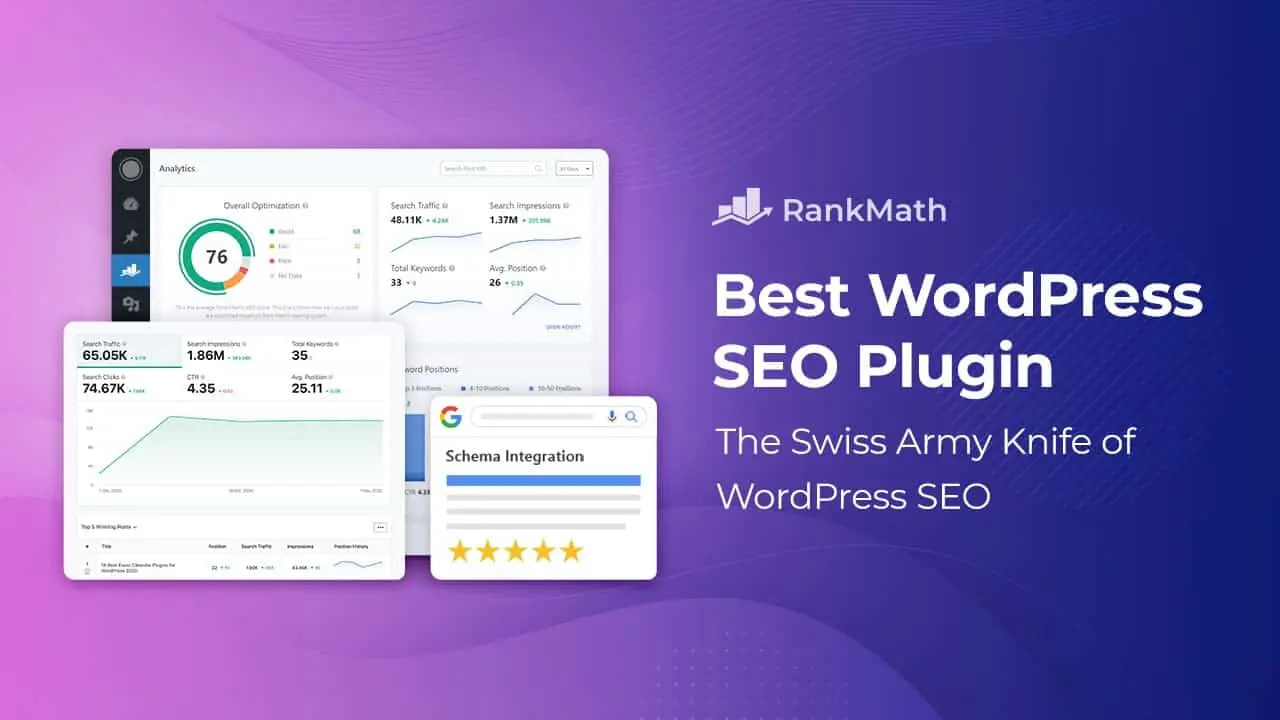
Blocksy Theme Compatibility Analysis with Rank Math SEO Plugin
Is Blocksy theme compatible with Rank Math SEO plugin? This article comprehensively analyzes the feature fit, performance impact and WooCommerce SEO experience of both to help you choose the optimal combination.

Which WordPress graphic bed plugins support automatic uploading to YapCloud / SevenNiuCloud / AliCloud?
Recommended three mainstream WordPress graphic bed plugin, support and shoot cloud, seven cattle cloud, Ali cloud OSS, realize automatic upload and CDN acceleration.
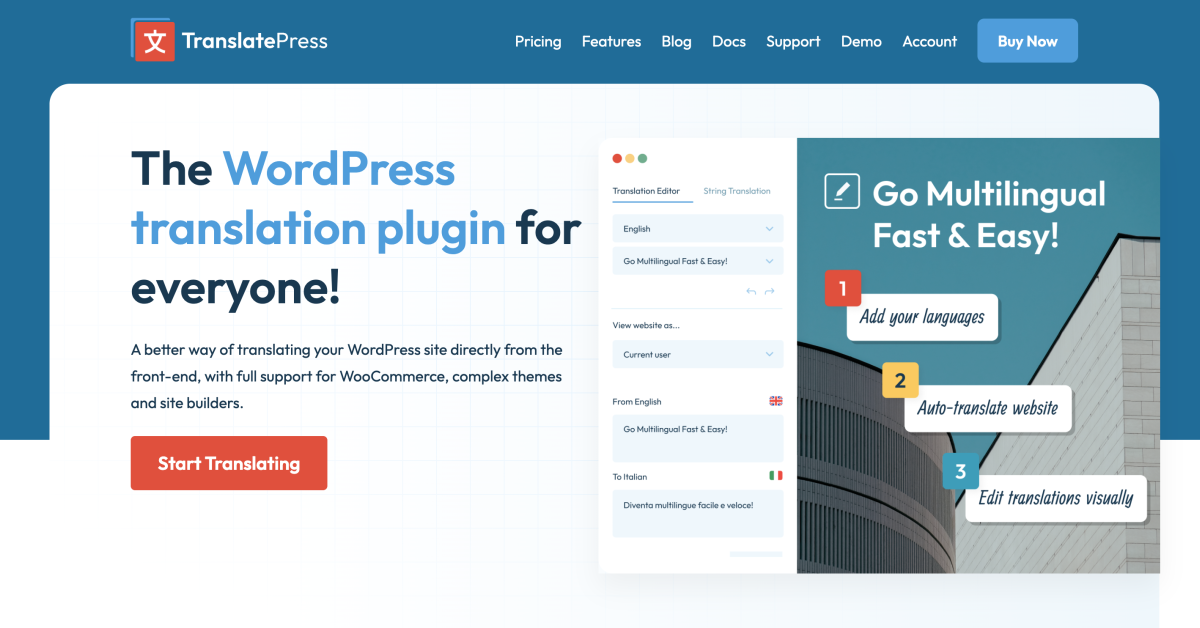
5 TranslatePress Tips for Easy Visual Translation of WordPress Multilingual Websites
Master 5 efficient TranslatePress tips to quickly enable WordPress visual translation with auto-translation, hidden text recognition and multi-language SEO settings, and easily build a professional internationalized website.

A complete guide to setting download limits for different membership levels
Teach you how to set daily or monthly download limits for different members, protect resources, prevent abuse, enhance paid conversion, one-stop realization of permission control.

How can I automate WebP format output with the Chartbed plugin?
Achieve automatic WebP format output and optimize image loading speed with WordPress graphic bed plugins. EWWW, ImageKit and Smush Pro plugins are recommended to improve website performance and maintain compatibility.
WebP Express, Imagify, ShortPixel: which is better for your WordPress site?
Compare WebP Express, Imagify and ShortPixel to help you pick the best WordPress image optimization plugin for your budget and needs.

Rank Math vs Yoast SEO Sitemap Features Comparison: Which is better for your site?
Compare and contrast the differences between Rank Math and Yoast SEO in terms of Sitemap functionality, covering how to generate it, the details of setting it up, and who it's for, to help you choose the SEO plugin that suits you better.

A few practical ways to hide the WordPress sidebar on mobile
Introducing multiple ways to hide WordPress mobile sidebar, including CSS, theme settings and plugin tips to improve page loading speed and reading experience.

WPML tutorials are full of useful information!
Learn how to use the WPML plugin to translate menus in WordPress multilingual sites, including differently structured menus, custom links, and navigation menus built by the site editor.

Can't program? That's okay! Get a professional-grade multilingual website in 5 steps with this plugin!
Detailed analysis of TranslatePress from installation to multilingual SEO optimization of the whole process, so that even a novice can quickly build an efficient multilingual website.

Elementor Loop Grid Guide: A Complete Explanation of Content Presentation and Performance Optimization
This guide provides a comprehensive explanation of Elementor Loop Grid configuration and optimization techniques, covering dynamic content binding, multi-type display template settings, advanced query parameter tuning, as well as lazy loading and caching strategies to improve loading speed, helping you to create professional-grade content display solutions.

Imagify vs Smush: Which Image Optimization Plugin is Better for WordPress?
An in-depth comparison of Imagify and Smush, breaking down features, pricing and compatibility to help you choose the best WordPress image optimization plugin.

Content site, forum, membership system: different types of websites should choose which open source CMS?
How to choose the open source CMS?WordPress is suitable for content sites, phpBB and Discourse to build forums, Joomla and plugin support membership system.

Cloudflare, BunnyCDN, AliCloud: which is better for WordPress websites?
WordPress Acceleration Comparison! 🔥 Uncover the performance and pricing differences between Cloudflare, BunnyCDN, and AliCloud CDN to see who's better for your site!

The "gray rhino effect" of 502 and 504: the technology debt will have to be paid someday
Don't let 502s and 504s ruin your system! Technical debt is looming like a gray rhino - if you don't pay it off now, it will cost you in downtime and losses in the future!
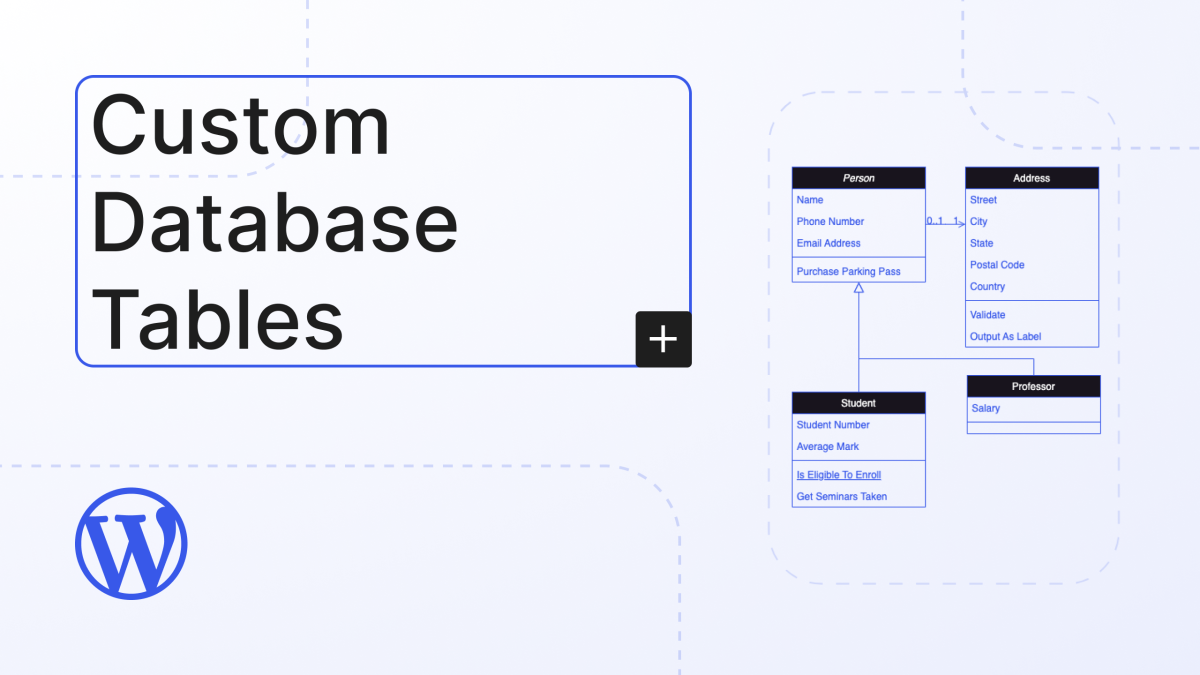
Introduction to WordPress Custom Tables: Fundamental Concepts and Applications
Understand the fundamental concepts of WordPress custom tables and their application in plugin development. Learn how to create and manage custom tables to enhance data management efficiency, suitable for e-commerce websites and advanced feature development.

MailPoet Tutorial: What to do about Gmail/Outlook display anomalies? Typography and Compatibility Fixes
MailPoet's background preview works fine, but the layout is messed up in Gmail/Outlook? This hands-on tutorial will help you quickly fix font distortion, image misalignment, button misalignment and mobile display anomalies.

What are the advantages of Magento, what are the disadvantages, and why does it not apply to the average player?
Magento is an open source platform dedicated to e-commerce websites with the following advantages and disadvantages: Advantages: Powerful functionality: Magento provides a variety of rich functionality, including inventory management, order tracking, multi-currency support, multi-language support, coupons, product comparison, over...

WordPress foreign trade website settings: how to block mainland IP access
If your website is primarily geared towards certain specific countries or regions with little or no access from elsewhere, you may have noticed that there are sometimes unexpected spikes in traffic that strain server resources and disrupt the operation of your website. Often, this unusual traffic comes from hackers or automated machines...

WordPress Tutorial: Steps to Add MP3 Audio Files to Your Website
Audio files are often used on blogs. Common audio formats include MP3, M4A, OGG, and WAV. 1 Adding Audio Blocks To add audio to your post, simply click the plus (+) icon in the top left corner of the editor. Once clicked, a menu will appear to select different blocks of content...

WordPress Advanced Guide: Creating and Managing Custom Database Tables
First, find the secret path to the resources necessary to create custom database tables. With a step-by-step guide, I'm sure you'll learn how to build these tables one step at a time. Finally, we'll explore how to effectively interact with these newly created database tables to ensure that you can smoothly...

How to Create a Recent Comments Page in WordPress
Want to display all the latest comments on your WordPress site? This is a great way to engage users in discussions. Creating such a page on WordPress is now very easy with the "Latest Comments" block. We'll show you how to do it in WordPr...

WordPress bind multiple domain name tutorial, so that multiple domain names can access the same WordPress site
Tutorial ideas: the need to bind the domain name, we first set up a new website in Pagoda, and then let the site use the WordPress program files, and finally add the corresponding code in the program files to achieve the effect of multiple domain names to access the same site. Description: The following example: w...

How to Enable Multi-Currency Functionality in WordPress Themes with the FOX Currency Switcher Plugin
In a previous post there was written about the implementation of multi-currency functionality, but since it's going to be charged, I brought another free multi-currency plugin to use. Of course he also has a paid version, but free is basically enough. In a cross-border e-commerce scenario, providing multi-currency payment options is a great way to enhance...

How to Implement Floating Contacts on WordPress with Chaty
In today's fast-paced internet world, it's crucial to maintain real-time communication with your users. With the Chaty plugin, you can implement a floating contact feature on your WordPress website to enhance user experience and increase conversions. Increase your orders. Step 1: Install and activate Chat...

 简体中文
简体中文  English
  日本語
日本語  Français
  Español



