





arrange in order
How to Enhance Website Storytelling with Essential Blocks' Timeline Slider
Learn how to use the timeline slider of the Essential Blocks plugin in the Gutenberg editor to create an interactive timeline that enhances the visual appeal and user experience of your website. Easily display historical events, project progress, and other time with simple setup and customization...

How to Easily Add New Stickers in Gutenberg with Essential Blocks Plugin
Easily add new sticker features in the Gutenberg editor to boost website interactivity with the Essential Blocks plugin. Learn how to configure content feeds, set up animations, and implement dynamic content displays to help keep your site up to date and users engaged.

Getting Started with Elementor Containers: Structure, Orientation and Layout Controls Explained
Get an in-depth understanding of the structure and orientation of the Elementor container, as well as tips on content width, minimum height, customized typography, and responsive layout, to help you create professional WordPress pages with ease.

Optimize your website's images: Improve your website's performance with the Image Optimizer plugin from Elementor.
Use the Image Optimizer plugin to automatically optimize all images on your WordPress site, reduce image file sizes, and improve site loading speed. It supports automatic compression, batch optimization and format conversion to help your website improve performance, user experience and SEO ranking.

How to Showcase Online Store Campaigns with Elementor's Loop Carousel
Learn how to showcase online store marketing campaigns with Elementor's Loop Builder and Loop Carousel components. Enhance the user experience and drive sales with dynamic content displays and beautiful rotating effects. Set up custom templates, adjust query criteria, optimize mobile...

Create stunning flickering image effects with Elementor's Image Carousel widgets
Use Elementor to create modern and engaging flashing image effects to showcase fashion brands' collections. Enhance the dynamic feel and user experience of the page with Image Carousel widgets and fade-in effects that make it easy for users to browse products and engage with the campaign.

How to Fully Customize WooCommerce Checkout Page with Elementor
Fully customize the appearance and functionality of your WooCommerce checkout page with Elementor's Checkout Widget. This article shows you how to set up the layout, fields, payment methods, and styles of the checkout page to optimize the user experience and increase conversions.

Avada 7.12 Optimization: How to Increase Website Interaction with Social Link Elements
Learn how to easily add social media links to your WordPress website using Avada Social Link Elements to enhance the user interaction experience. With rich customization options, adjust the style, color, and position of the social icons to make them fit perfectly with your website design.

Avada integrates seamlessly with the Events Calendar plug-in to create event calendars with ease!
Learn how to use Events Calendar plugin in Avada theme to manage and display website events. Go through the detailed installation and configuration steps and learn how to create regular events, event series, customize event pages, and use the Events Calendar Pro version to provide...

Set up personalized autoresponder emails in Avada forms to boost engagement
Learn how to set up autoresponder notifications in Avada Forms to ensure that form submitters receive confirmation emails and are informed of next steps. Learn how to configure email subject, sender information, email content, and more with a detailed step-by-step guide to enhance user experience and interactivity.

How to Embed YouTube Videos on a WordPress Website: EmbedPress Plugin Guide
Learn how to easily embed YouTube videos, live streams, channels, and playlists into WordPress websites using the EmbedPress plugin. This article details embedding methods in different editors such as Elementor, Gutenberg, and Classic Editor, and provides...

Why Add Alt Text to Website Images and How to Quickly Generate It with AI
Find out why adding Alt Text to your website images is crucial and learn how to use AI tools to quickly generate SEO-friendly Alt Text that improves accessibility, search rankings, and user experience.

How to Change Passwords and Usernames in WordPress (Full Tutorial)
Learn how to change passwords and usernames in WordPress, learn simple steps to solve the problem of forgotten passwords without creating a new user, and improve account security. Easily change usernames with the Swiss Toolkit plugin.

How to Customize Login Page in WordPress (Complete Guide)
Learn how to customize your WordPress login page with simple steps to adjust Logo, background, form styles and more to enhance brand image and user experience. Easily modify the login page design with the plugin to optimize your membership site or online store.

Simple Settings for Powerful Image Zooming on Your WordPress Website
Learn how to add image zoom in WordPress using the WP Image Zoom plugin, which allows users to view image details more clearly and improve the interactivity and user experience of your website. Easily add powerful image zoom effects to your WordPress website with simple settings.

WordPress default avatar is too monotonous? Teach you to change to a personalized avatar in one click
With WP Swiss Toolkit plugin, you can easily set up customized avatars in your WordPress website, support avatar upload, SVG image upload, enhance file upload size and other functions, which can comprehensively improve the efficiency of website management and user experience.

Blocksy Tutorial: Creating Exclusive Archiving Templates to Enhance Content Presentation
Learn how to create custom archive templates with Blocksy's Content Blocks feature, with the freedom to control post cards and full-page structure, adapted to blogs with custom content types.

Free Elementor Translation Plugin: How to make your website multilingual?
Learn how to use free Elementor translation plugins like Polylang, TranslatePress, Weglot, and GTranslate to help you easily add multi-language support to your WordPress website, boosting your user experience and global reach.

Complete method of displaying a list of posts with Blocksy Post shortcode
Learn how to use Blocksy theme [bloxy_post] shortcode to insert a list of posts on any page, support style customization and paging control, no plugin can achieve flexible layout.

Complete Guide to Blocksy Theme Mobile Header: Off Canvas Area and Menu Settings Explained
Detailed introduction to Blocksy mobile header configuration methods, Off Canvas area features and advanced menu options, suitable for building responsive navigation layout.
How to solve the problem of inconsistent fonts displayed on different devices in WordPress pages?
This article describes how to solve the problem of inconsistent font display on different devices in WordPress websites, providing best practices for using web fonts, setting up font stacks, adjusting CSS rendering, optimizing responsive design, and more to help fonts stay consistent across all devices and browsers and improve...

Elementor Background Overlay Effect Full Tutorial: A Design Tool to Enhance the Visual Hierarchy of Web Pages
This article explains how to set up Elementor background overlay, including basic operations, gradients, hover effects and blur overlay, so that the page design more visual expression.

How to Create Click-Triggered Subscription Popups in Elementor
Detailed description of how to create click-triggered subscription pop-ups in Elementor, including template design, trigger settings, button connection and form testing.

WordPress Animation Plugin Common Problems and Solutions
This article analyzes in detail the use of WordPress animation plug-ins encountered animation does not show, loading lag or poor compatibility with mobile and other common causes of the problem, and provide practical solutions to help you create professional dynamic effects web page.
WordPress Website Backup Guide: Protect and Restore Your Website in One Click with the WPvivid Plugin
Use the WPvivid plugin to quickly backup and restore your WordPress site and prevent data loss issues caused by plugin failures or misuse.
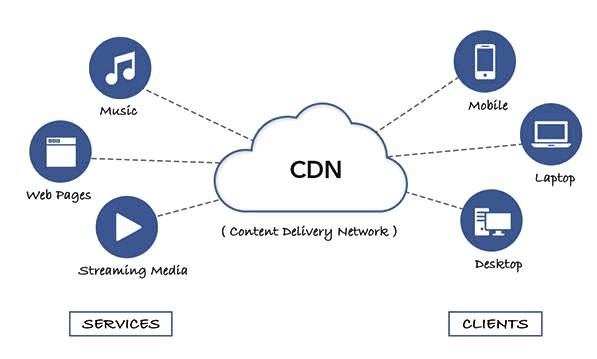
How to accelerate WordPress image loading via CDN and reduce image blurring problems
Reduce WordPress upload image blurring issues by accelerating image loading via CDN. Learn how to optimize image quality, increase loading speeds, and improve website performance and visuals.
WordPress vs Joomla security: which is more secure?
This article compares the security architecture of WordPress and Joomla, plug-in risk, privilege control and vulnerability response, analyze the performance and differences between the two major website building systems in terms of site protection, to help you make a more informed choice of technology.

Blocksy Theme Footer Builder Full Tutorial: Custom Design, Component Layout & Conditional Footer Settings
A comprehensive introduction to using the Blocksy footer builder, including element drag and drop, widget support, visual effects and conditional footer configuration.

WordPress Multi-Domain vs. Multi-Site: which is better for your needs
In-depth comparison of WordPress multidomain and multisite structure features, applicable scenarios and management, to help you choose a more appropriate site architecture according to the actual needs of the program.
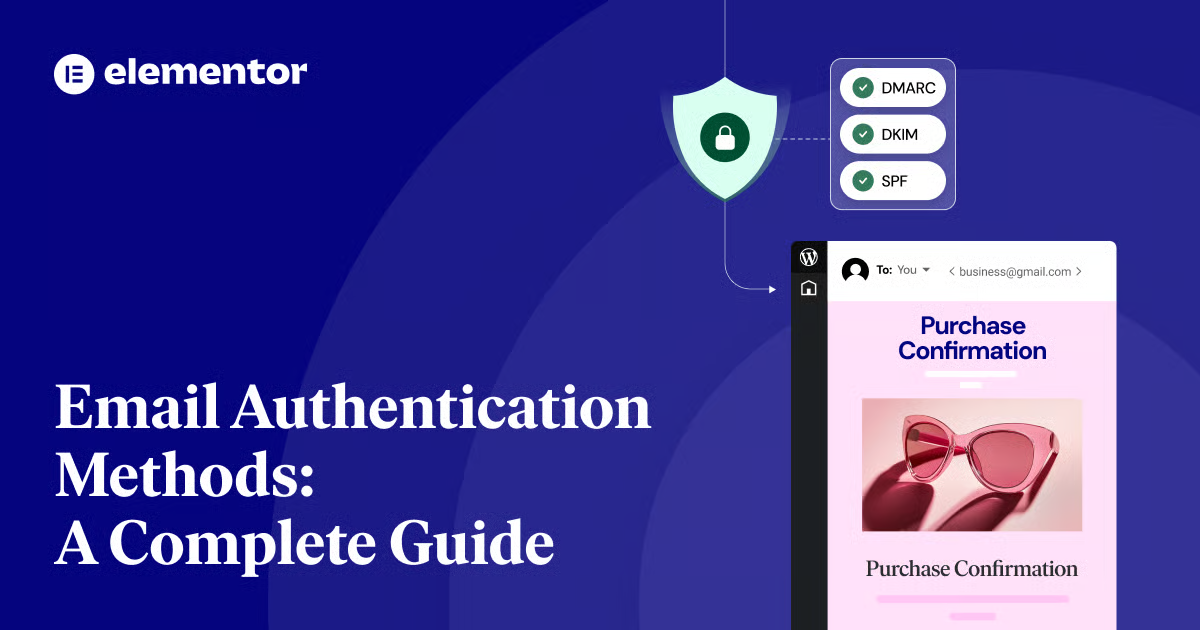
The Complete Guide to Email Authentication Methods: Improving WordPress Website Email Security
Learn about email authentication methods SPF, DKIM and DMARC, how to improve email security for WordPress sites with the right settings to avoid emails being marked as spam and improve email delivery rates.

 简体中文
简体中文  English
  日本語
日本語  Français
  Español



