





arrange in order
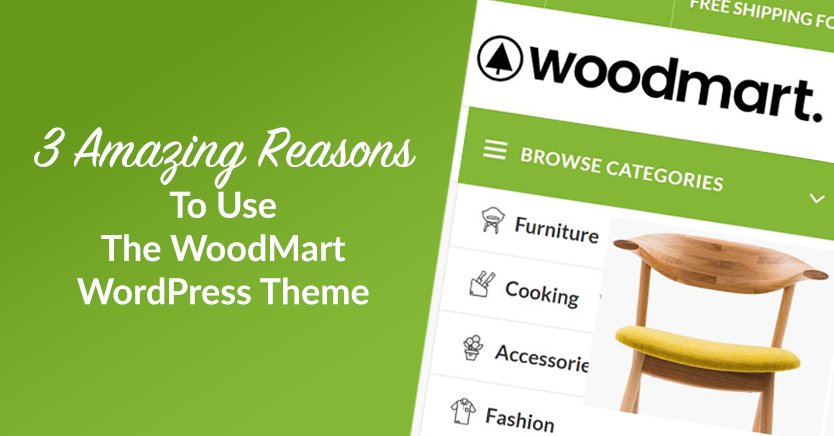
Slider Settings Guide in WoodMart Theme
WoodMart theme provides lightweight slider feature to quickly create smooth image rotation effect. This article describes how to set up a slider in WordPress, manage slideshows, adjust animation effects, optimize the layout, and through Elementor or WPBakery Page Builder to add ...
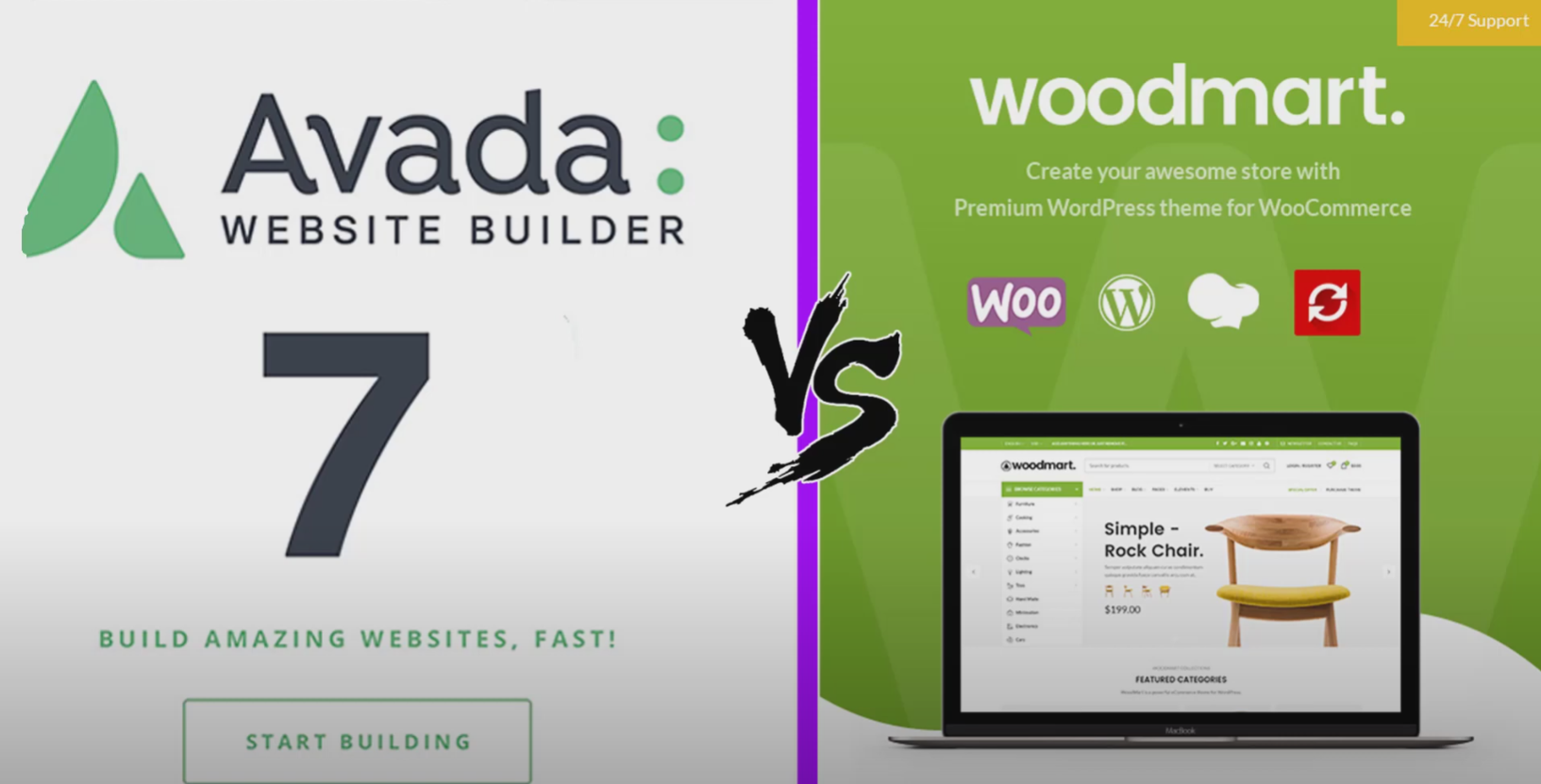
Avada vs WoodMart Theme Comparison: Which is Better for WooCommerce Ecommerce Sites?
Avada and WoodMart are the most popular WooCommerce themes on the market, each with different advantages. This article compares the page builder, performance optimization, mega menu, template library and pricing of the two to help users choose the most suitable WordPress theme to build an efficient...

How to Set Sidebars on Archive, Blog and Post Pages in WoodMart Theme
Comprehensive explanation on how to configure sidebar and top filter features on store and blog pages in WoodMart theme to improve page structure and browsing efficiency.
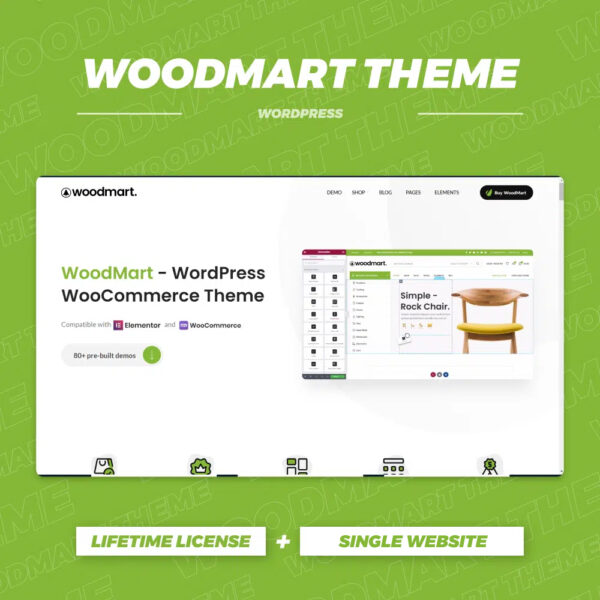
WoodMart Theme with WPML Multilingual Settings
Use WPML to implement multi-language support on WoodMart theme to enhance the internationalization competitiveness of your e-commerce website. This article introduces WPML installation, translation mode, WooCommerce multi-language configuration, string translation and other key features.

What type of e-commerce website is Woodmart theme suitable for? Read about its advantages and adaptability scenarios
Wondering what type of e-commerce website the Woodmart theme is suitable for? This article comprehensively analyzes five typical adaptation scenarios to bring you to understand whether this high-performance WordPress e-commerce theme is suitable for your business.

How to Create Products with WoodMart Theme
Use WoodMart to create WooCommerce product pages, complete the title, image, price, category and other settings, quickly build a clear and complete product display structure.

WoodMart Theme WooCommerce Product Grid with Rotator Feature
Understand the WooCommerce product grid and rotation features of WoodMart theme, support custom product display, optimize page layout, and enhance the visual effect of the store. Master product filtering, paging, sorting and rotation configurations for a more flexible and efficient online sales experience.

WoodMart Conditional Sidebar Setup Tutorial: Easy Page Control with Plugins
Want your WoodMart store page to display different sidebars based on categories? This tutorial teaches you to customize conditional sidebar settings with the Content Aware Sidebars plugin, which is easy to use and improves conversion results.
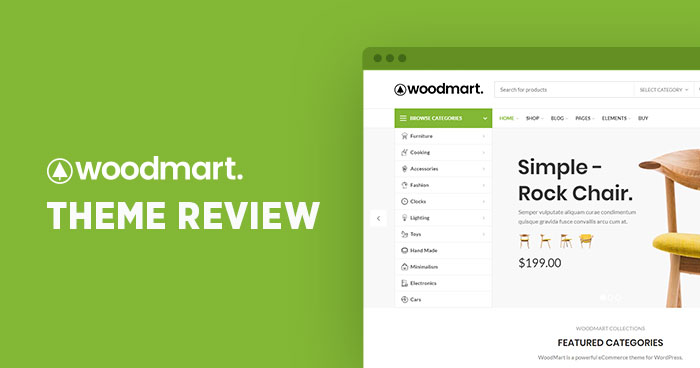
How to Enable and Optimize the Compare Products Feature in the Woodmart Theme (Complete Setup Guide)
Learn how to enable and optimize the Compare feature in the Woodmart theme. Step-by-step setup for Compare pages, field display, button styling, and category comparison functionality to enhance the user shopping experience and boost conversion rates.

Integrating Social Media into WoodMart Stores Boosts Engagement
Integration of social platforms such as Instagram helps WoodMart e-commerce stores to realize the growth of content sharing and user interaction.
How to automate language and region switching in WoodMart?
Learn how to configure automatic language and region switching in WoodMart to enhance the international user experience and support multiple languages and currencies.

Customizing WoodMart Header and Footer Layout Guide
Master the layout skills of WoodMart theme header and footer, optimize the website structure, and enhance the overall professional feeling and user browsing efficiency.





