





arrange in order

A complete tutorial on creating multi-level drop-down menu navigation with WoodMart
Detailed explanation of how to use WoodMart theme to create multi-level drop-down menu and Mega Menu, suitable for e-commerce sites to improve the navigation structure and page aesthetics.

The Perfect Combination of WoodMart and Rank Math: Creating an SEO-Friendly Ecommerce Site
Learn how to combine WoodMart theme and Rank Math plugin to improve SEO performance of your e-commerce website, optimize on-page content and rankings, and help your online store get more exposure and traffic.

WoodMart Product Filtering Enhances Search Efficiency
WoodMart theme's product filtering function supports multi-dimensional combinations and Ajax loading, which improves search efficiency and e-commerce conversion rate, suitable for all e-commerce websites.

WoodMart Theme Setup Sticky Header with Transparent Menu Tutorial
The full tutorial explains how to set up a sticky header and transparent menu in WoodMart theme to easily create a modern front page navigation effect.

How to create a multilingual e-commerce website using Polylang in WoodMart
Learn how to use the Polylang plugin in WoodMart to create a multilingual e-commerce site that provides a great shopping experience for customers around the world.

How to Integrate Social Media with WoodMart Stores to Increase User Interaction
Explore how social media can be integrated with WoodMart stores to increase user interaction and brand exposure through social share buttons, Instagram feeds, social logins, and precision ad placement.

Blog page set exclusive sidebar layout (WoodMart tutorial)
Individually configure WoodMart blog page sidebar layout, set up independent content modules, optimize page structure, improve content focus and overall aesthetics.

Convert in seconds with this Woodmart plugin set!
Want to make your Woodmart e-commerce site faster, stronger and better selling? This article recommends several useful plugins that are highly compatible with WooCommerce to improve the payment experience, SEO performance, loading speed, and multi-language capabilities across the board, making your store stand out!

Woodmart theme review: five core advantages to help you efficiently build an e-commerce site for the
An in-depth look at Woodmart's five key benefits, including responsive design, product display, loading speed, plugin compatibility and page editing capabilities.
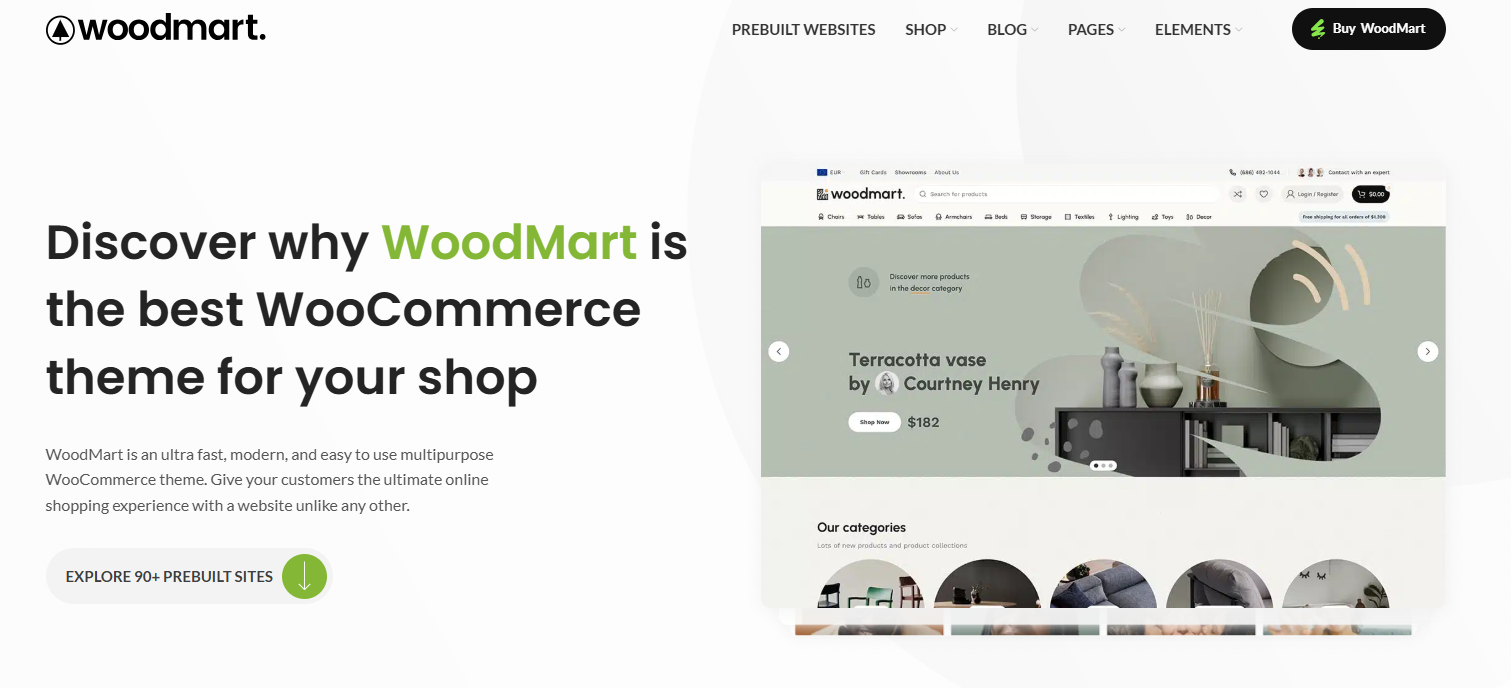
90% Website lost to this step in mobile! Woodmart mobile optimization full strategy exposed!
Is your poor mobile experience costing you conversions? This post explains how to use Woodmart and Elementor to create a truly efficient and fluid mobile shopping interface that improves user experience and sales performance.

How do I enable the Wish List feature in WoodMart?
Learn how to enable wishlist functionality in WoodMart to enhance the user experience and drive repurchase with convenient favorites.

Customizing WoodMart Login Registration Popup Styles Tutorial
Learn how to customize the WoodMart theme login registration popup style by adjusting the colors, buttons, input boxes and fonts to create a more unified visual effect.





