





arrange in order
WooCommerce multi-warehouse setup full flow tutorial (with plugin recommendations)
Solve how to use WooCommerce to realize multi-warehouse inventory management and intelligent warehouse delivery. This article provides plug-in recommendations, installation and configuration process and FAQs to help you build an efficient e-commerce warehouse system.
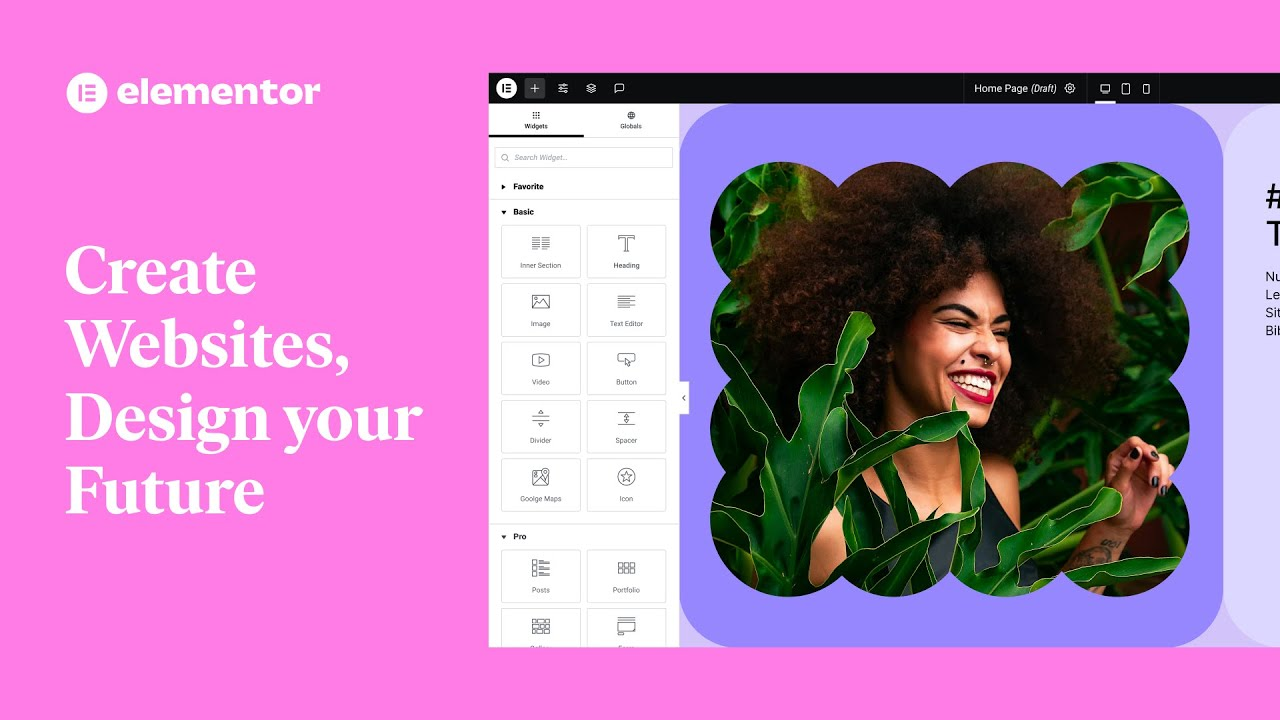
Explanation of common features of Elementor web editor: Improve website design efficiency
Learn about Elementor's core features, including drag-and-drop design, responsive design, rich templates, animated effects, form building, and SEO optimization, to help you quickly build effective, beautiful WordPress websites.

How to Restore Disappearing WordPress Plugin Bar?
Find the WordPress plugin bar disappearing? This article provides a variety of solutions, including clearing cache, checking user permissions, disabling plugin conflicts, updating WordPress and plugins, and more, to help you quickly restore your plugin bar.
Free WooCommerce SEO Plugin Recommended: A Powerful Tool to Improve Search Ranking of E-commerce Sites
Explore a variety of free WooCommerce SEO plugins, including Yoast SEO, Rank Math, SEOPress, and more, to help you optimize your eCommerce site, improve search engine rankings, attract more organic traffic, and grow your business.
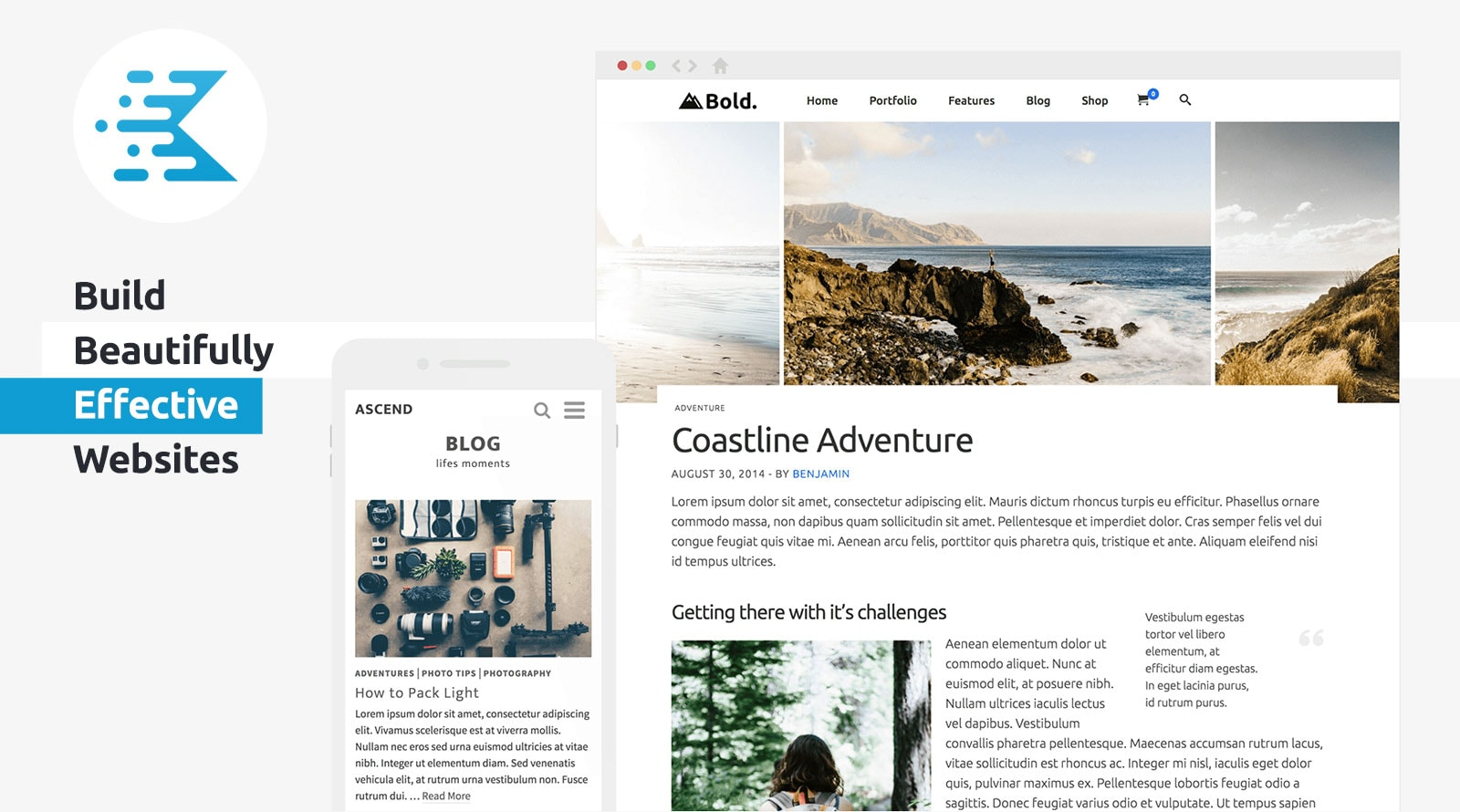
KadenceWP Explained: Ideal for Building High Performance WordPress Websites
Take a deep dive into the core features and benefits of the KadenceWP theme, including a drag-and-drop header/footer builder, global color and font controls, rich starter templates, and deep compatibility with the Gutenberg editor and WooCommerce to help you easily build high-performance, responsive...
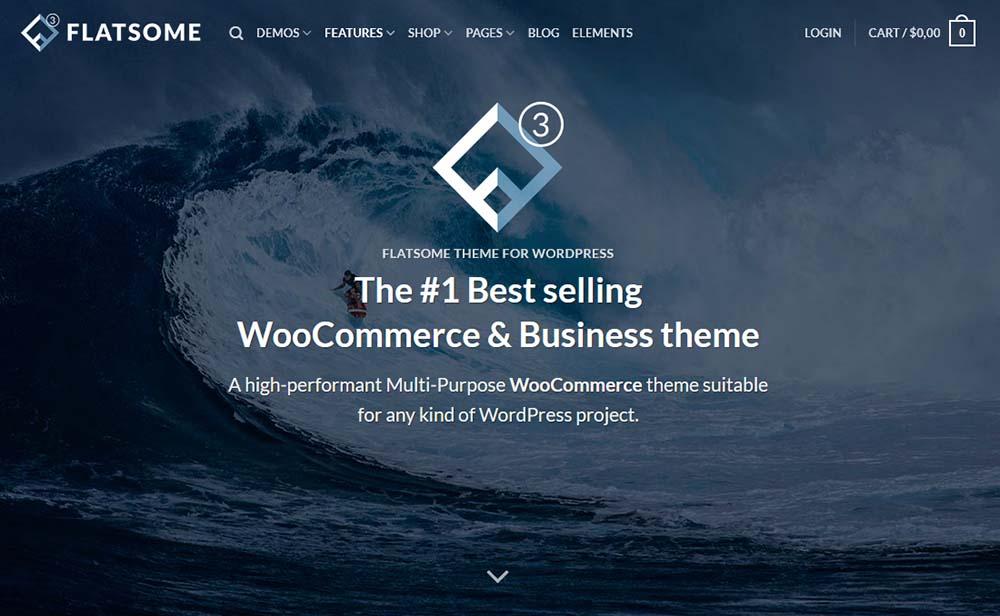
Fatsome Theme Overview: Clean and Powerful Design for WordPress Websites
Fatsome Theme is a clean and powerful WordPress theme for business, blog and e-commerce websites. Offering responsive design, SEO optimization, fast loading and rich customization options, it helps users build professional websites with ease.
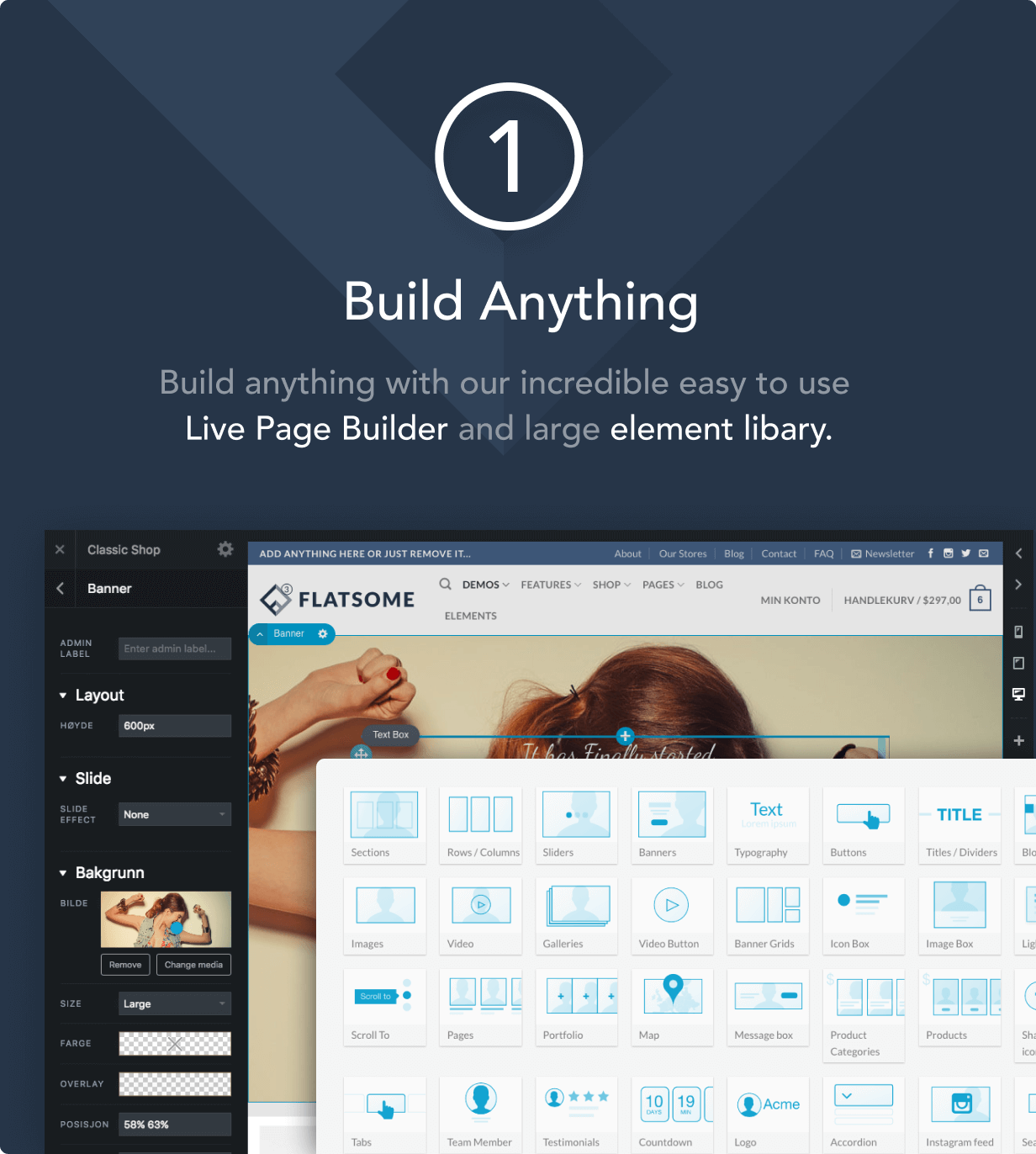
How to Improve Website Loading Speed with Fatsome Theme
Learn how to use Fatsome theme to improve website loading speed and master optimization techniques such as image compression, cache configuration, delayed loading, etc. to improve website performance, user experience and SEO ranking.
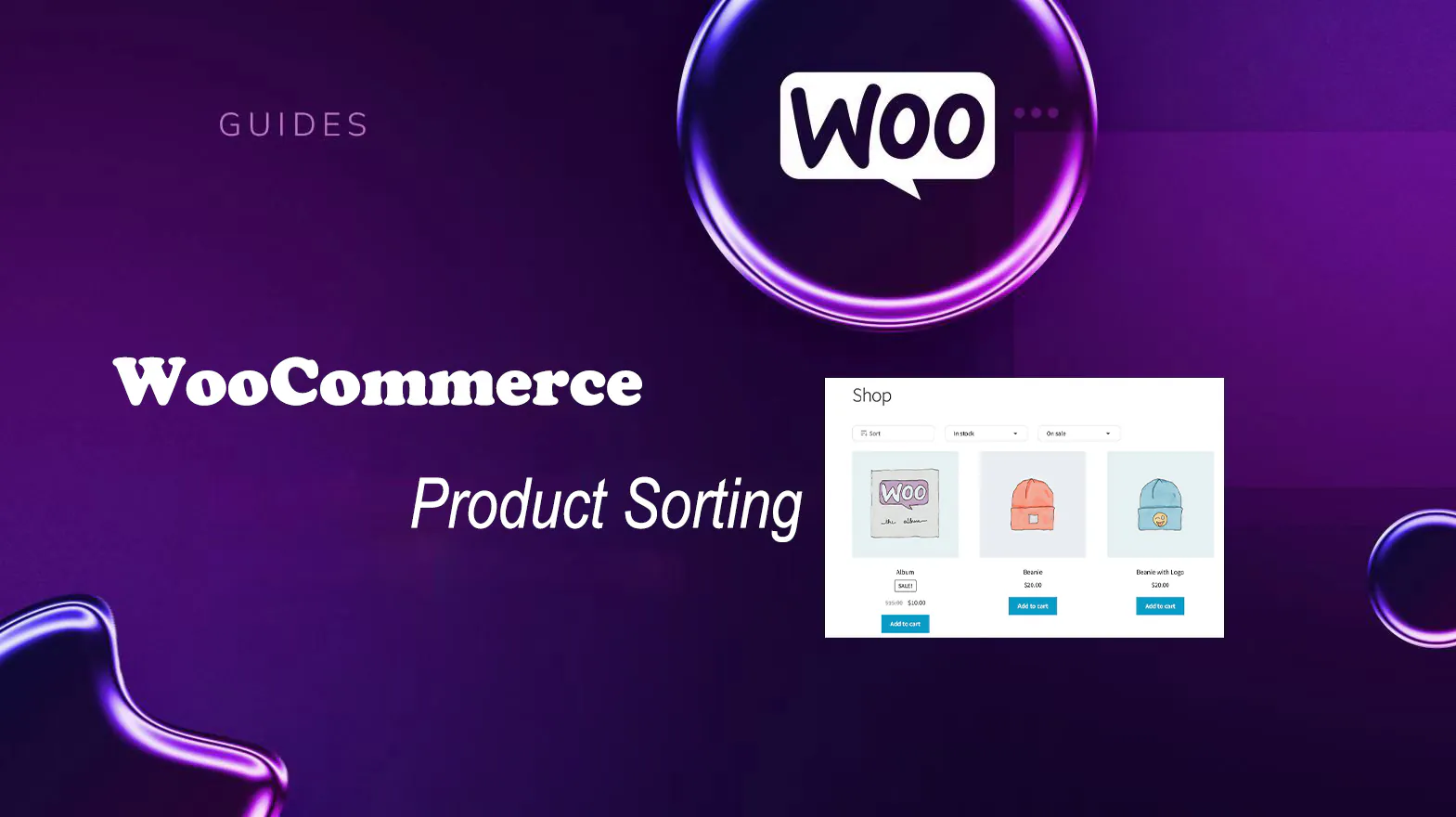
The Best Open Source CMS Solutions for E-Commerce in 2025
Explore the best open source CMS solutions for e-commerce in 2025, including a comparison of platforms such as WooCommerce, Magento, PrestaShop, OpenCart, and Shopware, to help merchants choose the most suitable e-commerce system for building an online store.

How to build a personal blog and content creation platform using open source CMS
Learn how to build a personal blog and content creation platform with an open source CMS such as WordPress, Ghost, Joomla, and more. This article provides a complete guide from choosing the right CMS to content creation to help you quickly launch and optimize your blogging platform.
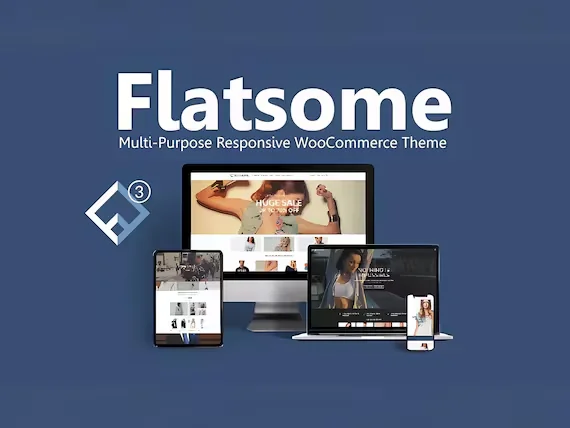
Responsive design of the Flatsome theme: perfect display on all devices!
Learn how Flatsome theme can achieve perfect website display on all kinds of devices such as cell phones, tablets and desktops through responsive layout, media query and navigation optimization, and comprehensively improve user experience and access efficiency.
How to Customize Fatsome Themes: From Basic Settings to Advanced Tips
Get an in-depth look at how to customize your Fatsome theme, from basic appearance settings and page builds to child theme development and performance optimization, to improve the overall aesthetics and loading speed of your WordPress e-commerce site.
Fatsome and SEO: How to Optimize Fatsome Theme to Improve Search Ranking
Building a website with the Fatsome theme? This guide teaches you how to optimize all aspects of SEO, from structure to content to technology, to improve your WordPress website's visibility and ranking in search engines.

Fatsome Theme is a perfect match for Elementor: create a seamless design experience!
Discover the perfect way to combine Fatsome and Elementor to create fast, visually strong and smooth WordPress websites. Ideal for e-commerce, brand websites and marketing page design.

How Open Source CMS Supports Custom Development and Integration
Learn how open source CMSs support custom development and system integration through plugins, templates, and APIs. Cover hands-on tips for building effective content platforms, including WordPress, Drupal, and Strapi.
From WordPress to Ghost: Which Open Source CMS is Better for Content Creators?
Who is better for content creators, WordPress or Ghost? From the writing experience, feature expansion, performance deployment to content realization, a comprehensive comparison of the two open source CMS, to help you choose the most suitable content platform.
Flatsome Theme Security Analysis: How to Protect Your WordPress Website?
In-depth analysis of Flatsome theme security performance in 2025, revealing potential risks and protective measures. Provide practical plugin recommendations and professional configuration guide to help you build a safe and reliable WordPress website.
Common Problems and Solutions to Elementor's Safety Model: Addressing Design Challenges
What should I do if my Elementor page fails to load, the editor is white screened, or the style is messed up? This guide analyzes in detail how to use Elementor Safe Mode, the causes of common failures and precise solutions to help you efficiently troubleshoot website problems.
Enhancing UI/UX Design with Elementor Safe Mode: Ensuring Effective and Functional Designs
Learn how to optimize your WordPress site's UI/UX design with Elementor Secure Mode, solving common problems such as plugin conflicts and cluttered layouts, and building a high-quality page experience that is both beautiful and functional.
Elementor Secure Mode Support for Large-Scale E-Commerce Sites: Ensuring Stability at High Traffic Volumes
In-depth analysis of how Elementor's security model helps large-scale e-commerce websites maintain stable operation in high-traffic scenarios, covering design troubleshooting, plug-in conflict handling, performance optimization, and deployment recommendations to help build an efficient e-commerce experience.
How to Downgrade WordPress Version with WP-CLI
If you encounter errors after updating WordPress, you can use WP-CLI to downgrade WordPress to a specific version. This article explains how to downgrade WordPress version using WP-CLI with complete steps and notes.

From Hacked to Built: How Developers Can Replicate Pro Features in Code
This article describes how to write custom code to reproduce the Pro plugin functionality, avoiding the security risks associated with cracking, while providing greater customization, helping developers save costs and improve their technical skills.

Optimizing Backend Performance with Elementor Secure Mode: Improving Developer Productivity
Elementor background loading slow, editor white screen lag how to do? This article explains how to use Elementor Safe Mode to troubleshoot plugin conflicts and improve backend performance, which can greatly improve developer productivity and easily optimize WordPress website experience.

How Astra templates work with Google Fonts to create a unified brand font style
Want to create a unified brand font style? This article describes how to use Google Fonts in WordPress Astra theme, including setup steps, font combination suggestions and load optimization tips.

WordPress Block Editor Implementing Responsive Layout Tips
Use WordPress block editor to make responsive pages, easy to realize the layout of cell phones, tablets and computers to adapt, suitable for newbies to get started quickly.

2025 Latest WooCommerce SEO Complete Guide: from Product Page Optimization to Structured Data
Master WooCommerce SEO! This guide optimizes your site for Google rankings and e-commerce conversions from product titles, image ALTs, and Schema tags to Core Web Vitals enhancements for the latest SEO strategies for 2025.

How to manage WordPress theme and plugin updates efficiently?
Learn how to effectively manage updates to WordPress themes and plugins by taking regular backups, using staging environments, enabling automatic updates, and compatibility testing to ensure that your site is constantly optimized for security, performance, and user experience.

A Complete Guide to Using WebP to Improve WordPress Site Loading Speed
Learn how to optimize your WordPress website images using WebP format to boost load speeds, save bandwidth, and improve SEO rankings. Make your website more efficient with the ShortPixel plugin and CDN acceleration.

Images are also SEO critical! How to optimize WooCommerce product images, ALT tags and compression settings?
Image optimization not only improves the loading speed of your WooCommerce site, but also enhances search engine visibility. This article explains in detail how to optimize product image size, file naming, ALT tags and compression settings to improve overall image SEO performance.

What to do if the theme is not compatible with Elementor? Identifying and resolving failed load problem templates
Elementor load failure or page style error may be due to theme incompatibility. This article will take you to identify the causes of conflict between WordPress themes and Elementor, provide a detailed troubleshooting process and solution templates, and recommend compatible themes to help you successfully repair the site.
Preventing Stolen Downloads by Non-Members: 4 Free Ways to Protect WordPress Download Resources
Master the 4 free ways to prevent non-members from stealing chain downloads in WordPress, including user role restriction, anti-stealing chain rules, hiding real path, generating temporary links, and comprehensively protect your download resources.

 简体中文
简体中文  English
  日本語
日本語  Français
  Español



