




Elementor Page 10
Elementor is a powerful drag and drop page builder for WordPress that makes it easy for users to create responsive websites. Known for its user-friendly interface that allows even non-developers to create professional-looking pages without writing a single line of code, Elementor offers a wealth of widgets, templates, and design options that grant complete creative freedom to improve the functionality and aesthetics of your website, making it the tool of choice for beginners and experienced developers looking to streamline their website design workflow.
arrange in order

Elementor Pro Core Functionality: A Review of the Essential Tool for Professional Website Building
An in-depth review of Elementor Pro's core features, including the theme builder, dynamic content, WooCommerce integration, and more, to analyze whether it's worth the investment to help users build professional websites.

Elementor Safe Mode: Protecting Your Site from Plugin Conflicts
Learn how to protect your WordPress site from plugin conflicts and improve your site's stability and performance by enabling Elementor Safe Mode. This article will guide you on how to use Safe Mode to resolve plugin conflict issues and optimize page load speed.

Elementor Global Font Settings Tips: The Right Way to Avoid Style Conflicts
Master the correct usage of Elementor global fonts to avoid conflicts with themes or plugins, improve page style consistency, and create a WordPress website with unified style and stable loading.
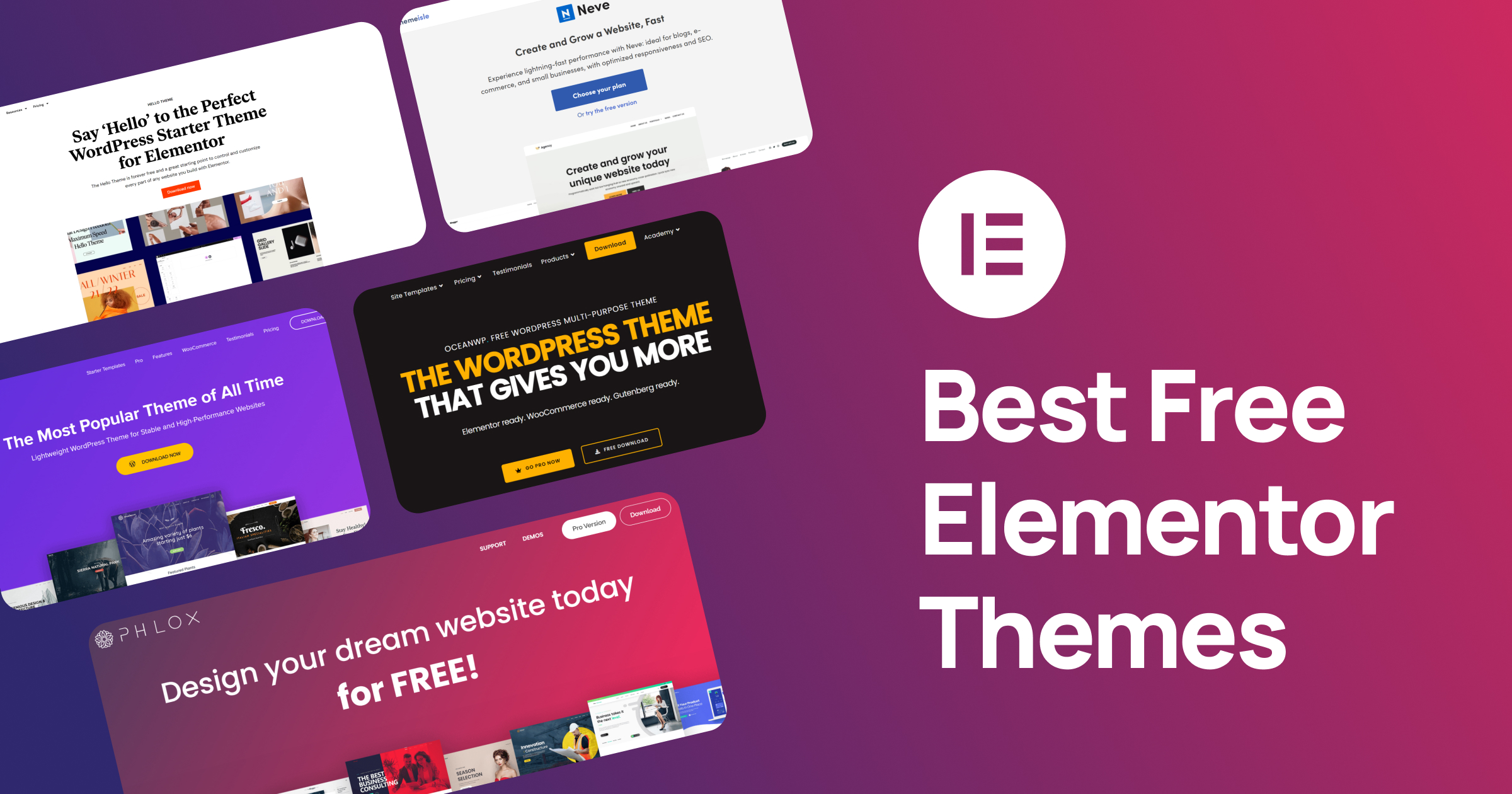
Free Elementor Templates with Which Theme is the Most Stable?Astra, Hello, Kadence Comparison
Learn the pros and cons of free Elementor templates paired with Astra, Hello and Kadence themes to help you choose the most stable theme to improve your website performance and user experience.

TranslatePress vs Polylang: which free plugin is better for Elementor users?
An in-depth comparison of TranslatePress and Polylang, two free multilingual plugins, analyzing their compatibility with Elementor, translation experience and SEO performance, to help you choose the most suitable website translation solution.

Tortured by multilingual websites? TranslatePress + Elementor Pro synchronizes all modules in one click!
Struggling with Elementor's multi-language translation issues? This practical guide teaches you to use TranslatePress + Elementor Pro to synchronize forms, popups, headers and footers with one click! From setup to troubleshooting the whole process in detail, so that the website really realize seamless multi-language switching. Efficient, hassle-free,...
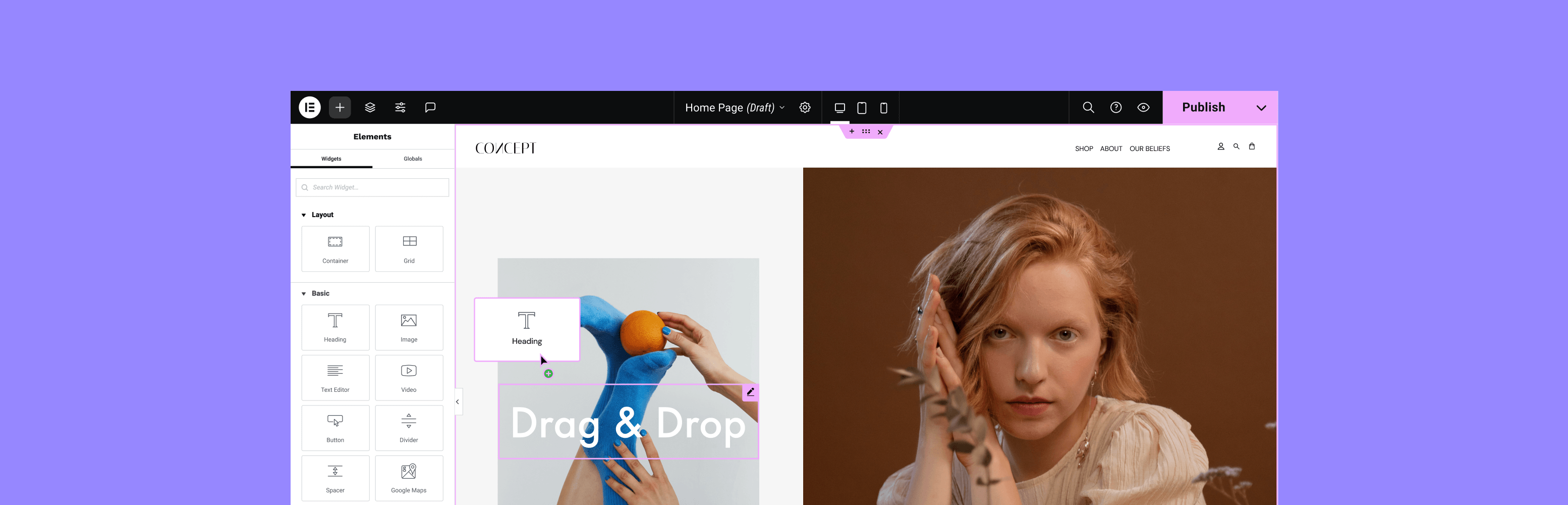
How Elementor Plugin Templates Enhance Website User Experience
Discover how to elevate your website design with Elementor plugin templates. Not only can you rapidly build professional pages, but you can also enhance interactivity and personalization, improve user experience, and help your website stand out.

Elementor templates vs. custom designs: which is better for your project?
Learn about the pros and cons of Elementor templates vs. custom designs to help you choose the most appropriate website building solution for your project needs, budget and time. Whether you're looking for a quick start or a unique design, this article provides you with detailed comparisons and advice.

Tutorial for Elementor Core installation and activation
Elementor Core is a free version of Elementor that provides basic page building functionality, allowing users to create and edit pages on WordPress sites through a drag and drop interface. This version includes many useful widgets and features for most basic website...
How to Hide Page Titles in WordPress Using Elementor
To hide page title in WordPress, use Elementor; the operation is relatively simple, just one click to hide the title, do not need to use any code or other plug-ins. Steps 1. Go to the page and click "Edit with Elementor". Here...

How to buy Elementor Pro cost-effectively and avoid the pitfalls smartly
With Elementor Pro, the process of building a website is as easy as playing with a jigsaw puzzle. So, how to save money on Elementor Pro and avoid stepping on the pitfalls at the same time? Here are some experiences summarized by our team using Elementor Pro to edit web pages; all are more practical and shared here...

How to Use Elementor for Responsive Design and Optimization for WordPress Websites
Elementor builder can be for the tablet end and cell phone end separately for responsive debugging, can better meet the different devices user experience. Go to the page and use Elementor for visual editing Go to the Elementor frontend for visual editing: Click on the top black navigation...





