




Elementor Page 9
Elementor is a powerful drag and drop page builder for WordPress that makes it easy for users to create responsive websites. Known for its user-friendly interface that allows even non-developers to create professional-looking pages without writing a single line of code, Elementor offers a wealth of widgets, templates, and design options that grant complete creative freedom to improve the functionality and aesthetics of your website, making it the tool of choice for beginners and experienced developers looking to streamline their website design workflow.
arrange in order
5 Best Translation Plugins for Elementor Websites: A Detailed Guide
Elementor serves as a powerful WordPress page builder, however, the page builder alone is not enough to make a website available in multiple languages. A powerful translation plugin is required to achieve this goal. In this article, we'll dive into five of the best Elementor...

How to Easily Display Templates on WordPress Websites Using Elementor Shortcodes
Elementor is one of the most popular page builders. It offers many powerful features, one of which is the use of shortcodes. With shortcodes, you can easily embed and display Elementor templates anywhere in your WordPress site. In this article, we'll talk more about...

How to Create Scrolling Transparent Sticky Headers in Elementor
In web design, a sticky header is a navigation bar that remains at the top of the screen when the user scrolls the page. Sticky headers not only provide a better navigation experience, but also enhance the user-friendliness of the page and brand exposure. However, sticky headers that silently...
How to Customize Page Sorting in WordPress with Elementor Editor
By default, WordPress sorts the pages on the site alphabetically or by publish date. However, as the site grew in content, it became clear that this default sorting did not meet the expectations of the site's structure. Wanting pages to be sorted in a certain logical order, such as by content of...

Elementor Font and Color Settings Explained: How to Optimize Your Website Design with Global Styles and Custom CSS
In this post, we explore how to set fonts and colors with Elementor to ensure that your website maintains a consistent style while retaining flexibility for the sections that need it. Default Settings for Elementor Fonts and Colors In Elementor, you can enable or disable...
How to Create Exit Intent Popups with Elementor Pro
Exit intent popups are an effective tool for guiding users to take action before leaving a website, such as subscribing to a newsletter, getting a discount offer or filling out a form. With Elementor Pro, it's easy to create such popups that display key information when users try to leave...

Elementor 3.25 Update: CSS Optimizations, New Anchor Offset Controls and Search Widget Pagination
The Elementor 3.25 update brings continuous CSS optimization, new anchor offset controls, and real-time search paging to improve site speed, user experience, and interactivity to support site optimization.

How to Create Custom Search Results Pages with Elementor: A Complete How-To Guide
Learn how to create customized search results pages using Elementor and Elementor Pro. This tutorial explains in detail the search box settings, live search templates, configuration of the archive post widget, and how to enhance the user experience.

Make Elementor pages move! Essential Addons animations explained!
Add interactive animation effects to your Elementor website with the Essential Addons plugin to make page elements move and enhance visual appeal. This article describes in detail how to use the plugin for images, text and containers and other elements to set dynamic effects, to enhance site interactivity and use...

What's New in Elementor: Editable Blocks, AI Logo Generator and Cleaner Product Images - April Update Highlights
Elementor's April update brings a new AI Logo generator, smart image tools, and editable blocks to help users create brand assets faster, improve the quality of product imagery, and accelerate the website design process. With these features, designers can more efficiently complete projects...
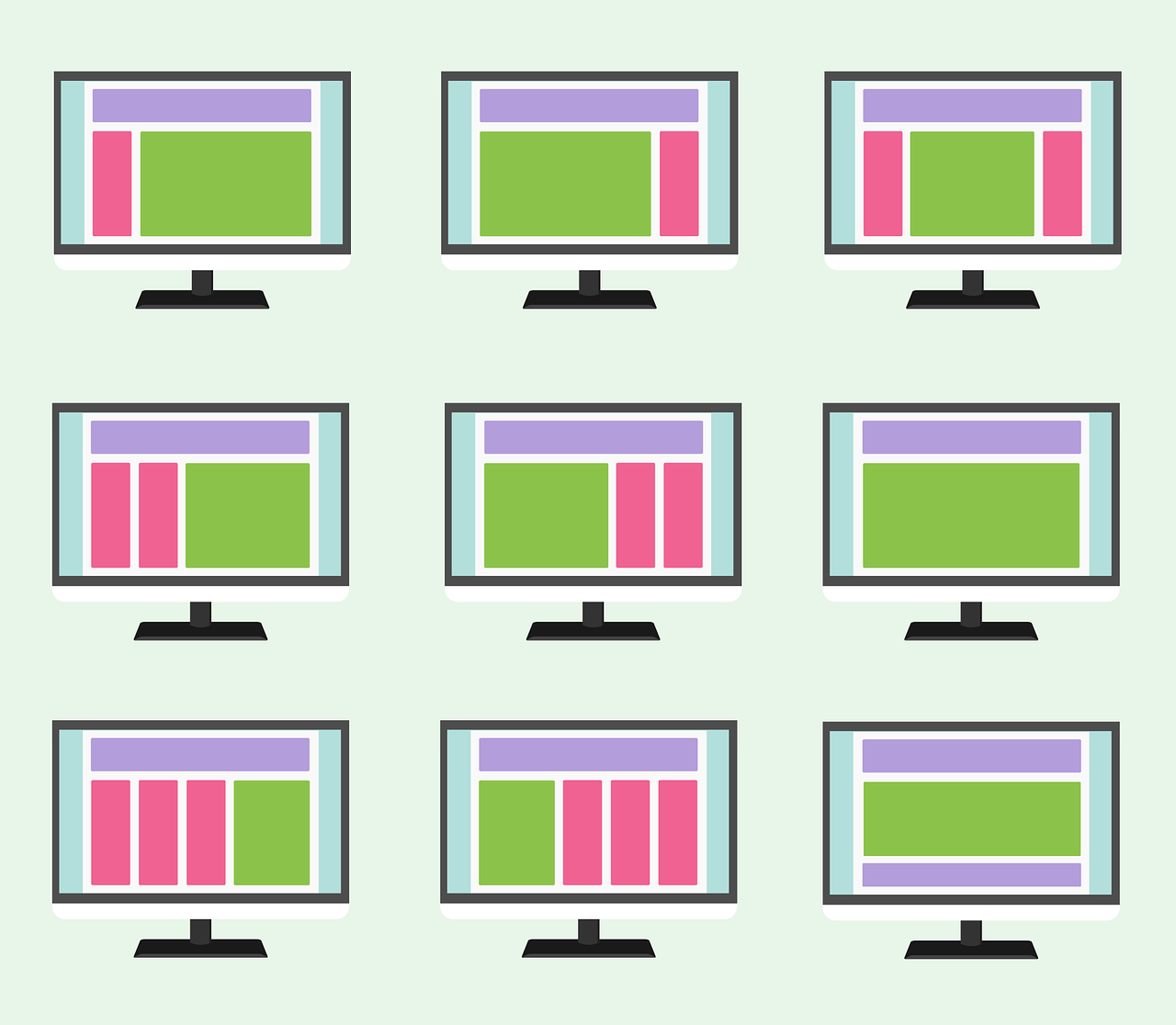
Elementor Container and Dynamic Content Integration Guide: Personalizing Your Website's Presence
Learn how to combine Elementor Container with dynamic content to create highly personalized WordPress sites. Master data binding, conditional logic layout, and performance optimization techniques to improve user engagement and conversions.
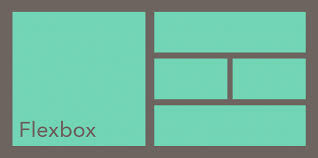
Elementor Container's Flexbox Functionality Explained: From Beginner to Proficient
In-depth analysis of Elementor Container's Flexbox features, from basic concepts to advanced applications. Master responsive navigation, card grid and other practical skills to improve the efficiency of web layout design and development.





