




Elementor Page 14
Elementor is a powerful drag and drop page builder for WordPress that makes it easy for users to create responsive websites. Known for its user-friendly interface that allows even non-developers to create professional-looking pages without writing a single line of code, Elementor offers a wealth of widgets, templates, and design options that grant complete creative freedom to improve the functionality and aesthetics of your website, making it the tool of choice for beginners and experienced developers looking to streamline their website design workflow.
arrange in order

How to Send Email Confirmations with Elementor Forms: A Detailed Guide
Elementor Forms in Elementor Pro is a powerful tool that not only allows you to create custom forms, but also to enhance the user experience by sending email confirmations. Since Elementor Forms is an exclusive feature of Elementor Pro, this article will...

Mastering Global Layout Settings in Elementor: A Detailed Guide
When building a WordPress site with Elementor, controlling global layout settings is critical to ensuring a consistent and visually appealing site. Global layout settings define the default appearance and layout of site pages, whether it's the width of content, the padding of containers, or the elements...

How to Set Template Conditions with Elementor: Enhancing Customization and SEO for WordPress Websites
With Elementor, you can create beautiful web pages and easily customize the layout and display of your website by setting template conditions for different pages. This article will detail how to set template conditions in Elementor to make your WordPress website more flexible...

How to Enhance Website Interactivity with Elementor Pro's Animations and Motion Effects
Elementor Pro, as a powerful WordPress page builder, provides rich animation effects and motion effects to help websites achieve more attractive interactive design. In this article, I will give you a detailed introduction on how to use Elementor Pro's animation features...

How to create and customize headers and footers with Elementor Free Edition
Learn how to use the free version of Elementor and the ElementsKit plugin to easily create and customize the header and footer of your WordPress website, entirely through a visual interface, with no coding experience required.

Elementor failed to load? Three quick fixes for "Enable Safe Mode" issues
Elementor editor failed to load how to do? This tutorial teaches you to enable safe mode, troubleshoot plugin conflicts and reinstall Elementor three ways to quickly solve the "Problems loading Elementor" prompt, to help you restore normal editing page functionality.
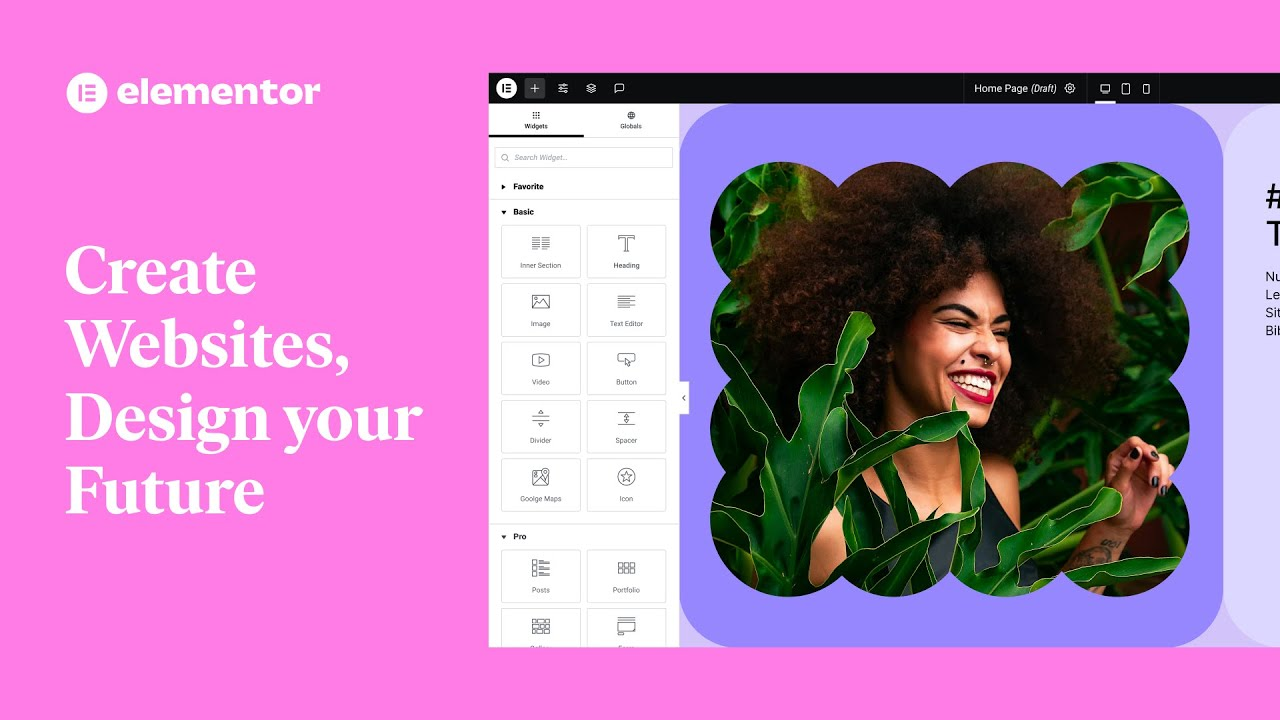
Explanation of common features of Elementor web editor: Improve website design efficiency
Learn about Elementor's core features, including drag-and-drop design, responsive design, rich templates, animated effects, form building, and SEO optimization, to help you quickly build effective, beautiful WordPress websites.

ACF in combination with Elementor: for efficient and flexible WordPress page building
The perfect combination of ACF and Elementor makes it easy to create a flexible and efficient WordPress page structure, realize modular design and independent content updating, and improve the efficiency of website management.

Elementor failed to load? 3 Ways to Fix "Please Enable Safe Mode" Problems
Encountered Elementor prompt "Please enable safe mode"? In this article, we share three common solutions to quickly restore editor functionality, suitable for novice troubleshooting.

Elementor Pro Tutorial: Editing Header and Paragraph Widgets and Applying Global Styles
Comprehensively explains how to set up title and text widgets in Elementor Pro, and introduces techniques for applying global fonts and colors.
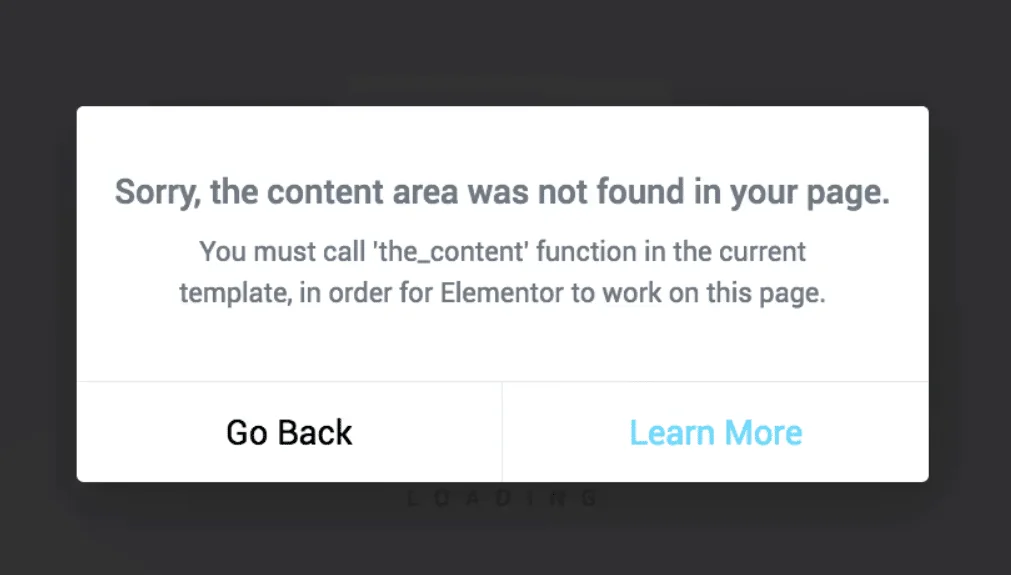
Elementor error content function?
When Elementor reported error "You must call the content function", the problem is usually in the template lack of the_content() function, this article explains the structure of the WordPress content loop and repair methods.

Elementor fonts not showing up on mobile? Tips to troubleshoot the 6 key points
Troubleshooting Elementor mobile fonts not displaying, from font loading to responsive settings, teaching you step-by-step to troubleshoot the 6 most common causes.

 简体中文
简体中文  English
  日本語
日本語  Français
  Español



