




Elementor Page 15
Elementor is a powerful drag and drop page builder for WordPress that makes it easy for users to create responsive websites. Known for its user-friendly interface that allows even non-developers to create professional-looking pages without writing a single line of code, Elementor offers a wealth of widgets, templates, and design options that grant complete creative freedom to improve the functionality and aesthetics of your website, making it the tool of choice for beginners and experienced developers looking to streamline their website design workflow.
arrange in order

How to Troubleshoot Incompatibility with Themes via Elementor Safe Mode
Use Elementor Safe Mode to quickly troubleshoot conflicts between themes or plug-ins and editors, solve common failures such as page failure to load, wrong style, etc., and improve WordPress website stability.

Complete Tutorial on Creating Comparison Tables with Elementor
Use Elementor in conjunction with widgets to easily create product comparison tables that showcase product features, images, and prices for e-commerce sites, service packages, or feature module comparisons.
Introducing Editor V4 Alpha: The Future of Elementor Website Building
Learn about the new features that Editor V4 Alpha introduces in Elementor, including reusable classes, interactive styles, simplified DOM structure, and fully responsive design controls to help users increase productivity and optimize site performance.

Elementor error resolution: add the_content function correctly
Explain how to correctly call the_content function in custom templates to solve the common error problem of Elementor not being able to load content.

How to use Elementor Safe Mode for quick troubleshooting?
Experiencing Elementor loading failures, editor crashes, or style errors? This article shows you how to use Elementor Safe Mode to quickly locate and fix the problem and improve troubleshooting efficiency.

Free Is Not Bliss: Five Security Risks of Elementor Pro Cracked Version
Using a cracked version of Elementor Pro hides multiple risks, including hacked websites, failure to update, data leaks and SEO losses, so stop using pirated plugins.

How to Troubleshoot Common Causes of Elementor Not Loading
Elementor page not loading? This guide comprehensively troubleshoots plugin conflicts, theme issues, server settings, and other key factors to help you quickly get your site back up and running.

Adding Multi-Level Filtering to Articles and Products in Elementor Tutorial
This tutorial describes the complete procedure and setup of adding multi-level filters to articles and products in Elementor using the Unlimited Elements plugin.

How to add a Floating Bar in Elementor
Teaches you how to quickly create Floating Bar with Elementor templates for displaying promotions, announcements or chat buttons for a variety of web scenarios.
Elementor vs WPBakery: which is better for WoodMart theme?
Compare the pros and cons of Elementor and WPBakery in the WoodMart theme to help you choose the best builder for your e-commerce site.
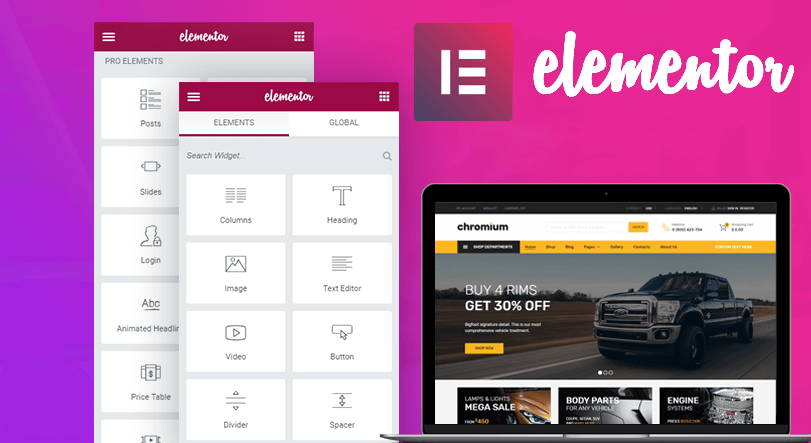
How to Enable Elementor Optimized Markup to Improve Page Load Performance
Elementor's Optimized Markup feature dramatically reduces redundant HTML structures and improves page load speed and Core Web Vitals performance. This article explains in detail how it works, how to enable it, and how it improves performance, which is suitable for newbies.

A Complete Beginner's Guide to Adding Template Archives in Elementor: Create Your Archive Page from Scratch
Want to make your website more attractive and efficient? Learn how to create powerful archive pages with Elementor to enhance user experience, optimize site structure, and boost SEO rankings! Click to get started building your archive pages now!

 简体中文
简体中文  English
  日本語
日本語  Français
  Español



