




Elementor Page 27
Elementor is a powerful drag and drop page builder for WordPress that makes it easy for users to create responsive websites. Known for its user-friendly interface that allows even non-developers to create professional-looking pages without writing a single line of code, Elementor offers a wealth of widgets, templates, and design options that grant complete creative freedom to improve the functionality and aesthetics of your website, making it the tool of choice for beginners and experienced developers looking to streamline their website design workflow.
arrange in order
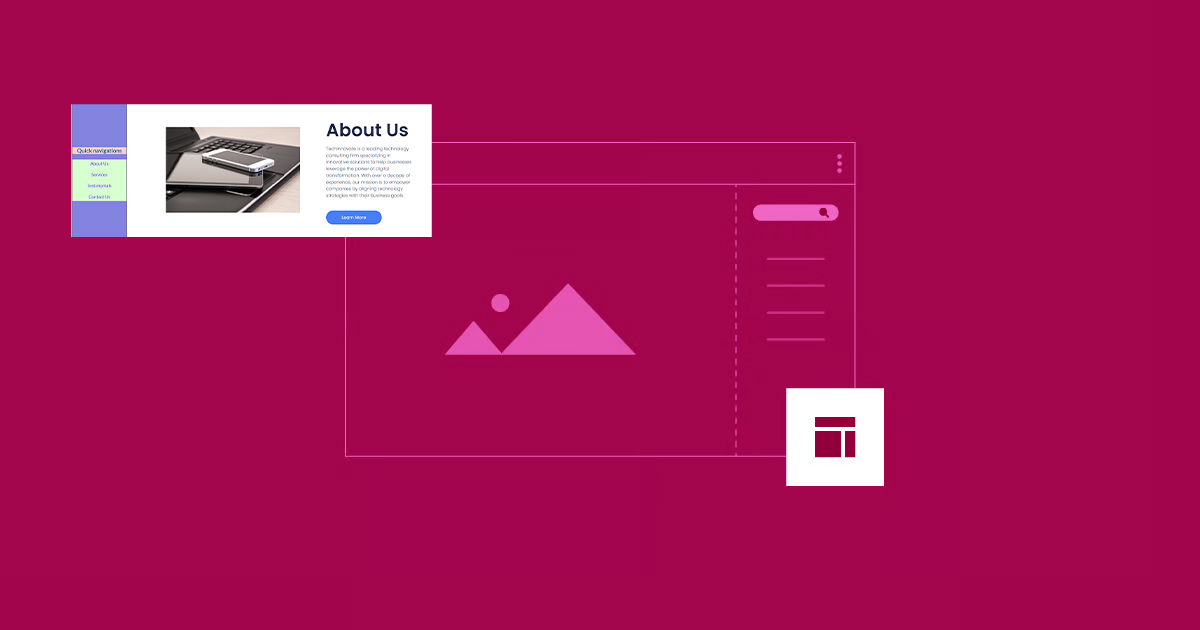
How to Create Vertical Sticky Headers with Containers in Elementor
What is a Vertical Sticky Header? Vertical Sticky Headers are a type of header bar that is fixed to the side of the page and stays visible as the user scrolls down the page, allowing easy access to other page areas or quick navigation. This design can be used in catalogs, navigation menus, link...

5 Creative Ways to Use Accordion Widgets: How to Embed Charts, Images, and More in Elementor
Web developers often use "Accordion widgets" (accordions) to organize content. Accordion widgets can show and hide content in a hierarchical fashion, i.e. a collapsible box, which makes the page look cleaner and improves the user interaction experience. With nested meta...
How to Optimize Images in Elementor: Improve Load Speed & SEO Results
Image optimization in an Elementor-powered WordPress website can improve loading speed and user experience. By properly optimizing image sizes, choosing the right format, compressing image files, and enabling delayed loading and content delivery networks (CDNs), you can ensure that pages load...
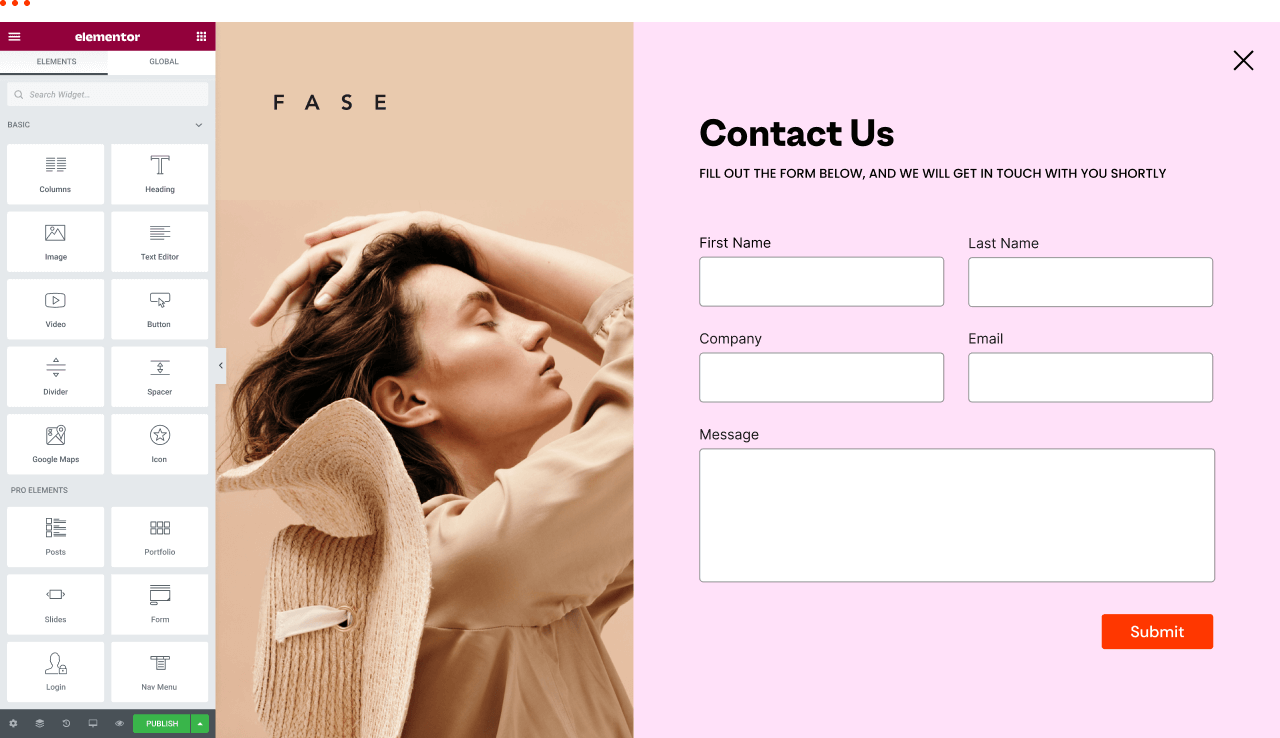
How to view and edit global fonts in Elementor
Using global fonts and colors is a crucial strategy in website design, not only to enhance the overall visual experience, but also to effectively reinforce your brand image. In this article, we'll explain in detail why it's important to use global fonts and colors, and we'll take a look at how to do so in Elementor...

How to Change Text Color and Typography Settings in Elementor
When building a website with Elementor, typography and colors are one of the key elements that determine the visual effect of a page.Elementor provides flexible and powerful tools that allow users to easily customize font typography and text colors. Let's take a look at how to modify these in Elementor...
Elementor custom fonts not showing up on live site
When using Elementor's custom fonts feature, a common problem is encountered: custom fonts are not displayed on the live site. There are many reasons for this problem, which may involve caching, HTTP/HTTPS settings, CORS errors, and so on. This article will analyze the possible causes and solutions in detail...
How to Create Exit Intent Popups with Elementor Pro
Exit intent popups are an effective tool for guiding users to take action before leaving a website, such as subscribing to a newsletter, getting a discount offer or filling out a form. With Elementor Pro, it's easy to create such popups that display key information when users try to leave...

Enhancing the User Experience: Creating Mobile-Friendly Sticky Footer Navigation in Elementor
Want your footer navigation to always be in sight like a mobile app? This guide will teach you how to create sticky footer navigation in Elementor for both free and paid versions of Elementor.Creating such navigation can greatly improve the user experience of your website, especially...

Elementor parallax background effect detailed tutorial: let the site more visual hierarchy
Elementor can create parallax background effects, which can make websites more vivid and add a sense of hierarchy. In this article, we'll show you how to create parallax backgrounds in Elementor for a compelling visual experience. What is Parallax? Parallax effect is a kind of pass...

How to easily implement image lightbox effects in Elementor
The lightbox effect is a very useful feature, especially if you need to zoom in to display an image.Elementor provides an easy way to create lightbox images without the help of other plugins. This article will provide an in-depth look at how to add Elementor...

A Complete Guide to Creating Professional Preloaders with Elementor Pro to Improve the Website Loading Experience
When building a website with Elementor, it is crucial to create a smooth visual experience for the user. Preloaders can show loading animations before the page content is fully loaded. Below, we'll give you a step-by-step guide on how to create a preloader in Elementor Pro. Preloaders...

A Complete Guide to Creating Sticky Videos with Elementor to Increase User Interaction and Video Views
On many news sites or content platforms, you may see a video that automatically appears in the bottom right corner of the screen. This video is called a "sticky video" because it automatically appears in the corner of the screen as the user scrolls down the page. By adding sticky video to your website, you can boost video...





