


WordPress Tutorial Page 28
The "WordPress Tutorials" feature takes you in-depth understanding of WordPress, from the basic installation, theme and plug-in configuration, to SEO optimization and site security, covering all aspects of the core knowledge and practical skills needed to build a site. Whether you are a novice or an experienced developer, you can find the appropriate tutorials to help you easily master the use of WordPress and advanced operations.
arrange in order

Can't program? That's okay! Get a professional-grade multilingual website in 5 steps with this plugin!
Detailed analysis of TranslatePress from installation to multilingual SEO optimization of the whole process, so that even a novice can quickly build an efficient multilingual website.

ElementKit Features Revealed for Beginners
ElementKit is a functional plugin for Elementor! More widgets, templates and animated effects to make WordPress sites high-end in seconds.

The difference between 503 and 502 errors: how to pinpoint the source of the problem
This article analyzes in detail the difference between 502 and 503 errors and common causes, providing effective solutions to help quickly locate server problems and ensure the stability and performance of the site.
EEAT Practical Approach: A Step-by-Step Analysis of Improving Website Authority and Trust
Want to rank your site more consistently and higher? This EEAT in-depth analysis teaches you to quickly boost trust with real experience, professional content & authority signals to make your site stand out from the competition. Missing out equals losing!

How to Embed Audio Files in Gutenberg and Elementor with EmbedPress Plugin
Learn how to embed audio files in your WordPress website using the EmbedPress plugin. Easily add an audio player through the Gutenberg or Elementor editor and customize playback options to enhance the user experience.

How to Use Rank Math to Improve SEO of Your Website: Full Explanation of Core Functions and How-to Guide
Improve your website's SEO performance with Rank Math plugin! This article introduces the core features of Rank Math plugin, including XML Sitemap, Meta Description Optimization, Keyword Optimization, Redirect Management, 404 Error Monitoring, Image SEO, etc., which help webmasters to...

Toggle graphic slider display area using Astra and Gutenberg
Use Astra with Gutenberg with the Spectra plugin to quickly create graphic rotation sliders without Elementor for product displays and homepage visual blocks.

Don't spend your money for nothing! The difference between ShopEngine Free Edition vs Professional Edition is so big?
Still hesitating to buy ShopEngine Professional? This in-depth review will help you see the feature gap, real experience and upgrade value, and help you take the wrong path!

Why must Elementor templates include the_content function?
In-depth analysis of Elementor templates why you must call the_content function, to avoid content does not display, page blanks and other common problems, and provide accurate and practical fixes.

WordPress form plugin this choice, newbies and businesses can quickly get started!
Featured WordPress contact form plugin recommendations, covering WPForms, Gravity Forms, Contact Form 7 and so on, to meet the different needs of newbies and enterprises.
Store owners are using it! WooCommerce Automated Review Requests, the secret to doubling your sales!
Still manually pushing your customers to write reviews? With WooCommerce automated review system, the secret to boosting sales and word-of-mouth by getting buyers to leave positive reviews on their own accord is right here!
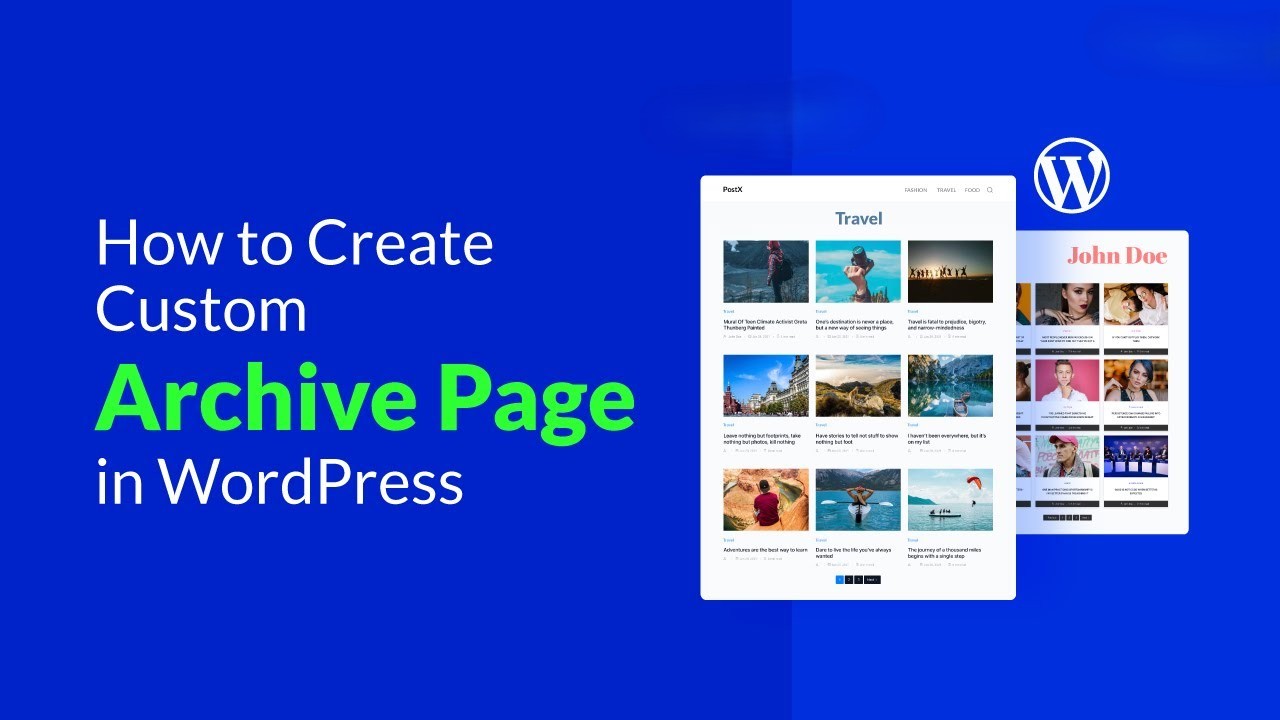
A Complete Beginner's Guide to Adding Template Archives in Elementor: Create Your Archive Page from Scratch
Want to make your website more attractive and efficient? Learn how to create powerful archive pages with Elementor to enhance user experience, optimize site structure, and boost SEO rankings! Click to get started building your archive pages now!

How to Create a WordPress Child Theme: A Detailed Guide
Understand the advantages and usage scenarios of WordPress child themes, and master the 5 steps to manually create a child theme with plugin-assisted methods to ensure that customization settings are not lost when the theme is updated.

Kadence Teaching: Kadence Shop Kit Size Charts Functionality Explained
Learn how to create and manage sizing tables for your WooCommerce store using the Kadence Shop Kit plugin. This article describes the steps for installing, enabling, location setting, appearance customization, and how to assign sizing charts to individual products or product categories to help customers make...

Translate more than just text and do true multilingual SEO optimization with TranslatePress!
Use TranslatePress to localize Elementor titles and meta tags with Rank Math/Yoast to generate hreflang to quickly boost multilingual indexing and clicks.

WoodMart Product Filtering Enhances Search Efficiency
WoodMart theme's product filtering function supports multi-dimensional combinations and Ajax loading, which improves search efficiency and e-commerce conversion rate, suitable for all e-commerce websites.

Slide Rotation Without Expertise: Astra + Free Plugin Solution
This article describes how to use Smart Slider 3 and MetaSlider, two free plugins to realize slideshow rotation under WordPress Astra free theme, to easily create brand header image, event rotation and product display.
How to Add Custom Currencies and Symbols in WooCommerce
This tutorial teaches you how to add custom currencies and their symbols to your WooCommerce store to enhance the shopping experience and increase user conversions. With simple steps, it makes it easy for you to manage your store's currency options.

Don't be confused! The hidden differences between Elementor Pro vs Free version revealed!
Still wondering if you should upgrade to Elementor Pro? The free version of Post Content Widget can only be a basic placeholder, while the Pro version can be used for templates, dynamic content loading, and SEO optimization! Click in to see the gap, don't regret only when you step into the pit!

How to Fully Customize WooCommerce Checkout Page with Elementor
Fully customize the appearance and functionality of your WooCommerce checkout page with Elementor's Checkout Widget. This article shows you how to set up the layout, fields, payment methods, and styles of the checkout page to optimize the user experience and increase conversions.

The Complete Guide to Choosing a Theme for WordPress Newbies
Comprehensive explanation of how to choose WordPress themes for newbies, covering blogs, e-commerce, business official websites of various types, with a high-quality theme recommendation form.

WooCommerce API to Logistics Tracking System: The Key to Automating Order Logistics
Docking the WooCommerce API with the logistics tracking system to achieve automatic order updates, improve customer experience and optimize e-commerce operational efficiency.

How to Boost International Visitors to Your Travel/Hotel Website with TranslatePress + Elementor
Your travel or hotel website isn't multilingual yet? Build a globalized website with TranslatePress + Elementor to easily boost visits and conversions!

What Exactly Is a CMS? And How Does It Relate to WordPress?
How to Choose an Open-Source CMS? This article clarifies the value of content management systems, key points of open-source licenses, and analyzes the ecosystem and positioning of WordPress as an open-source CMS, providing a practical checklist.

Kadence Tutorial: Creating Professional Forms in WordPress with kadence blocks
Learn how to easily create and manage forms in WordPress using Kadence Blocks advanced form blocks. Learn how to add form fields, customize styles, integrate with email marketing platforms and use redirection features with this tutorial.

WoodMart's Guide to Optimizing the Shopping Cart and Checkout Processes
Master WoodMart shopping cart and checkout page optimization techniques to streamline the process layout, enhance the mobile experience, and effectively improve the conversion rate of e-commerce websites.
No one clicks on the page? You might be overlooking these 6 Kadence SEO tips!
Master Kadence Blocks' 6 SEO tips, from headlines to responsiveness, to help your website's click-through rate skyrocket and earn more traffic!

WooCommerce shopping cart product quantity and content of the real-time update display method
Add AJAX dynamic update function in WooCommerce shopping cart to allow customers to view the cart content and the number of products at any time. This article describes how to display shopping cart information in the navigation bar and realize automatic update through code to improve the shopping experience.

No one told you: it turns out that the WhatsApp chat portal can be fixed with just the free version of Chaty!
Easily add WhatsApp chat windows to WordPress with Chaty Free Edition for multi-platform communication and improved communication efficiency.
Operation circle fried pot! The original WordPress footer can be played this way, optimize the structure + enhance the experience in one fell swoop!
You know what? Don't underestimate the footer! Customizing your HTML with WordPress not only showcases key information, but also enhances navigation, boosts SEO, strengthens your brand image, and instantly elevates your website!

 简体中文
简体中文  English
  日本語
日本語  Français
  Español



