


WordPress Tutorial Page 34
The "WordPress Tutorials" feature takes you in-depth understanding of WordPress, from the basic installation, theme and plug-in configuration, to SEO optimization and site security, covering all aspects of the core knowledge and practical skills needed to build a site. Whether you are a novice or an experienced developer, you can find the appropriate tutorials to help you easily master the use of WordPress and advanced operations.
arrange in order

A Comprehensive Guide to Resolving Elementor Unable to Edit Issues
Sometimes you may encounter a problem in Elementor that prevents you from editing a page or widget. When you are editing with Elementor, pages may appear "white screen of death", widget panels may be grayed out, and the editor may load indefinitely. These issues can affect workflow,...
How to Easily Sort Posts in WordPress with Drag and Drop Features and Plugins
By default, posts are displayed in Wordpress in chronological order from newest to oldest. Sometimes we may want to reorder them, such as putting important announcements, promotions, or the latest blog posts at the top of the home page. If you want to reorder posts in WordPress...

How to Setup WooCommerce Payments (Complete Guide for Newbies)
What is WooCommerce Payments? WooCommerce Payments (renamed WooPayments) is a payment method designed for WooCommerce, an e-commerce platform built on WordPress. It allows businesses to make payments directly on their website...

Detailed Guide: How to Customize and Reorder WordPress Admin Menu via Plugin or Code
When we work with WordPress websites, the backend admin menu is an important part of an administrator's daily operations. However, the default admin menu may not fully meet everyone's needs. In this article, we will detail two methods: using a plugin and manually reordering through code...

How to Use WooPayments for Multi-Currency Settlement
WooPayments' multi-currency feature enables displaying product prices to customers in multiple currencies. It also allows customers to select their preferred currency from a list defined on the site and then purchase their products in that currency. In this issue, a tutorial has been requested by the "community readers". Introducing...
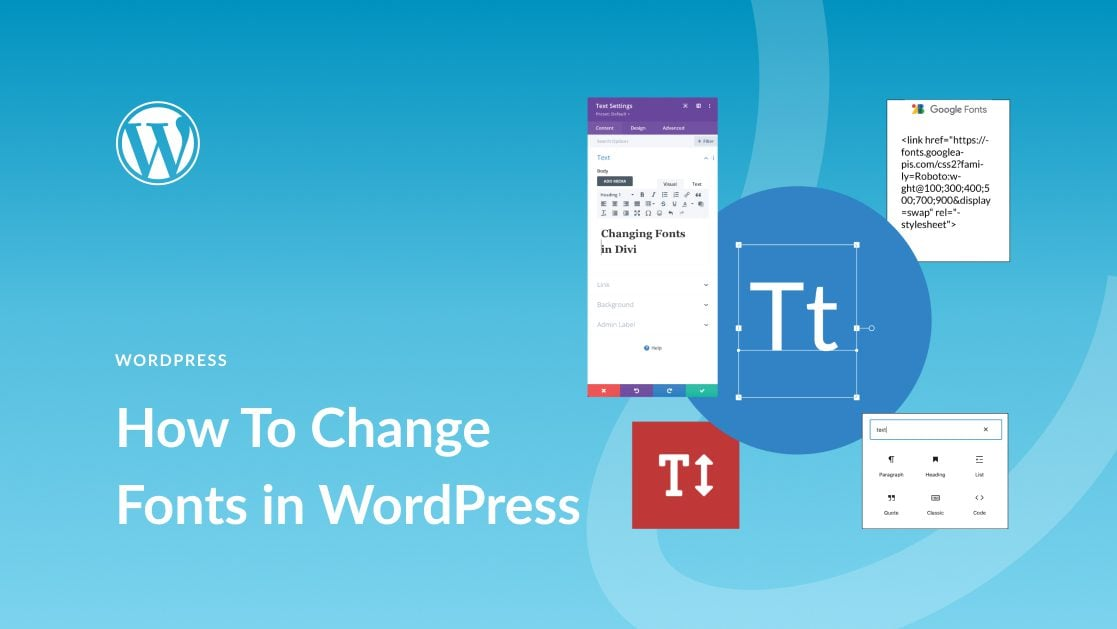
How to Easily Change Fonts in WordPress: 4 Simple Ways
In this post, we'll explore the many ways to change fonts in WordPress, whether you're using a theme, or customizing fonts with a plugin. 1. How to Change Fonts in WordPress (4 Easy Ways) ...

How to Quickly Fix Invalid JSON Response Errors in WordPress
Before we get into what causes the Invalid JSON Response error in WordPress, let's first understand what triggers this error. The error message usually pops up when you're working in the WordPress block editor, and when you try to add media files directly to the block...

WooPayments vs. Stripe plugin: which is better for your WordPress site?
WooPayments is built in partnership with Stripe. So, many of you are having a hard time deciding whether to use WooPayments or Stripe itself. To help you guys choose well, we've compiled some important differences. It's also possible to use both plugins at the same time, but sometimes it does lead...

Comprehensive Guide: How to Create, Configure and Optimize Coupons in WooCommerce
For eCommerce stores, coupons are an important marketing tool to help boost sales. This guide will take you through the details of how to create, setup, test and optimize coupons in WooCommerce. 1. How to Create Coupon Codes in WordPress WooCommerc...

WordPress forgot password how to do? -A few ways to teach you quickly recover the administrator account
Some careless WordPress administrators will forget their WordPress backend login password, and the computer does not save the password locally. Don't worry, there are several ways to teach you to recover it quickly. The easiest way to recover a forgotten password is to change or reset it. How to...
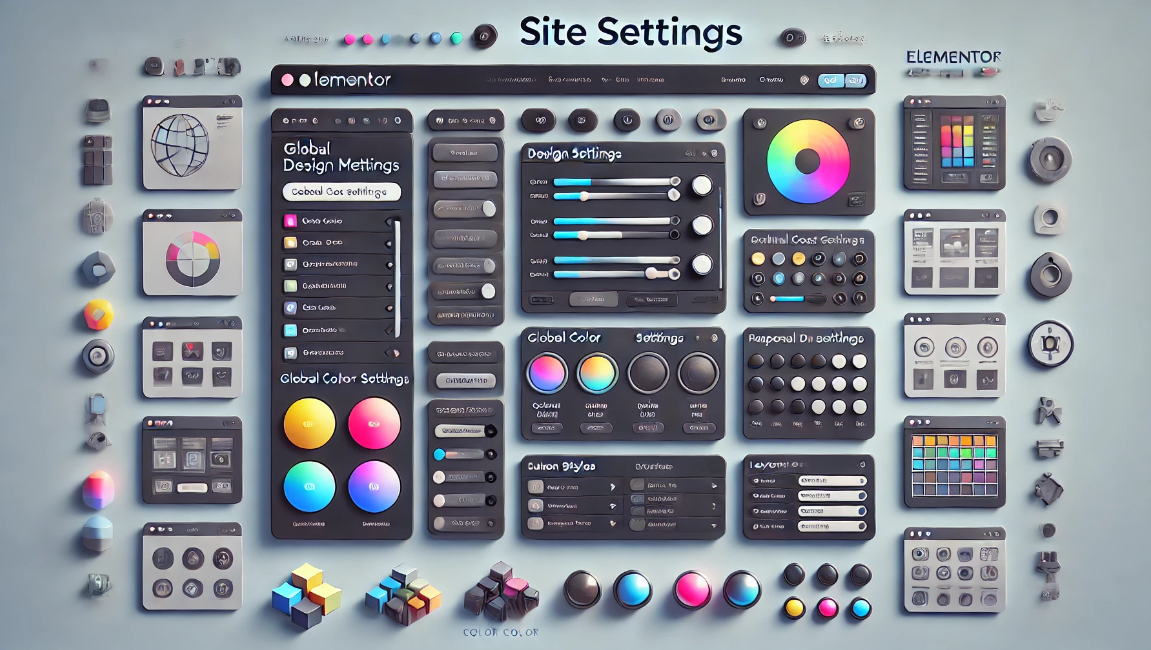
Simplify design management of multi-page websites with Elementor Site Settings
Elementor is a powerful page builder plugin, especially for multi-page sites that require flexible design and customization. With Elementor's global site settings, you can dramatically simplify the process of designing and managing multi-page sites, ensuring consistent style and ease of maintenance. This article...
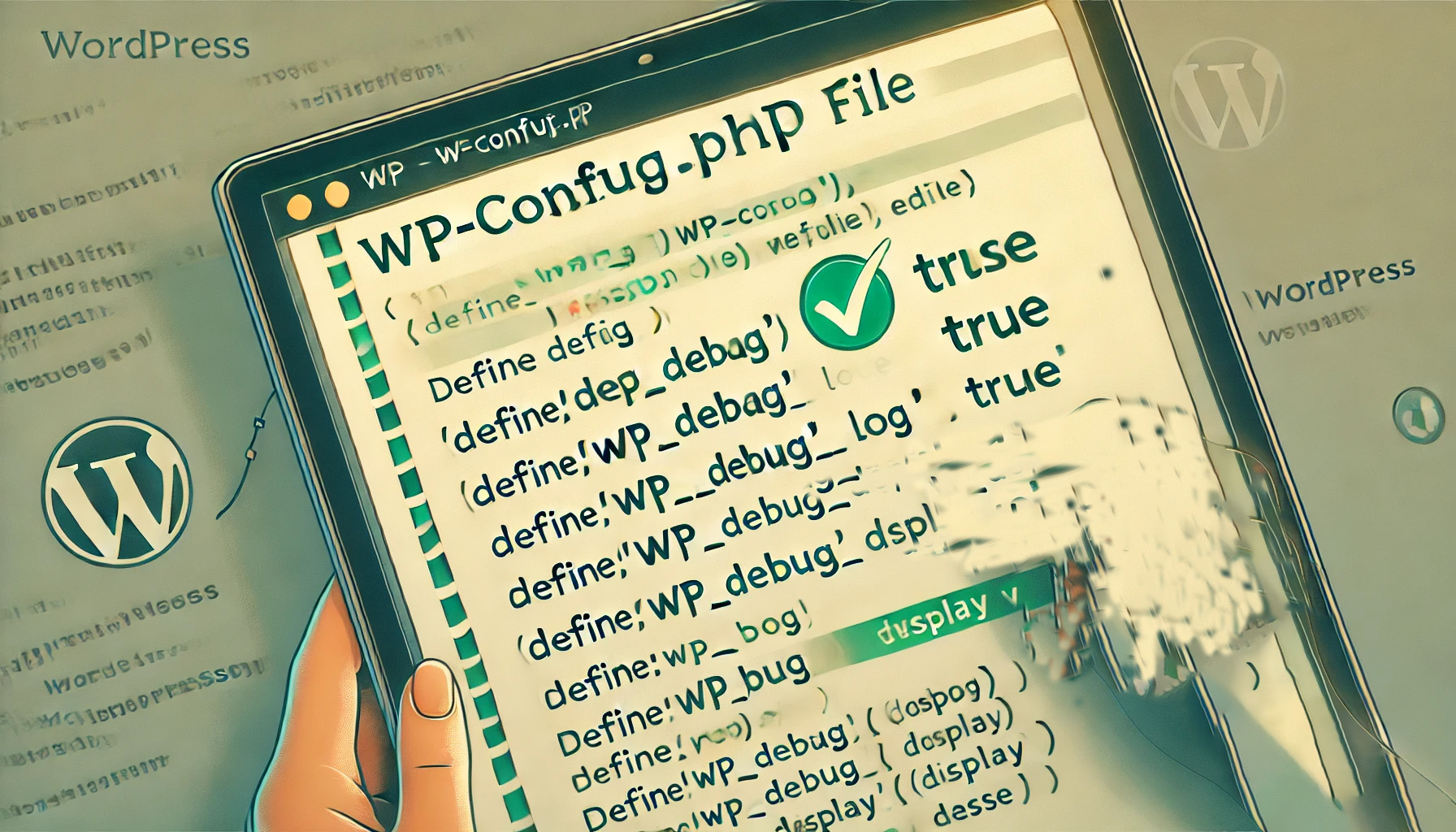
How to Enable and Use the WordPress Debug Log: The Complete Guide
When managing a WordPress website, it's relatively common to encounter a white screen, a feature failure, or a page loading problem. At this point, WordPress debugging is very important. WordPress has a built-in debugging tool that enables debugging logs to catch errors and help me...
Recommended Best Code Optimization Plugins for WordPress in 2024
If you're looking for the best way to optimize your WordPress site, you're probably already familiar with some common techniques such as caching, image optimization, and using a CDN to speed up site loading. In addition to these traditional methods, there's a key component to code optimization...
How to create a WordPress lightbox without a plugin: a detailed tutorial
WordPress has been able to create lightbox effects without relying on third-party plugins since version 6.5. This feature has been integrated into the WordPress core, especially for those who use the WordPress block editor (Gutenberg). Therefore, adding images and enabling lightbox effects for them is now...
How to move the WordPress admin bar to the footer: a detailed tutorial
WordPress by default displays the admin bar at the top of the screen, and this bar helps you quickly access WordPress backend functions. However, some users may find the location of the admin bar a bit obtrusive and want to move it, especially to change its appearance and location. In this tutorial, through WP...
How to delete unused WordPress media: detailed tutorial
Deleting media files that are no longer in use is an effective solution during the operation of a WordPress website when the host's disk space starts to fill up but we don't intend to upgrade the hosting package for the time being. In this article, we will explain how to delete unused WordPress manually or through a plugin...
How to add WhatsApp button in WordPress: detailed tutorial
Before adding a WhatsApp button, you need to first determine whether the function of this button is to display WhatsApp contact information only or to provide a live chat service. This distinction is important because it will directly affect your website performance and user experience. Live Chat vs.

Beginner's Guide: Building Your Website for Free with WordPress
WordPress can provide you with all the tools you need to help you build and manage your website with ease. Whether you want to create a blog, showcase a portfolio, or open an online store, WordPress has your back, and most of its features are free. The first ...
How to Disable WordPress RSS Feeds: Protecting Website Content from Automatic Copying
WordPress RSS feeds provide subscribers with the convenience of quick access to updates, but in some cases, it can also be used by others to automatically fetch and copy your website content. Therefore, disabling RSS feeds is one of the protective measures you can take. What is W...

How YouTube playback revenue is calculated and the factors that influence it
YouTube is the world's largest video sharing platform. It is a place for content creators to showcase their talent and share their knowledge, and an important channel for many to generate income.YouTube's revenue model is complex and varied, and creators' income depends on a number of factors. This article will detail YouTube broadcast...
How to Increase WordPress Memory Limit to Ensure Your Website Runs Smoothly
This article will delve into how to increase the WordPress memory limit to ensure that your website runs smoothly. Prerequisites for Increasing the WordPress Memory Limit Before you begin, you need to make sure that the following conditions are in place: Permissions to access the .htaccess file: Usually in WordP...

A Complete Guide to Creating Sticky Videos with Elementor to Increase User Interaction and Video Views
On many news sites or content platforms, you may see a video that automatically appears in the bottom right corner of the screen. This video is called a "sticky video" because it automatically appears in the corner of the screen as the user scrolls down the page. By adding sticky video to your website, you can boost video...

A Complete Guide to Creating Professional Preloaders with Elementor Pro to Improve the Website Loading Experience
When building a website with Elementor, it is crucial to create a smooth visual experience for the user. Preloaders can show loading animations before the page content is fully loaded. Below, we'll give you a step-by-step guide on how to create a preloader in Elementor Pro. Preloaders...

How to easily implement image lightbox effects in Elementor
The lightbox effect is a very useful feature, especially if you need to zoom in to display an image.Elementor provides an easy way to create lightbox images without the help of other plugins. This article will provide an in-depth look at how to add Elementor...
Customizing the WooCommerce Checkout Page: Full Tutorial
The checkout page of a website that does e-commerce is one of the important aspects. After all, it's the final destination for customers after placing an order. If the website WooCommerce checkout page is difficult or time-consuming to use, buyers may abandon their shopping and leave a bad impression of the website. An effective and high converting checkout...

Elementor parallax background effect detailed tutorial: let the site more visual hierarchy
Elementor can create parallax background effects, which can make websites more vivid and add a sense of hierarchy. In this article, we'll show you how to create parallax backgrounds in Elementor for a compelling visual experience. What is Parallax? Parallax effect is a kind of pass...

How to Restrict Content in WordPress: A Guide to Member Access Rights and Content Protection
It is possible to cash in on content on your WordPress site with a subscription or one-time payment model. In our experience, MemberPress, a WordPress plugin, works better. (We recommend this one.) Why limit access to content to registered users only? Just like our VIP tutorial site a...
How to Add and Customize HTML Forms in WordPress: Detailed Tutorials
What are HTML forms? Why are they needed? An HTML form is an area that allows users to enter and submit data, and is commonly used to collect user information such as name, email address, feedback, and order information. Unlike WordPress form plugins, HTML forms are created through...
How to Hide Pages in WordPress: Five Practical Ways and Detailed Procedures
In this guide, we will explore the many ways to hide pages in Wordpress, and analyze the application scenarios and procedures of these methods to help you flexibly control access to your website content. Method 1: Use WordPress built-in page visibility settings WordPres...

A Quick Guide to Fixing WordPress "Another Update is Currently in Progress" Errors
When updating a core, plugin, or theme in WordPress, you will sometimes encounter an error message that says "Another update is currently in progress". This prevents you from continuing with the update and leaves your site in an unmodifiable state. This article will detail the cause of this error and provide...

 简体中文
简体中文  English
  日本語
日本語  Français
  Español



