


WordPress Tutorial Page 36
The "WordPress Tutorials" feature takes you in-depth understanding of WordPress, from the basic installation, theme and plug-in configuration, to SEO optimization and site security, covering all aspects of the core knowledge and practical skills needed to build a site. Whether you are a novice or an experienced developer, you can find the appropriate tutorials to help you easily master the use of WordPress and advanced operations.
arrange in order

How to Add a Table of Contents to WordPress: a Complete Guide to Improving Readability and SEO
Adding a table of contents to a long WordPress post not only improves readability but also enhances the overall structure of the site. A table of contents provides readers with clear navigation and helps them quickly locate the content they are interested in. In this post, we will detail how to add a table of contents in WordPress...
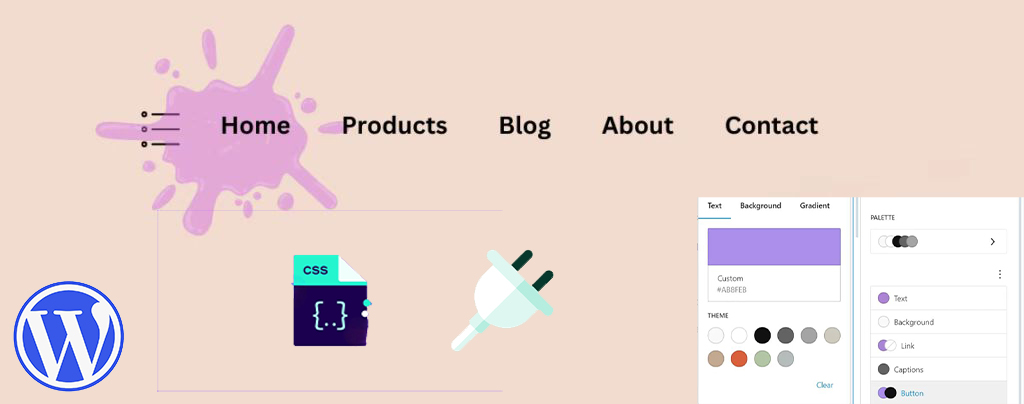
How to Easily Modify Menu Colors in WordPress: a Comprehensive Guide
An eye-catching and easy-to-navigate menu can greatly enhance the user experience and encourage them to browse further through your site's content. Adjusting the menu color can make your website design more personalized. This article will take you through the details of how to change menu colors in WordPress, teach...
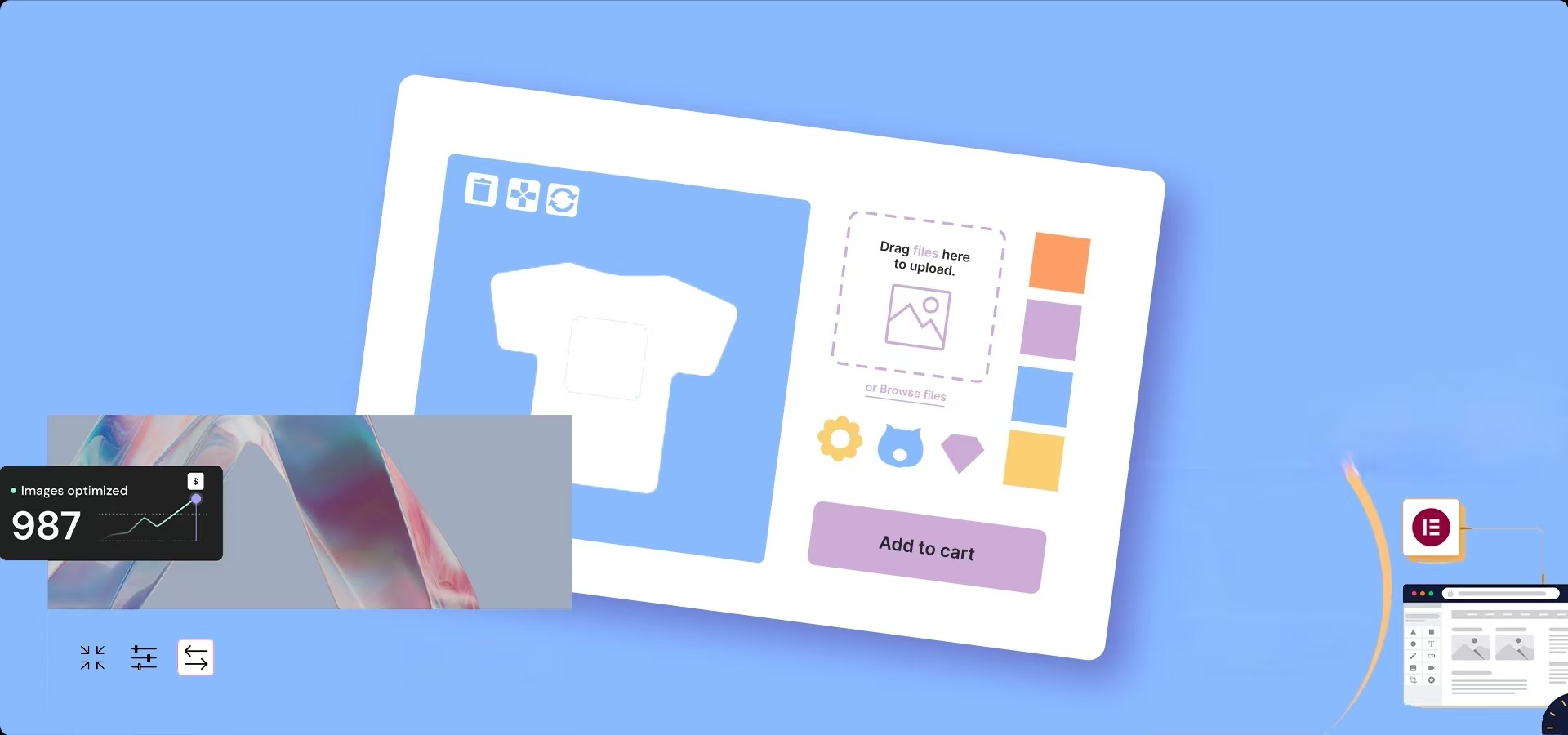
How to Optimize Images in Elementor: Improve Load Speed & SEO Results
Image optimization in an Elementor-powered WordPress website can improve loading speed and user experience. By properly optimizing image sizes, choosing the right format, compressing image files, and enabling delayed loading and content delivery networks (CDNs), you can ensure that pages load...

5 Creative Ways to Use Accordion Widgets: How to Embed Charts, Images, and More in Elementor
Web developers often use "Accordion widgets" (accordions) to organize content. Accordion widgets can show and hide content in a hierarchical fashion, i.e. a collapsible box, which makes the page look cleaner and improves the user interaction experience. With nested meta...
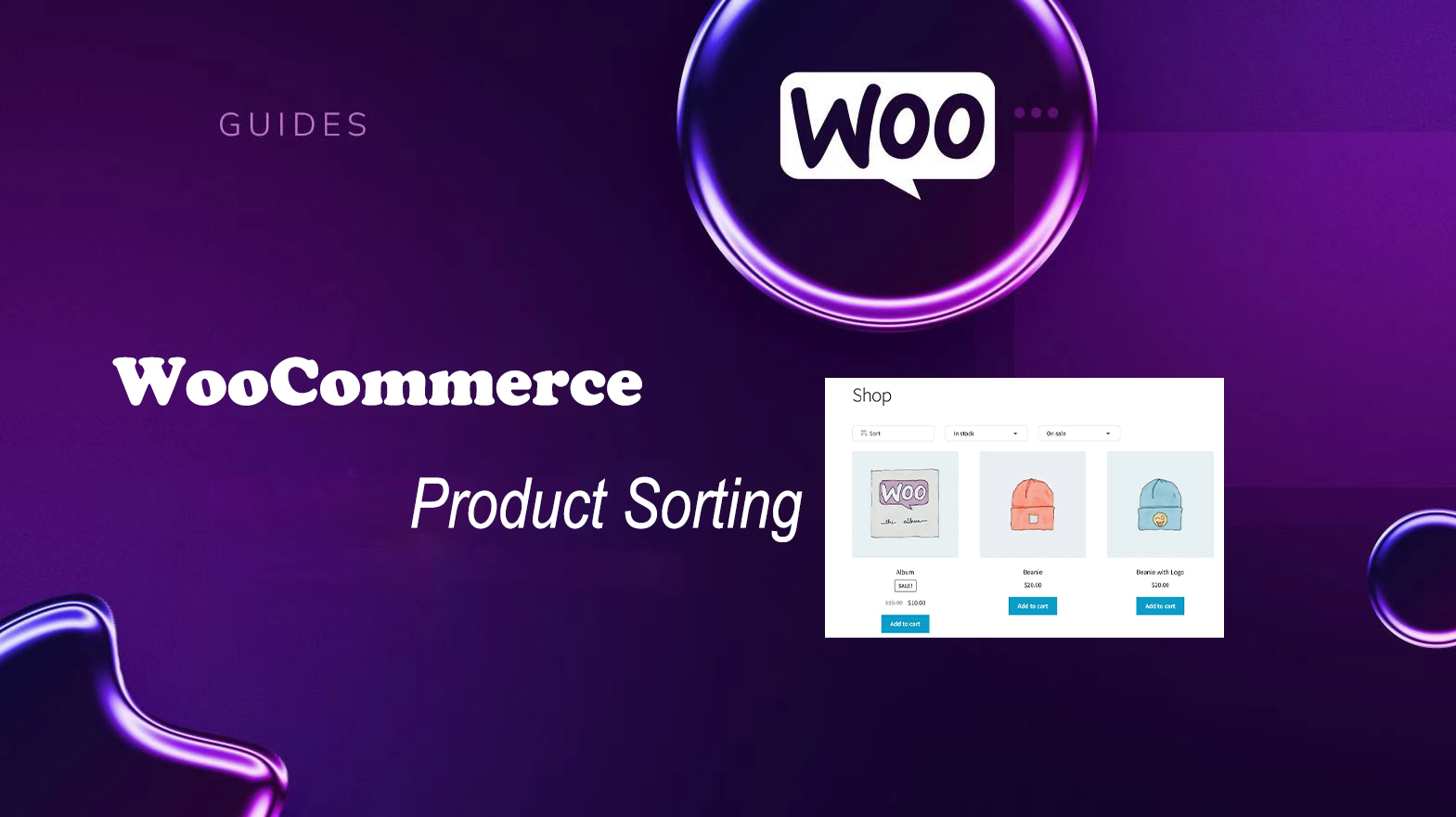
Improving User Experience and Conversion: A Comprehensive Analysis of WooCommerce Product Sorting Optimization Tips
In WooCommerce, more advanced sorting can be achieved through the built-in sorting options, manually adjusting the order of your products, or using a plugin. Why is WooCommerce product sorting important? Effective product sorting helps customers quickly find the items they need, which increases...

Configuration Guide for WooCommerce Cache Plugin
In websites that use WooCommerce, the use of caching plugins can effectively increase page loading speed and improve user experience. However, since pages such as shopping carts, user accounts, etc. involve dynamic user data, these pages should usually not be cached, otherwise it may lead to information exhibition...
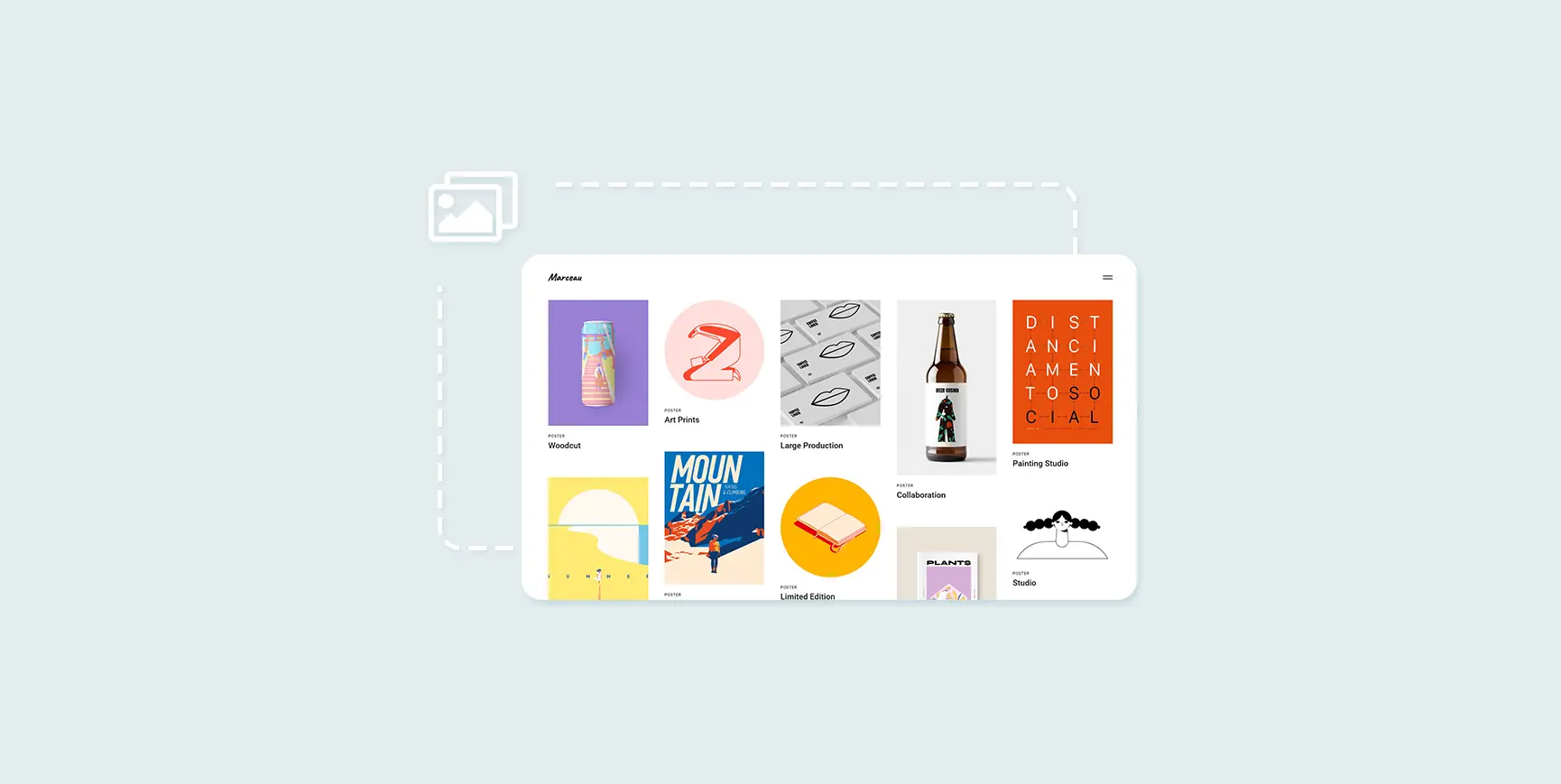
How to Create and Optimize Gallery in WordPress with Gutenberg Gallery Block
Gutenberg Gallery Block is a popular WordPress tool for photographers, artists, bloggers and businesses that makes creating galleries easy, intuitive and requires no coding knowledge. If you want to enhance your website with professional, stylish galleries...
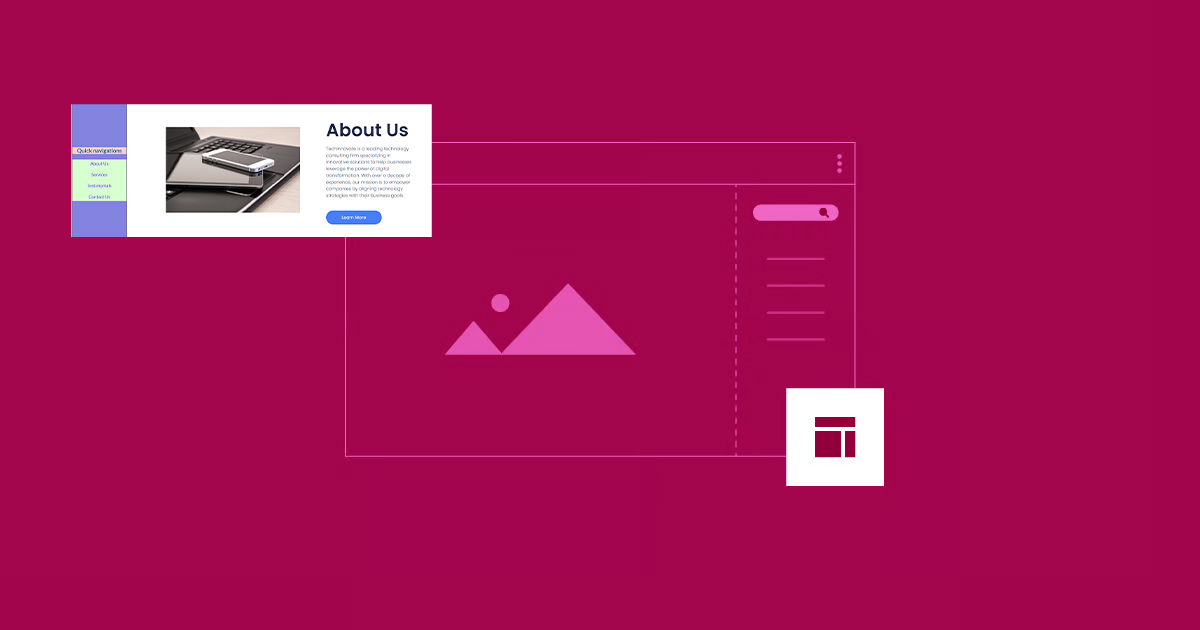
How to Create Vertical Sticky Headers with Containers in Elementor
What is a Vertical Sticky Header? Vertical Sticky Headers are a type of header bar that is fixed to the side of the page and stays visible as the user scrolls down the page, allowing easy access to other page areas or quick navigation. This design can be used in catalogs, navigation menus, link...
WordPress Multisite vs. Multidomain: How to choose the best way to manage it?
In many business scenarios, one website may not be enough to fulfill all the needs of a client. For example, when there are multiple brands, selling customized products for different regions, running a chain of organizations, or managing a network of blogs, there may be a need for multiple related websites. At this point, how to effectively manage this...

How to solve "Post Content widget not found" error in Elementor
In the past two days, a reader left a comment in the community (Photon Community) that he encountered a "Post Content widget not found" error when using Elementor to design a WordPress single post template. This is a relatively common problem with Elementor, which usually occurs when creating or...
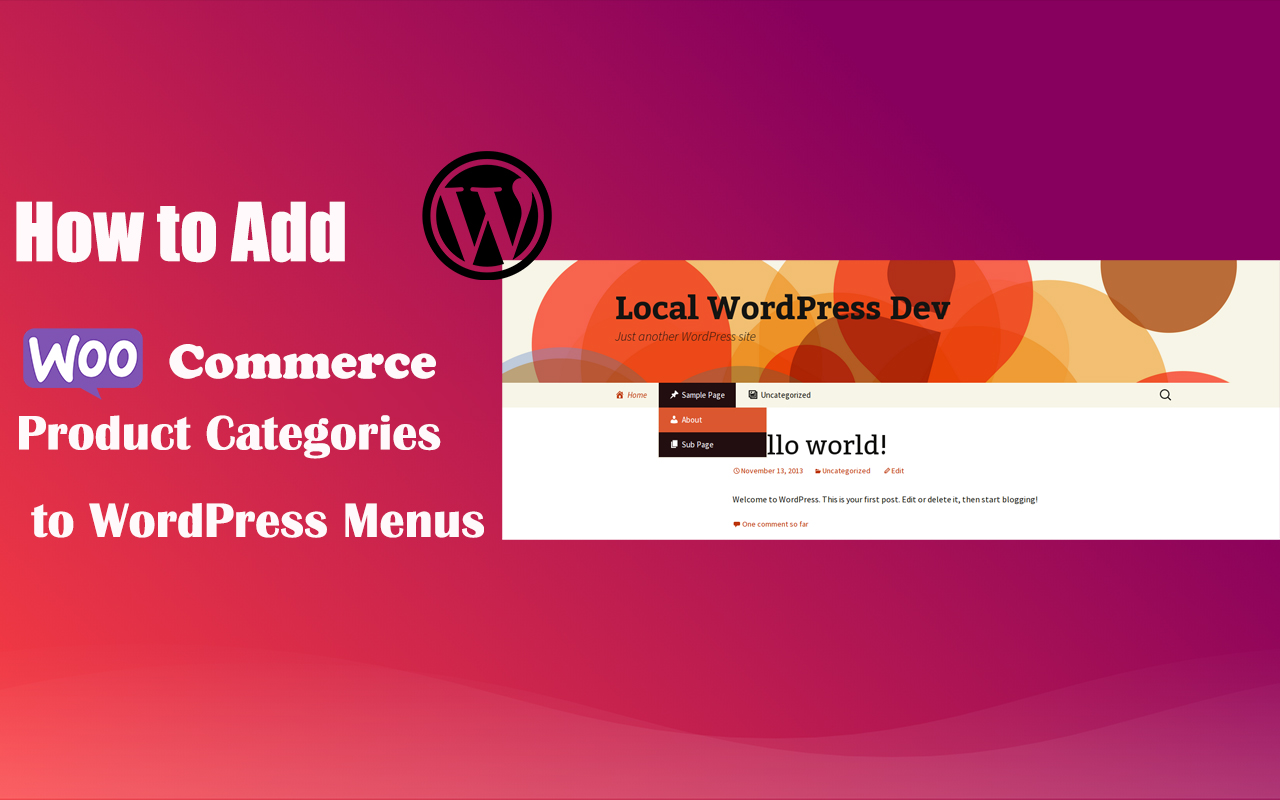
How to Add WooCommerce Product Categories to WordPress Menus to Improve User Experience and Conversions
When running a WooCommerce store, it's important to help users quickly navigate to product categories. By adding product categories to the main WordPress menu, you can simplify the user experience and make it easy for users to find the products they need. In this article, we'll detail how to add WooCommerce ...

5 Practical Ways to Add Custom CSS in WordPress and FAQs
Adding custom CSS to WordPress is a very practical way to give you complete control over the look and feel of your website. Custom CSS is a very flexible and powerful tool in WordPress website customization, helping you to have fine control over your website's visuals, cloth...
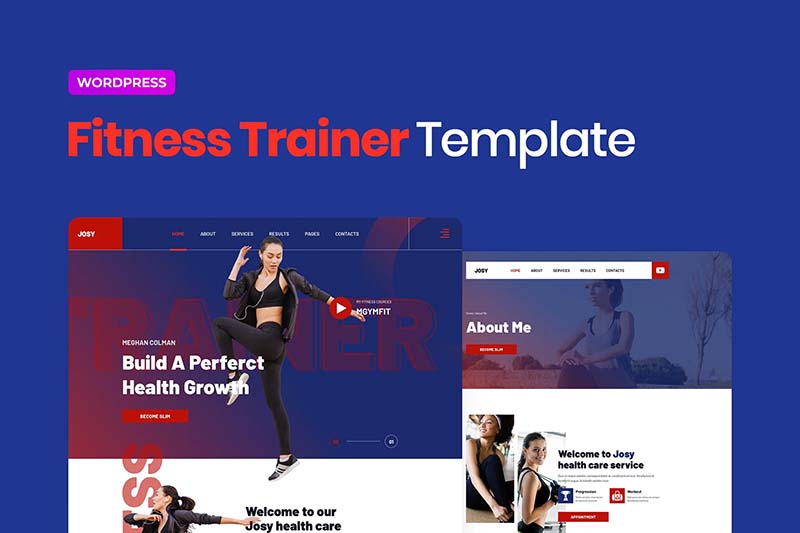
Josy - Sports & Fitness Elementor Template Kit
Josy Template Features Includes Global Theme Styles 58 Elementor Templates Pixel-Level Design 100% Responsive Layout Simple and Easy-to-Use Styles Easy to Use and Customize Supports All Major Browsers (Chrome, Firefox, Safari, Edge, Opera) Uses Free G...
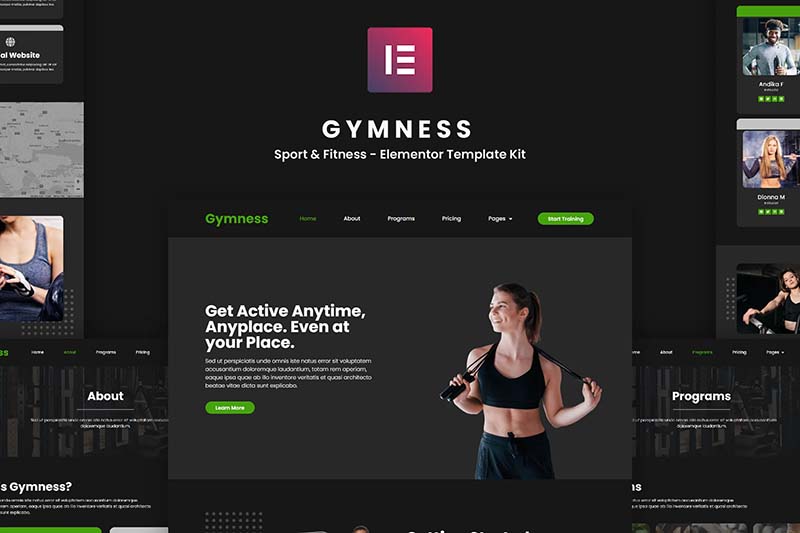
Gymness - Sports & Fitness Elementor Template Suite
Gymness is an Elementor template suite for gyms, yoga studios and fitness instructors, offering a modern and professional design to help you build sports and fitness websites with ease.
 Members Only
Tarkamo - Football and Sporting Events Elementor Template Suite
Tarkamo - Football and Sporting Events Elementor Template Suite is an Elementor template suite specially designed for soccer and sporting events, suitable for displaying fixtures, results, team profiles, etc., facilitating the organization and promotion of sporting events. Key features: Responsive design...

How Elementor Creates and Manages Single Product Templates (Comprehensive Guide)
Learn how to create, edit and manage single product templates to standardize your product presentation. This guide covers template exporting, renaming, deleting, and other operations to help you optimize your website's product page layouts and improve user experience and SEO.

The Best Way to Customize Your WordPress Dashboard: 5 Practical Tips to Enhance Your Experience
Learn how to customize your WordPress dashboard with code and plugins. From removing unnecessary widgets to adding shortcut menus and personalizing your login page, this guide provides the 5 best ways to help you optimize your WordPress backend experience.
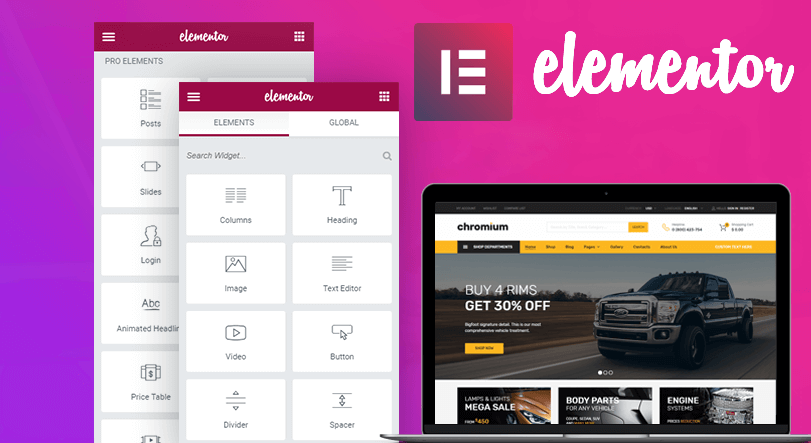
How to use the custom code feature in Elementor
Learn how to add HTML, JavaScript, and CSS custom code in Elementor to flexibly implement Google Analytics, Facebook Pixel, and other code tracking and custom styles to enhance the functionality and personalization of your WordPress website.

Why does the WordPress admin bar overlap with the navigation menu? A complete guide to fixing it
An in-depth look at the causes of WordPress admin bar and navigation menu overlap issues, as well as detailed solutions, including hiding the admin bar, tweaking CSS, and checking for plugin conflicts, to ensure that your site's navigation displays correctly and improves the user experience.

Easily Remove WordPress Sidebars: 8 Ways to Improve the Simplicity of Your Website
Learn how to remove WordPress sidebars in 8 easy ways to optimize your website layout and improve user experience. Whether through theme settings, plugins, or manual code editing, this article provides detailed steps.

Smart Post Layout for Elementor - Elementor Smart Post Layout plugin
Smart Post Layout is a WordPress plugin designed for Elementor to help users easily create elegant blog post display areas. It provides two layouts (rotate and grid) and five themes to enhance the visual effect of your blog without coding. Main Features: Two...

WordPress Top Admin Bar Missing Problems and Solutions
Experiencing WordPress admin bar loss issues? This guide details how to fix this issue by checking user configurations, theme files, plugin conflicts, and more to help you quickly restore the normal display of your site's admin bar.

Comprehensive Guide: How to Create and Customize User Registration Forms in WordPress
Learn how to create user registration forms in WordPress, covering enabling the built-in registration functionality, customization with plugins, code development, and best practices for optimizing user experience and form security.

How to Effectively Manage and Optimize Product Reviews in WooCommerce
Learn how to disable product reviews in WooCommerce or turn off reviews for specific products. We also provide tips for managing and optimizing the display of reviews to help improve user experience and page aesthetics.

The Complete Beginner's Guide to Troubleshooting WordPress Errors
This article details how to troubleshoot and fix common WordPress errors, including white screen of death, database connection errors, plugin and theme conflicts, and more. With this guide, you can quickly resolve issues, ensure your website runs smoothly and improve user experience.
Content Automation and Integration with Python and the WordPress REST API: A Comprehensive How-To Guide
Automate content publishing, data analysis, and page updates by integrating the WordPress REST API with Python. This guide covers the complete step-by-step process from API setup and authentication to content management to help realize efficient WordPress automation.
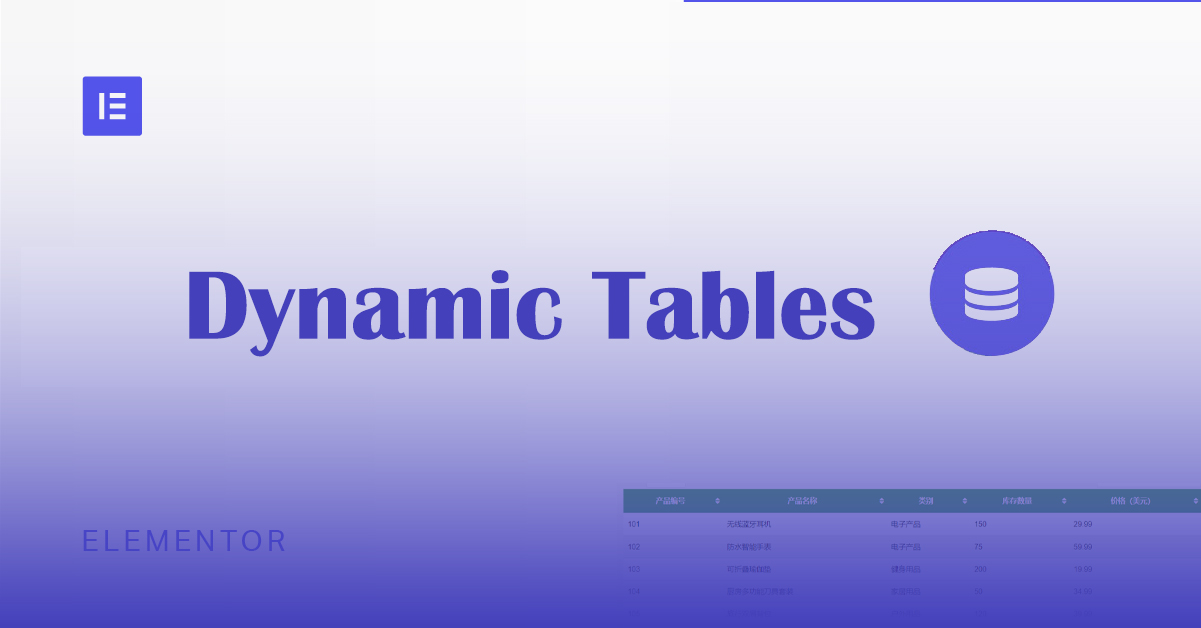
Implementing Dynamic Tables in Elementor: A Guide to Automatic Updates and Custom Styles
Create dynamic tables in Elementor to display real-time updated data and reduce manual maintenance workload. This article introduces using TablePress and WP Data Tables to achieve automatic data synchronization for product catalogs, inventory information, etc., which helps to improve website user experience.
How to Fix WordPress Admin Ajax 400 (Bad Request) Error
Learn how to fix Admin Ajax 400 (Bad Request) error in WordPress. This article will cover the common causes of this error, such as invalid URLs, browser caching, plugin conflicts, etc., and provide solutions that will help you get your site back to functionality quickly.
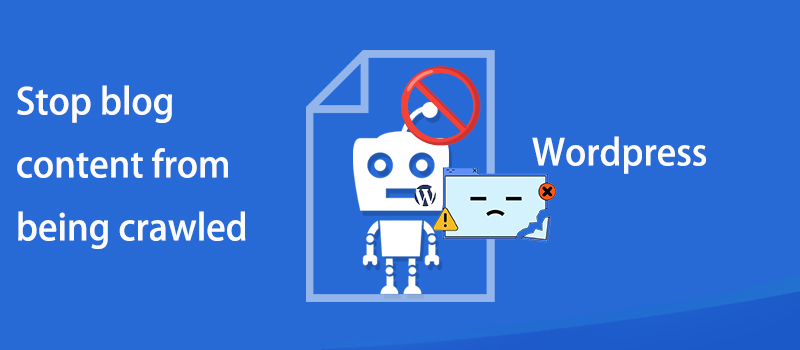
How to prevent WordPress blog content from being crawled: practical tips for protecting original content
Learn how to effectively prevent WordPress blog content from being crawled, including using copyright protection, disabling Trackback and Pingback, limiting RSS feeds, blocking crawlers from accessing your site, and other tactics that will help you protect your original content and improve your site's SEO ranking.

How to Create an Efficient WooCommerce Product Catalog: Practical Tips and Optimization Solutions
Learn how to plan and optimize your WooCommerce product catalog with a complete tutorial on how to improve user experience and conversion rates, from catalog structure to product presentation tips.

 简体中文
简体中文  English
  日本語
日本語  Français
  Español



