


WordPress Tutorial Page 37
The "WordPress Tutorials" feature takes you in-depth understanding of WordPress, from the basic installation, theme and plug-in configuration, to SEO optimization and site security, covering all aspects of the core knowledge and practical skills needed to build a site. Whether you are a novice or an experienced developer, you can find the appropriate tutorials to help you easily master the use of WordPress and advanced operations.
arrange in order
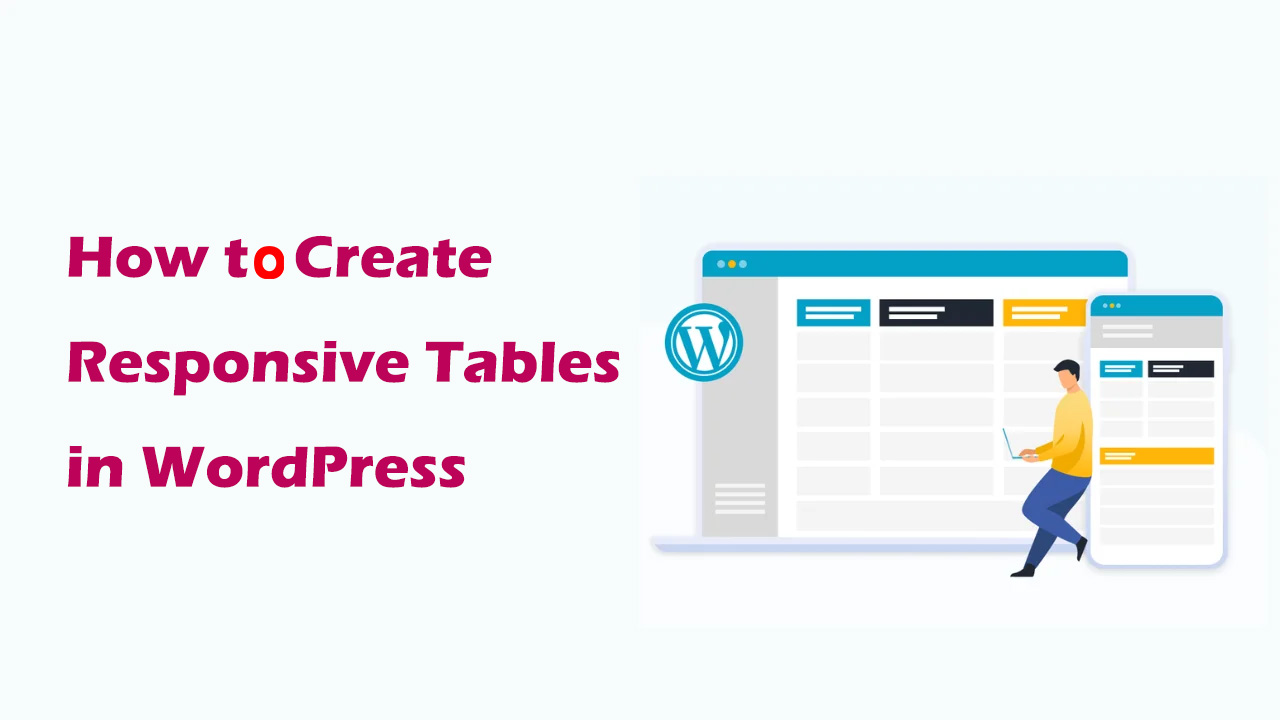
How to Create Responsive Tables in WordPress: Plugin and Manual Methods Explained
Learn how to create responsive tables in WordPress, including the easy way to use the TablePress plugin and the manual HTML+CSS customization method. Whether you're a beginner or a developer, it's easy to create tables that adapt to different screen sizes.

Accelerating Animation with Elementor AI: A Tutorial
With GSAP Animation and Elementor AI, learn how to add dynamic video effects to your website to enhance the user experience, increase interactivity, immerse visitors in the scrolling process, grab their attention, and boost website conversions.
WordPress Fixed Links Not Working? A comprehensive fix guide to help you resolve link issues
Learn in detail how to fix WordPress fixed link errors, from basic settings to server configurations, resolving 404 errors and SSL-related issues, and ensuring that users navigate your site smoothly.
Tutorial on using the ACF plugin: creating field groups
Learn how to create and manage field groups in WordPress using the ACF plugin, mastering how to add fields, select field types, set field labels and field names, and configure location rules. Provide your website with powerful custom field functionality to improve content management and editing effectiveness...
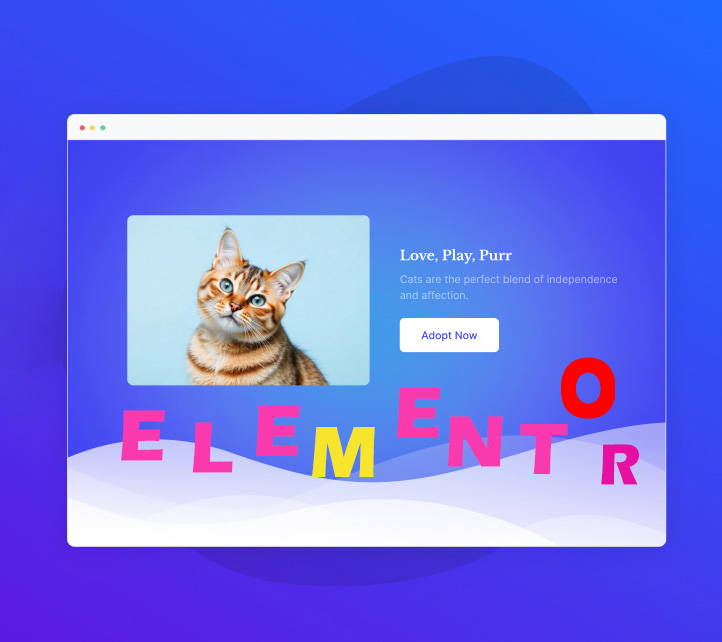
How to Create a Wave Hover Effect in Elementor Gallery: Full Tutorial
Add a wave hover effect to your Elementor gallery to bring a dynamic visual experience to your WordPress site. This tutorial covers detailed steps including image settings, custom CSS code, animation tweaks, and more.
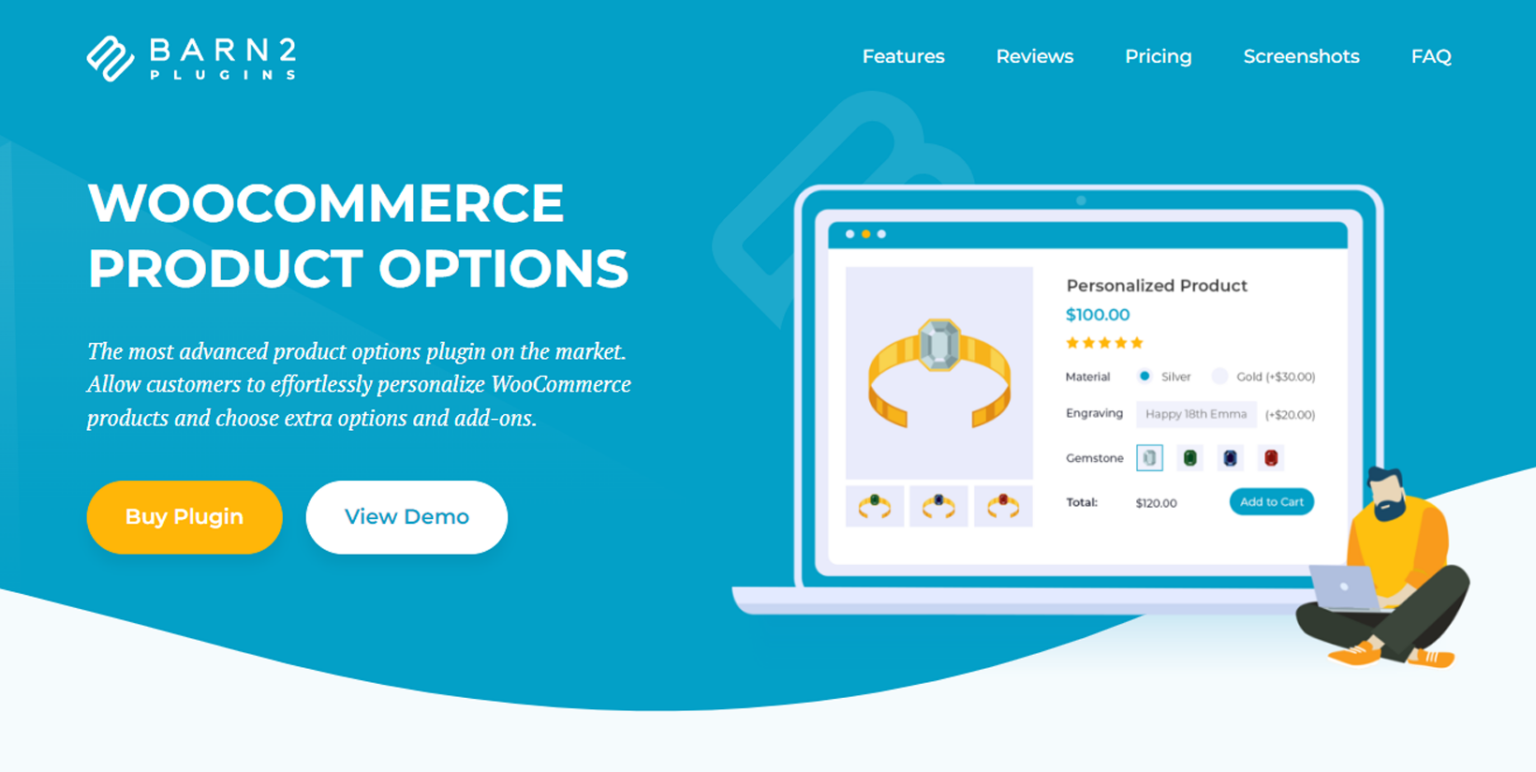
11 Plugins to Modify WooCommerce Product Pages
Discover 11 of the best WooCommerce product page customization plugins to improve conversions across the board, from optimizing layout to enhancing the customer experience. Whether it's adding custom fields, dynamic pricing, or upgrading product displays, these plugins have you covered.
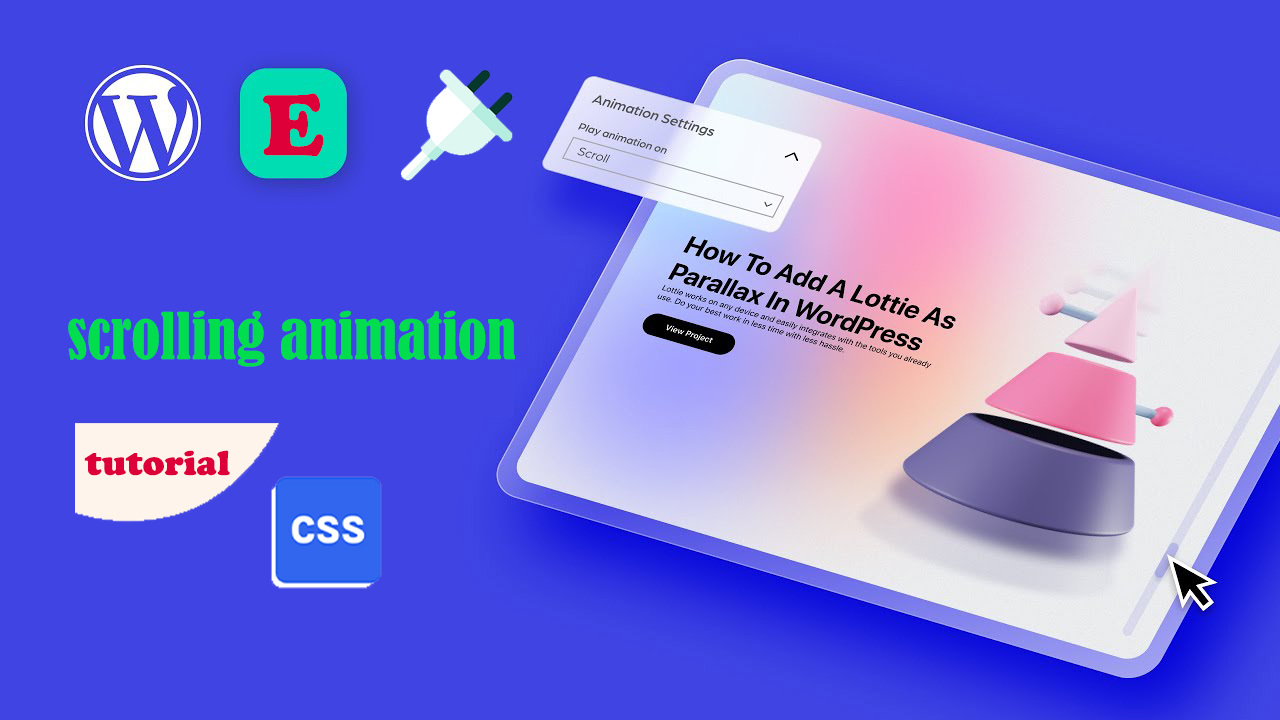
Three Ways to Implement Scrolling Animation in WordPress: Plugins, Elementor and CSS Tutorials
Add scrolling animation in WordPress to enhance web page dynamics and user experience. This article introduces a variety of ways to achieve scrolling animation through the Scrollsequence plugin, Elementor builder, and HTML anchor tags and CSS, suitable for different needs.
How to Fix Common SSL Issues in WordPress
This guide provides a comprehensive analysis of how to fix common SSL/HTTPS issues in WordPress, including mixed content errors, too many redirects, invalid certificates, etc., to help you quickly optimize your site's security and user experience.

WordPress Text Effects Guide: Implementing Text Colors, Shadows and Animations to Easily Enhance Page Aesthetics
Learn how to add rich visual effects to text on a WordPress page or post, including color shifts, shadows, underline animations, typewriter effects, and more, to enhance page aesthetics and user experience.

Complete Guide to Adding Custom Domains in Site Mailer
Learn how to add custom domain names to Site Mailer and enhance customer trust by setting up a personalized outgoing address. Detailed instructions include DNS setup, CNAME record creation and validation process.
WordPress Membership Plugin Review: Simple WordPress Membership and Top 3 Alternatives
Comprehensive review of Simple WordPress Membership plugin, analyzing its core features, pros and cons, and recommending 3 best alternative plugins, including AovUp Membership, WP-Members and WooCommerce Memberships, to help you choose the most suitable solution for membership management....
How to Get Google Additional Links for WordPress Websites
Learn how optimizing your site structure, submitting a sitemap, using structured data, and internal linking strategies can help make your WordPress site more likely to get additional links from Google, boosting click-through rates and brand exposure.

How to Customize WooCommerce Product Pages with Elementor to Improve User Experience and Page Appeal
Customize your WooCommerce product pages with Elementor, and easily design unique layouts with drag-and-drop editors and rich widgets to enhance user experience and page appeal, all without coding!

Tutorial on the use of the ACF plugin: adding fields to categorized terms
Learn how to add custom fields to WordPress category terms using ACF (Advanced Custom Fields) and implement HTML customization by modifying template files such as category.php and taxonomy.php to enhance site functionality and design.

Comprehensive analysis of WooCommerce short code: e-commerce page optimization and functionality implementation guide
Comprehensive analysis of WooCommerce shortcode basics and application methods, including product display, shopping cart and checkout page optimization, user account management and advanced customization, to provide efficient solutions for e-commerce websites.
How to Show Personalized Content to Different Users in WordPress
Want to show personalized content to different users in your WordPress website? This article shares three ways to use OptinMonster, If-So Dynamic Content plugin and FunnelKit to easily implement user-customized content display and improve conversion rate and user experience.

How to Change the Default Text Selection Color in WordPress
Learn how to easily change the WordPress default text selection color through theme settings or CSS code to make your website design more aesthetically pleasing, improve user experience, and maintain brand color scheme consistency.
How to Limit Comment Length in WordPress (Detailed Tutorial)
Reduce comment spam and improve discussion quality and user experience by setting maximum and minimum character limits for WordPress comments. This tutorial details how to easily implement comment length limits using plugins or code to help optimize your WordPress site.

How to Fix WordPress Theme File Editor Missing Issue: Complete Guide
Understand the common causes of WordPress theme file editor loss, including security settings, plugin conflicts, and configuration issues, and learn detailed repair steps and alternative theme customization methods to quickly restore file editing functionality.
Tutorial on using the ACF plugin: adding fields to menu items
Learn how to add custom fields to WordPress menu items using the Advanced Custom Fields plugin and modify the HTML output of menu items with the wp_nav_menu_objects filter to personalize the navigation menu even more.

How to Create Custom Search Results Pages with Elementor: A Complete How-To Guide
Learn how to create customized search results pages using Elementor and Elementor Pro. This tutorial explains in detail the search box settings, live search templates, configuration of the archive post widget, and how to enhance the user experience.

How to create flexible custom one-page templates with Elementor Flexbox containers: a detailed tutorial
Learn how to create custom one-page templates using Elementor's Flexbox container with detailed step-by-step tutorials to provide flexible layouts and modern designs for blog posts, product pages, or service pages, optimizing user experience and responsive results.

How to Add a Mega Menu to a WordPress Website: A Step-by-Step Tutorial
Learn how to add a mega menu to your WordPress website using the Max Mega Menu plugin. This tutorial provides a step-by-step guide to help you create feature-rich, visually appealing navigation menus that enhance user experience and website usability.
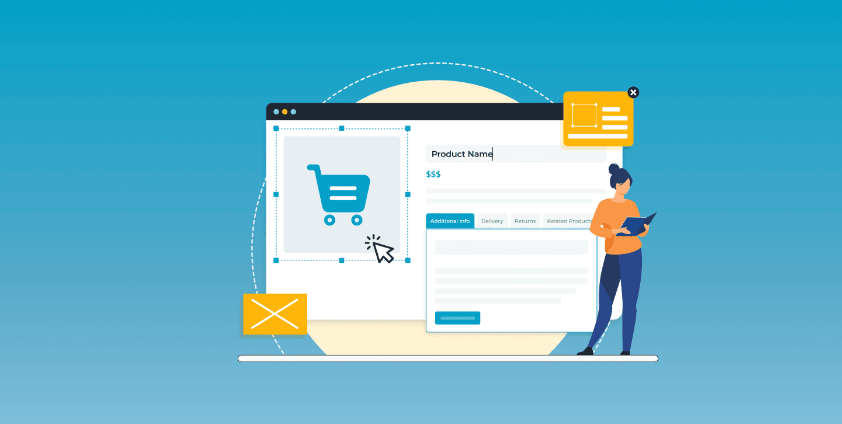
4 Practical Ways to Customize WooCommerce Product Pages to Boost Ecommerce Conversions
Learn how the WooCommerce site editor, plugin extensions, custom code, and page builders like Elementor give you the flexibility to create personalized product pages that boost brand image and sales conversions.

How to Add Custom Fields to WooCommerce Products: Methodology and Best Practices
Learn how to add custom fields to WooCommerce products to improve user experience and conversion rates. Detailed explanations of plugins and code implementations for beginners and experienced developers.

Customizing WooCommerce Shopping Cart Pages with Elementor: The Ultimate Guide to Boosting Conversions
Customize WooCommerce shopping cart pages with Elementor to improve conversions and user experience with coupons, upsells, dynamic content, and more. Detailed tutorials, easy to follow, no code required.

How to Fully Backup and Restore a WooCommerce Database: Keeping Your Store Data Safe
Learn how to backup your WooCommerce database and restore your data easily with manual, plugin, hosted service and command line methods. Protect your store data from losses due to data loss.

How to Import HTML Files into WordPress: A Step-by-Step Guide to Three Simple Methods
A detailed step-by-step guide that teaches you how to import HTML into WordPress, including how-to's for the Classic Editor, Block Editor, and Page Builder, to help you easily retain your design, optimize your development, and achieve deep customization.

How to use the WordPress get_post_meta function: a complete guide and practical examples
Learn how WordPress get_post_meta function works, basic syntax and use cases to easily retrieve custom field data for more powerful and dynamic website functionality.
What is WordPress Website Optimization?
Understand how to optimize WordPress themes, plug-ins and hosting configurations to comprehensively improve website performance, master Core Web Vitals metrics, performance testing tools and optimization techniques to create a fast-loading and efficient website.

 简体中文
简体中文  English
  日本語
日本語  Français
  Español



