


WordPress Tutorial Page 38
The "WordPress Tutorials" feature takes you in-depth understanding of WordPress, from the basic installation, theme and plug-in configuration, to SEO optimization and site security, covering all aspects of the core knowledge and practical skills needed to build a site. Whether you are a novice or an experienced developer, you can find the appropriate tutorials to help you easily master the use of WordPress and advanced operations.
arrange in order
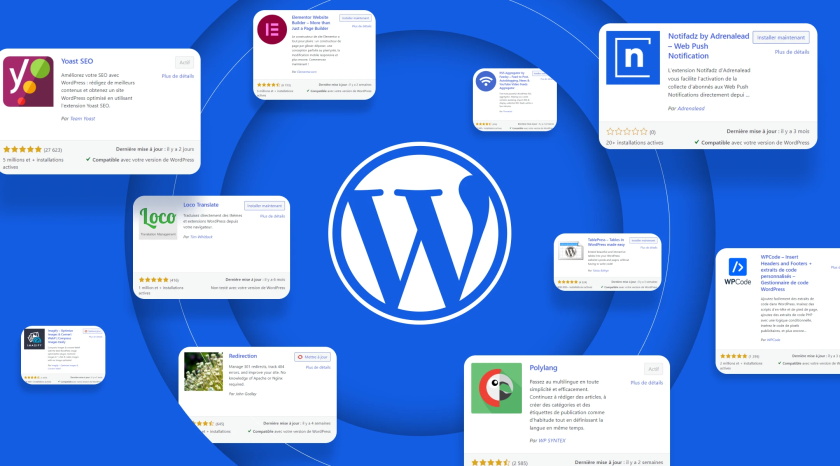
WordPress Sidebar Ads Management: How to Create Custom Ad Widgets
Learn how to create custom ad widgets in WordPress for efficient management and optimized placement of sidebar ads, support Google AdSense and other ad alliance codes, and improve traffic cash flow.
How to import users into WordPress using a CSV file: a detailed and comprehensive tutorial
Detailed tutorial teaches you how to batch import users to WordPress via CSV files, including common scenarios, plugin recommendations (WP All Import), import steps and precautions to help you efficiently manage user data.
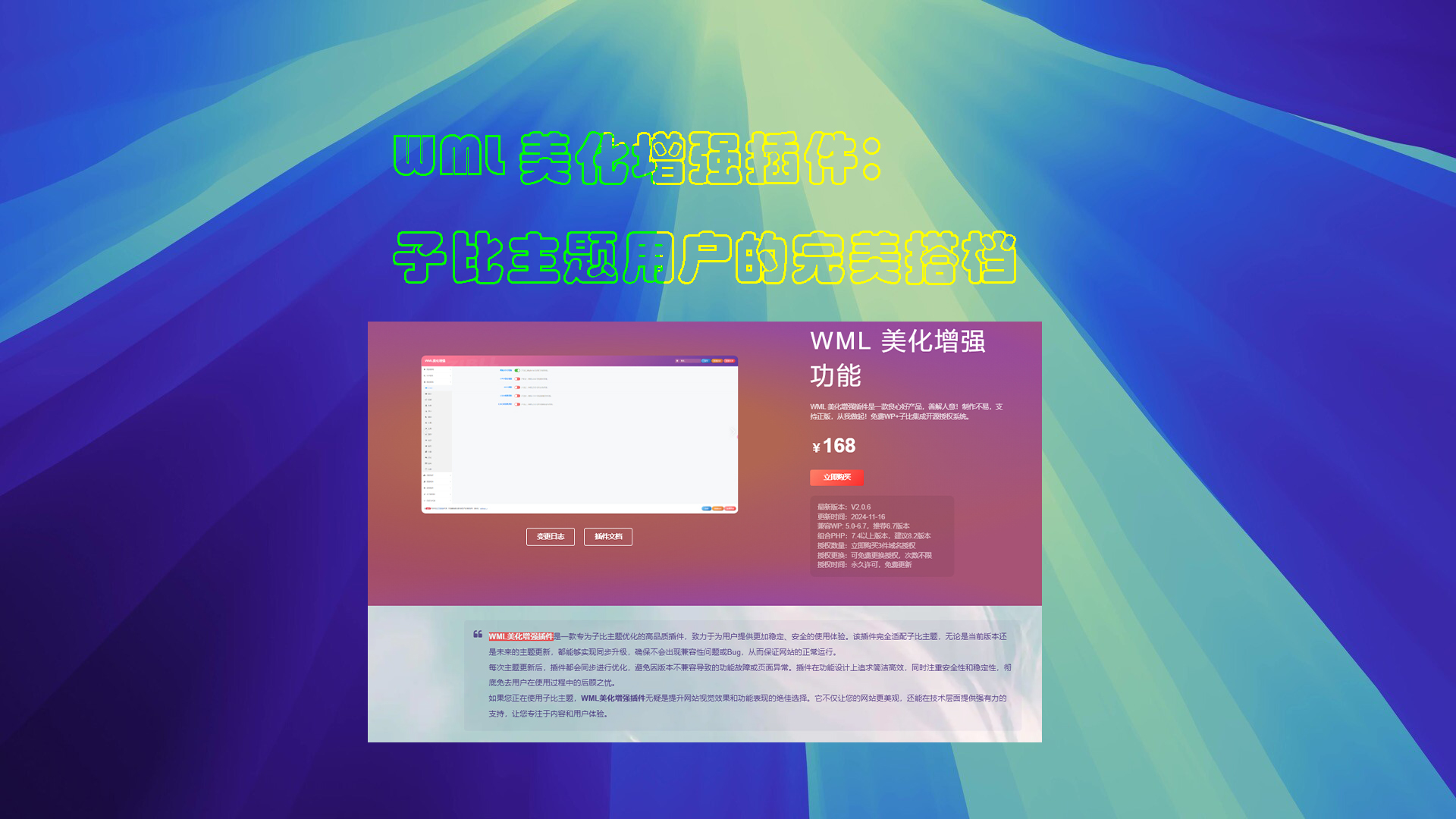
WML Beautify Plugin Tutorial
Detailed description of the WML beautification enhancement plugin installation, authorization verification and function configuration. Includes cover image creation, automatic card sales, digital sales, article layout and other powerful features to optimize the WordPress site experience.
Tips for Efficient Multisite Management: WordPress Maintenance in Detail
Managing multiple WordPress websites can be a headache: you need to keep the core software, themes, and plugins up to date, and you need to monitor the site's security and performance at all times. And as the number of sites you manage increases, the workload and complexity grows exponentially, especially for individuals or small teams...
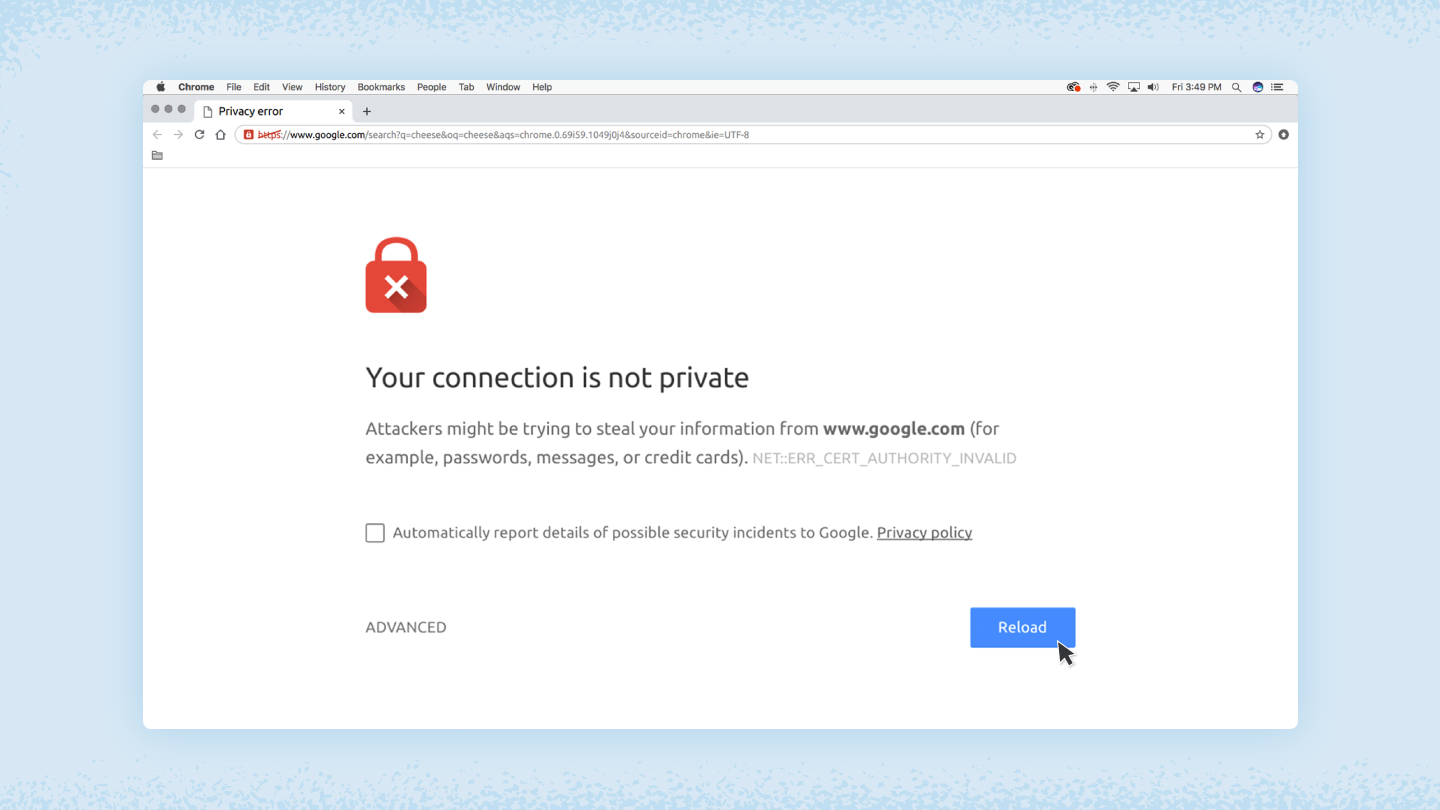
How to fix "Your connection is not private" error
Detailed analysis of the causes and solutions of "Your connection is not a private connection" error, including checking the SSL certificate, adjusting the date and time, clearing the cache, etc., to help you quickly fix the browser privacy error and protect online security.

How to Add Social Sharing Buttons in WordPress
Learn how to easily add social share buttons and display share counts in WordPress. This article presents detailed steps to create a floating share bar using the Sassy Social Share plugin to help boost user engagement, increase website traffic and enhance social media exposure.
How to customize woocommerce product page (3 ways)
A comprehensive look at the key components, customization methods, and optimization techniques for WooCommerce product pages, including ways to use plugins, CSS, and code to create a better shopping experience for users and increase sales conversions.

How to Create Custom Page Templates in WordPress
Learn how to create custom page templates in WordPress, build unique page layouts, optimize user experience and SEO performance with the Full Site Editor (FSE) and Elementor Page Builder, no programming skills required!

How to Showcase Blog Posts on WordPress Pages and Boost SEO Results
Learn how to improve your website's SEO ranking and user experience by displaying blog posts on dedicated pages with WordPress. This article describes ways to use default settings, the Gutenberg editor, and plugins to help you choose the most appropriate display method.

How to Efficiently Use the WordPress Revision Feature to Undo Changes: A Complete How-To Guide
A comprehensive explanation of how to undo changes in WordPress, including the use of the revision feature to restore historical versions, limiting the number of revisions to optimize performance, and methods of content restoration through backups and plugins to help you manage your site's content efficiently.

How to Fix Cloudflare Error 521 in WordPress: Simple Solution
Learn the causes and fixes for Cloudflare Error 521, including server overload, DNS misconfiguration, firewall blocking, SSL certificate issues, and more, with effective preventive measures to protect your website's normal operation and SEO performance.
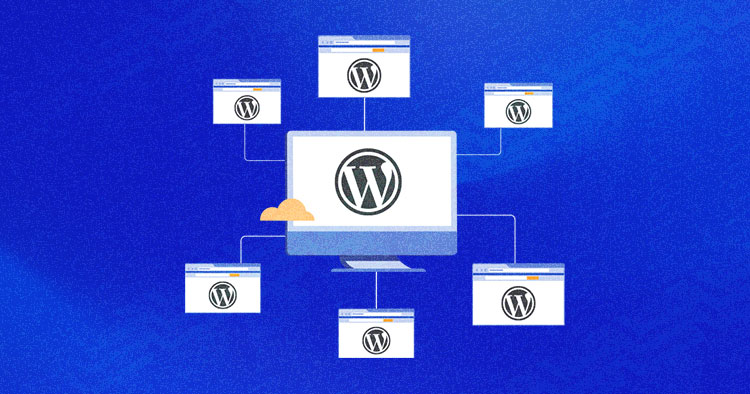
How to Revert a WordPress Multisite to a Single Site
Learn how to migrate WordPress multisite sub-sites to a single site, this article explains in detail the two methods of manual migration and the use of Prime Mover plugin, suitable for both technicians and novices, to help you easily complete the separation of the site and data migration.
How to Increase WordPress Maximum Upload File Size: The Complete Guide
Learn how to check and increase the maximum upload file size limit for WordPress. This article explains in detail how to modify the .htaccess file, functions.php file, php.ini file, as well as the use of plug-ins or multi-site settings to increase the upload size of a variety of methods, suitable for different technical ...

Comprehensive Analysis: How to Edit HTML in WordPress to Optimize Website Design and Functionality
Learn detailed steps and tips on how to edit HTML in WordPress, including pages, posts, widgets, and converting HTML templates to WordPress themes to enhance website design and functionality.

Take control of WordPress categories: delete categories without worry, SEO without dropping links
Learn how to properly remove categories in WordPress to avoid impacting site structure, SEO, and user experience. Get tips on how to deal with broken links, setting up 301 redirects, and category URL changes.
Total WordPress Membership Management: WPCOM Member Pro
WPCOM Member Pro plugin provides comprehensive member subscription, content payment, resource download and social login functions for WordPress websites, helping content creators and educational platforms to realize content cash and enhance user stickiness.

How to Sort and Display WooCommerce Products
This article takes an in-depth look at WooCommerce product sorting and display settings, describing the use of default options, custom sorts, and plugins to help merchants optimize their site sorting, improve user experience, and increase conversions.

Featured 12 WordPress Live Chat Plugins to Help Boost Customer Interaction and Sales Conversion
This article introduces 12 of the most popular WordPress live chat plugins, including Tidio, LiveChat, Zendesk Chat, and more, that boost customer satisfaction, drive more sales and conversions, and help organizations manage customer communications efficiently.
A Comprehensive Guide to Conducting Efficient SEO Analysis to Drive Business Growth
This guide teaches you how to perform SEO efficiently and drive business growth by setting SMART goals, choosing the right SEO metrics for different stakeholders, optimizing the analytics setup, preparing and submitting actionable reports, and monitoring SEO analytics on a regular basis.

WordPress Image Rotation Tutorial: Creation, Optimization & Best Practices
Learn how to create professional image rotations in WordPress using the WP Carousel plugin. Optimize image rotation with detailed steps and best practices to improve user experience and website interaction, easily done without coding.
How to Improve the Loading Speed of Your WordPress Website: From Image Optimization to Cache Management
Discover how to improve the loading speed of your WordPress website by optimizing images, enabling caching, choosing efficient plugins and using a CDN. Improve user experience, SEO rankings and reduce bounce rates to accelerate website conversions.

WordPress Button Shortcode Guide: Plugins, Custom Code and Design Optimization Explained
Learn how to easily add stylized buttons in WordPress through shortcodes, plugins, and the Gutenberg editor. This article details button implementations, design optimization tips, and FAQs to help you improve your site's interactivity and visual appeal.

WordPress Twenty Twenty-Five Theme: All Features and Comparison with Old Themes
Learn about the latest updates in WordPress 6.7, especially the newly launched Twenty Twenty-Five theme. This article takes a deep dive into the theme's responsive design, highly customizable features, and blog optimization to help you build a better WordPress website.

How to Troubleshoot and Fix WordPress 403 Forbidden Error: Common Causes and Solutions
This article analyzes the causes and solutions of WordPress 403 Forbidden error, including file permission settings, plugin conflict troubleshooting, .htaccess file repair and other steps to help you quickly restore the normal operation of the site and avoid the error.

WordPress App Passwords Explained: A Guide to Generating, Using, and Managing Security
Comprehensively analyzes the definition, generation, usage scenarios, and security management techniques of WordPress application passwords, helping users and developers efficiently utilize the REST API for content management and third-party integration.

How to change domain name in WordPress?
Want to change your domain name in WordPress? This article provides detailed steps, including backing up your website, changing URLs, setting up 301 redirects and notifying search engines to ensure the migration process is completed smoothly!

How to Enforce Strong Passwords in WordPress, Configure Security Policies and Secure Your Website
Learn how to enforce strong passwords in your WordPress site, configure password policies through plugins, customize forms and enable application passwords to improve overall site security and prevent security risks caused by weak passwords.

How to Improve Website Security with the WordPress Password Policy Plugin: A Detailed Guide
Learn how to effectively improve your website security against hacking and data breaches by installing and configuring the WordPress Password Policy plugin to enforce strong password rules, set password expiration times and reduce the risk of password sharing.
How to Repair Broken CSS in WordPress Admin Panel
WordPress Backend CSS Corruption, WordPress Styling Issues, CSS Styling Fixes, Plugin Conflict Fixes, HTTPS Mixed Content, WordPress Theme Conflicts, CDN Caching Issues, File Permission Errors, Browser Extension Interference, WordPress Troubleshooting
The Best Types of Schema Markup for SEO: How to Use Architecture Markup to Improve Search Engine Hit Rates
Architecture markup is an important tool for improving SEO, helping search engines generate rich search results such as rating stars, product information, FAQs, etc. This article explains 9 common types of architectural markup and their application scenarios to help websites get more traffic and clicks.

 简体中文
简体中文  English
  日本語
日本語  Français
  Español



