




WordPress Tutorial Page 39
The "WordPress Tutorials" feature takes you in-depth understanding of WordPress, from the basic installation, theme and plug-in configuration, to SEO optimization and site security, covering all aspects of the core knowledge and practical skills needed to build a site. Whether you are a novice or an experienced developer, you can find the appropriate tutorials to help you easily master the use of WordPress and advanced operations.
arrange in order

How to Write Quality SEO Friendly Articles
Writing high-quality SEO-friendly articles is crucial to boosting website traffic and search engine rankings. A good SEO article should not only cater to the search engine algorithms, but also to the needs of the readers. Let's take a look at how to write high-quality SEO-friendly articles, including key...

WordPress User Management Guide
Managing WordPress users is an administrative task that is often overlooked, but it is critical to improving WordPress management and security. Poorly managed users can pose a security risk, especially as a site grows and develops. Fortunately, having a user management plan in place is more important than one might think...
Gutenberg Version 18.7 Update: New Features and Enhancements
Gutenberg version 18.7 mainly fixes a few issues, but also includes some great new features and enhancements. Here are the highlights of the update: Drag and Drop Grid Items in Manual Mode For more precise manipulation of the grid, when using manual mode, all grid items are now...

How to Configure HTTPS in WordPress
HTTPS (Hypertext Transfer Protocol Secure) is a website security protocol implemented through SSL certificates that encrypts the transmitted data and protects the data security of the website and users. Configuring HTTPS not only improves the security of your website, but also enhances user trust. How to configure HTTPS in WordPre...

How to Clean Up Your WordPress Media Library
Over time, WordPress media libraries can balloon and fill up with unused or unneeded files. These files not only take up disk space, but can also slow down the speed and performance of your website. For this reason, it's crucial to clean up your WordPress media library on a regular basis. In this guide,...

WooCommerce Updated to Address Cross-Site Scripting Vulnerability
The official team at Woo has deployed a critical update for WooCommerce. The update addresses a vulnerability that previously allowed malicious actors to inject malicious content into the browser.The official Woo team has also contacted WooCommerce merchants whose stores may be vulnerable. ...
Detailed Steps on How to Troubleshoot Elementor Display Errors
Elementor is a powerful page builder plugin, but sometimes you may encounter display errors while using it. This article will detail the steps on how to troubleshoot and resolve Elementor display errors to help you quickly restore your site's normal display. Step 1: Check the plugin...
How to set up a WordPress comment box
In order to allow readers to participate in discussions, WordPress offers the option to include a comment feature in posts and pages. Setting up an easy-to-use comment box not only improves interaction but also enhances the user experience of your website. Let's take a look at how to set up a WordPress comment box. ...
Common Errors Encountered During WordPress Password Reset and Their Solutions
Forgetting a password or needing to reset it is a common problem when managing a WordPress website. Sometimes the password reset process may encounter various errors that prevent users from logging in successfully. Together, we will explore the common errors and their solutions during WordPress password reset to help fast...

How to Fix Broken Image Links in WordPress Media Library
When managing a website with WordPress, broken image links can cause page loading issues and affect the user experience. In this article, we will detail how to fix broken image links in WordPress media library to ensure that the website works properly. 1. Confirm the broken image links Use...
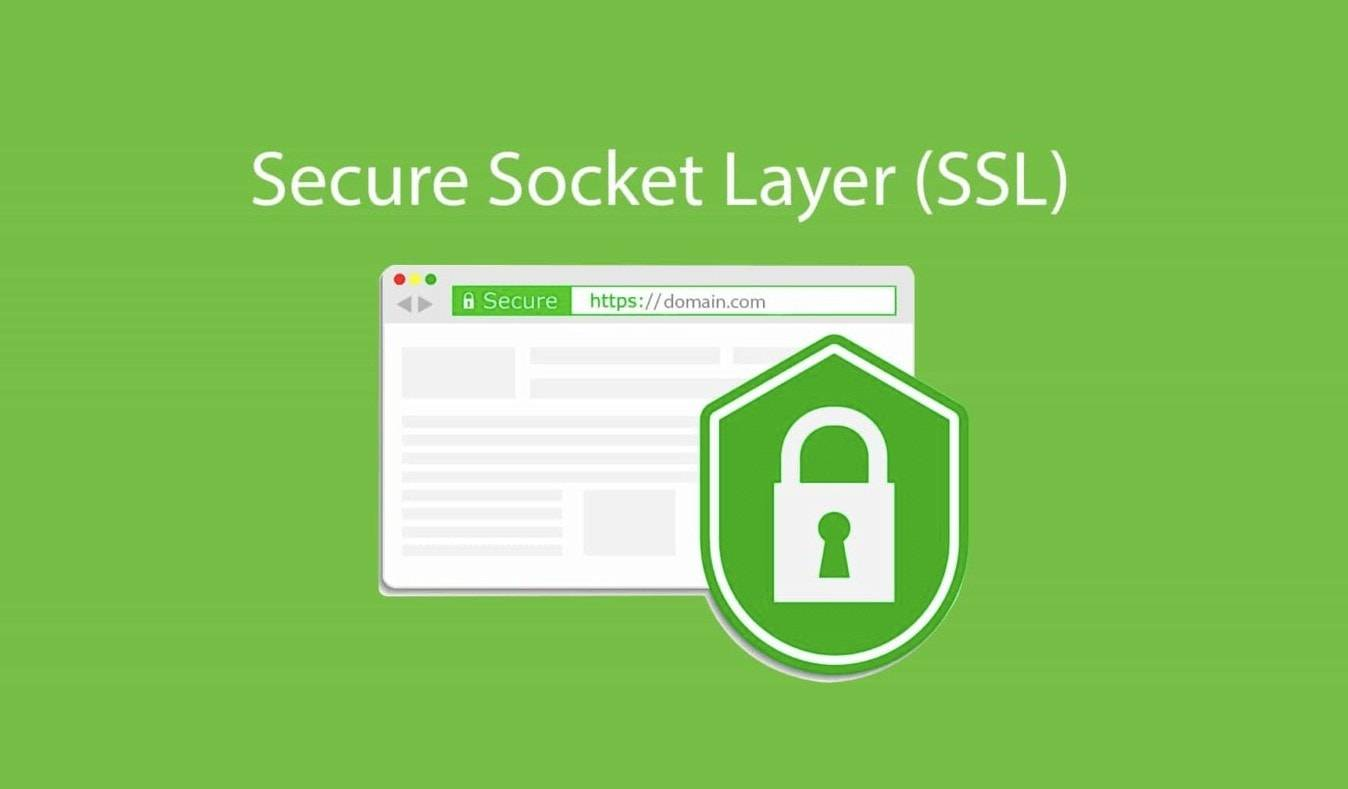
Multi-Domain SSL Certificate Configuration Guide in WordPress
SSL certificate is a necessity for every website. It not only protects user data but also improves the SEO ranking of the website. For websites running multiple domains, especially those using WordPress, configuring a multi-domain SSL certificate is a relatively complex but very important task. Next...

Creating a Personalized Website: Advanced Use of the Elementor Editor and WoodMart Theme (05)
The last installment introduced a basic introduction to the Elementor editor paired with the WoodMart theme, and today we're going to dive into how to use the Elementor editor with the WoodMart theme for more advanced website design customization. Whether you're new to design or looking for a more refined layout...

A Complete Guide to Resetting Your WordPress Password Using an Email Link
In the process of using WordPress, you will encounter the problem of forgetting your password. But it's not a big problem, there are many WordPress ways to reset your password. Let's take a look today at an easy and secure way WordPress offers to reset your password - through an email link. Let's move along to...

Troubleshooting and Fixing Missing WordPress Images
When all or some of the images on your website are no longer visible, it's usually due to a file or folder that has permission issues. The following steps will help you diagnose and fix these permission issues. Checking for Permission Issues 1. Test the images for permission issues Visit the URL of the image in your browser...

How to Block Country-Specific Access in WordPress Using Plugins
In some cases, it may be necessary to block access from specific countries. For example, one may experience a large number of malicious attacks from a specific region, or your content may be restricted to users from certain countries. Using a WordPress plugin can simplify this process. In this article, we'll cover how to make...

WordPress Internal Linking: The Definitive Guide
What are internal links? Internal links are hyperlinks to pages within the same domain. Internal links are links that direct users to another page on the same website. Every website with multiple pages should use internal links to connect them. Think about the home page of a website. Most likely...

How to Bulk Compress Existing Images in WordPress
When managing a WordPress website, images are one of the most common resources. A large number of uncompressed images will not only take up server space, but also affect the loading speed of the website, which in turn affects user experience and SEO ranking. Therefore, batch compression of existing images is one of the ways to improve website performance...

Analyzing the Impact of WordPress SEO 301 Redirects on Traffic and Conversions
In modern digital marketing, search engine optimization (SEO) is one of the key strategies to ensure that your website gets more natural traffic and improves conversion rates. And among the many SEO techniques, 301 redirects are a common and important tool. In this article, we will analyze WordPress SEO 301 redirects in depth...

How to add two-factor authentication in WordPress
Why Add Two Factor Authentication to WordPress? One of the easiest ways to protect your WordPress site from password theft is to add two-factor authentication (2FA). With this setup, a password and secondary code (from an app, email, or short...

Social Media Login in WordPress with OAuth
In today's digital age, user experience is one of the keys to a successful website. Simplifying the user login process is one of the most important aspects of improving user experience. Social media login, through the OAuth protocol, allows users to quickly log in to your website using their existing social media accounts, greatly...

Elementor Extension Plug-in PowerPack Pro for Elementor User Guide
When building a standalone site with WordPress, many people choose Elementor as the page builder. This is not only because it is powerful, but also because there are many developers who base their extensions on Elementor. Therefore, by using Elementor skillfully, you can realize several...

How to Fix Elementor Safe Mode Fonts and Styles: A Comprehensive Solution
When using Elementor for web design, you may encounter the problem of "Safe Mode". In this case, the fonts and styles of the web page may not be displayed correctly, which affects the design effect and user experience. In this article, we will introduce how to solve the problem of fonts and styles in Elementor Safe Mode...

How to Customize WordPress Login Page: A Detailed Guide to Enhance Brand Image and User Experience
By default, visitors to your site see the same login page that administrators use. While this page is fully functional, the design is very simple, leaving a lot of white space with the WordPress logo right in the center. It's great for supporting your brand or providing visitors with the ability to use...

What if I get a fatal error after updating or installing Elementor?
After updating or installing Elementor or Elementor Pro, the website goes down with a fatal error and you cannot access the WP admin backend. How to solve this situation? Don't worry, let's take a look at it together! Gain access to the website Login using the email link Check your...

A Comprehensive Guide to Improving WordPress Website Security
A content management system (CMS) is a software application that helps users build, manage, and customize websites without having to write their own code.WordPress is one of the most popular content management systems in the world, making it a high-value target for cyberattackers. WordPress ...

8 Effective Ways to Change Password in WordPress
In WordPress, you can easily recover and change a user's password if you have access to the user's email or are already logged in. But how do you change any user's password if you don't know the administrator's password? In this article, we will cover changing passwords for different situations...
How to redirect users to different translated versions of a website based on geographic location
Managing a multilingual website is one of the most important factors in providing quality customer service to a global audience. By redirecting users to different translated versions of your website based on their geographic location, you can provide a more personalized and effective user experience. This article will detail how WordPr...

How to Perform Multilingual SEO on Your WordPress Website
Appealing to a global audience starts with having a website that supports multiple languages, both for content and search. Learn how to do multilingual SEO (Search Engine Optimization) on your WordPress website and make sure it's visible to users around the world. Simply translating your website...
How to Optimize Images in WordPress to Improve Site Loading Speed
Images are essential elements in web design. However, the size of image files often affects the loading speed of web pages. If images are not optimized, they will not only slow down the website, but also affect user experience and search engine ranking.Optimizing images in WordPress can...

The Complete Guide: How to Optimize and Customize WoodMart Theme Settings in WordPress (08)
The last installment covered all the editing and setup of Elementor's WoodMart theme, so welcome back to our series of tutorials, and today we're going to dive into how to effectively utilize the WoodMart theme for WordPress for website design optimization. Whether you're a newbie or an experienced developer,...

 简体中文
简体中文  English
  日本語
日本語  Français
  Español



