




WordPress Tutorial Page 41
The "WordPress Tutorials" feature takes you in-depth understanding of WordPress, from the basic installation, theme and plug-in configuration, to SEO optimization and site security, covering all aspects of the core knowledge and practical skills needed to build a site. Whether you are a novice or an experienced developer, you can find the appropriate tutorials to help you easily master the use of WordPress and advanced operations.
arrange in order
WP Super Cache and W3 Total Cache FAQ Troubleshooting Guide
WP Super Cache and W3 Total Cache not working? This guide explains configuration issues, permission settings, plugin conflicts and other common reasons to help you troubleshoot and solve cache invalidation issues, so that WordPress websites can really speed up.
How to Add Multilingual Support to WordPress with Polylang (Full Tutorial)
Add multilingual support to your WordPress website with the Polylang plugin to improve user experience and SEO results, and build a global content platform.

Toggle graphic slider display area using Astra and Gutenberg
Use Astra with Gutenberg with the Spectra plugin to quickly create graphic rotation sliders without Elementor for product displays and homepage visual blocks.
WordPress page loading slow? Optimize Font Loading with Perfmatters
Optimize WordPress font loading with Perfmatters plugin, disable Google Fonts, preload local fonts, increase page load speed, improve LCP and CLS metrics, and improve site SEO performance.

Polylang Free vs. Pro: Are the features worth the upgrade?
An in-depth comparison of Polylang Free and Pro features to help you determine if you need to upgrade and create a more efficient WordPress multilingual website.
How to Safely Switch Caching Plugins? Complete Tutorial to Avoid WP Super Cache Conflict with W3 Total Cache
Teach you how to correctly switch between W3 Total Cache and WP Super Cache plugins in WordPress to avoid cache conflicts and improve website performance and loading speed.

How much does PayPal freezing funds affect WooCommerce merchants?
The impact of PayPal's funding freeze on WooCommerce merchants and what to do about it, including cash flow disruption, customer trust issues and more.
Yoast SEO Tutorial: How to Exclude Specific Page Types from Generating Sitemaps
Exclude media pages, tabs and other worthless pages with Yoast SEO plugin for a more focused sitemap and better SEO results. Easy to operate and practical, help you optimize the whole site structure.
WordPress Automatically Convert Uploaded Images to WebP in Batch
Master how to automatically batch convert uploaded images to WebP format in WordPress to improve loading speed and SEO for efficient image optimization.

How Kadence Improved SEO Performance and Core Page Metrics for WooCommerce
Learn how Kadence can help WooCommerce improve SEO performance and core web metrics. From structural optimization and load speed to the mobile experience, enhance your e-commerce site's rankings and performance.

Graph Bed Plugin + WebP Optimization: Accelerating WordPress Image Loading Across the Board
Hosting images in a graph bed and enabling WebP format compression, combined with CDN acceleration and lazy loading, dramatically improves WordPress site load speeds and mobile user experience, while optimizing SEO performance.
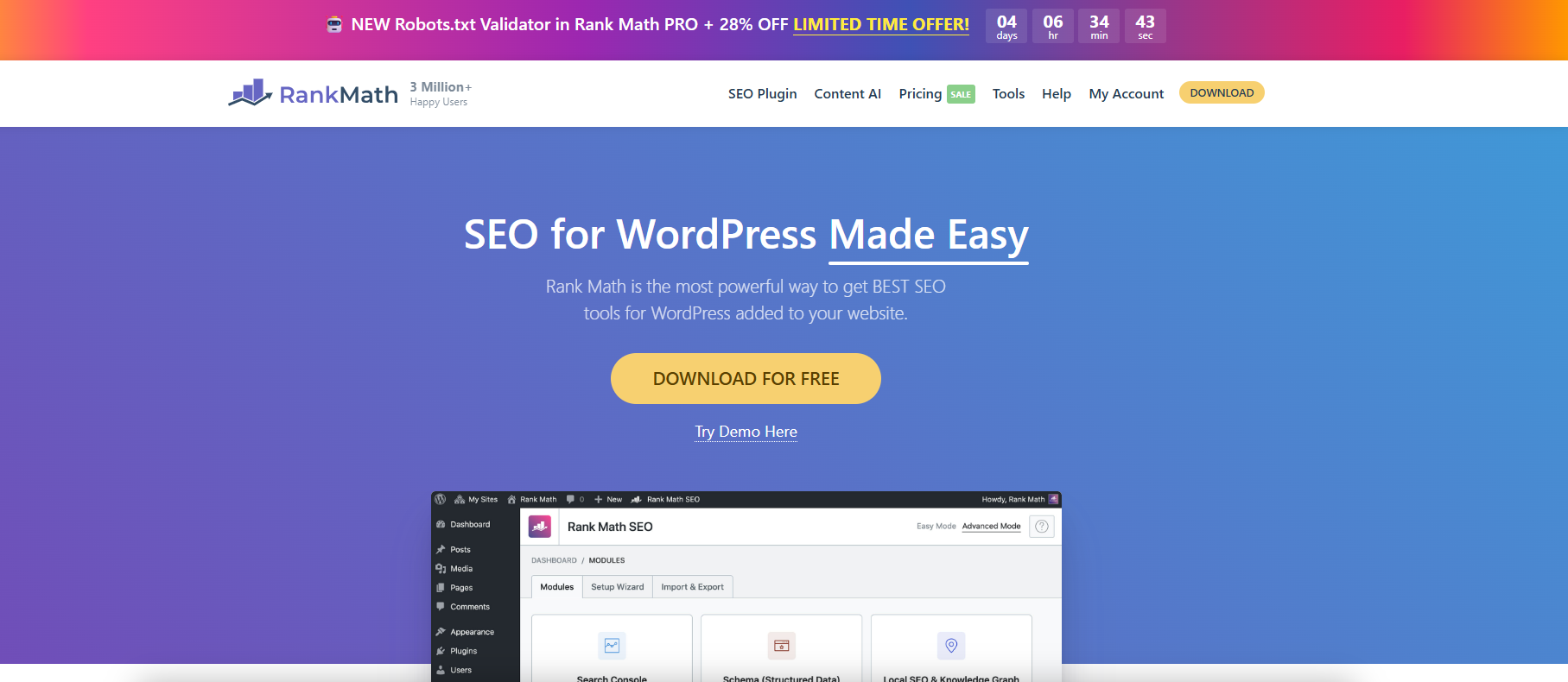
Use Rank Math to fine-tune WordPress Sitemap output.
With Rank Math, you can finely configure WordPress sitemaps, customize page indexing and category filtering to improve search engine crawling and SEO efficiency.
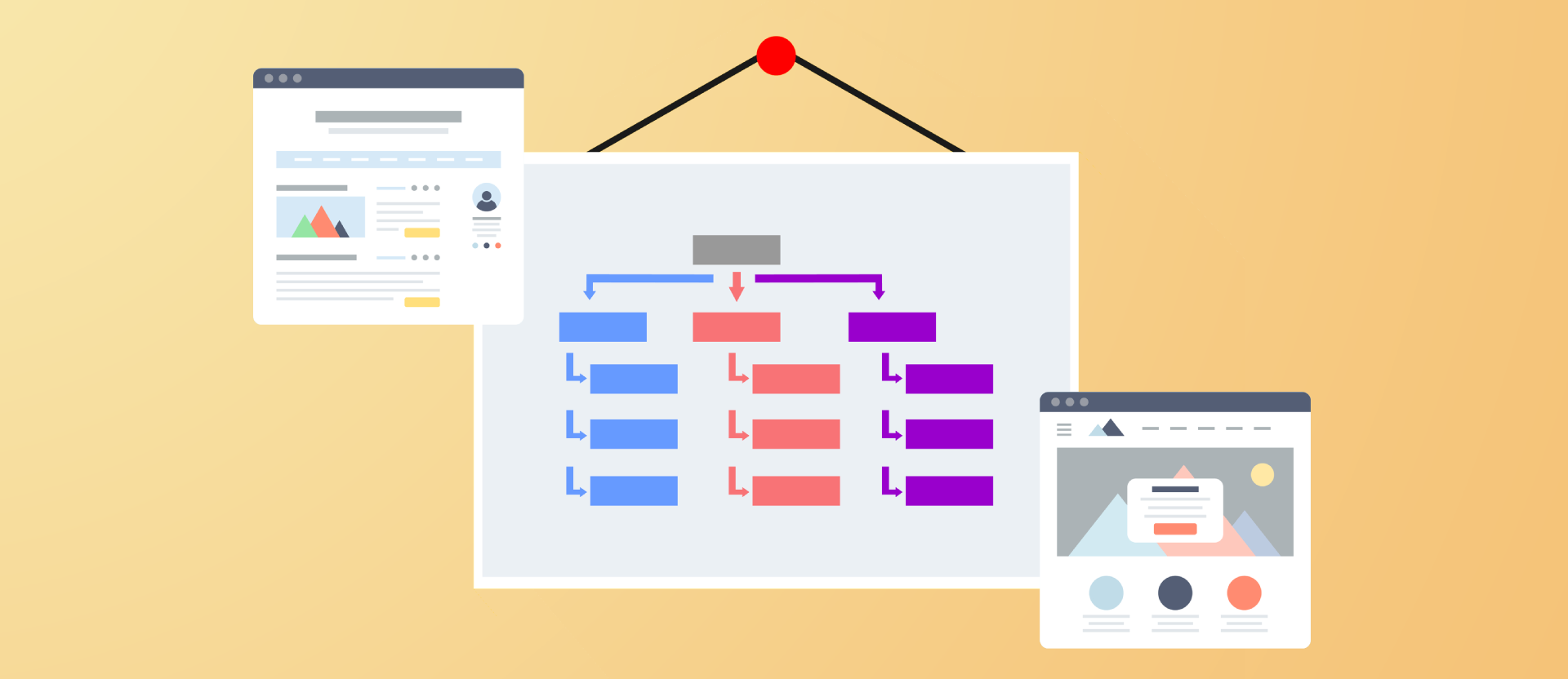
Improving Crawl Efficiency Across the Board: A Guide to Configuring WordPress XML Sitemaps
Comprehensively introduce how to generate, configure and submit XML sitemaps for WordPress websites, improve crawling efficiency and indexing performance, and adapt Rank Math and Yoast SEO.

WordPress Performance Optimization: Managing WordPress Heartbeat Request Frequency with Plugins
The WordPress Heartbeat API sends frequent background requests, which can lead to high server resource consumption. By using the Heartbeat Control plugin to set the request frequency, you can optimize the site performance and ease the background lag while preserving features such as autosave.

Layout messed up after Elementor optimization markup is turned on? Solutions to Common Problems
Confusing page layout after turning on Elementor optimization markup? This article comprehensively analyzes the causes of the problem and solutions to help you easily adapt to the new structure, improve performance and SEO performance!
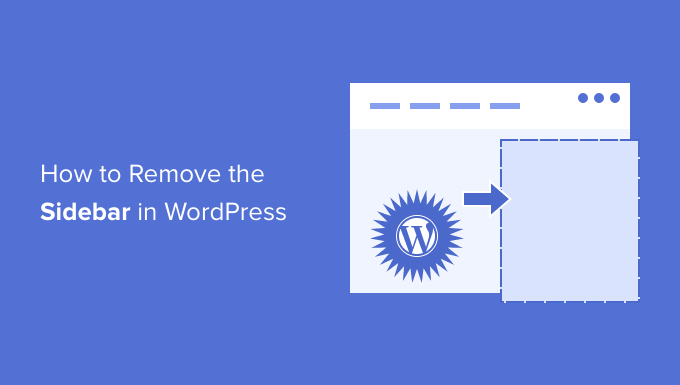
How to Add, Remove or Rename WordPress Sidebar Widgets
A comprehensive tutorial on how to add, remove and rename widgets in WordPress to optimize the sidebar layout and improve website usability and stylistic uniformity

SEMrush vs. Moz Content Marketing: Template Features and Optimization Suggestions Explained
A comprehensive comparison of the differences between SEMrush and Moz in terms of content templates, optimization recommendations, and feature support to help companies choose the best content marketing tool for their business.

How to set up a membership system and reward points in WooCommerce?
Want to add membership levels and points reward system in WooCommerce? This tutorial teaches you how to use the plugin to set up a membership system and points redemption mechanism to improve customer loyalty and repurchase rate, and create an efficient e-commerce user growth flywheel.

How to avoid WP-Optimize cleanup for accidentally deleting important content? Recommended Settings
How to prevent accidental deletion of posts and comments when cleaning up your database with WP-Optimize? This guide provides security setup options and backup suggestions to help you optimize WordPress site performance with confidence.
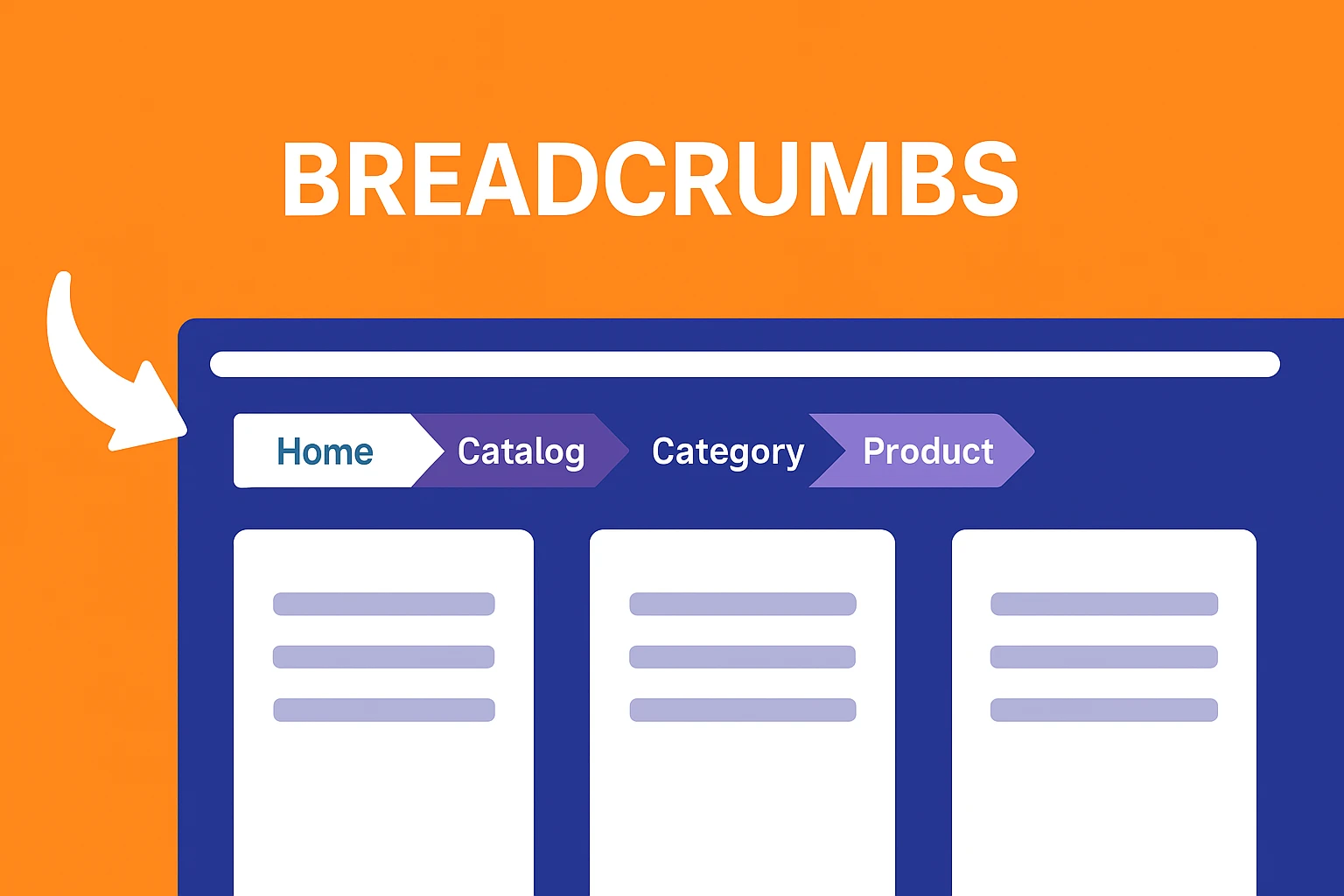
Breadcrumb navigation does not work after Yoast SEO installation? Reasons and Solutions
Yoast SEO plugin has integrated breadcrumb function, but what if the navigation doesn't show up? This article analyzes the reasons and solutions to help you set up and improve the SEO performance of your website.
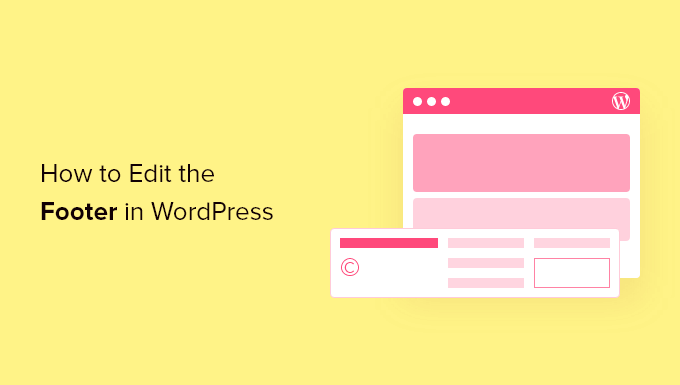
How to Customize WordPress Header and Footer? You can do it without changing the code
Want to customize your WordPress header and footer but don't know how to code? This guide teaches you how to do it quickly with theme features, plugins, or Elementor to easily enhance your brand image.

How to Use Multilingual Features in Elementor with Polylang
Want to build a WordPress multilingual website? This article teaches you how to use Elementor with Polylang plugin, to create language-independent pages and menus, and quickly realize multi-language switching and content translation, the whole process does not need to pay for plug-ins, suitable for beginners and enterprise website use.

Yoast SEO Activation Failed? These 5 troubleshooting steps will save you!
Can't activate Yoast SEO plugin? This article teaches you through five steps to troubleshoot plugin conflicts, system environment, permission settings and other common problems, quickly solve the activation failure, and successfully open the website SEO optimization.

Don't let your customers run on your phone! Do these 5 steps with Woodmart and doubling your orders is not a dream!
Mobile experience determines conversion rate! This post summarizes 5 practical optimization methods for Woodmart themes, from menu settings to lazy loading of images, to checkout flow and conversion buttons, to comprehensively improve the user experience and order efficiency of your WooCommerce mall on mobile...
Play with Elementor! Unlock the hidden version of Post Carousel Shenanigans!
Teach you to use the free version of Elementor with Essential Addons plugin, quickly realize the effect of blog post rotation, easy to operate, suitable for displaying the latest releases, popular recommended content.

Why SEO masters are choosing WooCommerce?Compare to Shopify, these advantages will make you steady traffic!
WooCommerce is more suitable for low-cost station building than Shopify, controlling data, flexible expansion, and helping to build a sustainable SEO e-commerce station.

Redirection Hell Warning! 90% of WordPress sites have fallen prey to this plugin conflict trap!
WordPress website jumping around and not opening? May be more than one plugin redirection conflict! This article teaches you to quickly troubleshoot and avoid the dead loop, to ensure stable operation of the site, improve SEO performance.

Small and medium-sized sellers must see the single sprint: WooPayments vs PayPal, who can make you day income of thousands?
WooPayments and PayPal which is more suitable for small and medium-sized online stores? Comprehensive comparison from the opening threshold, fees to the payment experience, to help you find the most suitable WordPress payment solutions!

Loop Carousel responsive optimization tips to outperform your peers!
Discover how to enhance the user experience on mobile and desktop by setting up Loop Carousel's responsive effects, optimizing the sliding experience, ensuring a smooth display, and improving conversion rates.

Pushing SEO Limits! Skyrocket your rankings with Headless CMS!
Learn how Headless CMS can improve your website's SEO performance and help you optimize your SEO strategy by improving page load speed, flexibility, multi-channel distribution, and mobile-friendliness.

 简体中文
简体中文  English
  日本語
日本語  Français
  Español



