




WordPress Tutorial Page 47
The "WordPress Tutorials" feature takes you in-depth understanding of WordPress, from the basic installation, theme and plug-in configuration, to SEO optimization and site security, covering all aspects of the core knowledge and practical skills needed to build a site. Whether you are a novice or an experienced developer, you can find the appropriate tutorials to help you easily master the use of WordPress and advanced operations.
arrange in order

Mobile and PC weight differences and optimization strategy: how to improve site ranking
Understand the difference in weighting between mobile and PC, and learn how to improve your website's ranking in search engines by optimizing design, loading speed, and content layout.

Will users come back if they encounter a 502 while shopping online?
Does a 502 Bad Gateway error on an e-commerce site during a shopping session affect user return visits? The article analyzes behavioral patterns, brand trust, response methods, and other key influences.

CDN with Lazy Load Performance Improvement in WordPress
Combine CDN and Lazy Load technology to optimize WordPress loading speed, reduce hosting pressure and improve access efficiency. Suitable for graphic blogs, e-commerce display and other high-performance needs of the site.

Elementor Fonts Not Displaying? Complete Troubleshooting and Quick Fix Guide
Detailed analysis of why Elementor fonts are not displaying, from CORS, mixed content to caching issues, providing a complete troubleshooting and fixing solution.
Best Practices and How-To's for Regularly Backing Up Your WordPress Site
Learn how to set up automatic backups and develop a backup strategy to ensure WordPress site security and data integrity with backup plugins like UpdraftPlus.

How to remove SKU display from WooCommerce product page with code? Complete Practical Guide
Tutorial teaches you how to hide WooCommerce product page SKUs with code, no plugin required, simple and practical, supports conditional control and quick restore display.
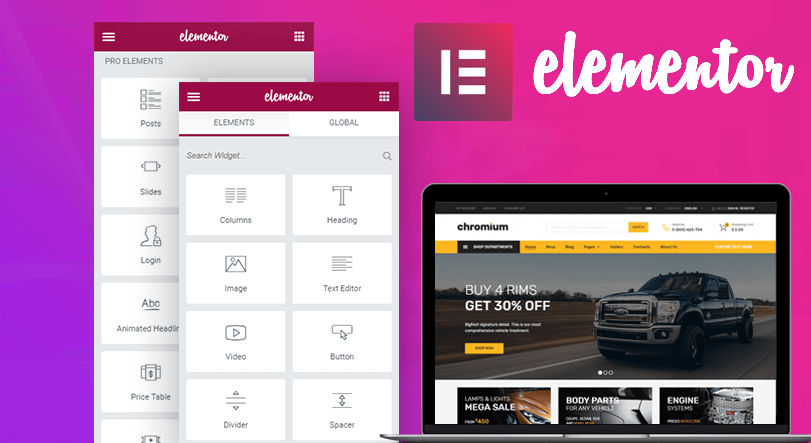
Free Elementor templates to implement video background design tutorials
Quickly add video backgrounds with free Elementor templates to optimize visual effects and enhance web appeal and page presentation.
Astra + Gutenberg: a simple way to customize the login registration block
Use Astra with Gutenberg to quickly create beautiful, secure front-end login and registration forms for e-commerce and membership sites without programming.

How to Personalize Content Display with Blocksy Content Blocks + Conditional Logic
Use Blocksy Content Block + Conditional Logic feature to display personalized content for different users, such as sign-up guides and exclusive member offers, to improve conversion and user experience.
How to build a two-column timeline layout with Avada
Use Avada Builder to build a two-column timeline to easily display the parallel progress of two projects or departments. Ideal for project management, course planning, corporate publishing, and other scenarios to improve page visualization and readability.

What does the free version of TranslatePress do? What is the difference between it and the paid version?
Detailed comparison of TranslatePress free version and paid version of the functionality of the differences between personal blogs, corporate websites and cross-border e-commerce reference, to help you choose the most suitable multi-language plug-in program.

Blocksy child theme update guide: does the parent theme upgrade affect customization settings?
When using Blocksy child theme, the parent theme update will not affect your customization settings in the child theme. This article analyzes the theme structure relationship, update mechanism and best practices to help you feel free to customize and upgrade.

How to Reset WordPress Password with WP-CLI
Learn how to quickly reset your WordPress password using WP-CLI for VPS environments. Manage WordPress from the command line to increase efficiency and save time.
![TranslatePress How to do after switching language page jump incorrectly? [Detailed solution guide] - Photon Flux | Professional WordPress repair service, worldwide, fast response!](https://www.361sale.com/wp-content/uploads/2025/06/20250625110347862-image.png)
What should I do if the page jumps incorrectly after switching the language of TranslatePress? Detailed solution guide
Solve TranslatePress switch language jump error problems, including jump to the home page, 404 page, language does not correspond to the causes of common failures and practical solutions.

How to troubleshoot a server configuration issue where the Elementor editor won't open?
Elementor editor can not open may be closely related to your server configuration. This article explains the key PHP parameters that affect the loading of Elementor, REST API status and extension dependencies, and provides practical troubleshooting and optimization suggestions to help you quickly restore the editor function.
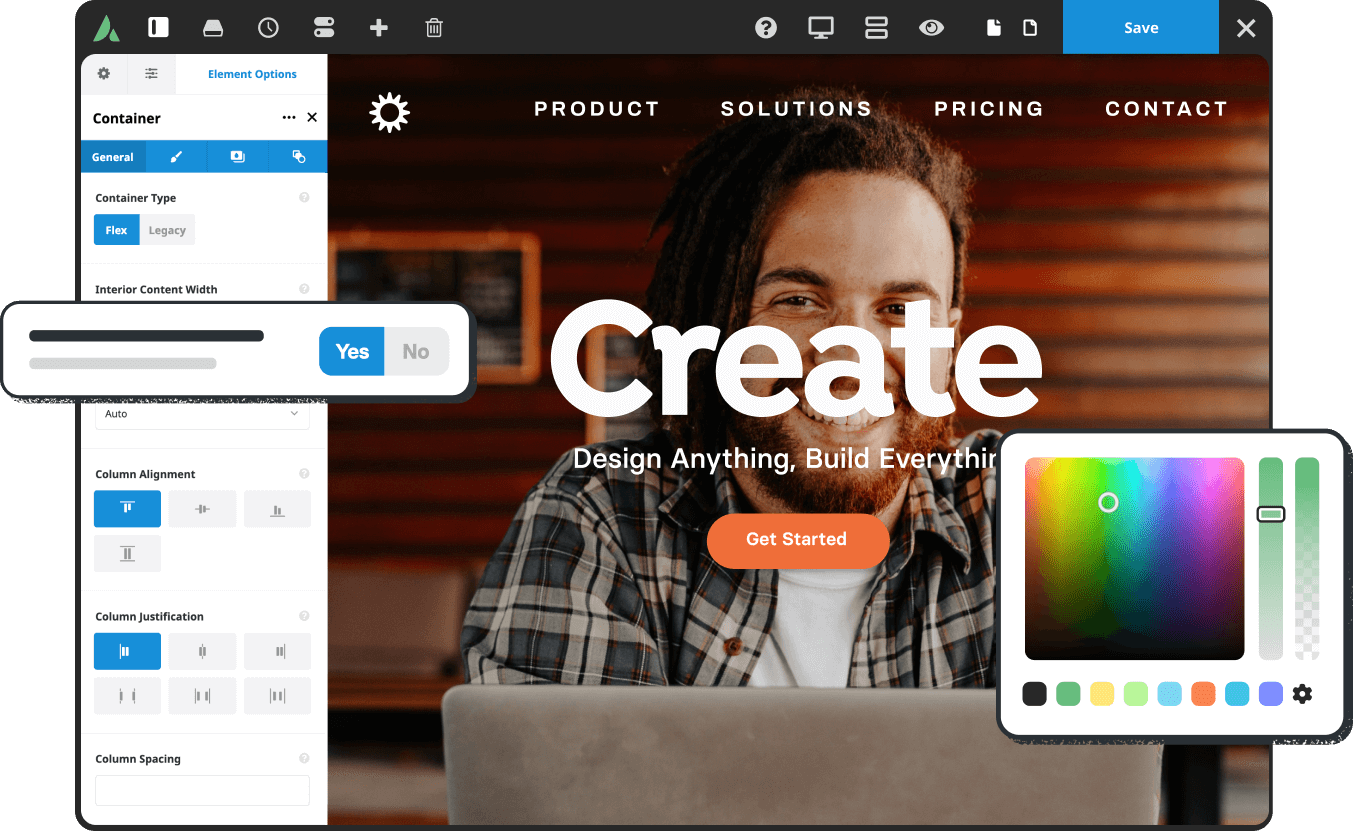
How to customize Avada Timeline color styles
Learn how to use the Avada Timeline module to customize colors, unify your brand's vision, and enhance the aesthetics and presentation logic of your pages, with practical examples of color matching.
Five Risks of Using Illegal Versions of Elementor Pro, a Web Security Issue That Can't Be Ignored
Using an illegal version of Elementor Pro poses multiple risks such as security breaches, lagging updates, missing features, etc. Be aware of these potential hazards to ensure your website's security.

WordPress vs. Drupal's SEO capabilities: which is better for search rankings?
Who is better at SEO, WordPress or Drupal? This article comprehensively compares the performance of the two CMS in URL control, structured data, multi-language support, on-page performance and other key dimensions of SEO, to help you make the most appropriate technical choices for your website ranking goals.

What's so expensive about SEMrush? From data to functionality
Get an in-depth look at SEMrush's depth of functionality and data accuracy to understand why it's priced well, who it's for, and how it stacks up against other SEO tools.
Zero code to create a personalized website: Blocksy subtheme plugin recommendations
Can you use Blocksy child theme without knowing code? In this article, we recommend plugin combinations for newbies to help you easily achieve page customization and functionality to build a personalized WordPress website.
How to show food product upload history with Avada timeline?
Learn how to use the Avada Timeline module to showcase food product upgrades and create more storytelling and visually appealing restaurant brand pages.

How to Create Beautiful Graphic Layouts in Gutenberg
Learn how to use the WordPress Gutenberg editor to create beautiful graphic typography, from basic blocks to advanced techniques to create professional page layouts that enhance the user experience and visual impact.
How to optimize meta information presentation for different devices (desktop/mobile) with Rank Math
Learn to use Rank Math to optimize Meta Title and Description for both desktop and mobile display, improving search click-through rates and overall SEO performance.

How do I diagnose Elementor not loading issues using the browser console and debugging tools?
Experiencing Elementor editor loading failure, white screen or stuck? This tutorial teaches you how to use the browser console and developer tools, step-by-step troubleshooting JavaScript errors, network request anomalies, CSS hiding and other issues, and efficiently diagnose the root cause of Elementor can not be loaded....

502 Bad Gateway Is it a hacker attack or a server strike?
Explain the causes of the 502 Bad Gateway error, how it is related to hacking, and how to maintain the server to prevent 502 from occurring frequently.

Astra template color matching more professional?5 free color mixing tools to share
Learn Astra templates professional color matching methods to improve website brand perception and conversion rate, and recommend free color mixing tools such as Coolors, Adobe Color, etc. to quickly complete website color matching design.

WordPress configuration for sharing content and data across multiple domains
Learn how to share content and data across multiple domains in WordPress. This article details multisite configuration, data synchronization, SEO optimization and security configuration to help you manage multiple sites efficiently.
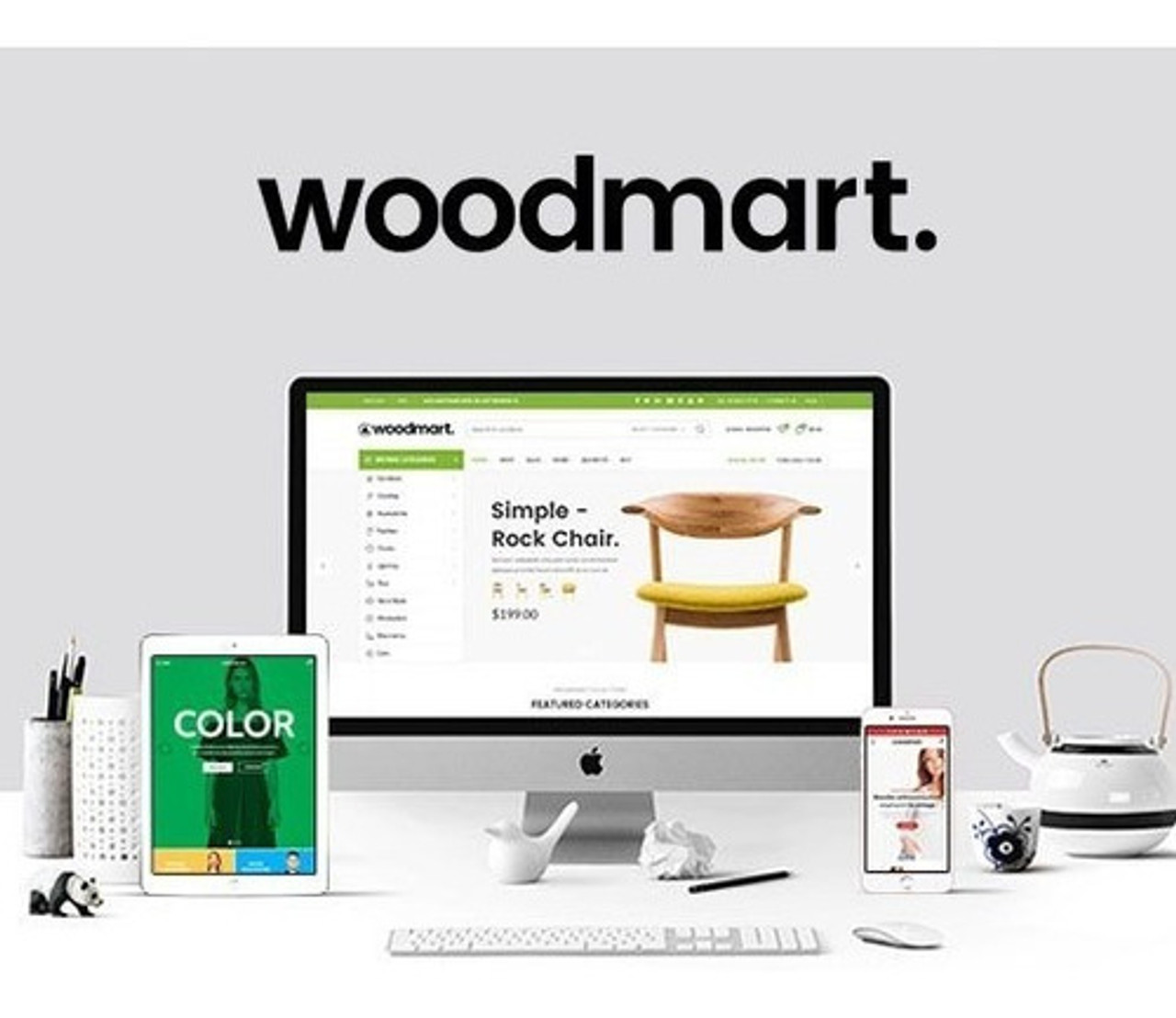
How to automate language and region switching in WoodMart?
Learn how to configure automatic language and region switching in WoodMart to enhance the international user experience and support multiple languages and currencies.
Perfmatters Pricing, Features & Licensing Options Explained
Comprehensively analyze Perfmatters price, features and licensing model to find out if this performance optimization plugin to boost WordPress loading speed is worth buying.

How do I enable the Wish List feature in WoodMart?
Learn how to enable wishlist functionality in WoodMart to enhance the user experience and drive repurchase with convenient favorites.

 简体中文
简体中文  English
  日本語
日本語  Français
  Español



