


WordPress Tutorial Page 5
The "WordPress Tutorials" feature takes you in-depth understanding of WordPress, from the basic installation, theme and plug-in configuration, to SEO optimization and site security, covering all aspects of the core knowledge and practical skills needed to build a site. Whether you are a novice or an experienced developer, you can find the appropriate tutorials to help you easily master the use of WordPress and advanced operations.
arrange in order
Uploading clear images that are blurry? Avoid front-end distortion with CSS and HTML
Uploading HD images but they are blurry? From HTML size control to CSS responsive settings, solve the front-end image distortion display problem and adapt to high-definition screen.

Blocksy Theme Gutenberg Page Setup Tutorial: Single Page Custom Header, Structure & Footer
Introducing the Blocksy theme's page setup feature in Gutenberg, which makes it easy to implement separate visual layout for service pages, feature pages, and other pages.

WooCommerce Product Category, Tag and Attribute Management Guide
Learn how to effectively manage product categories, tags, and attributes in your WooCommerce store to improve store usability and customer satisfaction. This article covers how to add and edit categories, tags, and attributes to help merchants streamline the product management process and provide a better shopping experience.

How to achieve seamless page recovery with Elementor Safe Mode?
Elementor editor won't open? Page loading failed? With Elementor Safe Mode, you can seamlessly diagnose and fix page problems, quickly troubleshoot plugin conflicts, and realize safe and efficient page recovery operations.

How to Write High-Converting SEO Titles and Descriptions for WooCommerce Product Pages
This guide provides an in-depth analysis of how to write high-converting SEO titles and descriptions for WooCommerce product pages, covering keyword layout, digital elements, emotional vocabulary, and CTA application, to help e-commerce sellers improve their search rankings, increase click-through-rates, and effectively convert them into actual sales.

Blocksy Pro's Post Types Extra extension: a powerful tool to enhance content presentation
A comprehensive introduction to Blocksy Post Types Extra's extended read time, filters, visual optimization of categories, and other features that help make website content presentation more flexible and structured.

Explore Blocksy 2's Advanced Post Block: Creating a Flexible and Powerful Post Display Layout
Learn how to easily create flexible post layouts in the Gutenberg editor using Blocksy 2's Advanced Post Block module. Explore custom layouts, sorting and filtering features, and slideshow modes to enhance the presentation of your site's content.
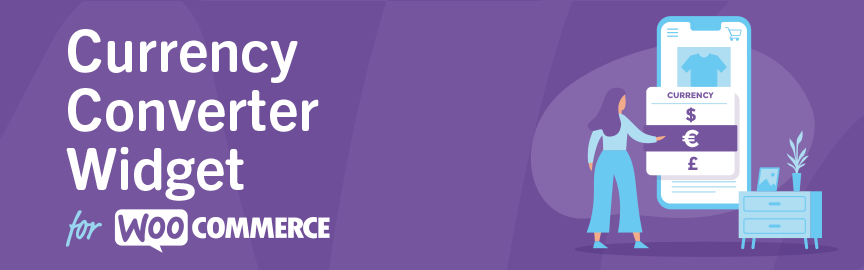
Complete Guide to the WooCommerce Multi-Currency Price Switching Widget (Currency Converter Widget)
Currency Converter Widget supports multi-currency display in WooCommerce store, integrated exchange rate service, front-end switching price symbols, flexible and practical operation.

Not sure what GenerateBlocks is? What website-building problems can it solve?
What is GenerateBlocks? This article systematically explains the core features of the GenerateBlocks plugin, its applicable scenarios, and the WordPress page layout and site-building issues it resolves, helping you determine whether it's worth using long-term.
Kadence Tutorial: Kadence Conversions Plug-in Installation and Setup Guide
This article details the installation and activation process of the Kadence Conversions plugin and explains how to create conversion elements such as pop-ups, slide-ins and banners. With this guide, users can easily add attractive elements to their websites to boost conversions.
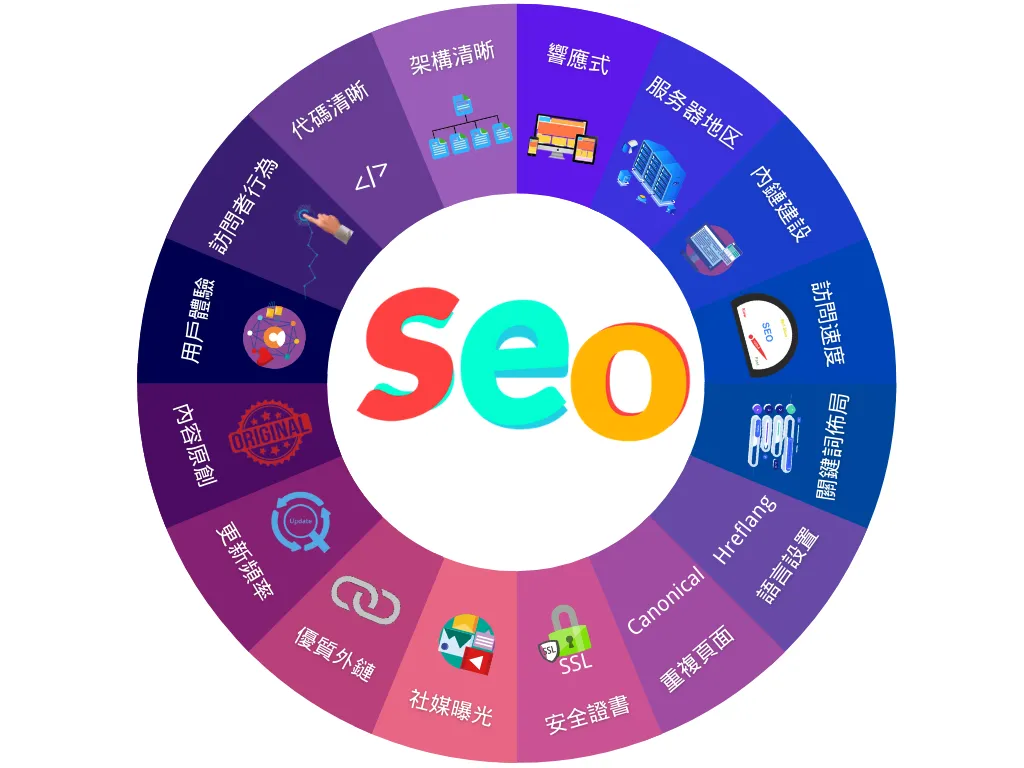
What is SEO? Understanding the Core Concepts of Search Engine Optimization from Scratch
Comprehensive analysis of the definition, working principles and core strategies of SEO, to help beginners master search engine optimization skills from scratch, improve the natural ranking of the website in the search engine, attract more organic traffic.

Adding Multi-Language Support to WordPress Websites with WPML (for Blocksy Theme)
Learn how to combine the WPML plugin and Blocksy theme to implement multilingual support for your WordPress site, including instructions for installation, translation setup, and advanced language switching.
How can I use the WordPress rollback feature to restore a plugin to its pre-update state?
What should I do if I get an error on my website after a plugin update? This post teaches you how to use WP Rollback or manual methods to restore the plugin to the old version, quickly fix the update brought about by the functionality of the anomalies or conflict issues, to protect the stable operation of the site.

Full Comparison of the Best WordPress SEO Plugins for 2025
The most comprehensive WordPress SEO plugin comparison guide in 2025, covering popular plugins such as Rank Math, Yoast SEO, SEOPress, etc. It will help you choose the most suitable SEO tool for your website from features, price to application scenarios.
Version Control and Management Strategies for WordPress Theme and Plugin Updates
Learn how to version control WordPress themes and plugins when updating them to avoid conflicts and site crashes. Learn best practices for backups, rollbacks, and test environments to ensure secure and stable website operation.

How WooCommerce Boosts Site Speed to Boost SEO Rankings
Master the WooCommerce site speed optimization methods, through hosting, caching, images, database and other multi-dimensional speed, effectively improve SEO ranking and conversion rate.

A deeper look at WordPress add_action hooks
Solve WordPress add_action hooks and learn how to execute custom functions at different action moments. This post provides detailed examples and best practices to help developers easily master the use of WordPress hooks.
Adding a Subscription Form with the Elementor Pro Form Builder (Full Tutorial)
This article demonstrates the Elementor visual form builder subscription scenarios, examples covering field configuration, button styles, MailChimp access and jump page settings, quickly get started with the basics of email marketing!
Elementor Loop Mesh not showing up? Reasons and solutions
Understand the common reasons why Elementor Loop Grid does not display content and solve the problem with detailed troubleshooting methods. This article provides solutions to help you fix common errors such as cache issues, theme plugin conflicts and query settings to restore normal display.

Kadence Tutorial: Using Kadence Blocks Pro to Quickly Create Graphic Column Layouts
Using the Split Content block in the Kadence Blocks plugin, you can easily realize the effect of graphic columns and stacked layout. This article explains the graphic arrangement, negative margin settings and responsive layout adjustment methods, suitable for product display and content introduction scenarios.
SEO optimization of Fatsome theme: practical tips to improve search rankings
Master SEO techniques for the Fatsome theme, from structural setup and speed improvement to content optimization, to improve the overall visibility and ranking performance of your WooCommerce website in search engines.
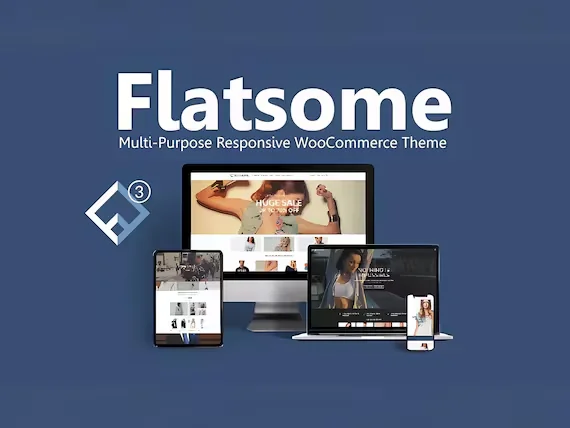
Responsive design of the Flatsome theme: perfect display on all devices!
Learn how Flatsome theme can achieve perfect website display on all kinds of devices such as cell phones, tablets and desktops through responsive layout, media query and navigation optimization, and comprehensively improve user experience and access efficiency.

What is a 502 Proxy Error and what are its causes and types?
502 Proxy Error is a common server error, this article analyzes its meaning, common types, causes and troubleshooting solutions, to help you quickly locate and repair 502 gateway error, improve website stability and access experience.
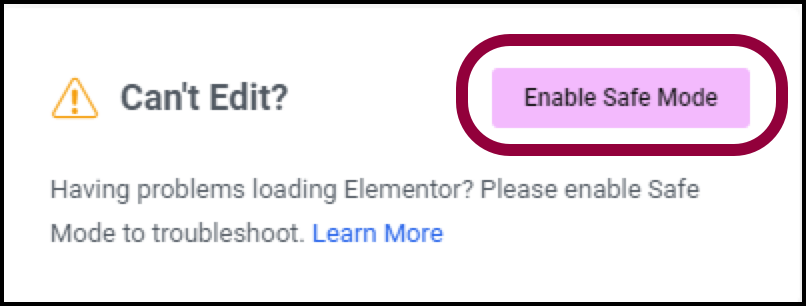
Why using Elementor Safe Mode speeds up website debugging
Learn how to speed up the website debugging process by enabling Elementor Safe Mode. This article describes how Safe Mode can be used to isolate plugin conflicts, optimize page load speeds, and reduce cache interference to improve the efficiency of Elementor page builds and troubleshooting.

How to Set Sidebars on Archive, Blog and Post Pages in WoodMart Theme
Comprehensive explanation on how to configure sidebar and top filter features on store and blog pages in WoodMart theme to improve page structure and browsing efficiency.

Kadence Tutorial: Creating Flexible Navigation Structures with Kadence Advanced Navigation Blocks
Learn how to use Kadence Advanced Navigation Blocks to create flexible and aesthetically pleasing WordPress navigation menus that support horizontal, vertical, and grid layouts, and fit perfectly into classic and full-site editorial sites to enhance the user experience.

Enhance e-commerce website functionality with Blocksy 2 Conditional Manager Showcase
Learn how to leverage Blocksy 2's Conditional Manager to accurately display content based on time of day, user behavior, source of visit, and more to boost customer engagement and e-commerce conversions.
How to add a Floating Bar in Elementor
Teaches you how to quickly create Floating Bar with Elementor templates for displaying promotions, announcements or chat buttons for a variety of web scenarios.

How to Enable Multi-Language Support with WordPress Multi-Domains
This article describes the steps to implement multi-language support in WordPress by using multiple domain names, including purchasing a domain name, enabling multiple sites, configuring multi-language plugins, etc., to help you personalize your experience for users of different languages.

Yoast SEO Activation Failed? These 5 troubleshooting steps will save you!
Can't activate Yoast SEO plugin? This article teaches you through five steps to troubleshoot plugin conflicts, system environment, permission settings and other common problems, quickly solve the activation failure, and successfully open the website SEO optimization.

 简体中文
简体中文  English
  日本語
日本語  Français
  Español



