


WordPress Tutorial Page 6
The "WordPress Tutorials" feature takes you in-depth understanding of WordPress, from the basic installation, theme and plug-in configuration, to SEO optimization and site security, covering all aspects of the core knowledge and practical skills needed to build a site. Whether you are a novice or an experienced developer, you can find the appropriate tutorials to help you easily master the use of WordPress and advanced operations.
arrange in order
The Best Open Source CMS Solutions for E-Commerce in 2025
Explore the best open source CMS solutions for e-commerce in 2025, including a comparison of platforms such as WooCommerce, Magento, PrestaShop, OpenCart, and Shopware, to help merchants choose the most suitable e-commerce system for building an online store.

How to Translate a WordPress Website Using Loco Translate Plugin with WoodMart Theme Integration
This article describes how to use Loco Translate plugin to translate WoodMart theme, including plugin installation, language settings, storage location selection and text translation steps. With Loco Translate, no need to modify the code to complete the theme localization, improve the site's multi-language adaptability ...

Elementor Security Mode vs. other page builders: which is better for your site?
An in-depth comparison of Elementor Security Mode with page builders like WPBakery, Beaver Builder, Divi and more to help you choose the best tool for your site. Learn about their security, ease of use, functionality, and performance features to make an informed decision.

How to Use Custom WooCommerce Product Information Tags in Blocksy 2
Learn how to enable and use custom product tags in Blocksy 2 to help merchants add personalized content to each product page, enhance the customer shopping experience and increase conversions. With a simple setup, merchants can add more valuable information to their products.

Enhance your e-commerce experience by customizing the "Order Confirmation" page with Blocksy 2
Learn how to customize personalized order confirmation pages for your WooCommerce store with Blocksy 2's Custom Thank You Pages module to enhance customer experience and create more marketing opportunities.

From Hacked to Built: How Developers Can Replicate Pro Features in Code
This article describes how to write custom code to reproduce the Pro plugin functionality, avoiding the security risks associated with cracking, while providing greater customization, helping developers save costs and improve their technical skills.

How can Elementor Safe Mode help optimize site performance and reduce resource consumption?
Get a deeper understanding of how Elementor Security Mode can help troubleshoot plugin conflicts, reduce page resource consumption, improve loading speed, and provide a smoother, more efficient user experience and performance guarantee for WordPress sites.
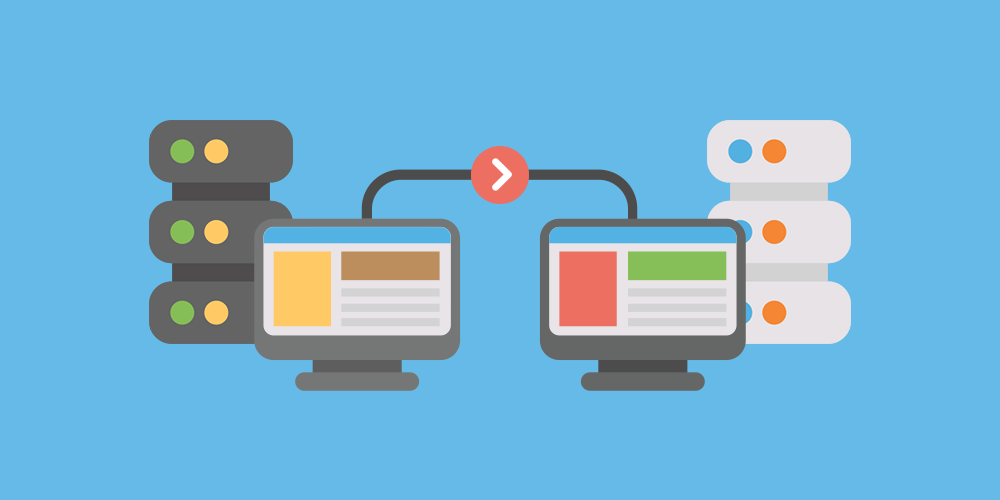
WordPress Website Backup and Tool Recommendations Before Migration
Detailed explanation of WordPress website migration before the backup focus and tools recommended, covering file and database preservation, full incremental combination, local cloud storage and practical plug-ins to help you safely and efficiently complete the migration.

Solving Blocksy Theme Starter Site Importer Import Process Problems
Learn how to troubleshoot problems with the Starter Site Importer import process in Blocksy themes. Ensure that the import completes smoothly by adjusting your PHP configuration and time constraints to get your new site up and running quickly.

Common SEO Errors and Solutions for WooCommerce Standalone Sites
Is your WooCommerce website performing poorly on Google? This article analyzes in detail the top ten common SEO mistakes of independent websites, including website speed, mobile adaptation, weak content and other core issues, and provides step-by-step practical solutions to help you effectively improve your search rankings and natural traffic.

Customizing Hero Blocks with Blocksy Pro Content Blocks: Full Tutorial
Customize and replace the default post Hero blocks with Blocksy Pro's Content Blocks feature, and use Gutenberg for dynamic content loading and modular layouts to easily build professional template structures.
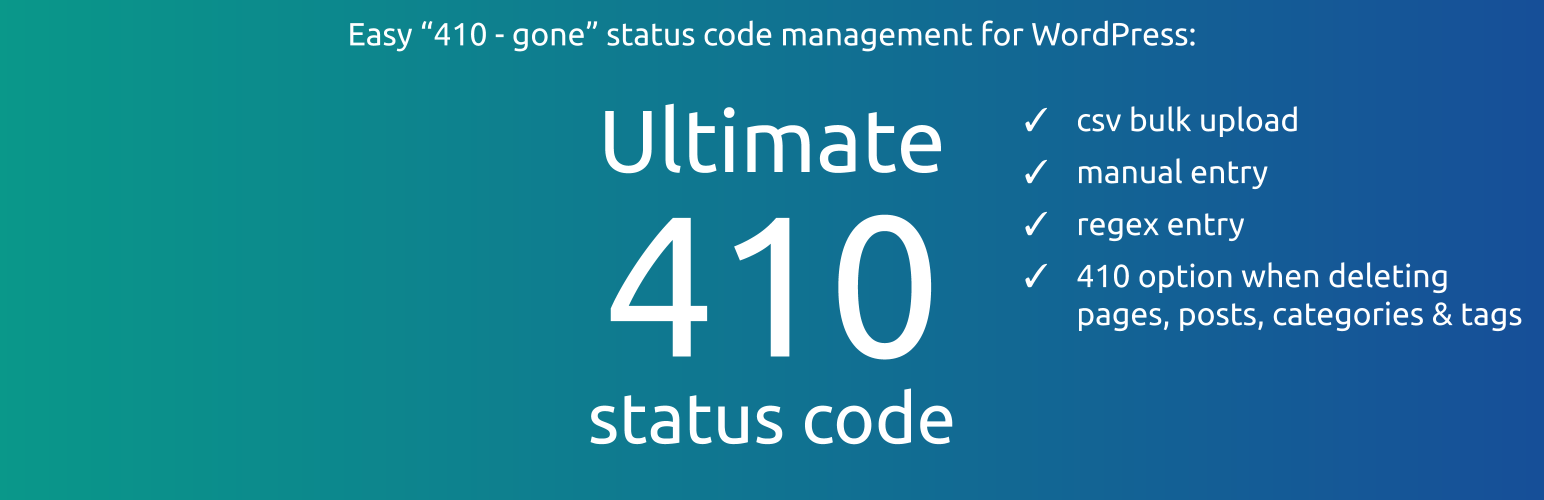
How to Manage Deleted Pages and Improve SEO with WordPress 410 Plugin
Learn how to speed up search engine updates, boost SEO performance, improve user experience, and simplify site maintenance management by using the 410 plugin for WordPress. Ideal for sites that need to permanently remove pages to help optimize overall site performance.

WoodMart Conditional Sidebar Setup Tutorial: Easy Page Control with Plugins
Want your WoodMart store page to display different sidebars based on categories? This tutorial teaches you to customize conditional sidebar settings with the Content Aware Sidebars plugin, which is easy to use and improves conversion results.

WoodMart Theme's Abandoned Cart Feature: An Effective Tool for Increasing Conversions
WoodMart Theme Abandoned Shopping Cart feature helps merchants recover unfilled orders and reduce lost sales. This article describes how to enable cart storage, email alerts, coupon incentives, and other features to boost conversions and optimize e-commerce operations strategies.

How to troubleshoot a server configuration issue where the Elementor editor won't open?
Elementor editor can not open may be closely related to your server configuration. This article explains the key PHP parameters that affect the loading of Elementor, REST API status and extension dependencies, and provides practical troubleshooting and optimization suggestions to help you quickly restore the editor function.

Fatsome Theme is a perfect match for Elementor: create a seamless design experience!
Discover the perfect way to combine Fatsome and Elementor to create fast, visually strong and smooth WordPress websites. Ideal for e-commerce, brand websites and marketing page design.
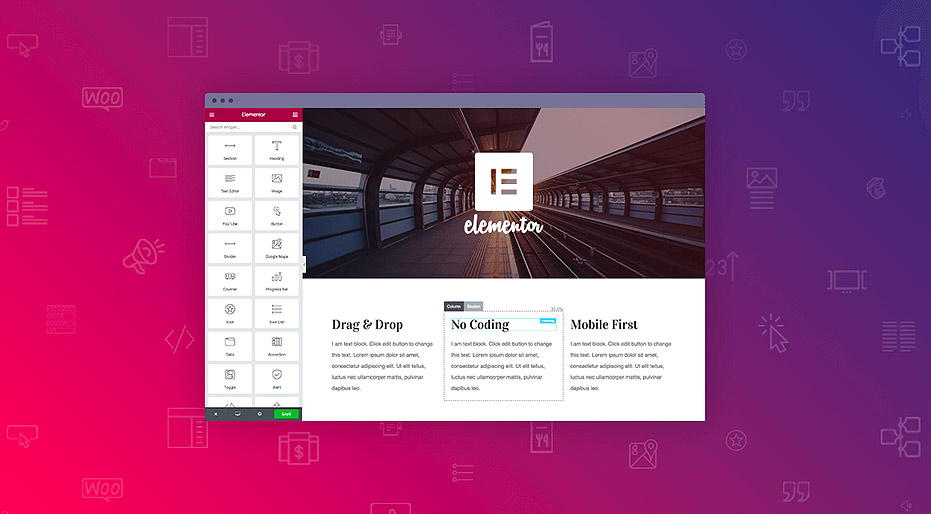
Best Practices for Elementor Secure Mode: Optimization and Troubleshooting Tips
Learn how to optimize page design, resolve plugin conflicts, and troubleshoot issues with Elementor Security Mode. This article provides practical tips and best practices to help developers increase development efficiency and improve site performance.

How to Build a Membership Subscription Site with WordPress? 2025 Latest Hands-On Guide
Want to build a professional membership subscription site with WordPress? This guide explains in detail the core steps of plugin selection, content protection, permission hierarchy, payment integration, etc. to help you easily realize content cash and user retention.

Creating Custom WooCommerce Product Pages: Elementor Pro Tutorials
Customize WooCommerce product pages with Elementor Pro and easily design images, prices, and button layouts to improve brand image and conversion rates.
How to Customize Fatsome Themes: From Basic Settings to Advanced Tips
Get an in-depth look at how to customize your Fatsome theme, from basic appearance settings and page builds to child theme development and performance optimization, to improve the overall aesthetics and loading speed of your WordPress e-commerce site.

How to change "Add to Cart" button text in WooCommerce
Learn how to modify the Add to Cart button text in WooCommerce with the Loco Translate plugin and custom CSS. This article provides detailed steps to help customize the button text and style according to your needs, enhancing the personalization and user experience of your website.

Open Source CMS vs. Commercial CMS: A Comparison from a Flexibility and Cost Perspective
This paper compares open source CMSs with commercial CMSs, focusing on the advantages and challenges from a flexibility and cost perspective, to help developers and organizations choose the most appropriate content management system."

How to Build a Powerful Inbound Link Structure in WooCommerce with Categories and Tags
This article explains in detail how to use WooCommerce categories and tags to build an efficient inbound linking system, including 7 practical strategies to help improve search engine rankings, reduce bounce rate and optimize user experience.

Kadence Tutorial: Setting up a WordPress Custom 404 Page with Kadence Theme Pro
Customize the design of your WordPress website's 404 page with Kadence Theme Pro's Hooked Elements feature. Replace the default styles and add buttons, direct links, popular recommendations and other modules to improve the usability and accessibility of the page.

Enable Header Blur Effect in Blocksy 2 to Enhance Website Design
Blocksy 2 theme has a new header background blur filter feature that gives a modern and layered look to the header area of your website. Learn how to set a semi-transparent background, adjust the blur intensity, and easily create a more dynamic page effect.
Five Risks of Using Illegal Versions of Elementor Pro, a Web Security Issue That Can't Be Ignored
Using an illegal version of Elementor Pro poses multiple risks such as security breaches, lagging updates, missing features, etc. Be aware of these potential hazards to ensure your website's security.

Recommended Free WordPress Beautification Themes for Beginners
Featured 5 free WordPress beautification themes for newbies that support personalized design and help to quickly build blogs and official business websites.
Fatsome Theme Overview: Clean and Powerful Design for WordPress Websites
Fatsome Theme is a clean and powerful WordPress theme for business, blog and e-commerce websites. Offering responsive design, SEO optimization, fast loading and rich customization options, it helps users build professional websites with ease.

What type of e-commerce website is Woodmart theme suitable for? Read about its advantages and adaptability scenarios
Wondering what type of e-commerce website the Woodmart theme is suitable for? This article comprehensively analyzes five typical adaptation scenarios to bring you to understand whether this high-performance WordPress e-commerce theme is suitable for your business.

Free vs Paid: Elementor Multilingual Plugin Comparison, Who is the best solution for multilingual website building?
Want to add multi-language support to your Elementor website and don't know whether to choose a free plugin or a paid version? This article compares the features, performance and application scenarios of TranslatePress, WPML, Polylang and other major plugins to help you make the most informed choice.

 简体中文
简体中文  English
  日本語
日本語  Français
  Español



