


WordPress Tutorial Page 60
The "WordPress Tutorials" feature takes you in-depth understanding of WordPress, from the basic installation, theme and plug-in configuration, to SEO optimization and site security, covering all aspects of the core knowledge and practical skills needed to build a site. Whether you are a novice or an experienced developer, you can find the appropriate tutorials to help you easily master the use of WordPress and advanced operations.
arrange in order
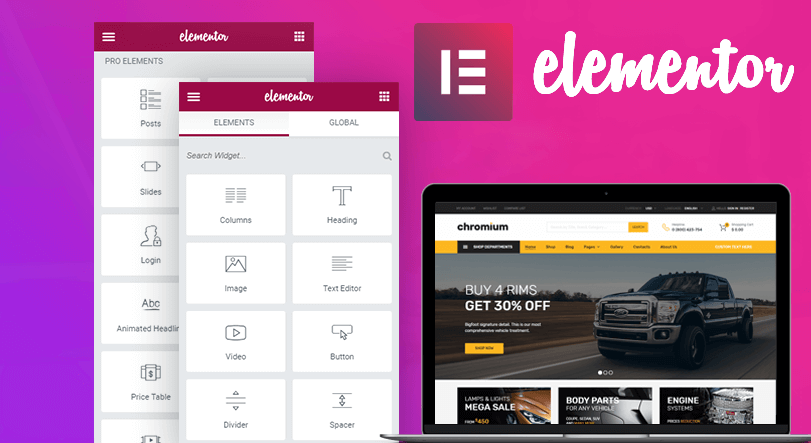
How to use the custom code feature in Elementor
Learn how to add HTML, JavaScript, and CSS custom code in Elementor to flexibly implement Google Analytics, Facebook Pixel, and other code tracking and custom styles to enhance the functionality and personalization of your WordPress website.
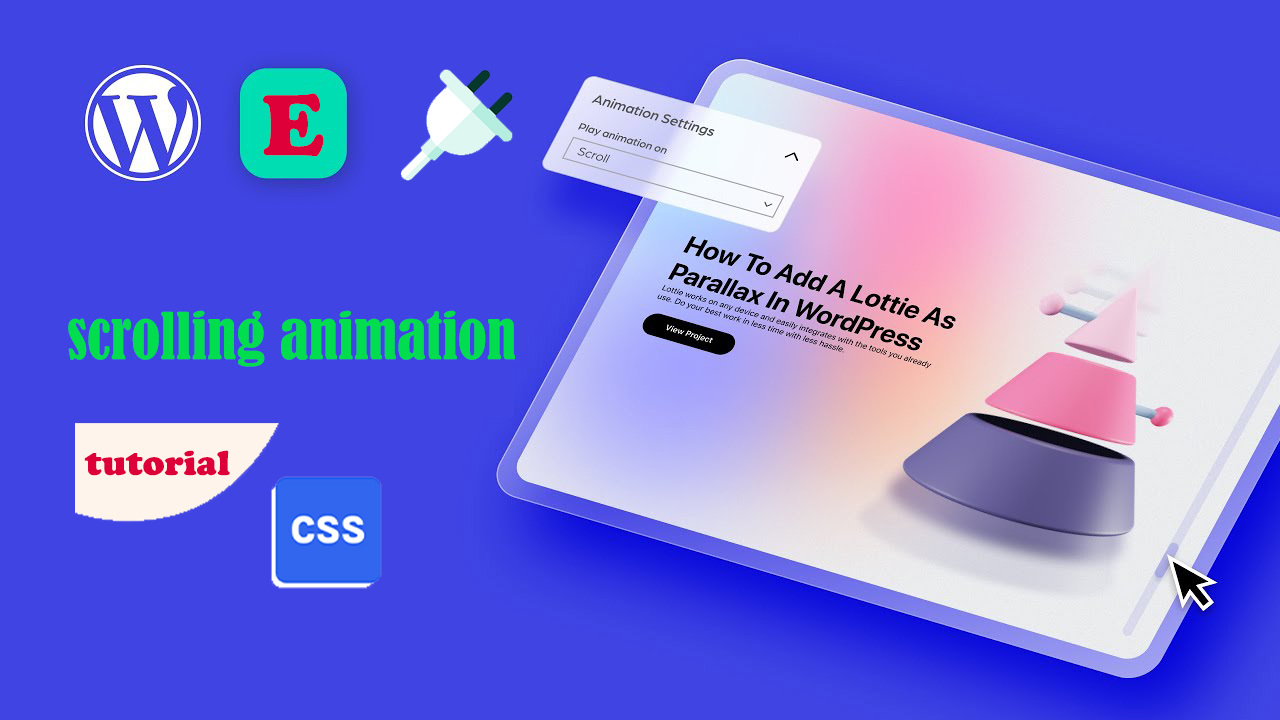
Three Ways to Implement Scrolling Animation in WordPress: Plugins, Elementor and CSS Tutorials
Add scrolling animation in WordPress to enhance web page dynamics and user experience. This article introduces a variety of ways to achieve scrolling animation through the Scrollsequence plugin, Elementor builder, and HTML anchor tags and CSS, suitable for different needs.

How to Improve Website Security with the WordPress Password Policy Plugin: A Detailed Guide
Learn how to effectively improve your website security against hacking and data breaches by installing and configuring the WordPress Password Policy plugin to enforce strong password rules, set password expiration times and reduce the risk of password sharing.

How to Display Related Products in WooCommerce to Boost Your Store's Average Order Value (AOV)
Learn how to set up relevant products in WooCommerce, display recommended products through product pages and cart pages, and utilize up-sell and cross-sell features to enhance user experience and average order value (AOV)
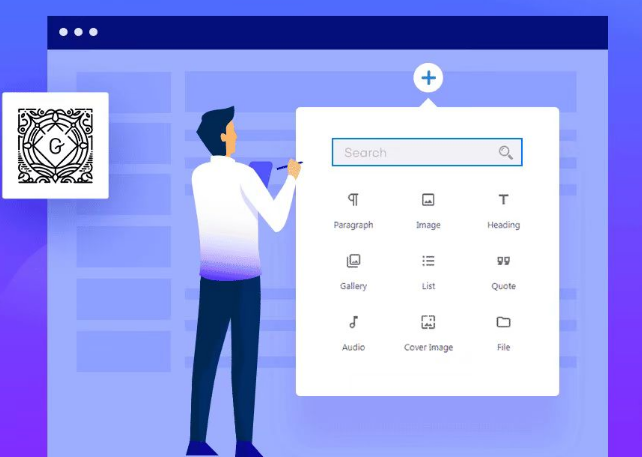
Common Gutenberg Editor Block Types and Their Functions Explained
Explore how to add and use blocks in the Gutenberg editor, learn about common block types, and learn tips for customizing and extending the Gutenberg editor to improve flexibility in WordPress content creation and page layout.

How to Use Rank Math to Improve SEO of Your Website: Full Explanation of Core Functions and How-to Guide
Improve your website's SEO performance with Rank Math plugin! This article introduces the core features of Rank Math plugin, including XML Sitemap, Meta Description Optimization, Keyword Optimization, Redirect Management, 404 Error Monitoring, Image SEO, etc., which help webmasters to...

What does 502 Bad Gateway mean? Common Causes and Solutions
502 Bad Gateway is a common server error that can be caused by server overload, DNS resolution issues, firewall blocking or CDN connection anomalies. This guide analyzes the causes of 502 error in depth and provides practical fixes to help you quickly restore normal access to your website.
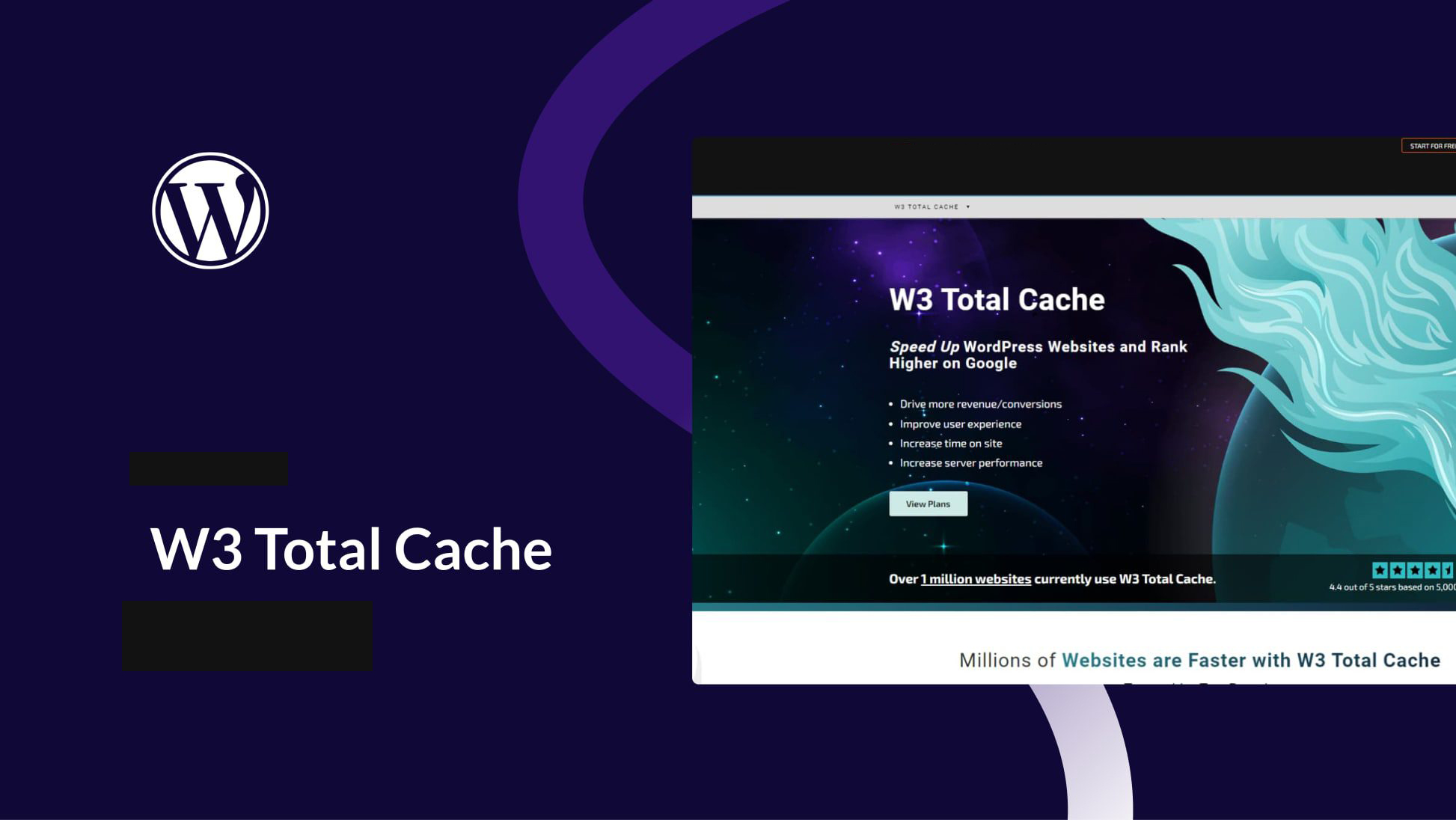
WordPress Caching Plugin Recommendation: The Secret Weapon to Speed Up Your Website W3 Total Cache
Learn how to optimize WordPress website caching with the W3 Total Cache plugin to increase load speeds, reduce customer churn, and improve site performance with CDN integration and compression optimization.

Avada Theme Essentials for 2025: Five Popular Plugins to Help Upgrade Your Website
Learn about the top five must-have hot plugins for Avada themes in 2025, including Fusion Builder, Slider Revolution, LayerSlider, Advanced Custom Fields PRO, and Imagify.Enhance website functionality, optimize loading speed and user experience, and make your site more...

502 Bad Gateway Error Fixing Guide: Common Causes and Detailed Resolution Steps
Common Causes of 502 Bad Gateway The 502 Bad Gateway error is essentially a communication problem between two servers while transferring data from a website. It is a problem with the servers in delivering the content of the website. It can be compared to an error in the delivery of information that results in the end user having no...

Avada Theme Tutorial: How to Add Filters to Products Using the Woo Filter Element
Add price, attribute, rating, and other filters to WooCommerce store pages with Avada's Woo Filter element for a more flexible product filtering experience that improves conversion rates and user satisfaction.

How to use the OpenStreetMap element of Avada theme to create a more accurate and flexible map display
Learn how to use Avada's OpenStreetMap element in your WordPress website to easily add and customize multiple locations, icons and map styles. In this article, we will explain the operation steps and applicable scenarios in detail, which will help you improve the geographic presentation and user experience of your website.

What is the difference between website weight and Baidu weight?
In-depth analysis of the core difference between website weight and Baidu weight, to understand their sources, role and practical significance, to avoid detours in SEO.

Astra template with default editor for article template reuse
Learn how Astra incorporates Gutenberg's default editor to enable quick reuse of article templates, maintain typographic consistency, and improve content creation efficiency and site management practices.

How to Effectively Manage and Optimize Product Reviews in WooCommerce
Learn how to disable product reviews in WooCommerce or turn off reviews for specific products. We also provide tips for managing and optimizing the display of reviews to help improve user experience and page aesthetics.
Implementing Dynamic Tables in Elementor: A Guide to Automatic Updates and Custom Styles
Create dynamic tables in Elementor to display real-time updated data and reduce manual maintenance workload. This article introduces using TablePress and WP Data Tables to achieve automatic data synchronization for product catalogs, inventory information, etc., which helps to improve website user experience.

Comprehensive analysis of WooCommerce short code: e-commerce page optimization and functionality implementation guide
Comprehensive analysis of WooCommerce shortcode basics and application methods, including product display, shopping cart and checkout page optimization, user account management and advanced customization, to provide efficient solutions for e-commerce websites.

How to Create Custom Search Results Pages with Elementor: A Complete How-To Guide
Learn how to create customized search results pages using Elementor and Elementor Pro. This tutorial explains in detail the search box settings, live search templates, configuration of the archive post widget, and how to enhance the user experience.

Customizing WooCommerce Shopping Cart Pages with Elementor: The Ultimate Guide to Boosting Conversions
Customize WooCommerce shopping cart pages with Elementor to improve conversions and user experience with coupons, upsells, dynamic content, and more. Detailed tutorials, easy to follow, no code required.

How to Fully Backup and Restore a WooCommerce Database: Keeping Your Store Data Safe
Learn how to backup your WooCommerce database and restore your data easily with manual, plugin, hosted service and command line methods. Protect your store data from losses due to data loss.

WordPress Image Rotation Tutorial: Creation, Optimization & Best Practices
Learn how to create professional image rotations in WordPress using the WP Carousel plugin. Optimize image rotation with detailed steps and best practices to improve user experience and website interaction, easily done without coding.

WordPress App Passwords Explained: A Guide to Generating, Using, and Managing Security
Comprehensively analyzes the definition, generation, usage scenarios, and security management techniques of WordPress application passwords, helping users and developers efficiently utilize the REST API for content management and third-party integration.

Improving WordPress Website Speed and Security: How CDNs Work and Selection Guidelines
Learn how you can improve your WordPress website's load speed, security and SEO rankings by using a content delivery network (CDN). This article describes how CDNs work, the benefits, and the best CDN service providers to help you optimize your website's performance and reduce operational costs.

How to fix Fatal Error: Call to undefined function mysql_connect() in WordPress
Encountering WordPress website showing "Fatal Error: Call to undefined function mysql_connect()" error? This tutorial provides you with a detailed explanation of the cause of the problem, as well as complete steps to resolve it through cPanel or server settings, ensuring that your site is restored...

WordPress get_the_terms(): Enhancing WordPress Category Display
Learn how to use the get_the_terms() function to get and display taxonomy terms in WordPress, covering the operation of categories, tags, and custom taxonomies to help you better organize and present your website content.

The Complete Guide to Elementor Forms: From Basic Setup to Optimization Enhancements for High-Converting Online Forms
Elementor Form is a powerful tool to collect user information and improve conversion rate. This guide analyzes the features of Elementor Form Widget, applicable scenarios, and provides optimization tips to help you build an efficient and interactive WordPress online form.

Wordfence vs Solid Security Security Plugin In-Depth Comparison: Which Plugin is Better for Your WordPress Site?
In this article, we compare two popular WordPress security plugins - Wordfence and Solid Security - and analyze their differences in terms of installation, features, price, user interface, etc. to help you choose the right security plugin for your website.

How to Use Elementor to Create a Custom Scoring System and Improve Website Interactivity
Learn how to use the Elementor Star Rating widget on your WordPress website. This article details how to set a rating range, choose a rating icon and style, and customize the style to help you add a rating system to your products, services, or content to enhance your website's inter...

Simple Settings for Powerful Image Zooming on Your WordPress Website
Learn how to add image zoom in WordPress using the WP Image Zoom plugin, which allows users to view image details more clearly and improve the interactivity and user experience of your website. Easily add powerful image zoom effects to your WordPress website with simple settings.

How Elementor Creates and Manages Single Product Templates (Comprehensive Guide)
Learn how to create, edit and manage single product templates to standardize your product presentation. This guide covers template exporting, renaming, deleting, and other operations to help you optimize your website's product page layouts and improve user experience and SEO.

 简体中文
简体中文  English
  日本語
日本語  Français
  Español



