




WordPress Tutorial Page 60
The "WordPress Tutorials" feature takes you in-depth understanding of WordPress, from the basic installation, theme and plug-in configuration, to SEO optimization and site security, covering all aspects of the core knowledge and practical skills needed to build a site. Whether you are a novice or an experienced developer, you can find the appropriate tutorials to help you easily master the use of WordPress and advanced operations.
arrange in order

WooCommerce Payment Gateway Settings
Detailed explanation of WooCommerce payment gateway setup methods, including credit card (Stripe), PayPal and other payment methods configuration steps, to help e-commerce sites secure and efficient collection.

How to use GeneratePress to center the logo and balance the menu items on both sides of the site.
Using GeneratePress combined with custom CSS, the website navigation bar logo centered, the two sides of the menu items balanced distribution, to enhance the visual effect of the page and user experience.
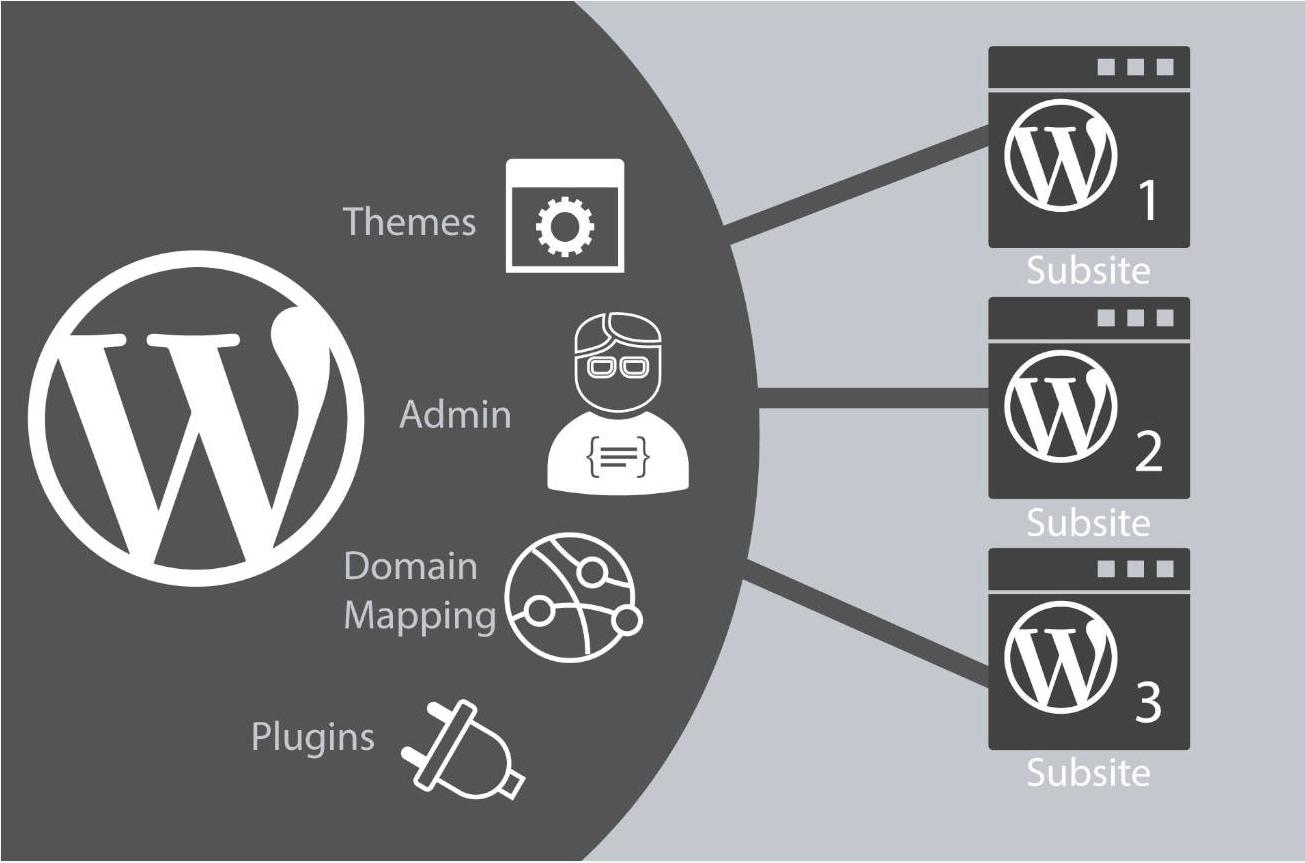
A complete guide to the process of deploying WordPress from a local to an online server
Explains in detail the whole process of migrating a WordPress site from a local environment to an online server, covering key steps such as database export, file upload, configuration modification, domain name update, and so on, to help the site go online smoothly.
Teach you how to master the GeneratePress dynamic font system and customize your site's typography without stress!
Learn how to customize your site's font styles with the GeneratePress Dynamic Font System, and easily control the typography of your site's headers, menus, body text, and more for a more professional and brand-recognizable look and feel without having to write CSS.
Adding Dynamic Subheadings to Posts in GeneratePress: Using Custom Fields and Block Element to Complete the Presentation
Use GeneratePress's Block Element and Custom Fields features to add dynamic subheadings to each post to enhance page layout and optimize structure without writing code.

Hook Prioritization in GeneratePress Explained: Controlling the Order of Elements
Learn how to use Hook priorities in GeneratePress to control the display order of page elements, insert ads, subheadings, author information, and more for precise layout and customized page presentation.

Free WooCommerce SEO Plugin Recommended: A Powerful Tool to Improve Search Ranking of E-commerce Sites
Explore a variety of free WooCommerce SEO plugins, including Yoast SEO, Rank Math, SEOPress, and more, to help you optimize your eCommerce site, improve search engine rankings, attract more organic traffic, and grow your business.
How to Manage a WordPress Database with phpMyAdmin: A Must Read Guide for Beginners
Learn how to use phpMyAdmin to manage your WordPress database, from backing up and restoring to executing SQL queries, to help you efficiently manage your website data, optimize performance, and safeguard security.
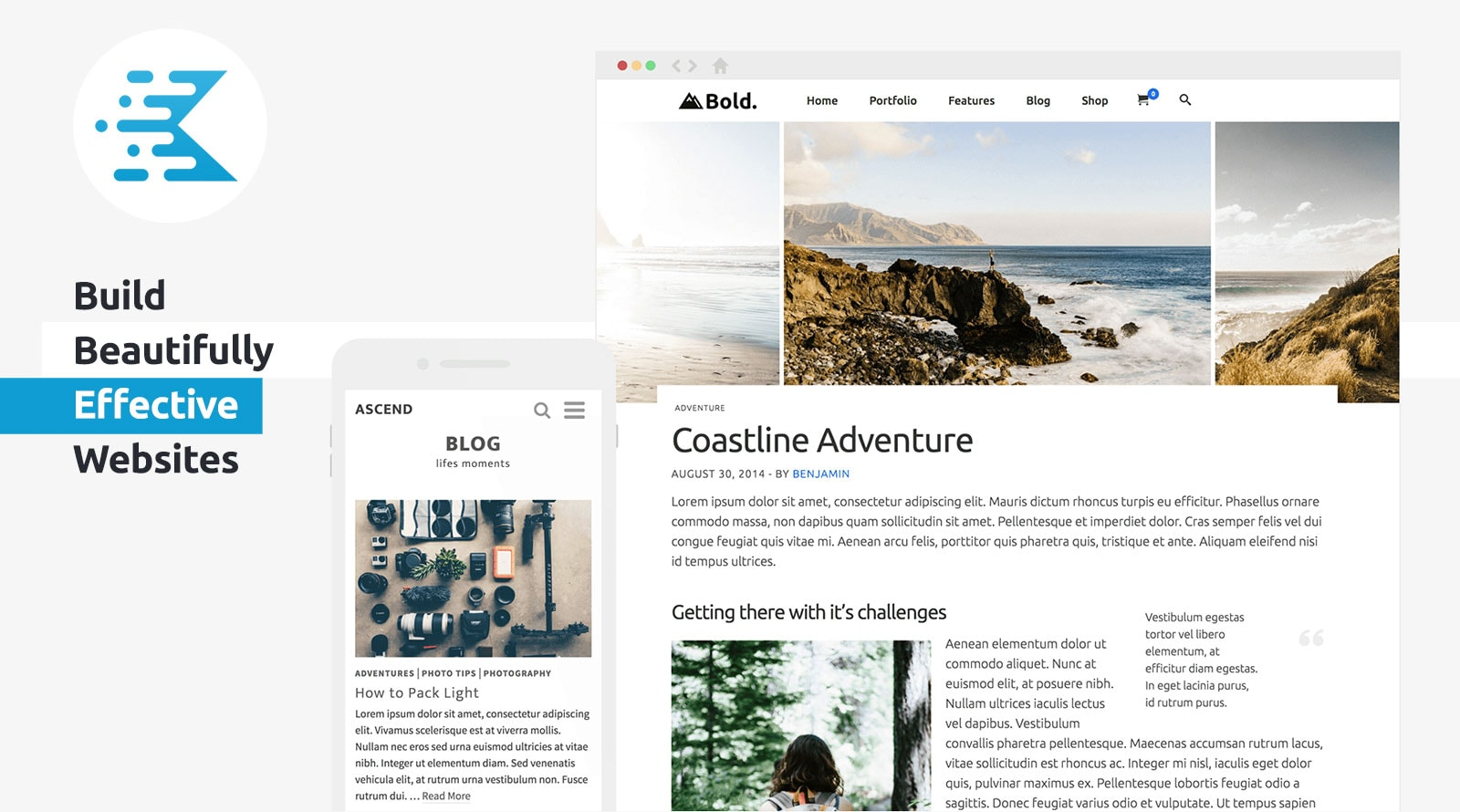
KadenceWP Explained: Ideal for Building High Performance WordPress Websites
Take a deep dive into the core features and benefits of the KadenceWP theme, including a drag-and-drop header/footer builder, global color and font controls, rich starter templates, and deep compatibility with the Gutenberg editor and WooCommerce to help you easily build high-performance, responsive...
How to Backup and Restore WordPress Database: Graphic Tutorials
Learn how to backup and restore your WordPress database using phpMyAdmin and UpdraftPlus plugins to keep your website data safe from data loss.
The Complete Guide to GenerateBlocks Nested Selectors: A New Way to Unify Control of Card Styles
Learn to use GenerateBlocks nested selectors to build modular and structured card components, and master core layout techniques such as spacing, rounded corners and inner margins.
GenerateBlocks template library tutorial: single insert and batch insert operation demonstration
Master single and batch insertion of GenerateBlocks template libraries to quickly build page modules such as feature displays, galleries, price lists and team profiles.
WordPress database structure in detail: the characteristics and role of each table
Learn about WordPress database tables and their characteristics, and analyze the functions of wp_posts, wp_users, wp_comments, etc. to help webmasters optimize their website management and development work.
GenerateBlocks Pro Styles Migration Tutorial: Upgrading from Old Global Styles to the New System
This tutorial describes how to migrate old GenerateBlocks Pro styles to the new global style system for more flexible page design and centralized management.

WooCommerce Theme Mobile Optimization Guide: Enhancing the Mobile and Tablet Shopping Experience
Comprehensively optimize the performance of WooCommerce theme on cell phones and tablets, from page layout and navigation structure to checkout flow and loading speed, to improve the efficiency of mobile shopping and website performance.

WooCommerce Child Theme Development Tutorial: Customizing Your WooCommerce Store Appearance
Learn how to customize the look of your store using the WooCommerce child theme, including template overrides, styling tweaks, and feature extensions for personalized e-commerce site design.
Elementor Fonts Displaying Wrongly? This trick quickly restores your website's original style!
Experiencing font display anomalies while using Elementor? Simply turn off the ability to load Google fonts locally to easily restore the original style and improve site consistency.
Elementor Fonts Fail to Load? A Complete Guide to Troubleshooting Font File Paths
Experiencing problems with Elementor custom fonts not displaying? In this article, we investigate in detail the common reasons such as font file path error, cache interference, cross-domain restriction, etc., to help you quickly solve the loading failure.
Elementor Safe Mode: Protecting Your Site from Plugin Conflicts
Learn how to protect your WordPress site from plugin conflicts and improve your site's stability and performance by enabling Elementor Safe Mode. This article will guide you on how to use Safe Mode to resolve plugin conflict issues and optimize page load speed.
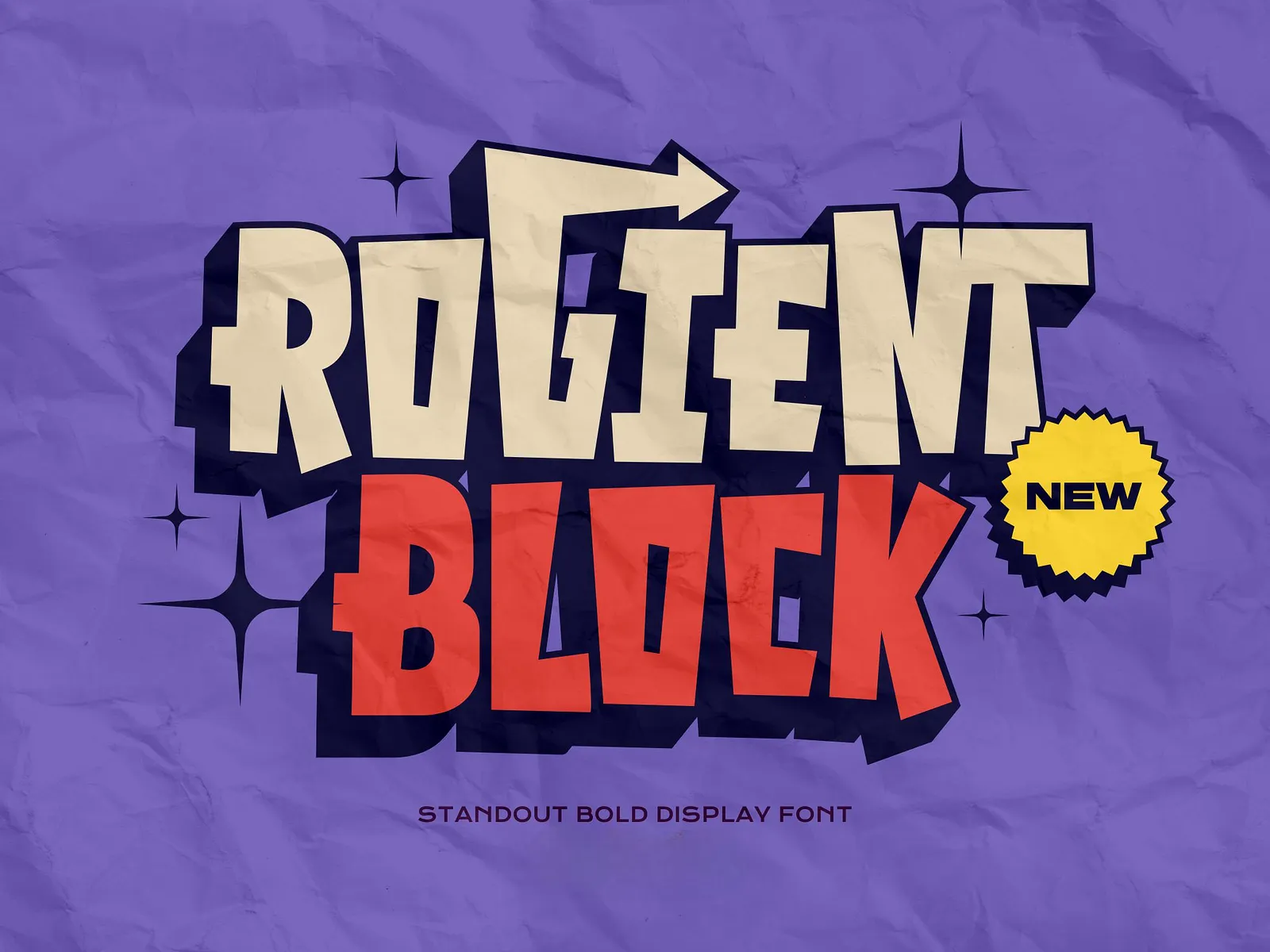
Rogient Block Font Download Address and Installation
Rogient Block is a modern industrial style font, this article describes how to download and install it for Windows and macOS.
Fatsome Theme Overview: Clean and Powerful Design for WordPress Websites
Fatsome Theme is a clean and powerful WordPress theme for business, blog and e-commerce websites. Offering responsive design, SEO optimization, fast loading and rich customization options, it helps users build professional websites with ease.

Elementor Security Mode vs. other page builders: which is better for your site?
An in-depth comparison of Elementor Security Mode with page builders like WPBakery, Beaver Builder, Divi and more to help you choose the best tool for your site. Learn about their security, ease of use, functionality, and performance features to make an informed decision.
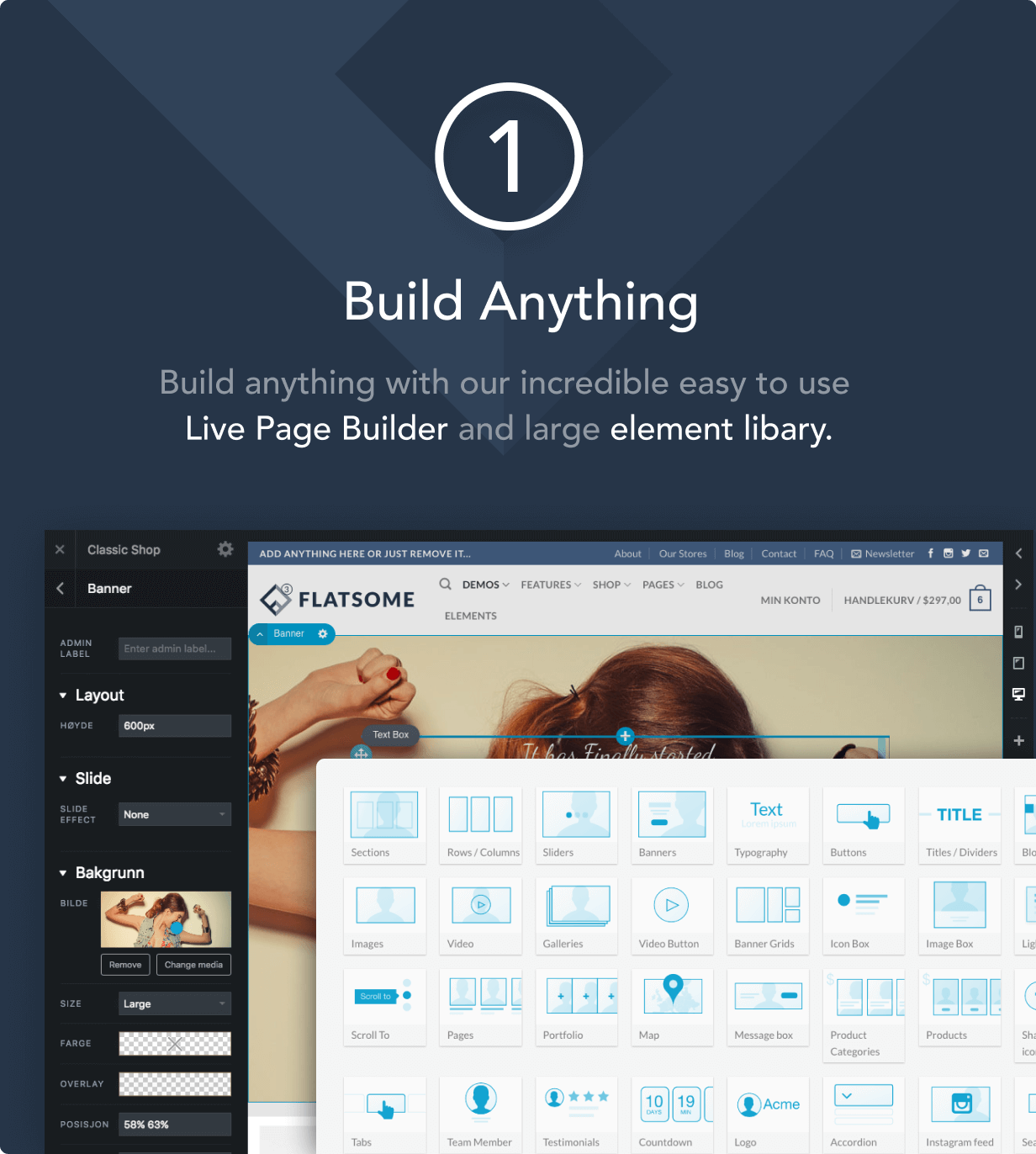
How to Improve Website Loading Speed with Fatsome Theme
Learn how to use Fatsome theme to improve website loading speed and master optimization techniques such as image compression, cache configuration, delayed loading, etc. to improve website performance, user experience and SEO ranking.

Customizing the Product Display Module in a WooCommerce Theme with Elementor Pro: A Complete Tutorial
Customize WooCommerce product display modules with Elementor to achieve more flexible layouts and visual effects, and enhance the attractiveness of e-commerce pages.

Resolving Error 521: Checking Server Protection and Timeout Settings
Error 521 means that Cloudflare can not connect to the source server, this article explains how to troubleshoot firewall interception, timeout configuration and server stress issues to reduce the frequency of error reports.

Open Source CMS vs. Commercial CMS: A Comparison from a Flexibility and Cost Perspective
This paper compares open source CMSs with commercial CMSs, focusing on the advantages and challenges from a flexibility and cost perspective, to help developers and organizations choose the most appropriate content management system."

Creating Custom WooCommerce Product Pages: Elementor Pro Tutorials
Customize WooCommerce product pages with Elementor Pro and easily design images, prices, and button layouts to improve brand image and conversion rates.
Troubleshooting and Debugging Guide for Elementor Missing Content Function Error Reporting
This article describes in detail the causes of Elementor's Missing Content Function error, and guides how to turn on WordPress debug mode to quickly locate and solve the problem.

How to Fix WordPress Gutenberg Editor Lag? The Ultimate Optimization Guide
Gutenberg editor running slowly? This article provides professional solutions, from browser optimization to server configuration, to completely solve the WordPress Gutenberg editor lagging problem! Contains PHP settings, plug-in management, cache optimization and other latest optimization techniques.

The Complete Guide to Using the WooCommerce REST API: A Tool for Quickly Connecting to External Systems
Understand basic WooCommerce REST API usage, key generation and connection testing to quickly establish data interaction with third-party systems.

 简体中文
简体中文  English
  日本語
日本語  Français
  Español



