




WordPress Tutorial Page 64
The "WordPress Tutorials" feature takes you in-depth understanding of WordPress, from the basic installation, theme and plug-in configuration, to SEO optimization and site security, covering all aspects of the core knowledge and practical skills needed to build a site. Whether you are a novice or an experienced developer, you can find the appropriate tutorials to help you easily master the use of WordPress and advanced operations.
arrange in order

Responsive design of the Astra theme: optimizing the site layout for different devices
Learn about the powerful responsive design features of the Astra theme and how to optimize your website for display on different devices such as desktops, tablets, and cell phones. Ensure your site renders perfectly on all screen sizes with device previews, relative units, and customizer adjustments.

Improve website loading speed: the working principle and application of CDN acceleration
This article details how CDN acceleration works, how to improve website loading speed, reduce latency, optimize user experience, and improve SEO rankings through content delivery networks. Explore the use of CDNs in global access, e-commerce, media and social platforms, and provide a close look at choosing a CDN service provider...
WebP format's impact on SEO: make your images lighter and rank higher
Learn how the WebP format can improve your WordPress site's SEO ranking by optimizing image loading speeds, reducing bandwidth consumption, and enhancing the user experience. Discover how to enable WebP format in WordPress to improve site performance.

Common Causes and Solutions for ERR_TOO_MANY_REDIRECTS in WordPress
Solve the "ERR_TOO_MANY_REDIRECTS" error in the WordPress website, introducing common causes and fixes, including URL settings, caching problems, plugin conflicts, .htaccess file configuration, SSL certificate errors and so on!

Mobile Optimization Tips for WoodMart Themes to Boost Mobile User Conversions
Optimize the mobile loading speed, navigation interaction and conversion rate of WoodMart theme, using WebP image format, Lazy Load technology, AJAX search, cache optimization, etc., to make the website run smoother on mobile devices, and improve the user access experience and order conversion rate.

Must-have for 2025! 10 hottest SEO plugins to help your website hit the search engine rankings!
Discover the 10 most popular SEO plugins for 2025 to help you boost your website rankings, optimize content, improve user experience, and improve overall SEO results.
Kadence Tutorials: How to Get Started with Kadence Themes Quickly
This article describes in detail how to build a WordPress website from scratch using the Kadence theme, including installing the theme, choosing a Starter template, making color and typography adjustments, setting headers and footers, optimizing for mobile display, and other operational steps to help you quickly create a responsive,...

What is WordPress CRM? Key Factors in Choosing the Right CRM Plugin
Learn how to choose the right WordPress CRM plugin for you, compare FluentCRM, HubSpot CRM, WP ERP and Groundhogg and analyze their features, pricing and scenarios to help you optimize your customer management and improve business efficiency.

WordPress Security Plugin Recommendations: 5 Hottest Security Plugins for 2025
Learn about five popular WordPress security plugins for 2025 that protect websites from hacking, malware, and brute force cracking risks. Explore the powerful features of Wordfence, Sucuri, Jetpack, and other plugins to enhance website security.

Wordfence vs Solid Security Security Plugin In-Depth Comparison: Which Plugin is Better for Your WordPress Site?
In this article, we compare two popular WordPress security plugins - Wordfence and Solid Security - and analyze their differences in terms of installation, features, price, user interface, etc. to help you choose the right security plugin for your website.
Easily create a multilingual WordPress website with the TranslatePress plugin!
Learn how to use the TranslatePress plugin to easily extend your WordPress website to a multilingual platform, improve global audience reach, enhance SEO results, and increase website traffic.
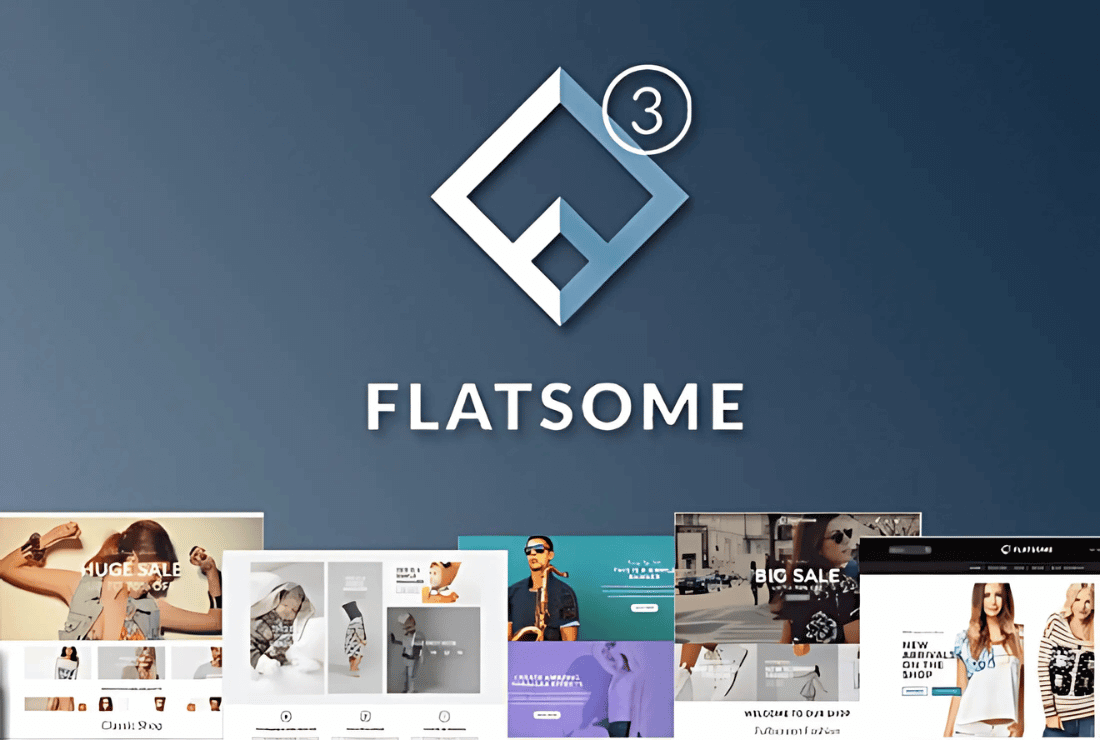
Flatsome Theme Review: Versatile WooCommerce Theme with Powerful Customization and Optimization Features
Flatsome is a powerful WooCommerce theme with rich customization features, built-in UX Builder page builder and seamless WooCommerce integration. Suitable for e-commerce websites, it offers a wide range of layouts and templates to easily help users create and manage online stores...

How to Create a Mega Menu with Elementor Builder and WoodMart Themes
This article describes how to create powerful and flexible mega menus with the Elementor builder and WoodMart theme. It includes creating navigation menus, setting up dropdown menus, adding full-width mega menus, customizing sizes, adding labels and setting up rotating product displays to help enhance web...

Avada Theme Tutorial: How to Import Templates on Avada Theme
Newbie website builders don't need to worry! This tutorial explains in detail how to import pre-built templates in Avada theme to quickly create high-quality website pages, and comes with FAQs to help you get started with Avada theme.
WooCommerce Product Page SEO Optimization: Key Ways to Boost Rankings and Conversion Rates
Learn how to optimize WooCommerce product pages, from keyword research to page layout to improve search rankings and conversions. Master core strategies such as Semrush usage techniques, image optimization, structured data and mobile responsive design.
Kadence Teaching: A Complete Guide to Kadence Theme Sidebars
Learn how to add and manage sidebars in Kadence Theme, this article includes site-wide and individual page sidebar settings, WooCommerce sidebar configuration, and how to enable sticky sidebars to make your WordPress website layout more flexible and interactive.

Avada Theme Essentials for 2025: Five Popular Plugins to Help Upgrade Your Website
Learn about the top five must-have hot plugins for Avada themes in 2025, including Fusion Builder, Slider Revolution, LayerSlider, Advanced Custom Fields PRO, and Imagify.Enhance website functionality, optimize loading speed and user experience, and make your site more...

Must Learn in 2025: How to Optimize Your SEO Performance with Avada Themes
With its powerful customization features and deep integration with WordPress, Avada theme has become the first choice of many website builders. To help you better utilize Avada theme to improve SEO performance, this article will introduce some effective SEO optimization tips that will help your web...

Avada theme tutorial: how to create a homepage slideshow on Avada theme
Learn how to create dynamic homepage slideshows in Avada theme, easily design and customize responsive websites with Avada Builder and powerful modular features to enhance user experience.
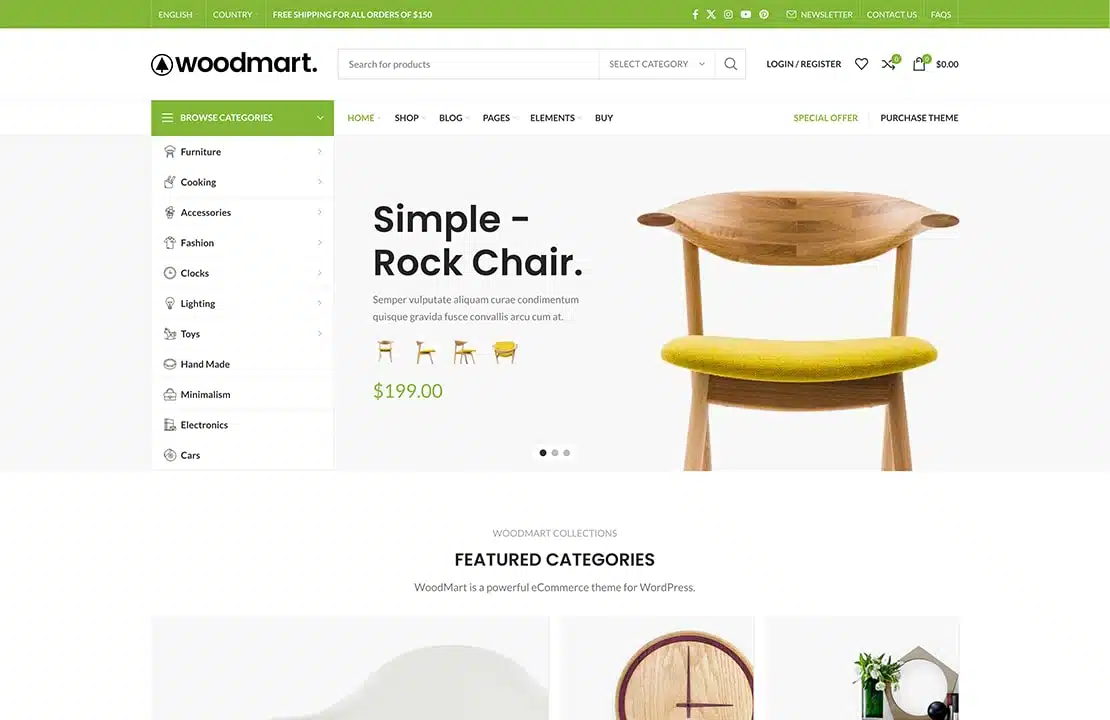
How to Boost Sales and Customer Engagement with WoodMart Theme's Waiting List Feature
This article introduces the Waiting List feature in the WoodMart theme that helps merchants manage out-of-stock items and send timely notifications to customers. This feature not only improves customer engagement, but also helps merchants forecast demand and drive sales.
Kadence Tutorial: Easily Publish WordPress Websites with Kadence Starter Templates
Learn how to quickly build and publish a feature-rich, professional-looking WordPress website using Kadence Themes with Kadence Starter Templates. Easily create an e-commerce website or personal blog that meets your needs by choosing a template, installing plugins and customizing page settings...

Avada theme tutorial: how to create homepage popups on Avada theme
Learn how to create custom homepage popups in Avada themes to grab visitors' attention and display promotional information or important notifications. Quickly set up and personalize popups with Avada's Fusion Builder in simple steps to boost website interactivity.

502 Bad Gateway Error Fixing Guide: Common Causes and Detailed Resolution Steps
Common Causes of 502 Bad Gateway The 502 Bad Gateway error is essentially a communication problem between two servers while transferring data from a website. It is a problem with the servers in delivering the content of the website. It can be compared to an error in the delivery of information that results in the end user having no...

Mastering Avada Popups for Good: Creating Professional-Grade Popups with Modal Elements
A comprehensive explanation of the Modal popup element in the Avada theme, introducing how to trigger popups via buttons, menus, or images, and implementing advanced content layouts such as mixed-text, forms, and so on, to help you create a highly interactive, high-converting website.

Kadence Tutorial: Using Kadence Blocks to Create FAQ Structures for WordPress Websites
Add a FAQ structure to your WordPress website with the Kadence Blocks plugin to display frequently asked questions and increase your placement and traffic in Google search results.

Avada Theme Tutorial: Make Your Music or Podcast Easy to Embed on Your Website with Avada SoundCloud
Details on how to embed music or podcast content into a WordPress website using the Avada theme's SoundCloud element, with support for a variety of layouts and styling settings, suitable for musicians and podcast creators to enhance the interactive experience of their websites.

Kadence Tutorial: Setting up a WordPress Custom 404 Page with Kadence Theme Pro
Customize the design of your WordPress website's 404 page with Kadence Theme Pro's Hooked Elements feature. Replace the default styles and add buttons, direct links, popular recommendations and other modules to improve the usability and accessibility of the page.

Avada Theme Tutorial: Using Avada animation features to easily create dynamic effects on the page to attract the attention of the user
Detailed introduction to Avada theme comes with animation features , covering 12 types of animation and their application scenarios , and through the graphic step-by-step demonstration of how to add animation effects for columns , containers , buttons and other elements , to help you easily achieve a professional and smooth page animation design .
Kadence Tutorial: How to Set Up Custom Author Boxes with Kadence Theme Pro
Learn how to use Kadence Theme Pro's Hooked Elements feature to add personalized author info boxes to the bottom and sidebars of your WordPress blog posts, enhancing the professionalism and credibility of your blog content. Supports sticky sidebar with multi-author configuration.

WordPress Custom Fonts Adding Guide (Block Themes & Classic Themes General)
Want to make the site more personalized? This tutorial introduces three methods of importing custom fonts in WordPress, including site editor upload, plug-in import and sub-theme configuration, applicable to different themes and scenarios, to help create a unified and beautiful typographic style.

 简体中文
简体中文  English
  日本語
日本語  Français
  Español



