


WordPress Tutorial Page 8
The "WordPress Tutorials" feature takes you in-depth understanding of WordPress, from the basic installation, theme and plug-in configuration, to SEO optimization and site security, covering all aspects of the core knowledge and practical skills needed to build a site. Whether you are a novice or an experienced developer, you can find the appropriate tutorials to help you easily master the use of WordPress and advanced operations.
arrange in order

WooCommerce Payment Gateway Settings
Detailed explanation of WooCommerce payment gateway setup methods, including credit card (Stripe), PayPal and other payment methods configuration steps, to help e-commerce sites secure and efficient collection.
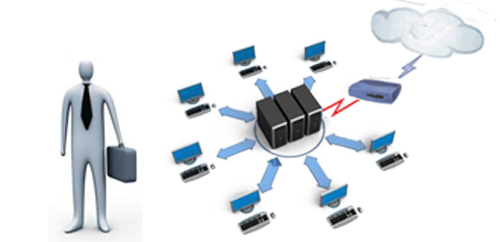
What is the difference between a 521 error and a 502 or 504? Figure out the difference.
This article explains the difference between the three common errors 521, 502, and 504 to help you determine if the problem is with Cloudflare, gateway response, or server processing timeout.

Step by step guide to customize Mega Menu styles with Avada Fusion Builder
Want to make your website navigation instantly high-end? This tutorial teaches you to use Avada Fusion Builder to create a visually stunning Mega Menu and easily realize an e-commerce level navigation experience!
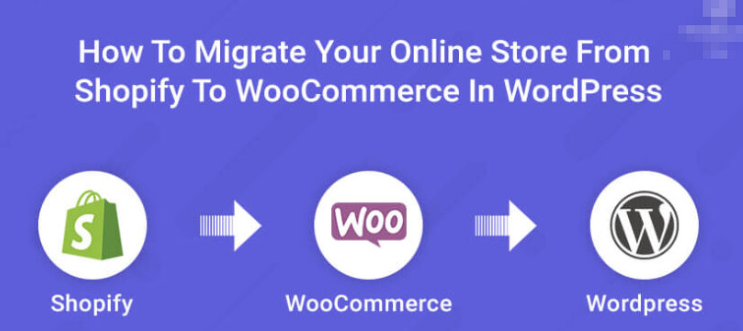
Shopify not flexible enough? Migrate to WordPress and save money!
Still worried about Shopify's high cost and limited functionality? 🔥 This article takes you through the whole process of Shopify to WordPress migration with low cost and zero loss!

Element Pack Pro Version 8.4 Released: Enhanced Features and Comprehensive Optimizations
Element Pack Pro 8.4 is here! With new powerful features and comprehensive optimizations, Elementor users can build websites more efficiently and have a smoother experience!

Want customers to love shopping? Learn WooCommerce category and tag management to enhance the shopping experience with ease!
Not selling well? Immediately improve user experience and surge conversions with WooCommerce category and tag management! Make it easy for customers to find their favorite products, quickly improve SEO rankings, and easily beat the competition!
The Complete Guide to GenerateBlocks Nested Selectors: A New Way to Unify Control of Card Styles
Learn to use GenerateBlocks nested selectors to build modular and structured card components, and master core layout techniques such as spacing, rounded corners and inner margins.
Uploading clear images that are blurry? Avoid front-end distortion with CSS and HTML
Uploading HD images but they are blurry? From HTML size control to CSS responsive settings, solve the front-end image distortion display problem and adapt to high-definition screen.
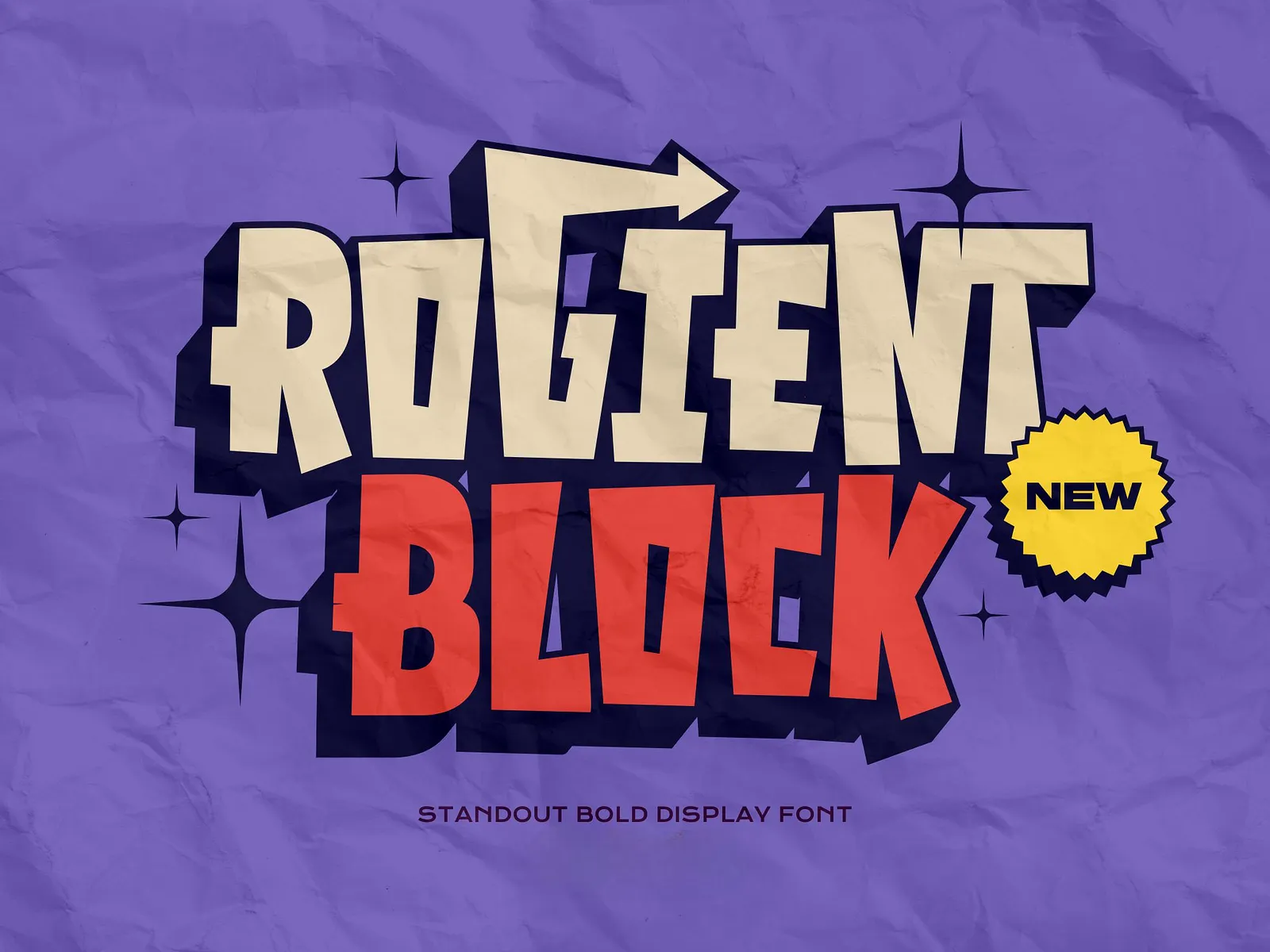
Rogient Block Font Download Address and Installation
Rogient Block is a modern industrial style font, this article describes how to download and install it for Windows and macOS.
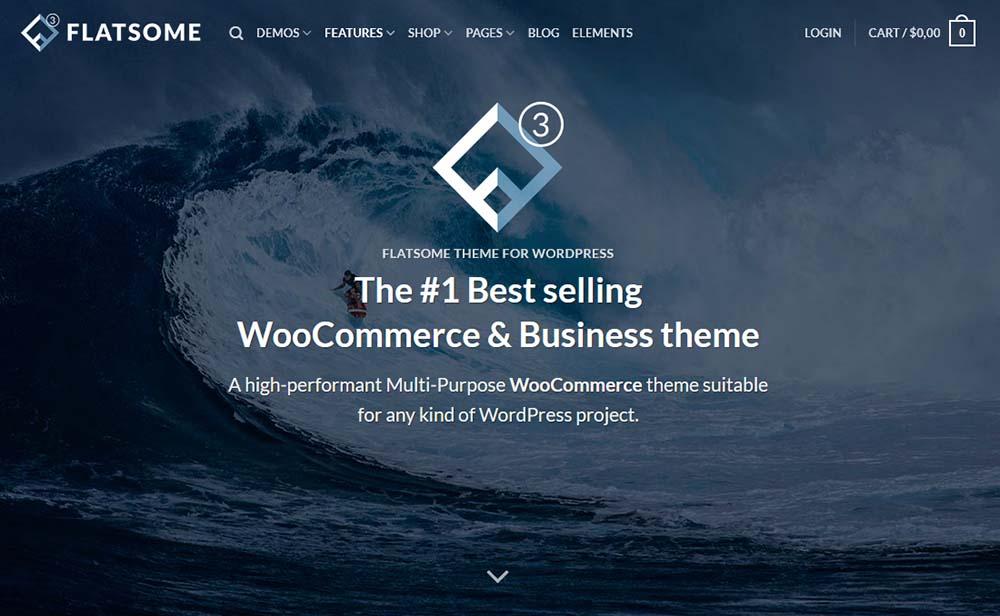
Fatsome Theme Overview: Clean and Powerful Design for WordPress Websites
Fatsome Theme is a clean and powerful WordPress theme for business, blog and e-commerce websites. Offering responsive design, SEO optimization, fast loading and rich customization options, it helps users build professional websites with ease.
WooCommerce: Replace the "Add to Cart" button with "Pay Now" button to improve purchase conversion rate
Learn how to change the "Add to Cart" button to a "Pay Now" button in WooCommerce to simplify user actions and increase checkout conversions for single-item or limited-time promotion sites.
Elementor conflicts with theme templates resulting in content function error fixes
Encountered Elementor reported error "You must call the content function"? This article explains why and how to fix it, including solutions such as modifying theme templates, using specialized page templates and Elementor conditional layouts.
How to Backup and Restore WordPress Database: Graphic Tutorials
Learn how to backup and restore your WordPress database using phpMyAdmin and UpdraftPlus plugins to keep your website data safe from data loss.
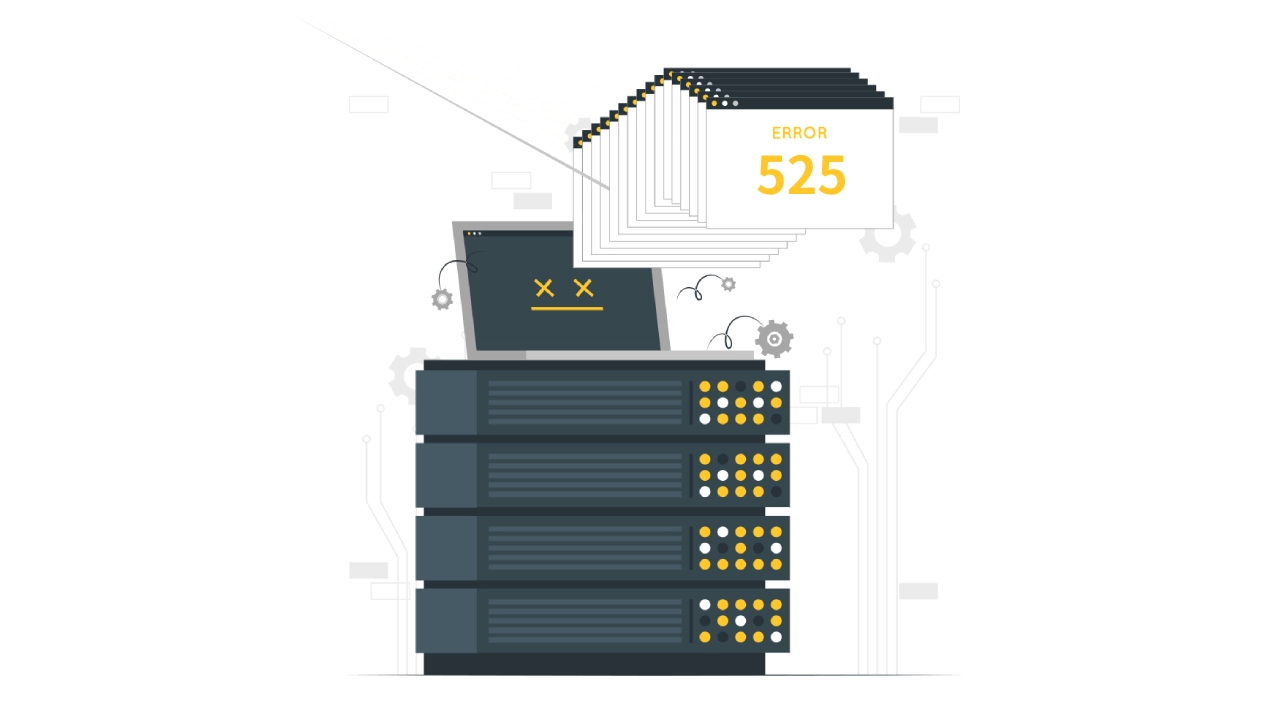
Cloudflare Bug 525 Workaround Guide: Fixing SSL Handshake Failures
Encountering Cloudflare Error 525 Understand what causes SSL handshake failures and get practical tips for resolving TLS issues to quickly restore site access.

How to Use WebP Images in WordPress
Learn how to use WebP images in WordPress to boost site performance, reduce file size, speed up page loads, and improve SEO rankings by installing a plugin or uploading them manually. Optimize images with the WebP format to improve user experience and load speed on mobile.

Web site to submit Baidu full guide: manual submission and API submission methods explained
Detailed explanation of the complete process of website submission to Baidu, including manual submission and API automatic push methods, to improve the efficiency of page inclusion, to help sites faster to get search traffic.

WooCommerce Enable WooPayments Detailed Tutorial!
Want to make WooCommerce more professional?WooPayments is the first choice for official payment collection! Support credit card, Apple Pay, Google Pay, multi-currency fast settlement, tutorials explain the installation and configuration process.

Custom development needs? Is Drupal or WordPress more flexible? A Comprehensive Comparison
When a website project requires a high degree of custom development, choose Drupal or WordPress? This article comprehensively compares the content modeling capabilities of the two major CMS, module scalability, permissions system and API integration, to help you determine which platform is more flexible and better suited to your project needs.
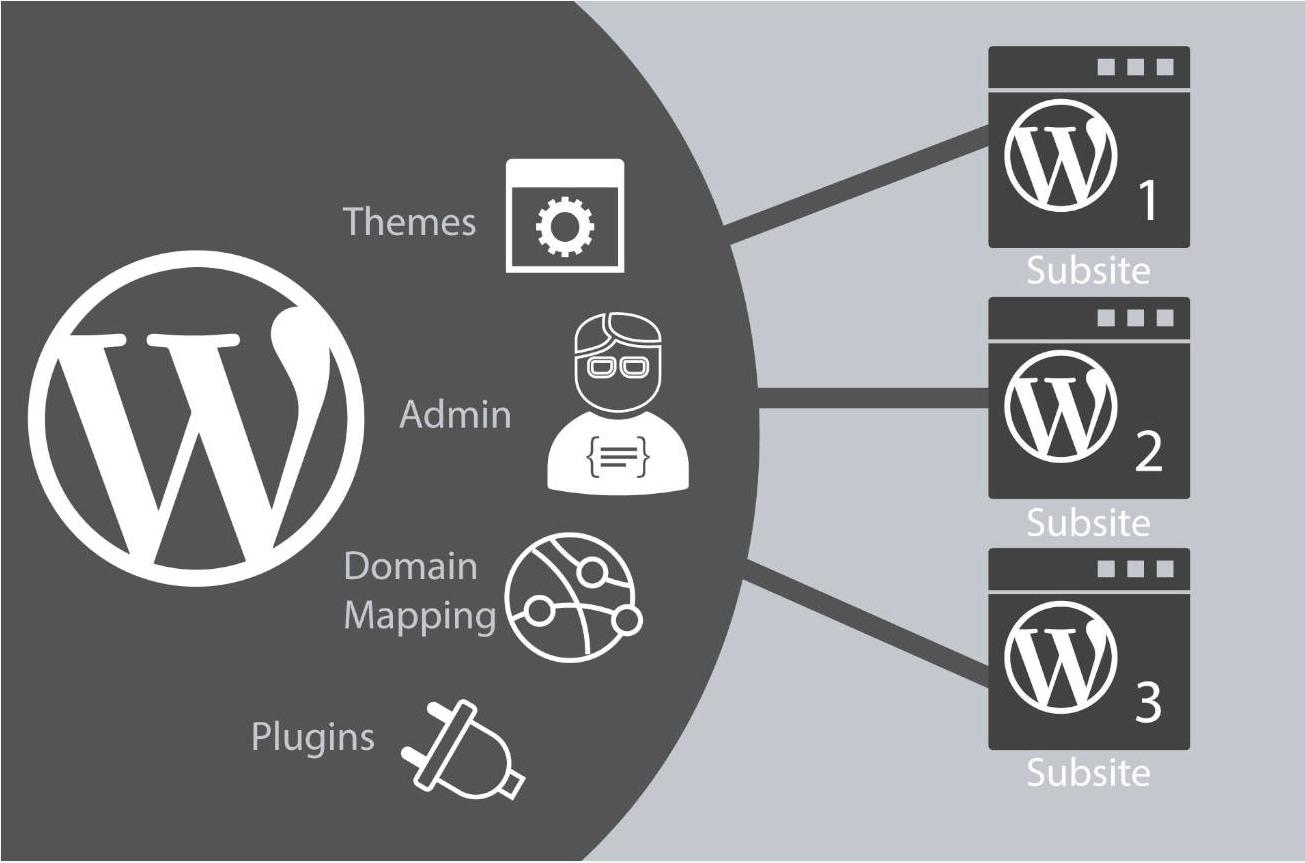
A complete guide to the process of deploying WordPress from a local to an online server
Explains in detail the whole process of migrating a WordPress site from a local environment to an online server, covering key steps such as database export, file upload, configuration modification, domain name update, and so on, to help the site go online smoothly.

Elementor style lost after font setup? The right way to add CSS manually
Invalid Elementor font settings or missing styles? This article teaches you to fix the font conflict problem with the right CSS writing style, so that the page text is displayed stably and avoid styles being overwritten by the theme.

Free vs Paid: Elementor Multilingual Plugin Comparison, Who is the best solution for multilingual website building?
Want to add multi-language support to your Elementor website and don't know whether to choose a free plugin or a paid version? This article compares the features, performance and application scenarios of TranslatePress, WPML, Polylang and other major plugins to help you make the most informed choice.

How to use the product branding feature in Blocksy 2 for e-commerce customization
Learn how to enable and use the product branding feature in Blocksy 2 to efficiently manage and display brand information with simple settings to enhance product categorization and presentation on e-commerce websites. For Blocksy Pro users, better customization options are available.
Elementor Secure Mode for Mobile Optimization: How to Improve Mobile User Experience?
Understand the real impact of Elementor's security model on mobile presentation, and master practical tips and responsive design recommendations to enhance the mobile user experience during debugging and development.

What is Heartbeat? Why it slows down the WordPress backend and spikes the CPU
Comprehensively explains the working mechanism and role of WordPress Heartbeat API, analyzes why it leads to background lag, admin-ajax.php request surge and CPU spike, and provides judgment ideas and optimization direction to avoid blindly shutting down the risk.

Enhance your e-commerce experience by customizing the "Order Confirmation" page with Blocksy 2
Learn how to customize personalized order confirmation pages for your WooCommerce store with Blocksy 2's Custom Thank You Pages module to enhance customer experience and create more marketing opportunities.

Blocksy Tutorial: Creating Exclusive Archiving Templates to Enhance Content Presentation
Learn how to create custom archive templates with Blocksy's Content Blocks feature, with the freedom to control post cards and full-page structure, adapted to blogs with custom content types.
Elementor Pro Animation Tutorial: 4 Tips for Creating Immersive Web Experiences
Use Elementor Pro to animate zooms, floats, text splits, and entrances for smoother, more eye-catching web effects.

Elementor Secure Mode vs Debug Mode: Which is better for your workflow?
Understand the core difference between Elementor Safe Mode and Debug Mode, master how to quickly locate and solve common problems such as website loading, white screen, plugin conflicts, etc., to improve your WordPress development and design efficiency. Understand the core difference between Elementor safe mode and debug mode, master...

What to do if the theme is not compatible with Elementor? Identifying and resolving failed load problem templates
Elementor load failure or page style error may be due to theme incompatibility. This article will take you to identify the causes of conflict between WordPress themes and Elementor, provide a detailed troubleshooting process and solution templates, and recommend compatible themes to help you successfully repair the site.
Don't let images slow down your server: Imagify or WP Smush?
Is your WordPress site getting slower and slower? In the end, it's most likely the unprocessed raw images that are causing the problem. I recently tested two major plugins, Imagify and WP Smush, to see who could minimize the size and still maintain image quality.

 简体中文
简体中文  English
  日本語
日本語  Français
  Español



