


WordPress Tutorial Page 92
The "WordPress Tutorials" feature takes you in-depth understanding of WordPress, from the basic installation, theme and plug-in configuration, to SEO optimization and site security, covering all aspects of the core knowledge and practical skills needed to build a site. Whether you are a novice or an experienced developer, you can find the appropriate tutorials to help you easily master the use of WordPress and advanced operations.
arrange in order

WordPress User Management Guide
Managing WordPress users is an administrative task that is often overlooked, but it is critical to improving WordPress management and security. Poorly managed users can pose a security risk, especially as a site grows and develops. Fortunately, having a user management plan in place is more important than one might think...

How to Make WordPress Website Content Win Google Featured Snippets: a Practical Guide
If you've already built a WordPress website, you can optimize your content to boost your ranking on Google and potentially appear in Featured Snippets. This post will show you how to craft and optimize your content for Google's Featured Snippets. Follow this guide...

15 Tips to Speed Up Your WordPress Backend: Improve Dashboard Responsiveness
The issue of WordPress dashboard slowdown is a big challenge in website management. It is affected by several factors, including server speed, the core WordPress program, and the efficiency of the themes and plugins you have chosen. Even if your site loads quickly for visitors such as...

Smart Post Layout for Elementor - Elementor Smart Post Layout plugin
Smart Post Layout is a WordPress plugin designed for Elementor to help users easily create elegant blog post display areas. It provides two layouts (rotate and grid) and five themes to enhance the visual effect of your blog without coding. Main Features: Two...

How to Fix Facebook and Instagram oEmbed Issues in WordPress
The default oEmbed or Embed block in WordPress doesn't work anymore. If this block was previously used to add Facebook or Instagram content to WordPress, it may cause errors and missing content on your WordPress site. Don't worry, we will...

In-depth analysis of WooCommerce settings options: all-round optimization of your WordPress e-commerce site
Previously, we briefly talked about some of the settings of WooCommerce, now, we will explain step by step the settings available in WooCommerce. When going to WooCommerce > Settings, you will see tabs with different types of settings on the page.The settings included in the WooCommerce plugin...

Analyzing the Impact of WordPress SEO 301 Redirects on Traffic and Conversions
In modern digital marketing, search engine optimization (SEO) is one of the key strategies to ensure that your website gets more natural traffic and improves conversion rates. And among the many SEO techniques, 301 redirects are a common and important tool. In this article, we will analyze WordPress SEO 301 redirects in depth...

Protect Your Private Content with WordPress Password Protection
Whether you're a personal blogger, a business owner, or a content creator, you may need to protect certain pages or posts so that they're only visible to a specific audience.WordPress offers a simple and effective way to do this - the password protection feature. Before you proceed with the WP self-taught site ...

Choosing a Domain Name and Finding the Right Host: Your Online Business Journey
Welcome to the first step in "building an online empire": choosing the perfect domain name and finding the ideal host! Whether you're doing business domestically or planning to make a name for yourself on the international stage, choosing the right domain name and hosting provider is the key to success. Let's delve into this...

Take a ride in the WordPress time machine: a fantastical journey through the digital world
Welcome to the wonderful world of WordPress! If you think WordPress is just an ordinary website builder, sit back and prepare to be surprised! WordPress, not just a blogging platform In 2003, two young web enthusiasts, Matt Mullenweg and M...
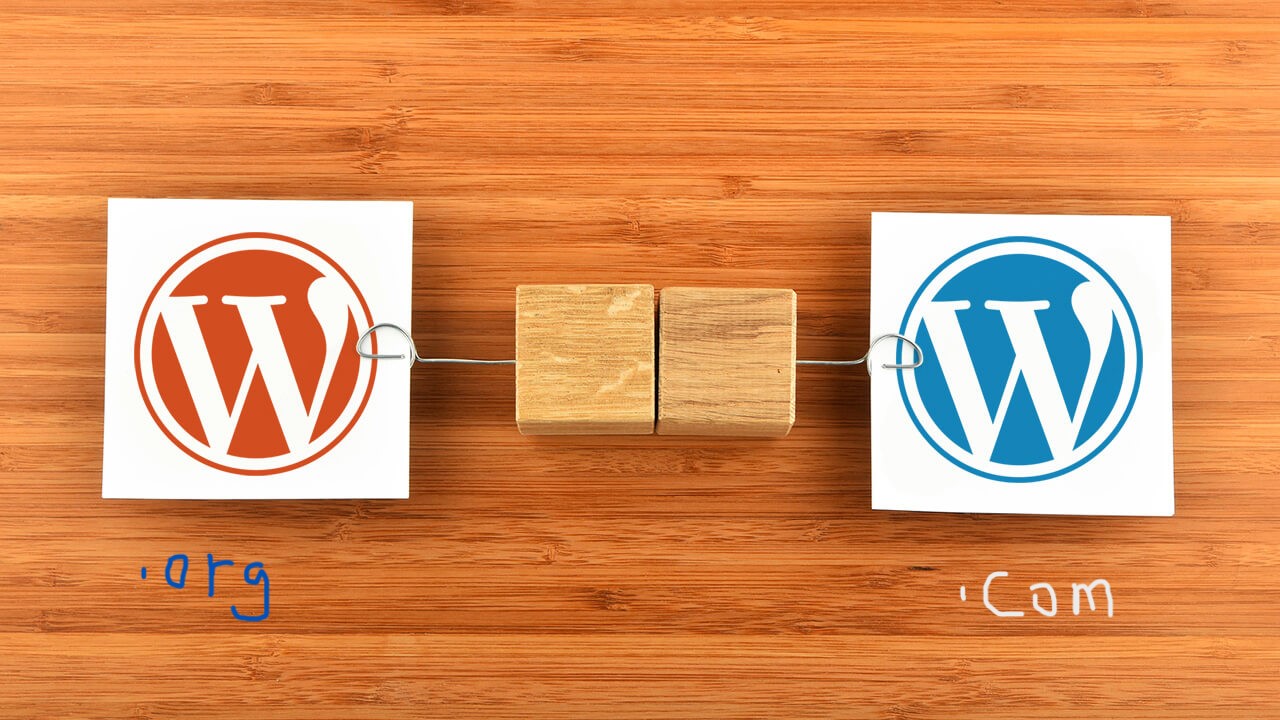
Full Explanation: Difference between WordPress.Org and WordPress.com, which one is better for your website or blog?
If you're planning to create a website or blog, chances are you've heard of WordPress, the world's most popular content management system (CMS) powering millions of websites and blogs around the globe, according to Google Trends below. The top three content management system apps...

How to Limit Login Attempts in WordPress to Prevent Brute Force Breaches
WordPress is a powerful and widely used content management system, and limiting the number of login attempts is an effective way to prevent brute force breaking attacks. This article will detail how to limit the number of login attempts in WordPress to improve the security of your website. What is brute force breaking...

How to Improve Your WordPress Website Performance and Visuals by Optimizing and Editing Images
Why Image Optimization is Crucial for Your Website? Optimizing images isn't just about aesthetics, it also has a direct impact on your website's performance and SEO results. Correctly edited and optimized images can significantly reduce file size, resulting in faster page loads and improved user experience. What's more...

10 Practical Ways to Optimize WooCommerce for Higher Conversion Rates
Optimizing for WooCommerce requires a combination of marketing and internet expertise to create the ideal storefront for your customers. Here are 10 simple ways, backed by data, to increase conversions. WooCommerce Conversion Rate Optimization (CRO) is a way to improve the success of your eCommerce...
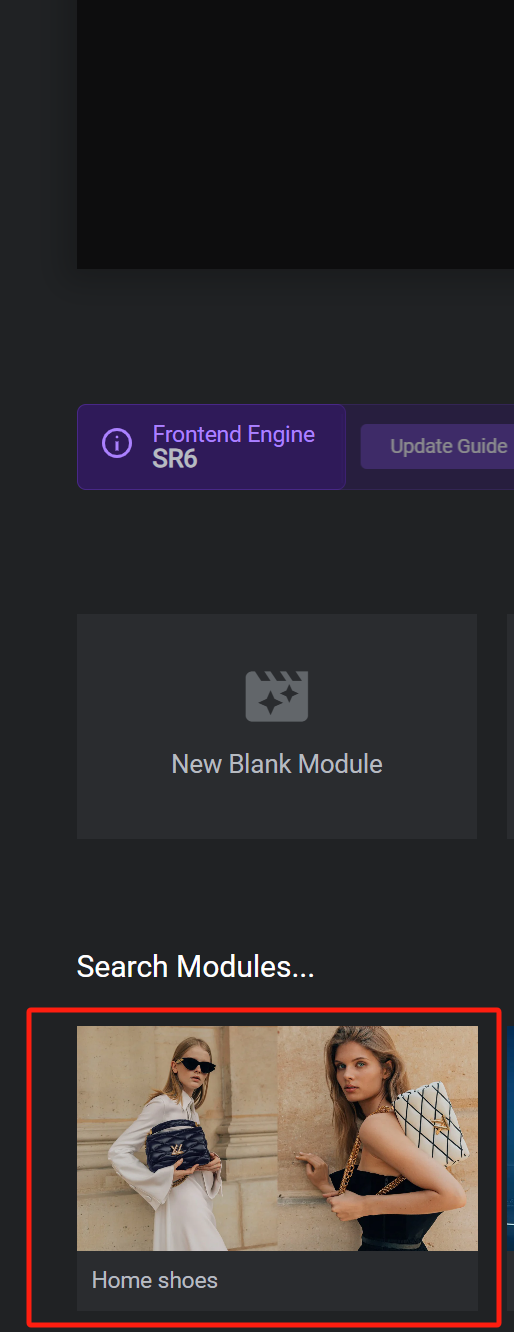
How to Create Dynamic Website Posters with Slider Revolution in BoxShop Theme (03)
In this installment, we talk about setting up a poster (banner) for the BoxShop theme, which is actually quite simple, and like the previously mentioned Basel theme setup, this tool not only provides an easy-to-use interface, but also ensures that the poster is displayed perfectly on a variety of devices. Next, we will detail ...

WordPress Custom CSS Getting Started Guide: 5 Must Learn Code Snippets
Learn how to customize your WordPress site with 5 must-have CSS code snippets to easily style fonts, buttons, spacing, images, and more for novice users who want to get started quickly.

Introducing Elementor 3.21: Recursive Sorting Queries for Lists, Performance Improvements, and More!
Version 3.21 includes the ability to create lists for categories and tags, as well as significant performance improvements and exciting new AI features. This release focuses on professional design tools and performance enhancements that reduce load times and improve performance ratings. Categorized queries are new work for listing sites...

WordPress SEO 301 Jump SEO Optimization Strategy
In the process of website SEO optimization, 301 jump is a very important technical means. It not only effectively improves the user experience of the website, but also maintains and improves the SEO ranking of the website. In this article, we will discuss in detail the best practices and strategies for using 301 jumps under the WordPress platform. What...

How to Secure Your WordPress Administrator Login
WordPress has become the dominant platform for content management systems (CMS). However, this popularity has also made WordPress a popular target for hackers and malicious actors. They usually try to gain unauthorized access to your website to perform data theft, plant malware, or disrupt web...
How to Quickly Build an Effective and Professional WordPress Website with the Gutenberg Editor
A detailed look at how to create effective WordPress websites using the Gutenberg editor, including block theme selection, global style customization, template creation, and SEO optimization tips for both novice and experienced developers.

WordPress SEO Audit Checklist: Can Improve Your Site's Ranking
What is an SEO Audit? Optimizing your WordPress website for search engines is important to attract more visitors. However, many webmasters don't know if their technical SEO strategies are working. This is where an SEO audit comes in handy. It is a process to determine if a website has been properly...

Best WordPress Image Compression Plugin Recommendations to Increase Website Speed
When do you need WordPress image compression plugin? Images play a vital role on websites. However, image files are usually much larger than plain text, which means they take longer to load and can slow down a website. To improve your WordPre...
How to Fix Featured Images Not Displaying in WordPress
Featured images give visitors a glimpse of what's in your blog posts and pages. If these images are not appearing on your site, it can affect click-through rates. This article will show you how to fix featured images that are not appearing in WordPress so that your content gets more clicks and engagement. ...
WordPress source code - jquery-plugins (jquery.masonry-2.1.05.js)
1 /** 2 * jQuery Masonry v2.1.05 3 * A dynamic layout plugin for jQuery 4 * The flip-side of CSS Floats 5 * http://masonry.desandro.com 6 * 7 * Licensed under the MIT license. 8 * ...

How to create a WordPress lightbox without a plugin: a detailed tutorial
WordPress has been able to create lightbox effects without relying on third-party plugins since version 6.5. This feature has been integrated into the WordPress core, especially for those who use the WordPress block editor (Gutenberg). Therefore, adding images and enabling lightbox effects for them is now...

How to Password Protect Parts of a WordPress Post
Today! Let's look at the most specific way to password protect a portion of a public WordPress post. To set this up, you can use the free Passster plugin available on WordPress.org. After installing and activating the plugin, go to Settings → Passster Generate for...

How to Fix 413 Request Entity Too Large Error in WordPress
What causes the WordPress 413 Request Entity Too Large error? This error occurs when an attempt to upload a file exceeds the maximum file upload limit for a WordPress site. The web server will not be able to upload the file and will see the "413 Request Entity Too Large" error...

How to Create WordPress Subblock Themes Using Plugins
The case we used inside the previous post was a classic theme, this tutorial uses a block theme to create it. If using a block theme, then WordPress provides an easy way to create a child theme using the Create Block Theme plugin. First, you need to install and activate WordPre...

What does rel="noopener" mean in WordPress?
rel='noopener' is an HTML attribute that is used when you add a link in WordPress and want it to open in a new browser tab. It is also usually used in conjunction with the rel='noreferrer' attribute.WordPress introduced these two features mainly...

How to delete unused WordPress media: detailed tutorial
Deleting media files that are no longer in use is an effective solution during the operation of a WordPress website when the host's disk space starts to fill up but we don't intend to upgrade the hosting package for the time being. In this article, we will explain how to delete unused WordPress manually or through a plugin...

 简体中文
简体中文  English
  日本語
日本語  Français
  Español



