




WP self-taught website builder Page 17
At Photon Academy, we specialize in providing high quality WordPress instruction to help you master every aspect of WordPress from basic to advanced. Our courses are designed to allow students to get hands-on and understand the power of WordPress, whether it's building a personal blog or a business website.
arrange in order

Astra Pro Footer Widgets Module and Footer Fixation Setup Tutorial
Detailed explanation of Astra Pro footer widget module layout and style settings, and provide CSS methods to make the footer fixed at the bottom of the page, suitable for blogs, e-commerce or corporate official web page design.

How to Add WooCommerce Mini Cart in Astra Header and Optimize Shopping Experience
Learn how to add a WooCommerce Mini shopping cart to an older Astra header to improve site functionality. With the Astra Pro plugin, learn to add the cart to the main menu, above or below the header, and enable the Quick View feature and Off-Canvas sidebar to optimize...

Three useful features of Astra Pro that enhance WooCommerce performance and shopping flow
This article introduces three useful features of Astra Pro in WooCommerce stores, including high-performance order storage support, product image width settings, and product quantity up/down buttons, which help merchants improve system performance and shopping operation efficiency.

How to Optimize WordPress Database to Improve Website Performance
Learn how to use the WP-Optimize plugin and phpMyAdmin to optimize your WordPress database, clean up useless data, improve site performance and reduce load times.

WooCommerce Page Enhancement Tips: Default Comments Tab and Empty Cart Display Products
When building a WooCommerce store with Astra theme, you can optimize the page performance and enhance customer interaction by setting "Reviews" as the default tab and enabling the display of selected products with empty cart. This article provides detailed settings and code reference.

Free WordPress Knowledge Base Theme Download: Build the Perfect Self-Service Platform
Discover how to create a powerful self-service platform with a free WordPress knowledge base theme. This article provides detailed theme recommendations, installation tutorials and optimization tips to help you easily build an effective knowledge base website.

WordPress default avatar is too monotonous? Teach you to change to a personalized avatar in one click
With WP Swiss Toolkit plugin, you can easily set up customized avatars in your WordPress website, support avatar upload, SVG image upload, enhance file upload size and other functions, which can comprehensively improve the efficiency of website management and user experience.

Blocksy Product Filter Module to Optimize Ecommerce Website Shopping Experience
Blocksy launches a new product filtering module that supports price, category, brand and attribute filters to help e-commerce sites improve product browsing efficiency and customer satisfaction.

WordPress Common Security Vulnerabilities Inventory and Fixing Strategy Guide
Get an in-depth look at common WordPress security vulnerabilities, including SQL injection, XSS attacks, file upload vulnerabilities, and more, with detailed strategies for fixing them. Learn how to protect your site from attacks by updating plugins, strengthening password management and permission settings, and other measures.

Blocksy Multilingual Tutorial: How to Translate Content Strings in a Website
Learn how to use the WPML plugin to translate content strings in Blocksy themes, including buttons, menus, placeholders, and more, to create complete and consistent multilingual WordPress sites.

Blocksy Tutorial: Creating Exclusive Archiving Templates to Enhance Content Presentation
Learn how to create custom archive templates with Blocksy's Content Blocks feature, with the freedom to control post cards and full-page structure, adapted to blogs with custom content types.
Comparison of the five major open source CMS platform: which best suits your site needs?
Comparison of mainstream open source CMS such as WordPress, Drupal, Joomla, etc., to help you choose the most appropriate platform according to the goal of building a website, and efficiently build a website.
WordPress vs Joomla security: which is more secure?
This article compares the security architecture of WordPress and Joomla, plug-in risk, privilege control and vulnerability response, analyze the performance and differences between the two major website building systems in terms of site protection, to help you make a more informed choice of technology.
Three practical ways to change fonts in WordPress!
Want to quickly change your WordPress website fonts? This tutorial shares three simple and practical ways for newbies to easily spruce up the look of your website, including theme settings, font plugins, and custom CSS.
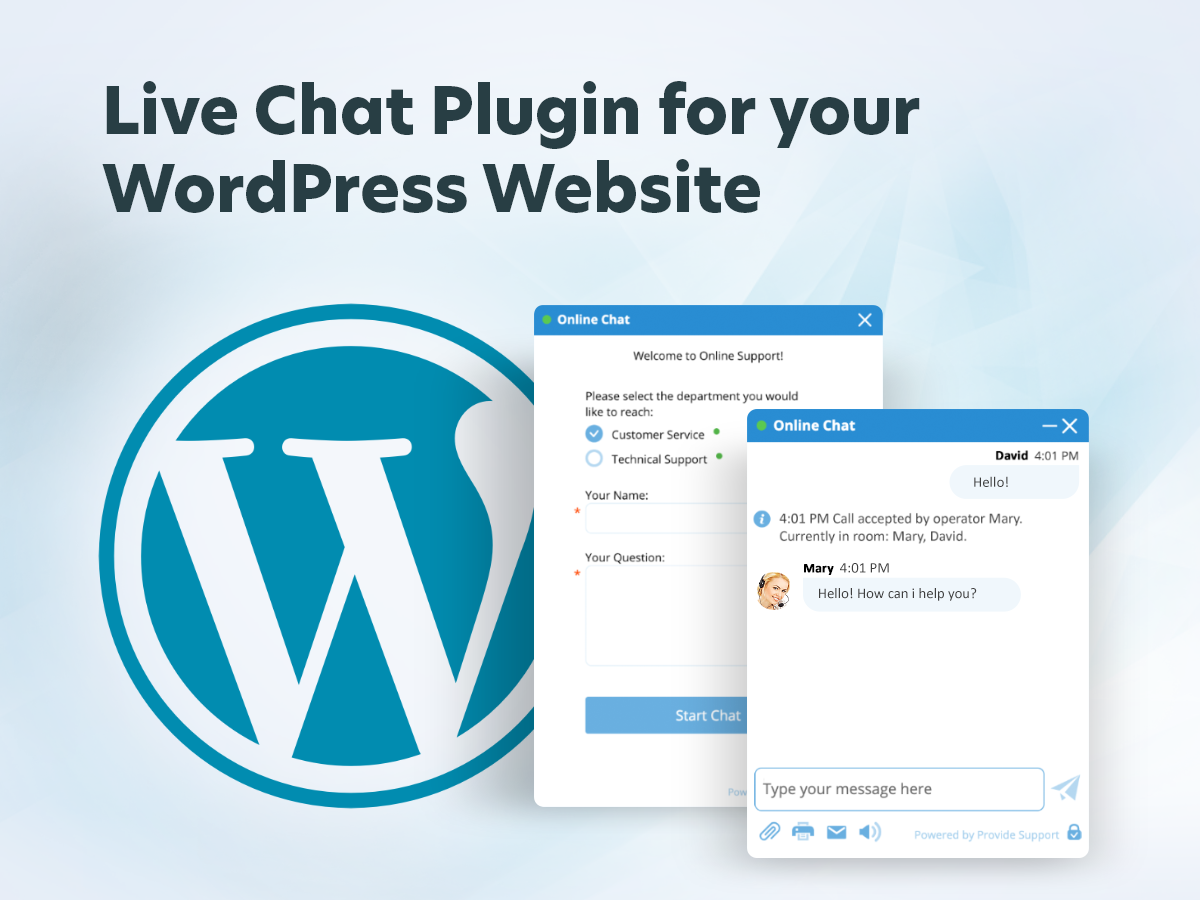
No technical background! Learn how to use WP-Live Chat plugin from scratch!
This tutorial provides a complete installation and setup guide for the WP-Live Chat plugin for zero-based users to help you easily add real-time online customer service functionality to your WordPress website, with no technical background required to get started quickly!

Adding Breadcrumbs with GeneratePress and GenerateBlocks Tutorial
Easily add and customize breadcrumb navigation using GeneratePress and GenerateBlocks in combination with SEO plugin shortcodes to improve your website navigation experience and page aesthetics.

Elementor Pro Tutorial: Editing Header and Paragraph Widgets and Applying Global Styles
Comprehensively explains how to set up title and text widgets in Elementor Pro, and introduces techniques for applying global fonts and colors.

Add Sticky Social Icons to WoodMart Theme
Instruction on how to enable sticky social icons in WoodMart theme and insert social buttons with Elementor or WPBakery.

Recommended Best Image Optimization Plugins for WordPress in 2025: 6 Real-World Comparisons
A selection of the 6 best WordPress image optimization plugins of 2025, real test compression effect and loading speed, help website to improve SEO ranking.
Practical Ways to Add Online Customer Service and Chat Features to WordPress
Introduces a variety of ways to add online customer service and chat features in WordPress, supporting plug-in access, social tools embedded and professional system integration.

Why are all WordPress power users using Blocksy Content Blocks?
Learn how Blocksy Content Blocks helps WordPress power users achieve precision hooking, conditional placement, and unified content management to increase operational efficiency and conversion results while improving page performance.

How to use the "Link Suggestion" function in Rank Math to improve the structure of your site
In-depth explanation of how to use Rank Math's "Link Suggestion" function and optimization techniques, helping webmasters to efficiently build in-site link structure, improve article relevance and overall SEO performance.

How to Add Text, Images, and Media Files to the Gutenberg Editor
The complete guide teaches you to add text, images, and videos to the WordPress Gutenberg editor to make content creation more intuitive and efficient.

How to Insert Links and Buttons in Gutenberg: A Practical How-to Guide for WordPress
Graphic explanation of how to add text links, image links and buttons in the Gutenberg editor to improve page navigation and user interaction experience.
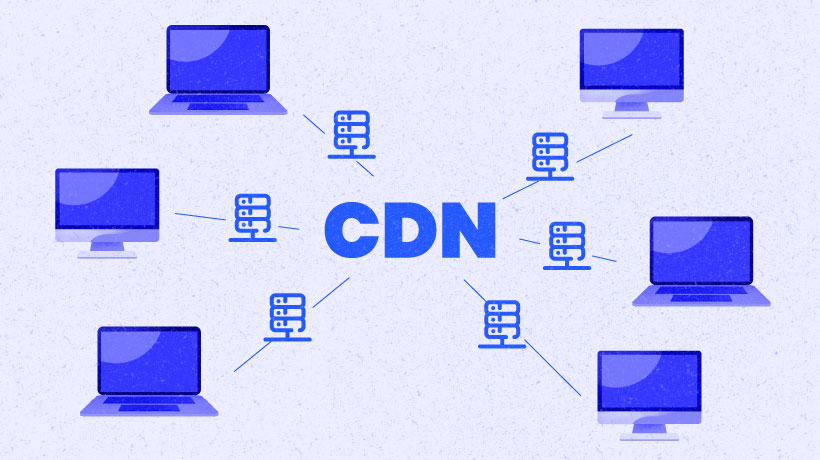
What is WordPress CDN Acceleration? The Principles and Benefits of CDN Acceleration
This article introduces the concept of CDN, how it works and how it affects the speed, security and stability of WordPress websites to help webmasters understand the value of acceleration.

502 and 504 in terms of human-computer relationships: how sensitive is your site to user impatience?
Errors 502 and 504 are not just technical problems, but also a breakdown in communication between the website and its visitors. This article discusses these errors behind the "human-machine relationship" to help you build a more warm system response mechanism.
Adding a Subscription Form with the Elementor Pro Form Builder (Full Tutorial)
This article demonstrates the Elementor visual form builder subscription scenarios, examples covering field configuration, button styles, MailChimp access and jump page settings, quickly get started with the basics of email marketing!

WP-CLI Chinese Getting Started Tutorial: WordPress Command Line Operation Guide
WP-CLI is the official command line tool of WordPress, which can be used to install plugins, create posts, export database and other operations, suitable for batch processing and automated maintenance. This article provides a complete introduction to teaching and common command examples.

Practical Guide to Customizing Tab Content on WooCommerce Product Detail Page (e.g. Adding "After Sales Service", etc.)
Teach you to use code to add custom tabs for WooCommerce product detail page, such as "After-sales service", no plugin, simple and efficient, support a variety of content display.

Logged in users see hidden information? Easy to fix with code (for WooCommerce product pages)
Want to add "Login User Only" content to your WooCommerce product pages? This tutorial teaches you to use simple code to determine the state of the user, to realize the exclusive information display, without plug-ins, fast online.

 简体中文
简体中文  English
  日本語
日本語  Français
  Español



