




WP self-taught website builder Page 2
At Photon Academy, we specialize in providing high quality WordPress instruction to help you master every aspect of WordPress from basic to advanced. Our courses are designed to allow students to get hands-on and understand the power of WordPress, whether it's building a personal blog or a business website.
arrange in order
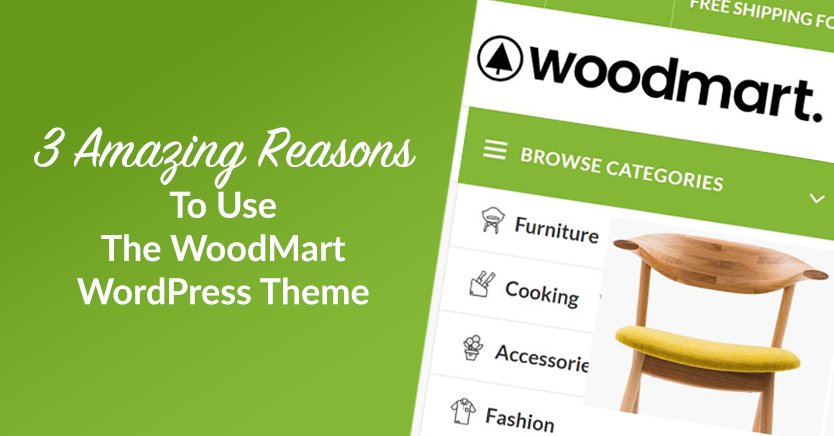
Slider Settings Guide in WoodMart Theme
WoodMart theme provides lightweight slider feature to quickly create smooth image rotation effect. This article describes how to set up a slider in WordPress, manage slideshows, adjust animation effects, optimize the layout, and through Elementor or WPBakery Page Builder to add ...

Kadence Tutorial: Building Graphic Overlays with Kadence blocks pro
Comprehensive introduction to the use of Image Overlay block in Kadence Blocks Pro plug-in, including image settings, text styles, hover animation, border adjustment and layout control, suitable for constructing graphic display modules to enhance the visual performance of the page.

Kadence Tutorial: Using the Kadence Shop Kit Plug-In to Enable Product Quick Looks
This article describes the Product Quick View feature of the Kadence Shop Kit plugin, which helps merchants optimize the shopping process and increase conversions. Learn how to enable and customize the Product Quick View button to enhance the customer shopping experience.

Kadence Tutorial: A Detailed Guide to Customizing SVG Icons with Kadence Blocks Pro
This article describes how to use custom SVG icons in Kadence Blocks, including through the built-in icon manager, icon search function, and IcoMoon conversion to fonts, to help users improve their website design and functionality.
How to Manage Deleted Pages and Improve SEO with WordPress 410 Plugin
Learn how to speed up search engine updates, boost SEO performance, improve user experience, and simplify site maintenance management by using the 410 plugin for WordPress. Ideal for sites that need to permanently remove pages to help optimize overall site performance.
Elementor Safe Mode and Cross-Browser Compatibility: Ensuring the Perfect Experience for All Users
Learn how to diagnose browser compatibility issues with Elementor's Safe Mode, along with practical optimization strategies to ensure website consistency and performance across all major browsers and devices.

Blocksy Advanced Reviews Module, a comprehensive upgrade to the social validation experience for e-commerce websites
Blocksy launches an advanced comment module that provides comment sorting, image uploading, and voting functions to enhance social validation effects and boost user trust and interactivity on e-commerce sites.

How to Choose the Right WordPress Hosting for Your Website: from Shared Hosting to VPS
Learn how to choose the right WordPress hosting for your website. This article details the pros and cons of shared hosting, VPS, dedicated servers and cloud hosting to help you make an informed hosting choice and improve your website's performance and security.

Blocksy Content Blocking Guide: Precise control of the content displayed on the page
Get a comprehensive introduction to Blocksy content block functionality and learn how to use hooks, conditional controls, and device adaptations to achieve layout goals such as promotional messages, membership modules, and personalized headers and footers.

Blocksy Tutorial: Using MetaBox to Create and Beautify Custom Post Types (CPT)
The tutorial explains how to use MetaBox to create WordPress custom post types and combine it with Blocksy theme custom archive and one-page styles to easily create well-structured content modules.

How to manage WordPress theme and plugin updates efficiently?
Learn how to effectively manage updates to WordPress themes and plugins by taking regular backups, using staging environments, enabling automatic updates, and compatibility testing to ensure that your site is constantly optimized for security, performance, and user experience.
Kadence Tutorial: How to Install and Activate the Kadence Shop Kit Plug-in
This article describes the installation and activation process of the Kadence Shop Kit plugin and explains in detail the main features of the plugin, such as variant styles, product galleries, checkout editor, etc., to help merchants optimize their WooCommerce stores and improve conversion rates and user experience.
GenerateBlocks Template Library Explained: Free and Pro Users Deserve a Website Builder!
In-depth analysis of GenerateBlocks template library features, entry, free and Pro version of the difference between the expansion of the game, to help you quickly build high-quality WordPress pages.
How to make Elementor columns equal in height (also Flexbox containers)
Learn how to use the HappyAddons plugin to equalize columns and Flexbox containers in Elementor, simplifying the site design process, eliminating the need to write code, and improving page aesthetics and consistency.

Kadence Tutorial: Using Kadence Blocks Pro to Quickly Create Graphic Column Layouts
Using the Split Content block in the Kadence Blocks plugin, you can easily realize the effect of graphic columns and stacked layout. This article explains the graphic arrangement, negative margin settings and responsive layout adjustment methods, suitable for product display and content introduction scenarios.

WordPress Common Security Vulnerabilities Inventory and Fixing Strategy Guide
Get an in-depth look at common WordPress security vulnerabilities, including SQL injection, XSS attacks, file upload vulnerabilities, and more, with detailed strategies for fixing them. Learn how to protect your site from attacks by updating plugins, strengthening password management and permission settings, and other measures.

From Hacked to Built: How Developers Can Replicate Pro Features in Code
This article describes how to write custom code to reproduce the Pro plugin functionality, avoiding the security risks associated with cracking, while providing greater customization, helping developers save costs and improve their technical skills.
Fixing the "You Must Call the Content Function" error in Elementor
Detailed analysis of Elementor error "You Must Call the Content Function" causes, and provides four effective solutions to quickly restore page editing functionality.

How to Optimize WordPress Ecommerce Website User Experience with Multi-Domain Settings
Learn how to optimize your WordPress e-commerce site with a multi-domain setup to boost load speed, optimize SEO performance, and provide a localized shopping experience for users in different regions to help your site stand out in the global marketplace.
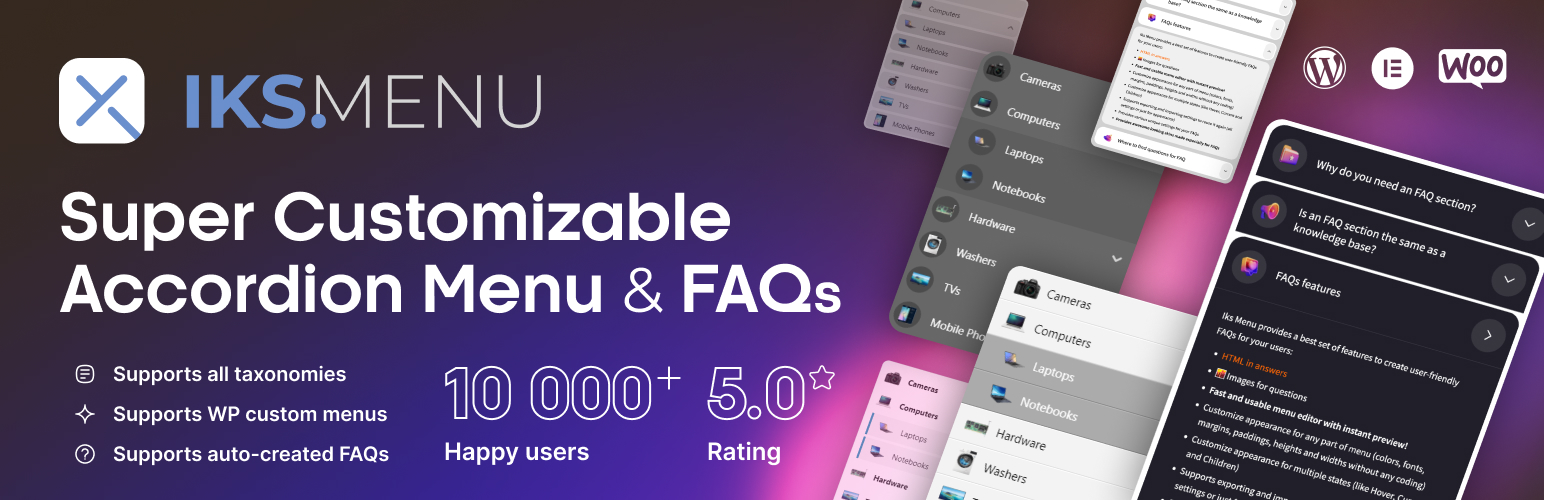
Create dynamic WordPress accordion menus with IKS Menu plugin
Learn how to create dynamic accordion menus on WordPress using the KS Menu plugin to enhance user experience and optimize site navigation. Detailed installation, customization and responsive design setup steps are provided.

How to Translate a WordPress Website Using Loco Translate Plugin with WoodMart Theme Integration
This article describes how to use Loco Translate plugin to translate WoodMart theme, including plugin installation, language settings, storage location selection and text translation steps. With Loco Translate, no need to modify the code to complete the theme localization, improve the site's multi-language adaptability ...

Blocksy Tutorial: Creating Custom One-Page Templates with Content Blocks
Use Blocksy's Content Blocks feature to build WordPress post detail page templates, customize structure and content, and work with the Gutenberg editor for a high degree of design freedom.

Drupal or Joomla for Enterprise Websites: A CMS Selection Guide for 2025
Comprehensive comparison of the two open source CMS in terms of security, scalability, ease of use and other aspects of the performance, to help enterprises find the most appropriate content management solution.

Setting up Astra websites as multilingual with Polylang
Learn how to use the Polylang plugin to set up your Astra website as multilingual, translate pages, menus, and add a language switcher to provide multilingual support for global users and enhance the internationalization capabilities of your website.

Explore Blocksy 2's Advanced Post Block: Creating a Flexible and Powerful Post Display Layout
Learn how to easily create flexible post layouts in the Gutenberg editor using Blocksy 2's Advanced Post Block module. Explore custom layouts, sorting and filtering features, and slideshow modes to enhance the presentation of your site's content.

Adding Breadcrumbs with GeneratePress and GenerateBlocks Tutorial
Easily add and customize breadcrumb navigation using GeneratePress and GenerateBlocks in combination with SEO plugin shortcodes to improve your website navigation experience and page aesthetics.

Creating an advanced navigation menu: blocksy advanced menu full tutorial
Full Description blocksy advanced menu features, including graphic mixing, category headings, icon settings and badge additions, help you create more attractive multi-column navigation menus.

Adding Affiliate Marketing Leads in WordPress with GeneratePress
Use GeneratePress' Block Element and Hook features to flexibly add affiliate marketing messages to WordPress posts and increase your site's cash flow without code.

Enhance e-commerce website functionality with Blocksy 2 Conditional Manager Showcase
Learn how to leverage Blocksy 2's Conditional Manager to accurately display content based on time of day, user behavior, source of visit, and more to boost customer engagement and e-commerce conversions.
WP Mail SMTP vs. Site Mailer: The Ultimate Email Delivery Comparison
Compare WP Mail SMTP vs Site Mailer to understand the differences in their email delivery features.Site Mailer offers plug-and-play setup, unlimited email delivery, and automatic suppression management, while WP Mail SMTP relies on third-party integrations. Choose the best fit for WordPress users...

 简体中文
简体中文  English
  日本語
日本語  Français
  Español



