




WP self-taught website builder Page 21
At Photon Academy, we specialize in providing high quality WordPress instruction to help you master every aspect of WordPress from basic to advanced. Our courses are designed to allow students to get hands-on and understand the power of WordPress, whether it's building a personal blog or a business website.
arrange in order

10 Essential WordPress Free Plugin Recommendations (Practical Picks)
Recommended 10 high-quality WordPress free plug-ins, covering SEO, security, performance, forms, e-commerce and other commonly used features, the first choice of tools for novice site builders.

WordPress online booking system to build a complete tutorial
Hands-on instruction on how to build an online booking system with WordPress, covering plugin installation, form setup, payment functionality and admin backend.

Hook Prioritization in GeneratePress Explained: Controlling the Order of Elements
Learn how to use Hook priorities in GeneratePress to control the display order of page elements, insert ads, subheadings, author information, and more for precise layout and customized page presentation.

Adding Dynamic Subheadings to Posts in GeneratePress: Using Custom Fields and Block Element to Complete the Presentation
Use GeneratePress's Block Element and Custom Fields features to add dynamic subheadings to each post to enhance page layout and optimize structure without writing code.

Teach you how to master the GeneratePress dynamic font system and customize your site's typography without stress!
Learn how to customize your site's font styles with the GeneratePress Dynamic Font System, and easily control the typography of your site's headers, menus, body text, and more for a more professional and brand-recognizable look and feel without having to write CSS.

Quickly customize your website's color scheme with GeneratePress global color feature
With GeneratePress's global color feature, you can make one-time adjustments to your website's color scheme, modify element colors in batch, and easily switch between theme styles and dark and light modes.

How to use GeneratePress to center the logo and balance the menu items on both sides of the site.
Using GeneratePress combined with custom CSS, the website navigation bar logo centered, the two sides of the menu items balanced distribution, to enhance the visual effect of the page and user experience.

Adding Breadcrumbs with GeneratePress and GenerateBlocks Tutorial
Easily add and customize breadcrumb navigation using GeneratePress and GenerateBlocks in combination with SEO plugin shortcodes to improve your website navigation experience and page aesthetics.

Creating Hovering Social Icon Buttons with GeneratePress and GenerateBlocks Tutorial
Add Left Hover Social Icon Buttons to Desktop with GeneratePress and GenerateBlocks Free Edition with Complete Steps and CSS Styles.

Merge Header and Page Hero Blocks in GeneratePress for a Compact and Professional Homepage Layout
Merge the header and top of page hero block, eliminate top spacing, and adjust inner margins and navigation colors with GeneratePress Premium for a visually unified and professional homepage design result.

Complete Guide to Implementing Local Hosting of Fonts in GeneratePress Themes
This article describes in detail the steps to implement local hosting of fonts in GeneratePress theme, covering font download, upload permission opening, CSS adding and editor configuration, which helps to improve the loading speed of the site and privacy protection.

GenerateBlocks template style customization tutorial: fonts, colors, spacing and structure of the uniform settings
Explains how to set fonts, button styles, header colors, block spacing, and container widths consistently in GenerateBlocks to create a coordinated page structure.
How to Add Age Verification to WordPress with Elementor
Use Elementor with HappyAddons plugin to easily add age verification functionality to WordPress websites, adapt to mobile and improve content access control.

Best Practices for Content Creation and Management in an Open Source CMS
Master the best practices of open source CMS (e.g. WordPress, Drupal, Joomla) in content creation and management, from strategy planning, editorial collaboration to SEO optimization, to enhance the efficiency and professionalism of website content.

WoodMart 8.2 heavy update: 4 new demo sites + search function upgrade + full performance optimization!
WoodMart 8.2 version is online, with 4 new demo sites, customized Thank You page, upgraded search function, and full performance optimization.

WordPress Mobile Optimization and Responsive Design Practical Tips
A comprehensive explanation of WordPress mobile optimization techniques, from responsive layout, font settings to image loading, to improve mobile access experience and search performance.

WordPress website building common errors and practical solutions summary
Summarize common WordPress website building problems and solutions, covering plugin conflicts, page errors, upload failures, slow speed and other practical troubleshooting techniques.

WoodMart Performance Optimization Guide: Reducing JS/CSS Files and Enabling Delayed Loading
By reducing the size of JS/CSS files and enabling delayed loading of images, WoodMart theme improves loading speed and overall website performance, optimizes user experience and improves the responsiveness of e-commerce websites.

Enable WoodMart Ajax Filter to Improve Product Filtering Efficiency
Introduces how to enable Ajax product filtering in WoodMart theme and practical tips to make product filtering smoother, improve the conversion efficiency, and avoid the problem of bouncing caused by repeated page refreshes.
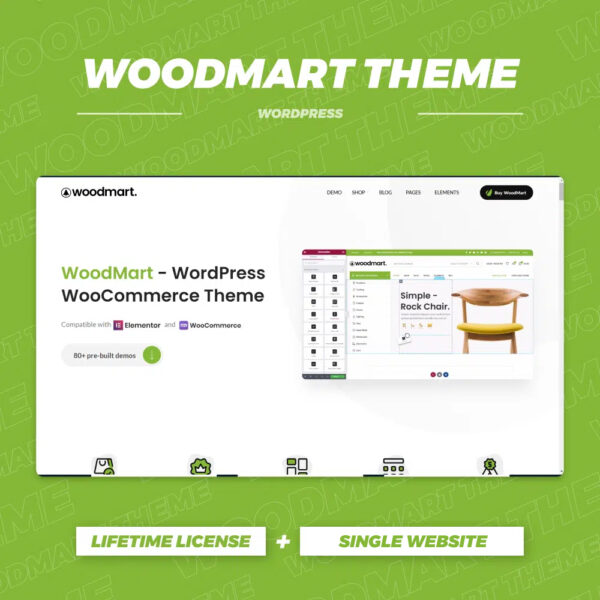
WoodMart Theme with WPML Multilingual Settings
Use WPML to implement multi-language support on WoodMart theme to enhance the internationalization competitiveness of your e-commerce website. This article introduces WPML installation, translation mode, WooCommerce multi-language configuration, string translation and other key features.
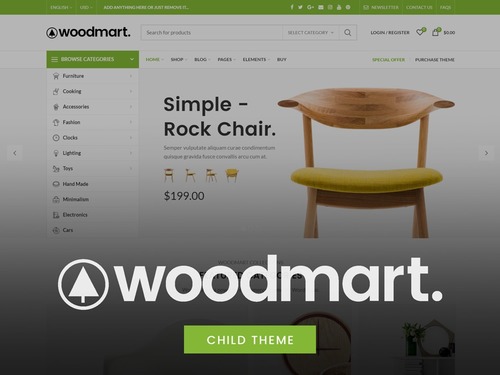
A guide to using the dynamic discount feature in WoodMart themes
This article details how to enable and configure the dynamic discount feature in WoodMart theme, which helps WooCommerce merchants to set different price discounts based on the purchase quantity and show them to customers through discount forms. By setting discount rules, priorities and conditions, merchants can increase sales...
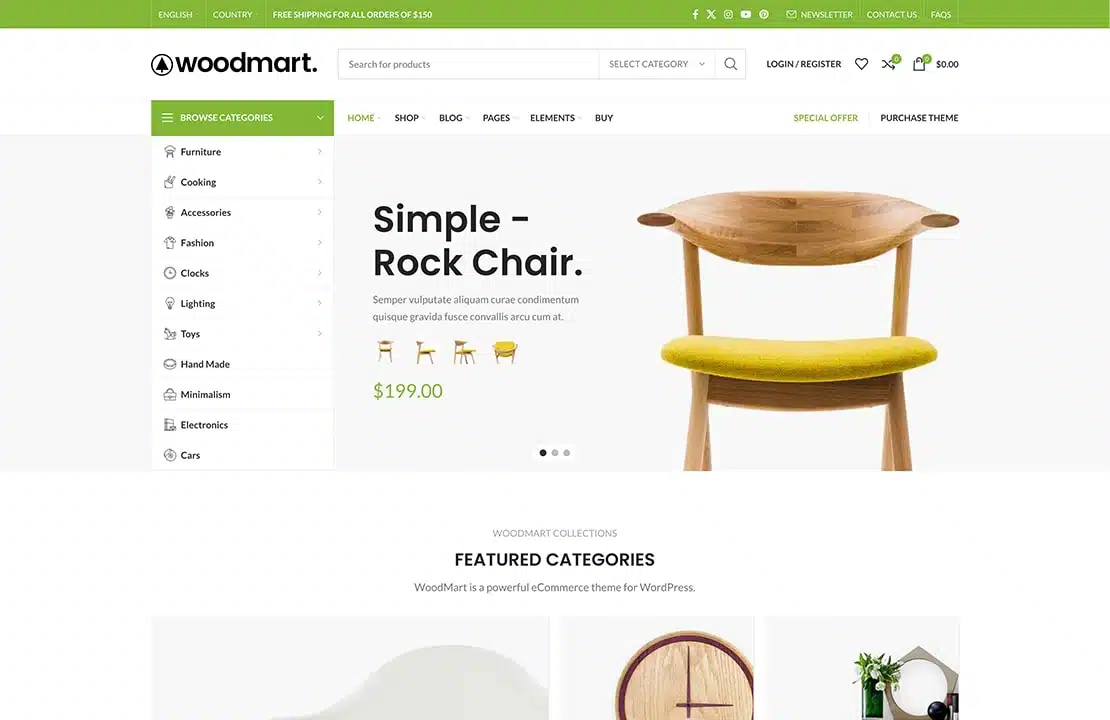
WoodMart Theme: Header Builder to create and customize website headers
This article details how to create and customize website header in Frontend mode using Header Builder for WoodMart theme. Use flexible editing methods, template selection and JSON data import to help you quickly design a header layout that meets your needs.
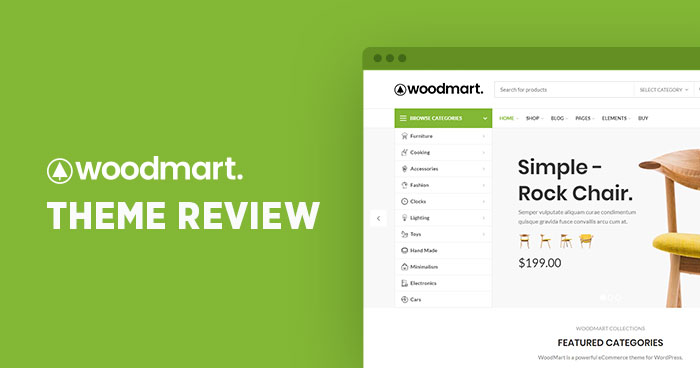
Product Features and Procedures in WoodMart Themes
This article introduces three core product features of WoodMart theme: visitor counter, sales counter and inventory progress bar, and provides detailed configuration steps to help WooCommerce store to improve page interaction and purchase conversion.

Complete guide to installing the WoodMart theme and enabling Gutenberg blocks
Learn how to enable Gutenberg blocks in WoodMart theme to enhance page editing flexibility. Includes steps to activate the theme, install Gutenberg editor, import pre-built website templates and more to help you build a personalized e-commerce website efficiently.
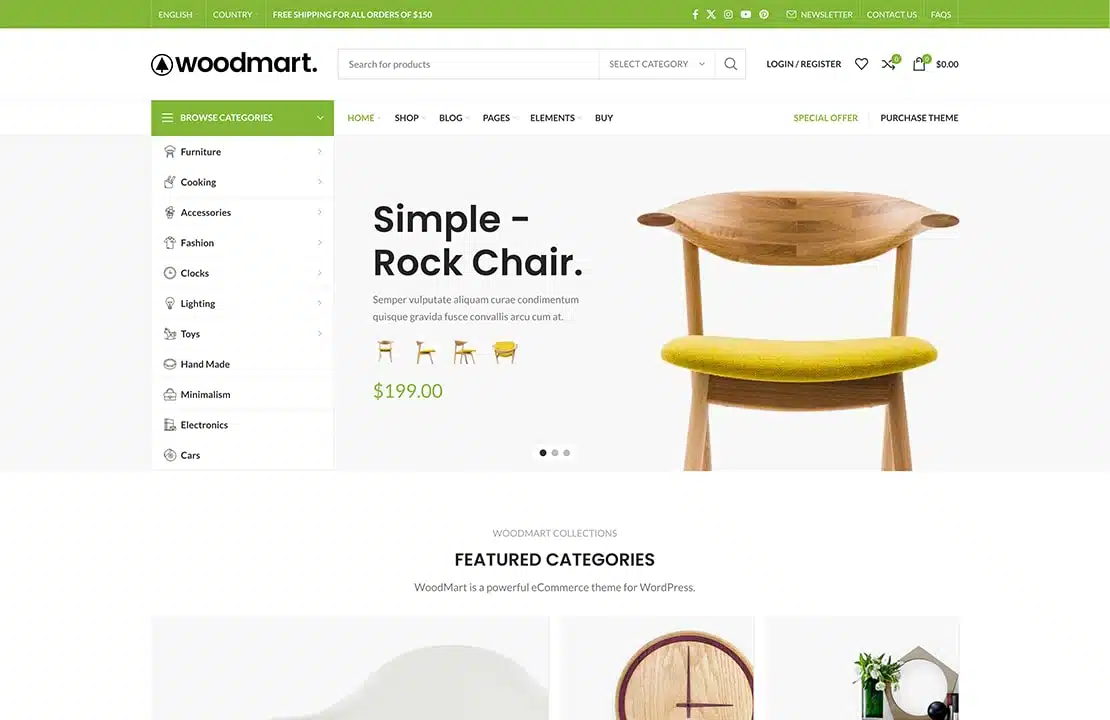
How to Boost Sales and Customer Engagement with WoodMart Theme's Waiting List Feature
This article introduces the Waiting List feature in the WoodMart theme that helps merchants manage out-of-stock items and send timely notifications to customers. This feature not only improves customer engagement, but also helps merchants forecast demand and drive sales.

How to Create Products with WoodMart Theme
Use WoodMart to create WooCommerce product pages, complete the title, image, price, category and other settings, quickly build a clear and complete product display structure.

Add Sticky Social Icons to WoodMart Theme
Instruction on how to enable sticky social icons in WoodMart theme and insert social buttons with Elementor or WPBakery.

Personalizing Headers and Footers: Using the WoodMart Header Builder in Detail
Comprehensively explains how to use WoodMart Header Builder, easily create personalized headers and footers, and improve the overall design and structure of e-commerce site performance.

How to Set Sidebars on Archive, Blog and Post Pages in WoodMart Theme
Comprehensive explanation on how to configure sidebar and top filter features on store and blog pages in WoodMart theme to improve page structure and browsing efficiency.

Slider Settings Guide in WoodMart Theme
WoodMart theme provides lightweight slider feature to quickly create smooth image rotation effect. This article describes how to set up a slider in WordPress, manage slideshows, adjust animation effects, optimize the layout, and through Elementor or WPBakery Page Builder to add ...

 简体中文
简体中文  English
  日本語
日本語  Français
  Español



