




WP self-taught website builder Page 36
At Photon Academy, we specialize in providing high quality WordPress instruction to help you master every aspect of WordPress from basic to advanced. Our courses are designed to allow students to get hands-on and understand the power of WordPress, whether it's building a personal blog or a business website.
arrange in order

Avoiding the "Your Connection is Not Private" Warning: Essential SSL Configuration Tips for Webmasters
This article introduces common SSL certificate error types, causes and fixes to help webmasters solve SSL certificate problems, improve website security, and improve website SEO ranking by optimizing SSL configuration.

WordPress Custom CSS Getting Started Guide: 5 Must Learn Code Snippets
Learn how to customize your WordPress site with 5 must-have CSS code snippets to easily style fonts, buttons, spacing, images, and more for novice users who want to get started quickly.

Beyond Google Translate: Why the WooCommerce Convert Languages by IP plugin is a better choice?
Google Translate is suitable for simple translation, but there are many limitations in WooCommerce malls, such as translation errors, SEO unfriendly and so on. In contrast, WooCommerce multilingual plugins such as WPML, TranslatePress, etc. provide more accurate translation, automatic language switching...

How to Disable WordPress Plugins for Newbies (3 Ways)
Learn how to disable and uninstall WordPress plugins in three ways, including instructions for doing so via the dashboard, FTP, and phpMyAdmin, as well as tips for cleaning up plugin legacy files and unused shortcodes.

How to Add Unlinked Titles to WordPress Menus: A Detailed Guide
Learn how to add unlinked headings to WordPress menus, optimize your site's navigation structure with custom links, enhance the user experience, and provide a clearer way to organize submenus.

How to Create Scrolling Interactive Elements in WordPress
Learn how to add scrolling interactive elements such as scrolling animations, hover effects, and parallax scrolling to WordPress to enhance the interactivity and visual appeal of your website and increase user engagement and conversions.

How to embed a Facebook page on WordPress?
Learn how to dynamically add a Facebook page to your website through a WordPress plugin or manual integration. This article describes two ways to help improve your website functionality and user interaction.

How to fix Fatal Error: Call to undefined function mysql_connect() in WordPress
Encountering WordPress website showing "Fatal Error: Call to undefined function mysql_connect()" error? This tutorial provides you with a detailed explanation of the cause of the problem, as well as complete steps to resolve it through cPanel or server settings, ensuring that your site is restored...

How to Create and Add Rules in WordPress Robots.txt File
Learn how to create, edit, and optimize your WordPress website's robots.txt file with rule descriptions, plugin usage, common mistakes to avoid, and validation tips to help you improve SEO performance and protect your website's privacy.
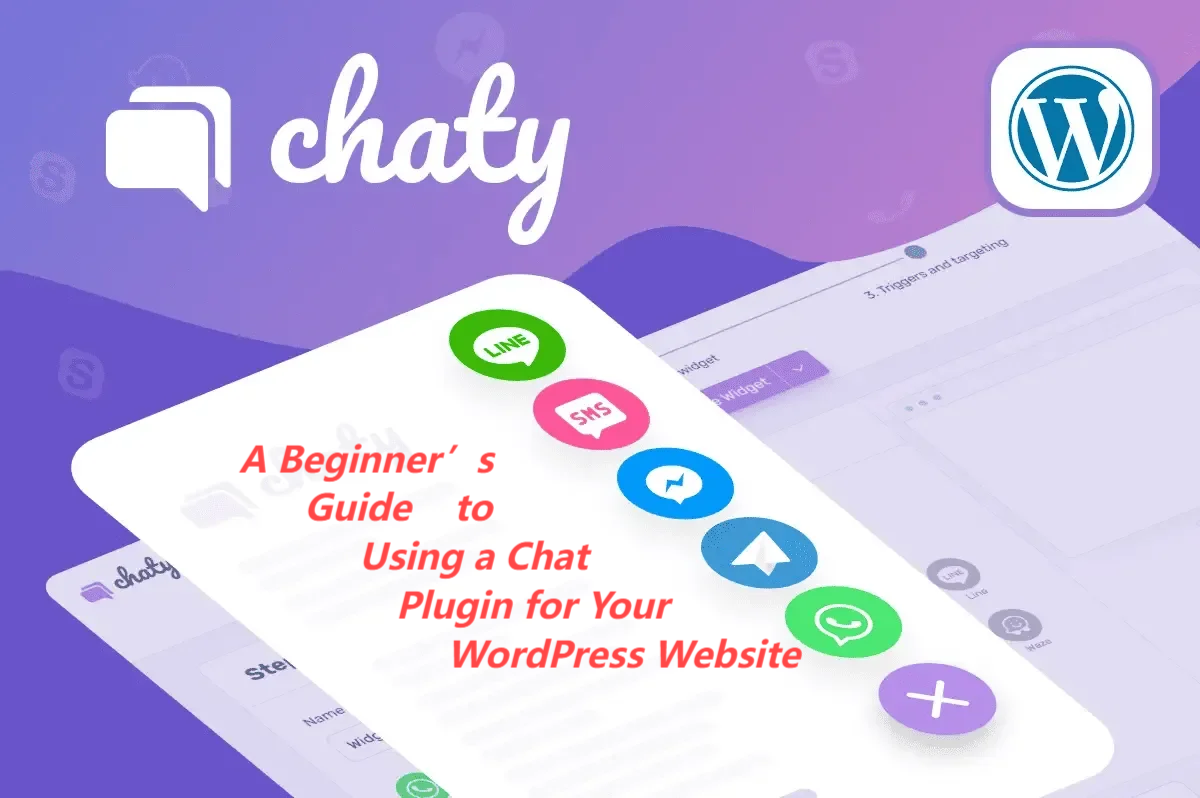
How to Choose and Configure WordPress Website Chat Plugin
Learn how to choose and use WordPress chat plugins to boost customer support and user engagement through real-time communication. This article details plugin installation, optimization methods and five recommended plugins that make it easy to optimize your website's interactive experience!

9 Best WordPress Migration Plugins for 2024
Learn how to easily migrate your website to a new server or domain using WordPress migration plugins. This article describes the best migration plugins to help novice users complete the migration process smoothly.

How to Enable Automatic Updates for WordPress Plugins and Themes: A Detailed Guide
Learn how to enable automatic updates for WordPress plugins and themes, reducing the burden of manual operations and improving site security and performance. Includes setup methods, code samples, and tips for managing and troubleshooting specific plugins or themes.

How to customize WordPress website header?
Want to optimize your WordPress site's header? This guide provides 3 best ways to design professional banners & navigation menus with ease, including theme customizer, site-wide editing features and page builder!

How to Fix Blurry Images in WordPress: 6 Effective Methods
Blurry images in a WordPress website can affect the visual effect and user experience. This article introduces 6 effective fixes, including uploading high-resolution images, choosing the right image format, optimizing image thumbnails, and using the appropriate image optimization plugin, to help you resolve the image...

How to Troubleshoot and Fix WordPress 403 Forbidden Error: Common Causes and Solutions
This article analyzes the causes and solutions of WordPress 403 Forbidden error, including file permission settings, plugin conflict troubleshooting, .htaccess file repair and other steps to help you quickly restore the normal operation of the site and avoid the error.

How to Set Up and Access WordPress Logs (Complete Guide)
Learn how to enable and view WordPress error logs, including ways to use plugins and code. Get an in-depth breakdown of what debug.log files are used for to help quickly troubleshoot plugin, theme, or code issues and optimize site performance and security.

Fully Optimized BetterDocs Plugin: Configuration Guide for Tag Search and Document Page Layout
Learn how to enable and configure tabbed search functionality in the BetterDocs plugin while optimizing the design of document pages, including document home, one-page, and archive pages, to enhance the user experience and help find relevant documents quickly.

HTML How to Shape WordPress: A Guide to WordPress HTML
Understand the core role of HTML in WordPress and its optimization techniques to improve website performance and search engine rankings.

WordPress Redirects Too Many Times: ERR_TOO_MANY_REDIRECTS Error Cause and Solution
Detailed analysis of the causes and fixes of ERR_TOO_MANY_REDIRECTS errors, including HTTPS configuration, caching issues, plugin conflicts and CDN configuration, to help websites quickly solve redirection loop problems and improve performance.

2 Simple Ways to Use WebP Images in WordPress to Improve Site Speed and Performance
Learn 2 ways to use WebP images in your WordPress site, including the EWWW Image Optimizer and Imagify plugins, to reduce image file sizes, increase page load speeds, and optimize SEO rankings while keeping image quality intact.

How to Force a Strong Password Generator on a WordPress Website
Learn how to force a strong password generator on your WordPress website to improve site security and prevent users from using weak passwords. This article explains how to set strong passwords using plugins, WPForms and customization.

WordPress Gutenberg Custom Fields Tutorial: Plugin and Manual Methods Fully Explained
Learn how to add custom fields to your WordPress Gutenberg site, including an easy way to use the ACF plugin and detailed steps to manually configure them to help you expand your content structure and improve site functionality.

How to Setup Cloudflare Turnstile Captcha on WordPress
Learn how to easily set up Cloudflare Turnstile CAPTCHA on your WordPress site to protect your site from bots and spam. Detailed tutorials cover both integration methods, testing steps, and troubleshooting solutions for common problems.
How to reduce HTTP requests in WordPress?
We have found that reducing HTTP requests has an impact on loading speed. Whenever someone visits a website, their browser sends a request to the web server to download all the files needed to display the page, including images, stylesheets and scripts. Each HTTP request adds...

How WordPress installations are implemented and managed with WP-CLI
WP-CLI is a powerful WordPress command line tool that helps users manage their websites efficiently. With WP-CLI, tasks such as plugin and theme installations, WordPress core updates, database operations, etc. can be quickly accomplished to improve efficiency and support task automation.
How to embed a Facebook page on WordPress?
Learn how to dynamically embed a Facebook page into a WordPress website through plugins and manual methods, including timeline, video, comments, and album displays, to increase brand awareness and user interaction.

How to Add Parallax Effects to Your WordPress Website: From Manual Coding to Using Elementor
A comprehensive breakdown of how to add parallax effects to your WordPress website, including detailed methods for manual coding, using plugins and Elementor, to help you create dynamic and attractive web designs with ease.

How to use WPBakery to create dynamic rotation of images: detailed tutorials
Learn how to create dynamic image rotation effects using WPBakery page builder with this tutorial. Detailed installation, setup and optimization tips are explained to enhance the interactivity and visual appeal of your website.
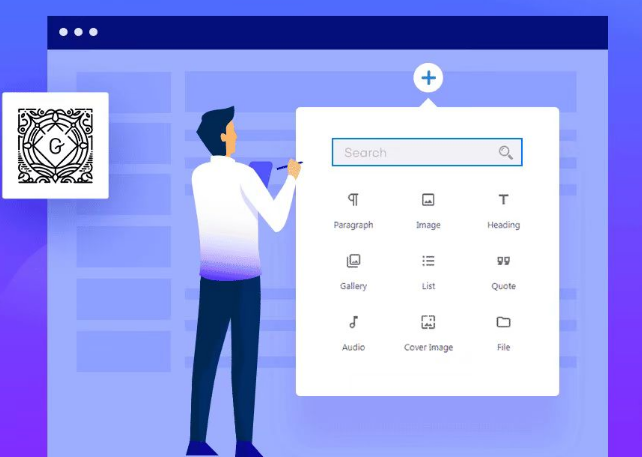
Common Gutenberg Editor Block Types and Their Functions Explained
Explore how to add and use blocks in the Gutenberg editor, learn about common block types, and learn tips for customizing and extending the Gutenberg editor to improve flexibility in WordPress content creation and page layout.
7 WordPress Anti-Malware Plugins for Security Threats
Learn about the top 7 best WordPress anti-malware plugins, including Wordfence, Sucuri, and Jetpack, to help you protect your website from malware and security threats. These plugins offer advanced features such as firewalls, malware scanning, and real-time protection for website security...

 简体中文
简体中文  English
  日本語
日本語  Français
  Español



