




WP self-taught website builder Page 37
At Photon Academy, we specialize in providing high quality WordPress instruction to help you master every aspect of WordPress from basic to advanced. Our courses are designed to allow students to get hands-on and understand the power of WordPress, whether it's building a personal blog or a business website.
arrange in order

How to Add Post Metadata in Gutenberg: A Comprehensive Guide
Learn how to add post metadata in WordPress Gutenberg with built-in features, plugins, and REST APIs to display author, publish date, SKU, and more. The full tutorial helps you improve the user experience and SEO performance of your content.

How to Create a WordPress Custom Login Page Without Creating a Custom Page and Redirection
Learn how to customize your WordPress login page by modifying the functions.php file and customizing the CSS to enhance the user experience while strengthening your site's security by limiting login attempts, enabling two-factor authentication, and changing the login URL.
How to backup WordPress website data?
Learn how to use manual backups and plugin backups like UpdraftPlus to keep your WordPress site's data safe from loss due to operational errors or external attacks.

WordPress Shortcode Complete Tutorial: Creating, Using & Customizing (with button and gallery examples)
Learn how to create, use and customize shortcodes in WordPress to easily implement buttons, galleries and dynamic content features. Detailed tutorials for beginners simplify the process and improve site interactivity and functionality.

How to Create Custom Gutenberg CTA Blocks in WordPress Using Advanced Custom Fields (ACF)
Learn how to create custom call-to-action (CTA) blocks in the Gutenberg editor with the ACF plugin to boost website interactivity and entice users to click. The detailed tutorial covers all the steps from registering the block to styling it.

How to add CAPTCHA to a WordPress website to prevent bot attacks?
Detailed guide teaches you how to set up CAPTCHA on your WordPress site to stop bot attacks and spam. Covers CAPTCHA types, installation steps, best plugin recommendations, and how to improve site-wide security.
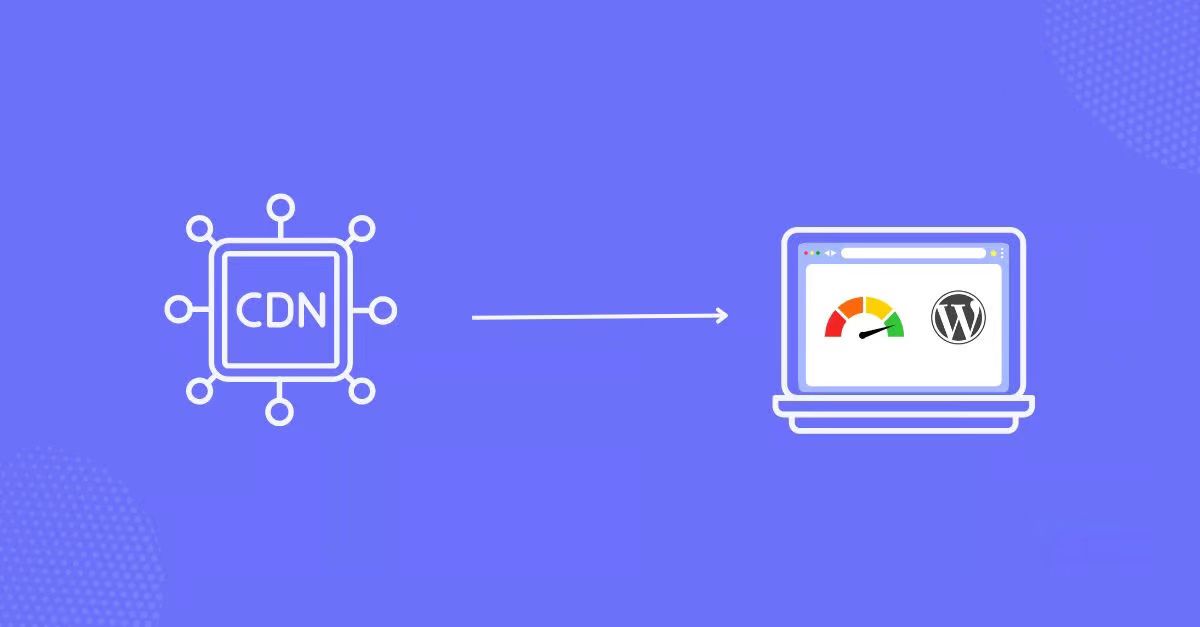
Best WordPress Image CDN Plugins Recommended to Improve Website Loading Speed in 2025
A comprehensive breakdown of the best WordPress image CDN plugins for 2025 to help improve site load speeds, optimize image quality, and boost SEO rankings. From Cloudflare to BunnyCDN, find the plugin solution that best fits your needs.
How to Add Google Translate to WordPress (Create a Multilingual Website)
This article shares how to integrate Google Translate on WordPress website to achieve multi-language support, improve user experience and global visibility. At the same time, it provides practical tips for SEO optimization, including using hreflang tags, optimizing meta tags, and accurately translating keywords, etc., to help web...
10 Effective WordPress Password Management Tips to Prevent Brute Force Breach & Credential Filling Attacks
This article presents 10 practical password management tips to help improve website security against threats such as brute force, credential stuffing attacks and phishing. Secure your accounts by using strong passwords, password managers and enabling two-factor authentication.

How to Fix "Cookie Blocked Due to Unexpected Output" Error in WordPress
A comprehensive guide on how to fix WordPress "Cookie Blocked Due to Unexpected Output" error, covering common causes, troubleshooting steps and solutions, including plugin conflicts, theme issues and debug mode settings.

14 Best WordPress Knowledgebase Themes for 2024: Building an Effective User Support and Knowledge Sharing Platform
A compilation of the best WordPress Knowledgebase themes of 2024, these themes are fully functional and elegantly designed for documentation sites, support forums, and wiki sites, making it easy for you to build an efficient, user-friendly knowledgebase.
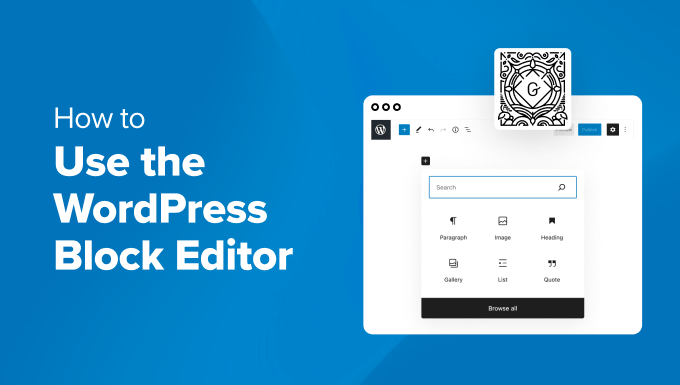
How to Quickly Build an Effective and Professional WordPress Website with the Gutenberg Editor
A detailed look at how to create effective WordPress websites using the Gutenberg editor, including block theme selection, global style customization, template creation, and SEO optimization tips for both novice and experienced developers.
How to Create a WordPress Child Theme: A Detailed Guide
Understand the advantages and usage scenarios of WordPress child themes, and master the 5 steps to manually create a child theme with plugin-assisted methods to ensure that customization settings are not lost when the theme is updated.
What is AJAX and how to use it in WordPress?
Learn how to implement AJAX in your WordPress website to improve the interactivity and performance of your website. This article describes the basic principles of AJAX and how to improve user experience by updating content asynchronously.

Improving WordPress Site Loading Speed: Image Sizing and Optimization Tips
Learn how to improve your site's performance by setting WordPress image sizes wisely, optimizing image formats, and enabling lazy loading to ensure faster page loads and a better user experience.
Mailchimp Integration with WordPress: Quickly Expand Your Email Subscriber List
This article explains how to integrate Mailchimp with WordPress to quickly expand your subscriber list and boost website traffic and conversions through email marketing and automation strategies.

How to Fix WordPress and Cloudflare Error 521
Error 521 error usually indicates that Cloudflare cannot connect to your WordPress web server. This article explains the possible causes and provides steps to resolve the issue, including checking the status of the server, configuring the firewall, and unblocking IPs.

The Gutenberg Editor Explained: Features, Tips and Advanced Customization Guide
Learn the design concepts, core features and advanced techniques of the Gutenberg editor, and master the WordPress 5.0 block editor to optimize content creation and SEO. Quickly learn about reusable blocks, block patterns, and REST API integration!

How to Fix "Too Many Redirects" Error in WordPress
Learn how to fix the common "too many redirects" error in WordPress. This guide provides detailed steps, including clearing your browser cache, disabling plugins, fixing URL settings, and resetting the .htaccess file, to help you quickly fix the problem and prevent future errors.
How to Create Custom Widgets on WordPress
Learn how to create and customize WordPress widgets, add personalized content modules, and enhance site features such as social media dynamics, navigation tools, and search bar display. Detailed steps and tips to easily optimize your website layout!

WordPress Tags: What are they? How to use them correctly?
Comprehensive analysis of the role of WordPress tags, adding methods and the difference with the classification, to help you optimize the site structure and SEO performance, improve user experience. Understand how to reasonably use tags to connect related articles and enhance the station traffic cycle!
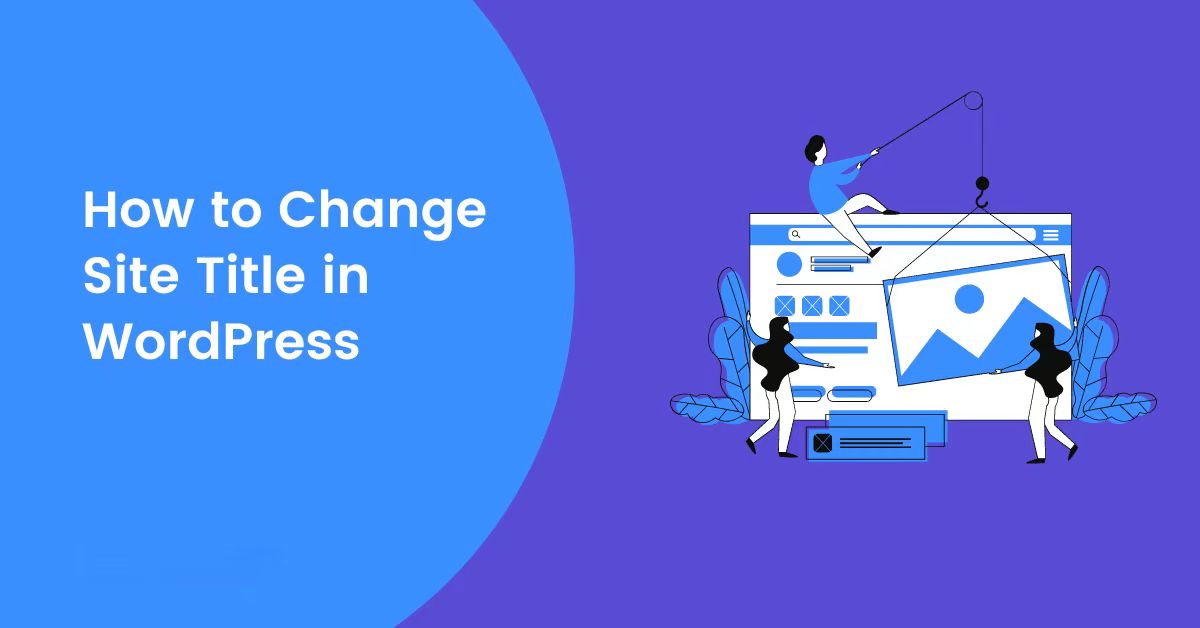
How to Change Your Site Title in WordPress: Five Ways and SEO Tips
Learn how to change your website title in WordPress with detailed steps on how to use the WordPress customizer, settings menu, Yoast SEO plugin, code editing, and more while optimizing your title for better search engine rankings and user experience.
WordPress Image Sizes: How to Modify and Optimize Images
Learn how to resize WordPress images to optimize image loading speed, improve website performance, and increase SEO rankings. Master image compression, format selection and resizing techniques to improve user experience and search engine friendliness.

How to Improve WordPress Website Performance by Optimizing Themes, Images, and Caching
Learn how to significantly improve the loading speed and search engine ranking of your WordPress website by choosing the right theme, optimizing images, using the caching plugin WP Rocket, setting up a CDN, and getting a high Google Page Speed score.
How to Build a Comment Slider in WordPress
This article describes the importance of testimonial rotator charts in WordPress websites and how to display customer feedback through top plugins to enhance trust and boost user engagement and conversions. A step-by-step guide is provided from installing the plugin to customizing the design to help you optimize your website experience.

How to Add Buttons in WordPress Classic Editor
This article details three ways to add custom buttons in the WordPress Classic editor: inserting HTML and CSS manually for full customization, using plugins for quick implementation, and combining with the TinyMCE Advanced plugin to add them directly in the toolbar. Whether you are familiar with the generation...
How to Unpublish WordPress Pages and Posts for Newbies
Learn how to unpublish pages, posts, or entire sites in WordPress, including methods such as using draft mode, private mode, password-protected, and maintenance mode, as well as best practices for minimizing the impact on SEO.

Multiple Ways to Fix WordPress Featured Images Not Showing Up
Comprehensive analysis of common reasons why WordPress featured images are not displayed, providing detailed solutions and optimization techniques, including theme compatibility issues, plugin conflicts, cache cleanup and image permission settings, to help you improve site performance and user experience.

How to Prevent DDoS Attacks from Affecting Your WordPress Site: A Comprehensive Protection Guide
Learn about the definition of DDoS attacks, their impact and how to protect your WordPress website. This article provides effective identification methods, protection measures and best tools to ensure website performance and security.

How to Create and Customize Child Themes in WordPress: A Guide to Manual and Plugin Approaches
Learn how to create and customize child themes in WordPress, either through manual methods or using plugins. This article provides detailed steps and tips for solving common problems to ensure your customized content stays the same after a theme update.

 简体中文
简体中文  English
  日本語
日本語  Français
  Español



