




WP self-taught website builder Page 39
At Photon Academy, we specialize in providing high quality WordPress instruction to help you master every aspect of WordPress from basic to advanced. Our courses are designed to allow students to get hands-on and understand the power of WordPress, whether it's building a personal blog or a business website.
arrange in order
How to Fix Common SSL Issues in WordPress
This guide provides a comprehensive analysis of how to fix common SSL/HTTPS issues in WordPress, including mixed content errors, too many redirects, invalid certificates, etc., to help you quickly optimize your site's security and user experience.
How to Fix WordPress Admin Ajax 400 (Bad Request) Error
Learn how to fix Admin Ajax 400 (Bad Request) error in WordPress. This article will cover the common causes of this error, such as invalid URLs, browser caching, plugin conflicts, etc., and provide solutions that will help you get your site back to functionality quickly.

The Complete Beginner's Guide to Troubleshooting WordPress Errors
This article details how to troubleshoot and fix common WordPress errors, including white screen of death, database connection errors, plugin and theme conflicts, and more. With this guide, you can quickly resolve issues, ensure your website runs smoothly and improve user experience.
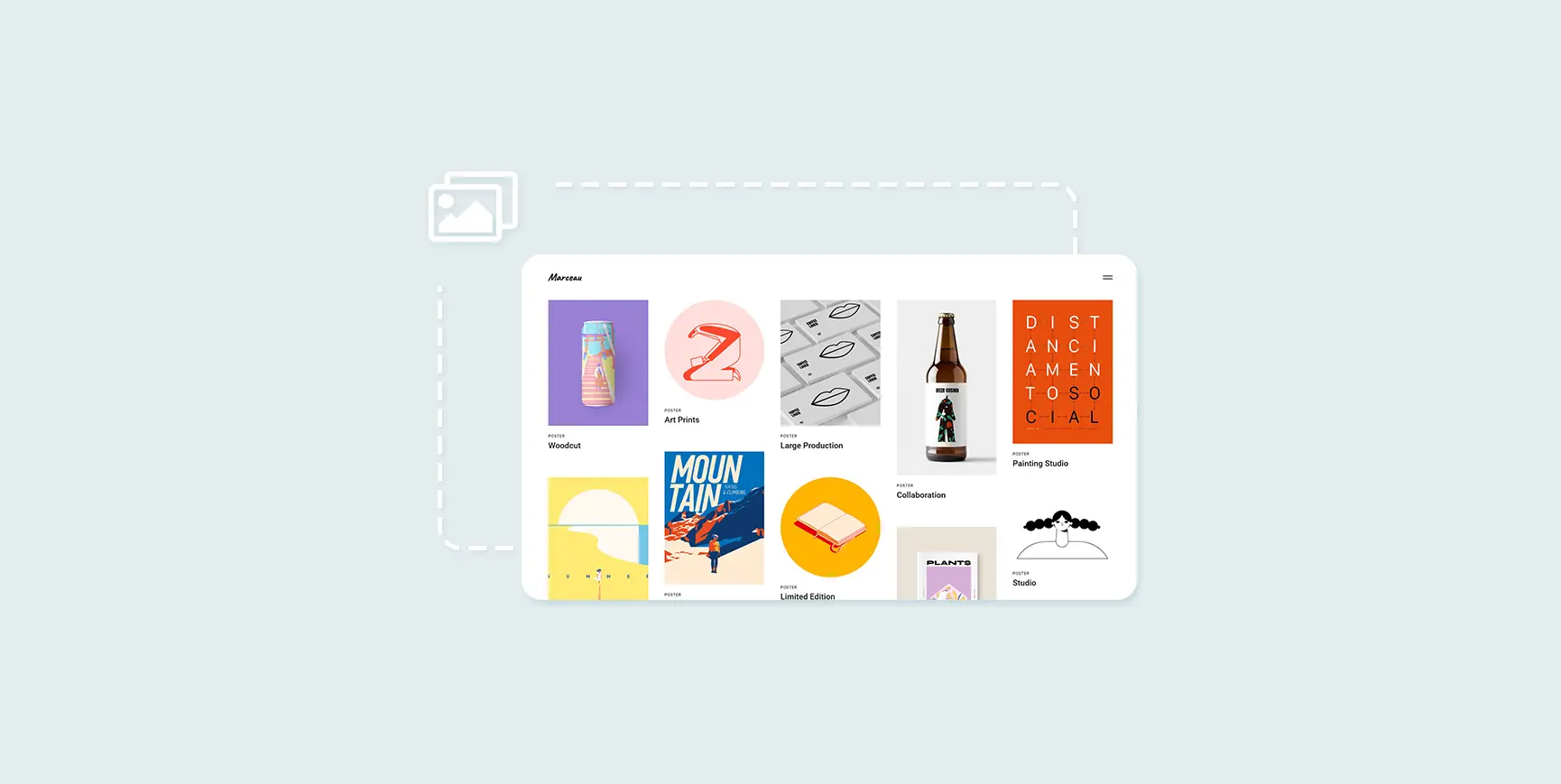
How to Create and Optimize Gallery in WordPress with Gutenberg Gallery Block
Gutenberg Gallery Block is a popular WordPress tool for photographers, artists, bloggers and businesses that makes creating galleries easy, intuitive and requires no coding knowledge. If you want to enhance your website with professional, stylish galleries...

Why does the WordPress admin bar overlap with the navigation menu? A complete guide to fixing it
An in-depth look at the causes of WordPress admin bar and navigation menu overlap issues, as well as detailed solutions, including hiding the admin bar, tweaking CSS, and checking for plugin conflicts, to ensure that your site's navigation displays correctly and improves the user experience.

Comprehensive Guide: How to Create and Customize User Registration Forms in WordPress
Learn how to create user registration forms in WordPress, covering enabling the built-in registration functionality, customization with plugins, code development, and best practices for optimizing user experience and form security.

WordPress Top Admin Bar Missing Problems and Solutions
Experiencing WordPress admin bar loss issues? This guide details how to fix this issue by checking user configurations, theme files, plugin conflicts, and more to help you quickly restore the normal display of your site's admin bar.

Easily Remove WordPress Sidebars: 8 Ways to Improve the Simplicity of Your Website
Learn how to remove WordPress sidebars in 8 easy ways to optimize your website layout and improve user experience. Whether through theme settings, plugins, or manual code editing, this article provides detailed steps.

The Best Way to Customize Your WordPress Dashboard: 5 Practical Tips to Enhance Your Experience
Learn how to customize your WordPress dashboard with code and plugins. From removing unnecessary widgets to adding shortcut menus and personalizing your login page, this guide provides the 5 best ways to help you optimize your WordPress backend experience.

5 Practical Ways to Add Custom CSS in WordPress and FAQs
Adding custom CSS to WordPress is a very practical way to give you complete control over the look and feel of your website. Custom CSS is a very flexible and powerful tool in WordPress website customization, helping you to have fine control over your website's visuals, cloth...
WordPress Multisite vs. Multidomain: How to choose the best way to manage it?
In many business scenarios, one website may not be enough to fulfill all the needs of a client. For example, when there are multiple brands, selling customized products for different regions, running a chain of organizations, or managing a network of blogs, there may be a need for multiple related websites. At this point, how to effectively manage this...
How to Add a Sidebar in WordPress
What is a WordPress Sidebar? A sidebar is a widgetized portion of a WordPress website in which content not found on the homepage can be displayed. Widgets are used to bring secondary material to a website. For example, a widget can display a list of recently posted blogs, a tag cloud, or a search...

How to Add a Table of Contents to WordPress: a Complete Guide to Improving Readability and SEO
Adding a table of contents to a long WordPress post not only improves readability but also enhances the overall structure of the site. A table of contents provides readers with clear navigation and helps them quickly locate the content they are interested in. In this post, we will detail how to add a table of contents in WordPress...
Enhancing User Experience: How to Easily Adjust Line Spacing in WordPress
Although line spacing may seem like a small detail in web design, it has a huge impact on user experience. Especially in a text-based website, line spacing is directly related to the reader's reading experience, information absorption and the overall aesthetics of the website. Appropriate line spacing can enhance the website...
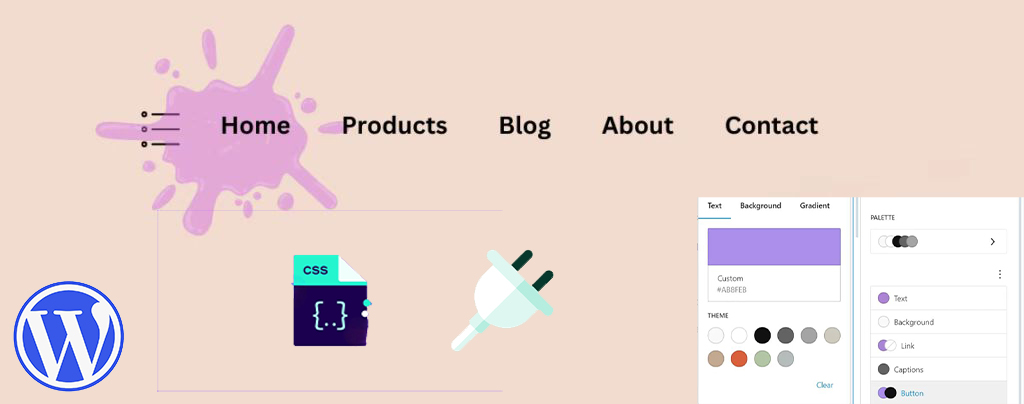
How to Easily Modify Menu Colors in WordPress: a Comprehensive Guide
An eye-catching and easy-to-navigate menu can greatly enhance the user experience and encourage them to browse further through your site's content. Adjusting the menu color can make your website design more personalized. This article will take you through the details of how to change menu colors in WordPress, teach...
How to set the maximum number of products per user in WooCommerce?
When running a WooCommerce e-commerce platform, limiting the maximum number of products that can be purchased by each user is a very useful feature, especially when you need to sell limited edition products or manage inventory. With this feature, you can ensure a fairer distribution of products and avoid a few users...
How to Quickly Fix "jQuery Undefined" Error in WordPress
The "jQuery undefined" error is a common JavaScript error in WordPress that usually occurs when the jQuery library fails to load correctly. When a web page loads in the browser, the JavaScript code relies on jQuery for interactive functions (e.g.,...

How to Implement Floating Contacts on WordPress with Chaty
In today's fast-paced internet world, it's crucial to maintain real-time communication with your users. With the Chaty plugin, you can implement a floating contact feature on your WordPress website to enhance user experience and increase conversions. Increase your orders. Step 1: Install and activate Chat...
In-depth analysis: how to solve WordPress can not send e-mail problem
When your WordPress website fails to send emails, it can lead to serious user experience issues. Although WordPress itself has basic email functionality, due to incorrect settings, spam filters, server configuration issues, or plugin malfunctions, it can...
How to Optimize admin-ajax.php in WordPress: Reduce Performance Issues Caused by High Usage
The file admin-ajax.php plays a key role in WordPress websites, it is the core file that manages AJAX requests and allows you to implement dynamic features such as real-time notifications, asynchronous form submissions, infinite scrolling, and more without having to refresh the entire page. When admin-ajax.p...

How to Enable Multi-Currency Functionality in WordPress Themes with the FOX Currency Switcher Plugin
In a previous post there was written about the implementation of multi-currency functionality, but since it's going to be charged, I brought another free multi-currency plugin to use. Of course he also has a paid version, but free is basically enough. In a cross-border e-commerce scenario, providing multi-currency payment options is a great way to enhance...

How to Quickly Find Out What Themes a WordPress Site is Using
As a web developer or freelancer, finding WordPress themes you like and borrowing them for your own projects is a great way to boost your website design efficiency. In this article, we'll detail a few simple and effective ways to help you figure out what a WordPress website uses...
Quick Fix for "Missing Temporary Folder" Error in WordPress: Detailed Tutorial and Solution
In this article, we will take an in-depth look at the "Missing Temporary Folder" error encountered by WordPress and provide you with detailed steps to fix it. With the guidelines in this article, you can easily fix the "Missing Temporary Folder" error and restore WordPress to its normal functionality. What is "Missing ...
How to Modify Footer Copyright Information in WordPress Themes
The footer is an important part of a WordPress website, often used to display copyright information, privacy policy, terms of service and contact information. By default, many WordPress themes automatically generate footer copyright information, such as "© 2024 Powered by Wor...
Limit WordPress Users to Multi-Device Logins to Improve Website Security
In some cases, you want to limit the number of user logins on your WordPress site, ensuring that each user can only log in on one device. This method not only improves the security of your website, but also prevents users from sharing login information across multiple devices. This article will detail...

How to Enhance User Review Experience with Customer Reviews for WooCommerce Plugin: Optimization and Hands-on Guide
On the back-end of the Wordpress site. If you have installed WooCommerce (e-commerce plugin) , itself provides the basic evaluation function, but in order to further optimize the user experience and enhance brand trust, Customer Reviews for WooCommerce plugin on the basis of this...
How to create WordPress multisite with different domains
WordPress Multisite allows you to create multiple websites with a single WordPress installation. You can even assign each site its own domain name. What is WordPress Multisite? WordPress Multisite is a core WordPress...

How to implement multi-language support in WoodMart theme: detailed tutorial and plugin advantages and disadvantages analysis
For e-commerce websites using WoodMart theme, adding multi-language support can improve user experience and market coverage. So how do we go about adding this feature and how do we choose it? Why choose multilingual support? Adding multilingual support to a website has multiple good...
How to bind multiple domains on a WordPress site with a plugin?
Creating a site with WordPress is very easy and WordPress supports binding one domain name by default. If you have more than one domain name and want to point them to the same WordPress site, you can do it by using a domain mapping plugin. Not only that, but these plugins also support the use of domains that are not...

How to Submit Chinese Website to Baidu Maps: Detailed Step-by-Step Guide
When your website content and update a part, also well optimized, that how to submit the Chinese site of the Baidu map? Of course, the English site can also be, please follow the steps below: With the submission of Google Maps is almost the same, we go to the "Baidu search resource platform (Baidu Webmaster)". The map ...

 简体中文
简体中文  English
  日本語
日本語  Français
  Español



