




WP self-taught website builder Page 52
At Photon Academy, we specialize in providing high quality WordPress instruction to help you master every aspect of WordPress from basic to advanced. Our courses are designed to allow students to get hands-on and understand the power of WordPress, whether it's building a personal blog or a business website.
arrange in order

The "Invisible Killer" Affecting Site Performance—Unoptimized Images, Quickly Resolved with EWWW Image Optimizer
Unoptimized images slow down WordPress websites, negatively impacting SEO and conversions. This article explains how EWWW Image Optimizer's features—automatic compression, WebP conversion, lazy loading, and CDN integration—effectively boost page load speeds and improve Core Web Vitals metrics.

Avada Timeline: The Strategic Hub for Building Synergies Within the Avada Ecosystem
KongfuMall's WhatsApp Priority Support provides members with exclusive instant responses, significantly boosting issue resolution efficiency and transforming customer service from a cost center into a strategic partner.

How Can New Websites Use Free, Fast Ranking Tools to Quickly Gain Traffic? A Practical Roadmap Starting from the First Month of Website Launch
How to Leverage Free Rapid Ranking Tools to Capture Traffic Channels During a New Site's First Month? This article outlines steps for keyword research, content publishing cadence, ranking monitoring, and data review to build an actionable traffic growth roadmap.
Will Resetting Yoast SEO Affect Website Rankings? A Comprehensive Analysis of Risks, Impacts, and Best Practices
Will Resetting Yoast SEO Affect Your Website Rankings? This article systematically analyzes the real impact of Yoast SEO reset on SEO—covering principles, risk points, noindex, canonical tags, sitemaps, and secure operation steps—to help you avoid traffic and ranking losses.
What is the WordPress image size limit? Optimal dimensions and compression ratio guide
Comprehensive Analysis of WordPress Image Upload Size Limits, Optimal Image Dimensions for Different Scenarios, and Effective Image Compression Strategies to Improve Website Load Speed, User Experience, and SEO Performance.

What Must Be Included in style.css and functions.php for WordPress Child Themes? A Complete and Rigorous Practical Tutorial
This article systematically explains the essential content and correct writing methods for style.css and functions.php in WordPress child themes. It details the child theme structure, style loading methods, and common pitfalls, helping you safely customize themes and avoid losing modifications due to parent theme updates...

Loop Grid Pagination/Load More/Infinite Scrolling: Impact on SEO and User Experience (Simplified Version)
Should you use pagination, load more, or infinite scrolling for looping grids? This article clearly explains their differences in SEO indexing and browsing experience in simple terms, and provides recommendations for category pages, portfolios, and product lists.

How to batch convert existing images to WebP without re-uploading?
This article provides a detailed guide on how to batch convert existing WordPress images to WebP format without re-uploading or altering URLs. It combines plugin and server-side solutions, addresses common misconceptions and compatibility issues, and helps webmasters safely optimize images while improving website loading speeds.
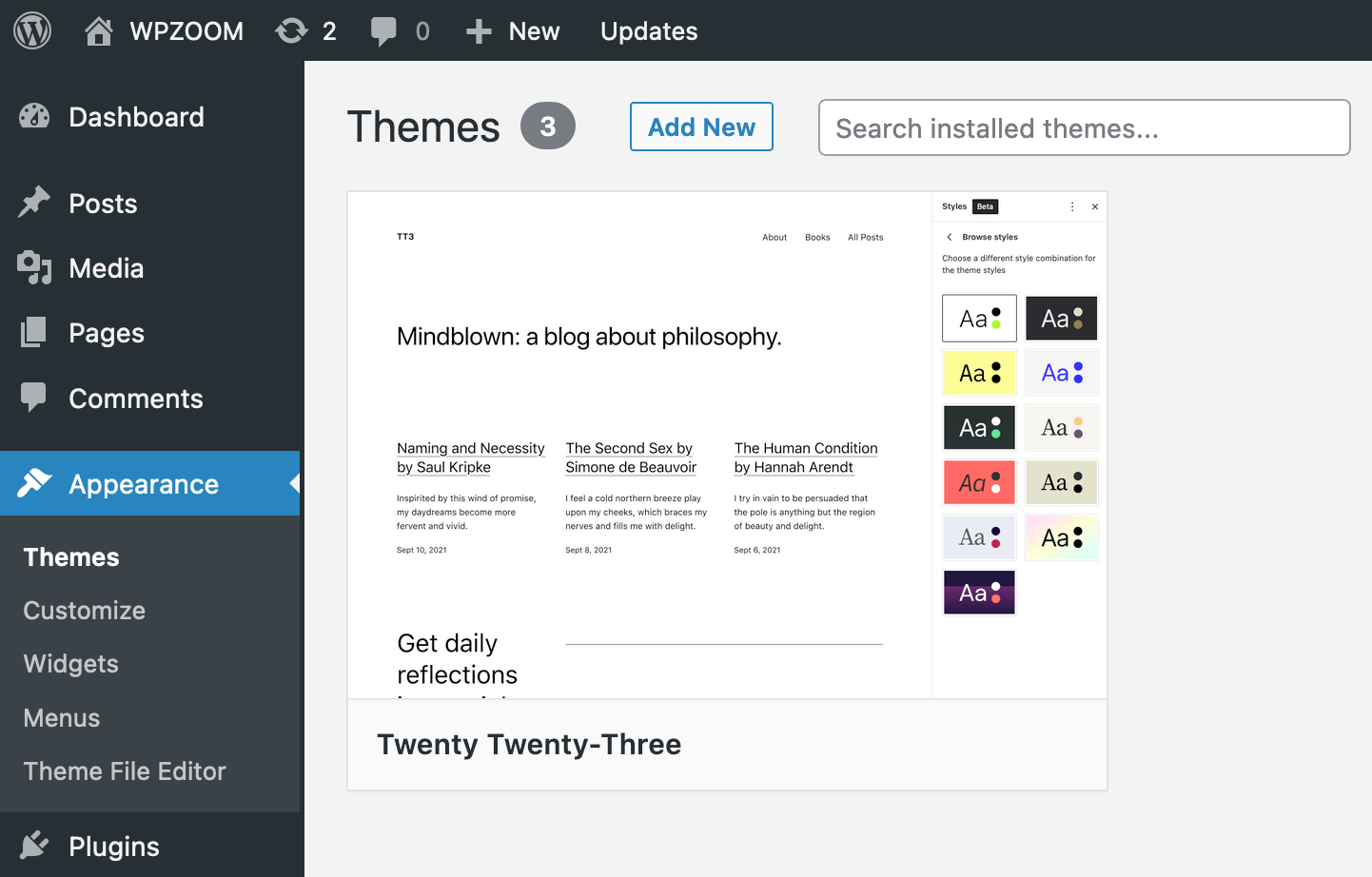
Who is the child theme suitable for? Recommendations for blogs / corporate websites / e-commerce sites
A Deep Dive into the True Purpose of WordPress Child Themes Exploring three scenarios—blogs, corporate websites, and WooCommerce e-commerce sites—to clarify when child themes are essential and when they're optional. This guide helps you avoid losing customizations during theme updates and reduces long-term maintenance costs.
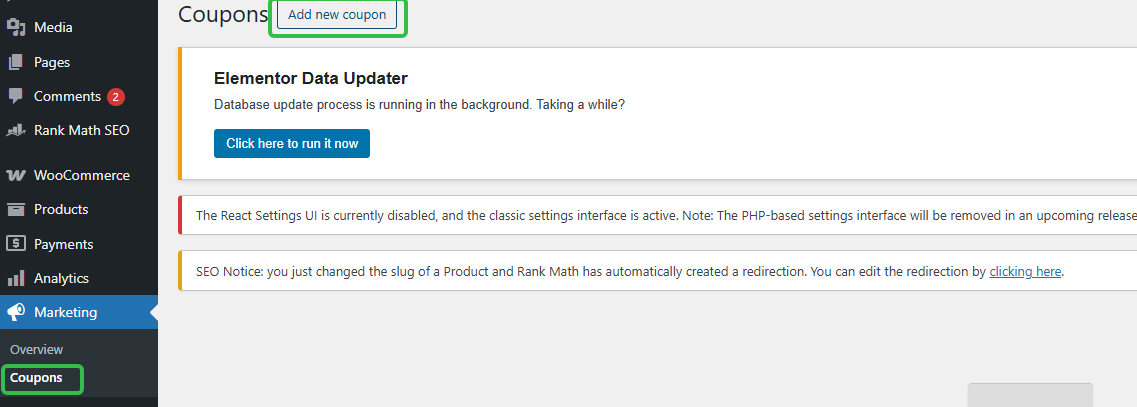
Can I use coupons for subscriptions? Where to set up WordPress subscription coupons (short version)
How to Set Up WooCommerce Subscription Coupons? Locate the backend path in one step, clearly define rules, usage limits, expiration dates, and whether they affect renewals to avoid pitfalls.
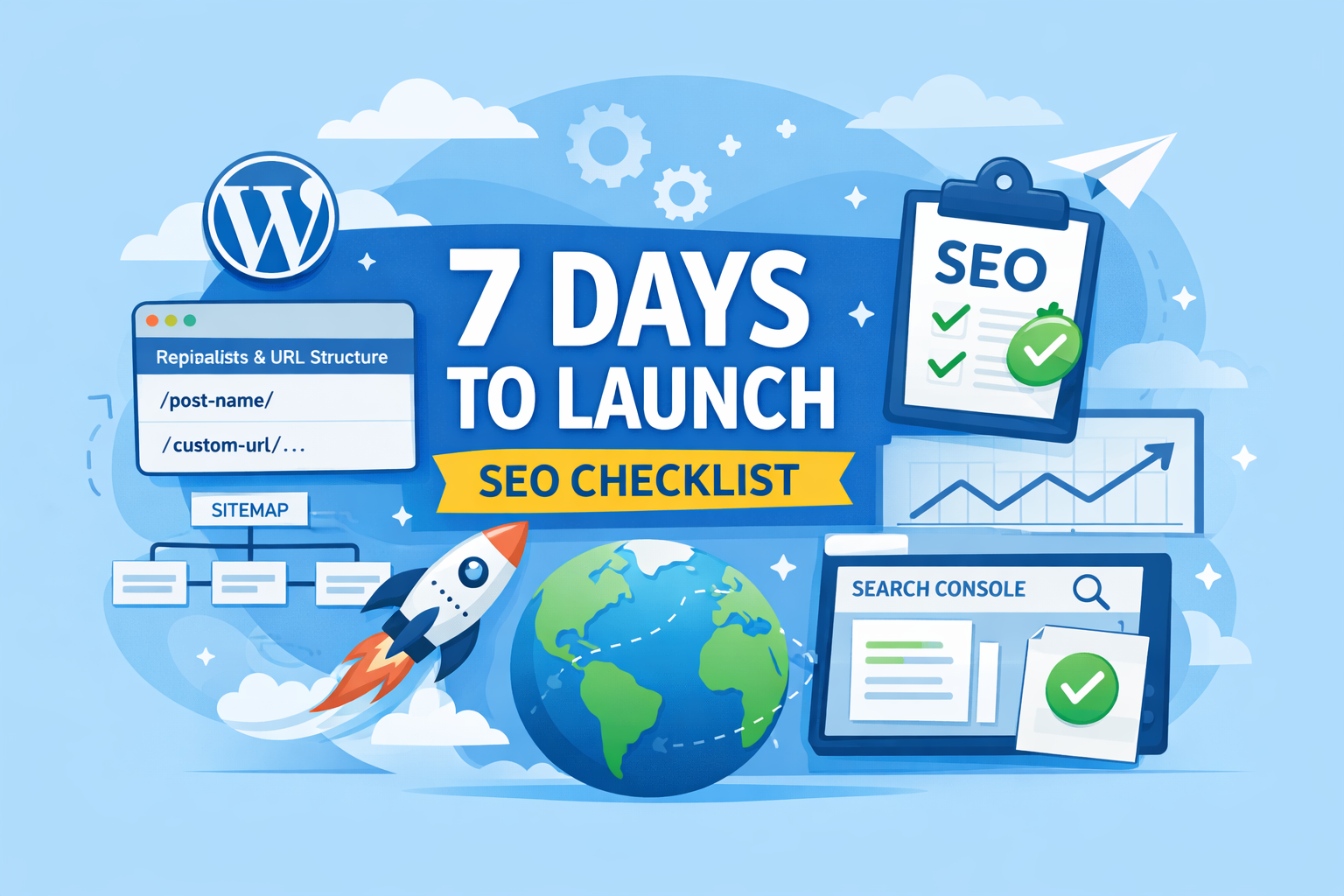
New WordPress Site SEO: 20 Must-Do Tasks Before Launching
SEO Pre-Launch Checklist for the First 7 Days: Complete URL structure, sitemap, cache optimization, and Search Console submission on your new WordPress site to minimize rework and lay a solid foundation for indexing and ranking.
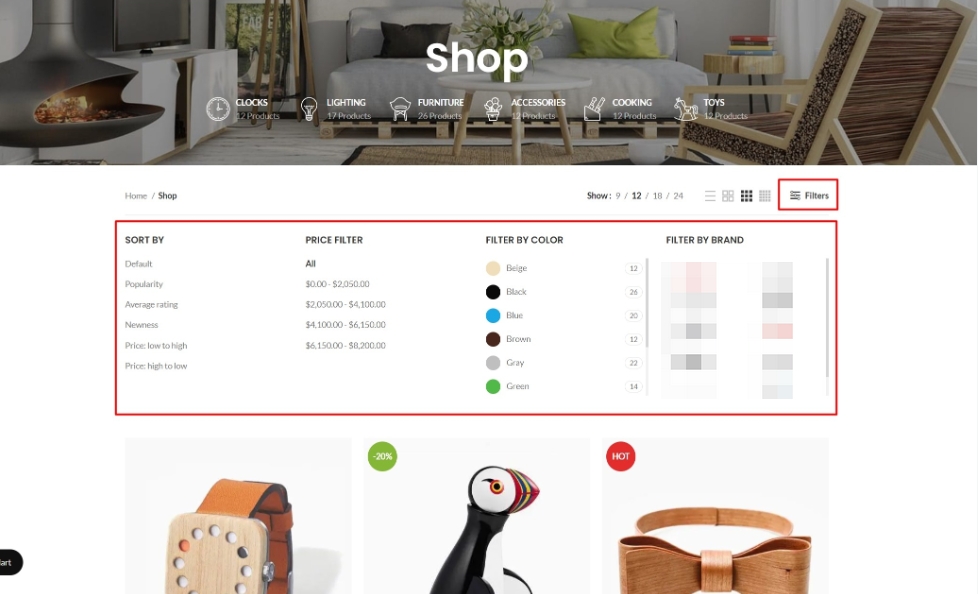
After dismantling over 30 WoodMart sites, I discovered: Filters are the overlooked core of SEO.
Your site has WoodMart Filter installed, but rankings just won't climb? The problem often isn't the filter itself—it's that filter result pages are never treated as content pages for internal linking. This article breaks down WoodMart Filter's SEO potential and teaches you how to leverage internal links to make filter pages truly...
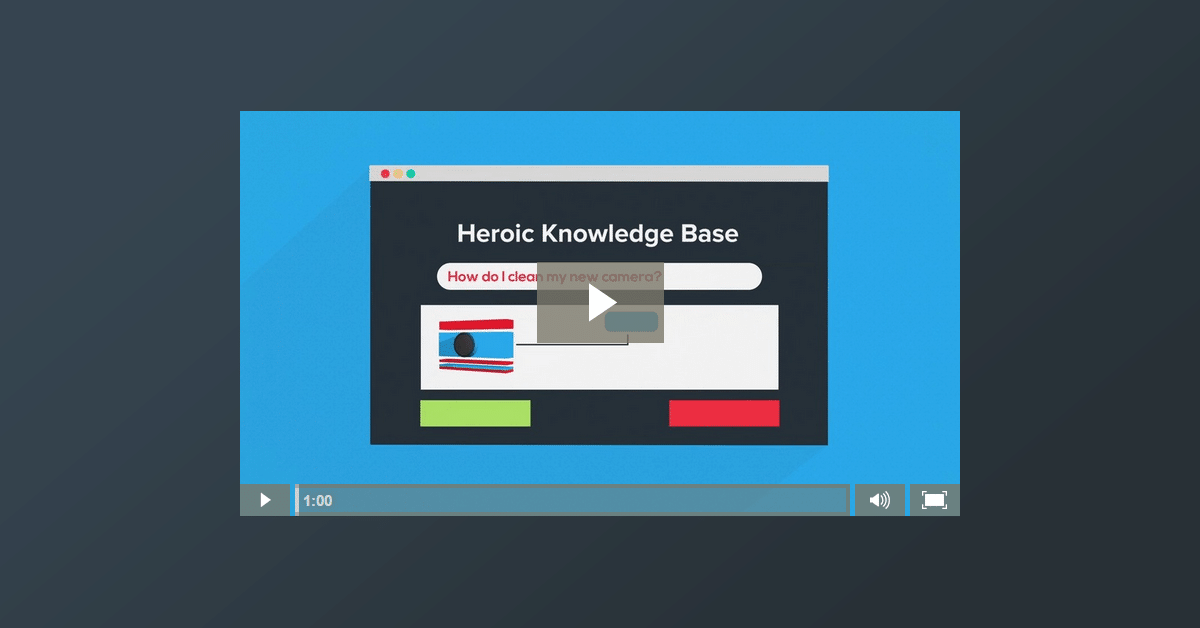
What is Heroic Knowledge Base? What kind of website is it for?
Customer service is stressful and users are always asking repetitive questions, is Heroic Knowledge Base really the right fit for your website, this article will make it clear once and for all.

What is the WordPress Subscription feature? What products and services are suitable
WordPress subscription feature is suitable for content memberships, service packages and regular replenishment. This article explains what the subscription model is, which products it is suitable for, and provides free landing methods and page write-ups for email subscriptions, membership subscriptions, and auto-debit.

Rank Math Breadcrumb Structured Data Parsing: How BreadcrumbList Works in Google
Rank Math Why aren't breadcrumbs showing up? This guide shows you how to check BreadcrumbList's JSON-LD, avoid theme conflicts, and quickly validate with Rich Results Test.
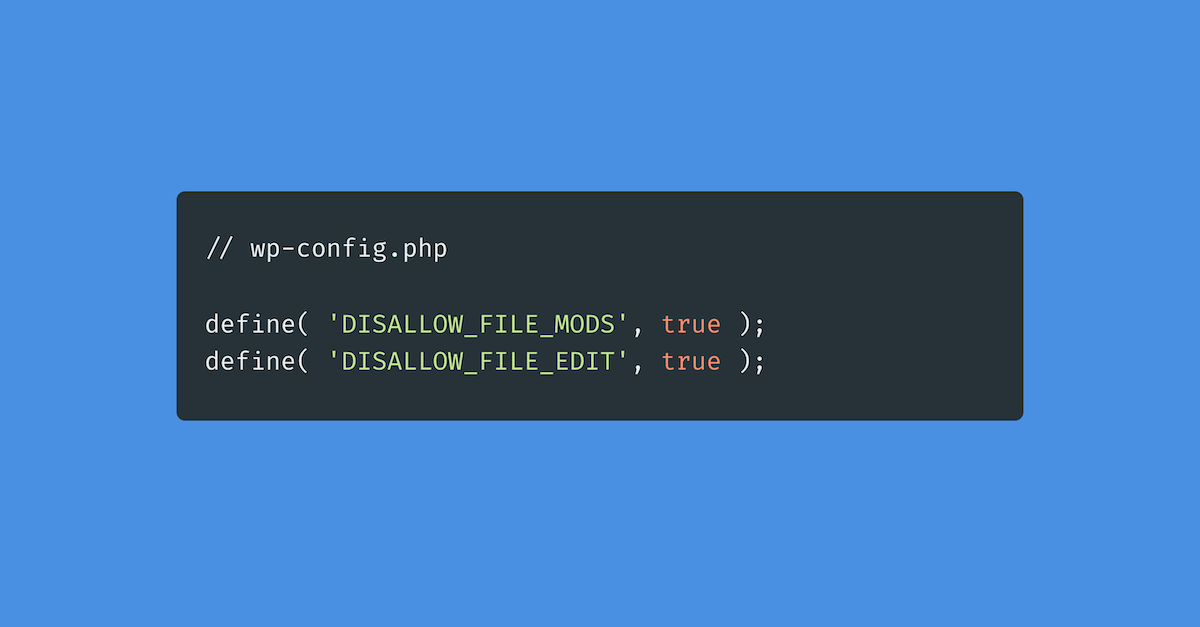
Disallow_file_edit is turned on by mistake and you can't modify the code? Quick Troubleshooting and Recovery
WordPress Theme/Plugin Editor Suddenly Disappeared? Don't panic! An article to teach you to locate DISALLOW_FILE_EDIT / DISALLOW_FILE_MODS misopen cause, step by step troubleshooting wp-config.php, security plug-ins, 1Panel / Pagoda restrictions, and quickly restore the background code editing,...

Do Elementor users need to enable DISALLOW_FILE_EDIT? Will it affect visual editing?
Elementor users should open DISALLOW_FILE_EDIT or not, it does not affect the visual editing, but also can significantly reduce the risk of code insertion in the background! One article explains the difference, scenarios and reinforcement list.

Elementor editor loads very slowly: sequential troubleshooting from plugin conflicts to server performance (Elementor editor loads very slowly)
What to do if Elementor editor loads very slowly? Troubleshooting in order: safe mode to locate conflicts, turn off JS delay and merge, check wp-json vs admin-ajax, then PHP/database/server performance.

 简体中文
简体中文  English
  日本語
日本語  Français
  Español



