



WooCommerce Plugin Page 2
arrange in order
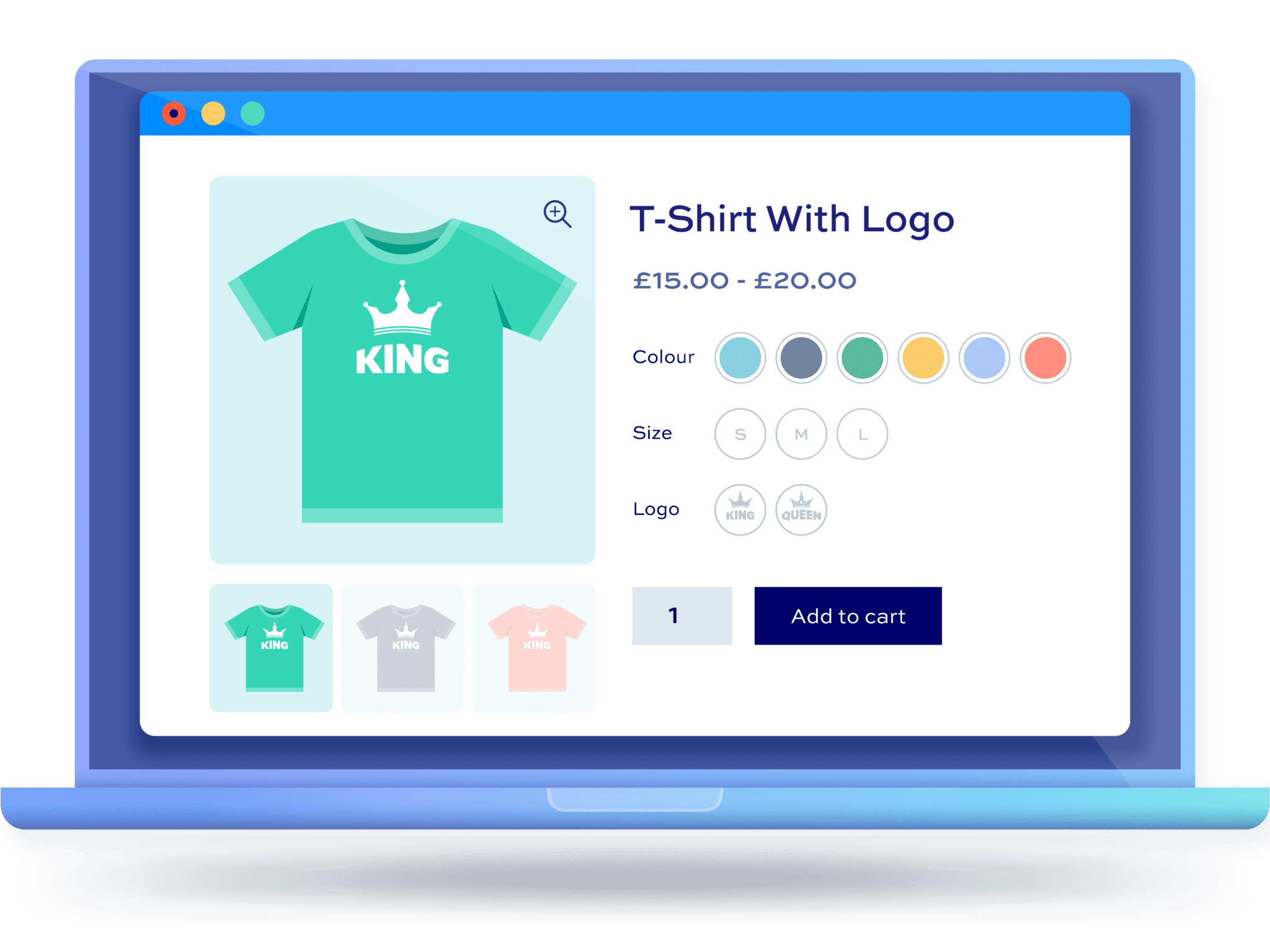
Why Using WordPress Multi-Spec Plugins is Crucial for Ecommerce Websites
Learn how WordPress Multi-Spec plugins can help e-commerce sites optimize the shopping process, enhance the user experience, and increase conversions. Choosing the right plugin makes it easy for shoppers to select product versions.

Multi-Price Management: How to Implement Dynamic Pricing in WordPress Products
Learn how to implement dynamic pricing on WordPress using the WooCommerce plugin to flexibly adjust pricing strategies, boost sales and inventory turnover, and enhance market competitiveness.
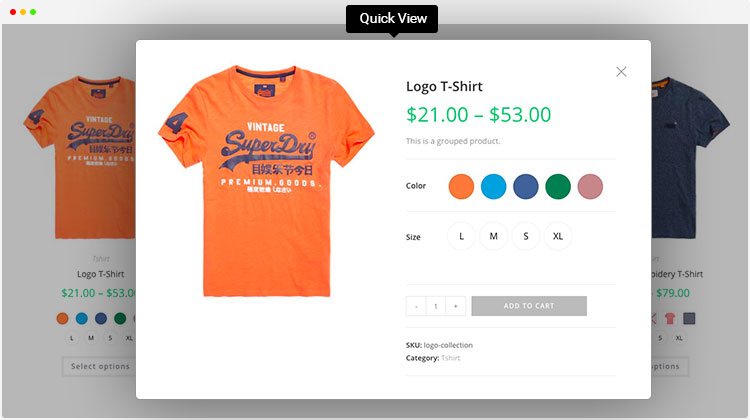
Enhance product presentation with the WordPress Multi-Variant and Multi-Attribute plugin
Explore how to optimize product pages using WordPress multi-variants and multi-attributes plugins to enhance user experience, boost shopping engagement, drive sales, and help merchants stand out in the fiercely competitive e-commerce market.
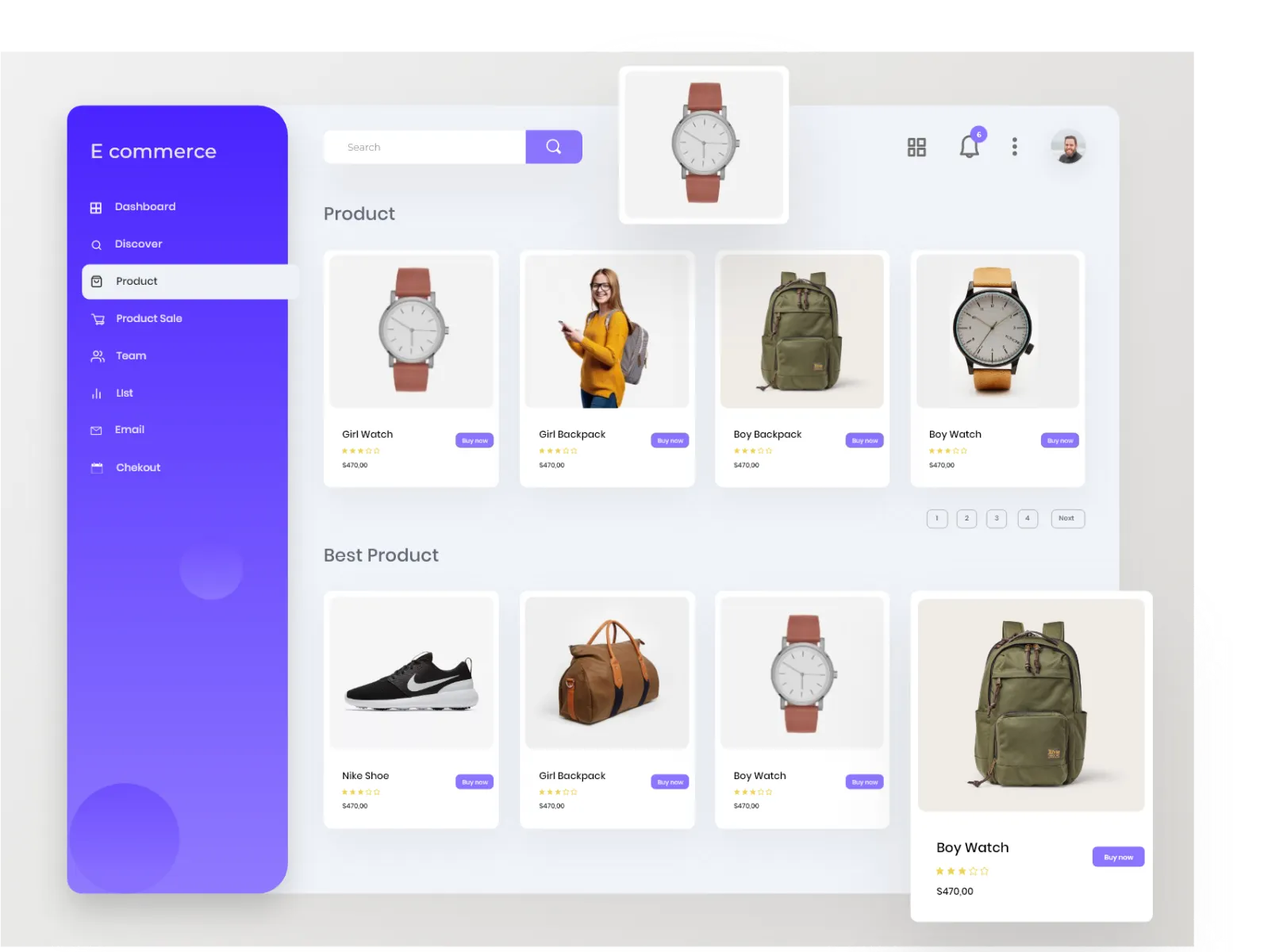
Enhancing User Experience: How WordPress Multi-Variant Product Plugins Optimize the Purchase Process
By utilizing WordPress multi-variation plugins, merchants can optimize the purchasing process, simplify user operations, and enhance shopping efficiency. This article will provide a detailed overview of several popular multi-variation plugins to help merchants improve user experience and boost purchase conversion rates on e-commerce websites.

Subscription + Coupon Causing Amount to Become 0? Order Anomalies and Tax Calculation Fix Guide (Free Plugin Example)
WooCommerce Subscription Products: Amount Becomes Zero, Tax Calculations Erratic, Checkout Fails After Applying Coupons? This article demonstrates setup steps and troubleshooting sequence using the free plugin Subscriptions for WooCommerce to quickly fix order and tax calculation anomalies.

Recommended WordPress Page Preload Plugins for E-commerce Sites: Boost Your WooCommerce Site Speed
Is your WooCommerce site loading slowly, experiencing checkout delays, and seeing declining conversion rates? The problem often isn't the product—it's the speed. This article addresses real-world e-commerce performance challenges, combining insights from 2026's more UI-focused, visual performance optimization approaches to explain WordPress page preloading...
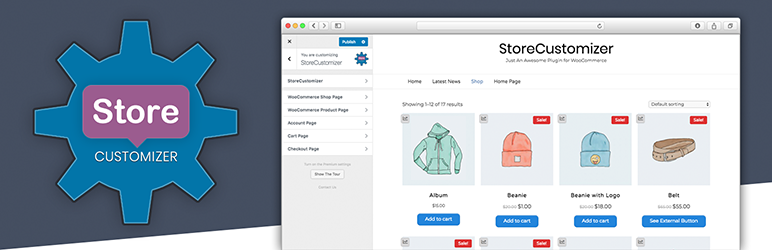
Multiple Specifications, Multiple Attributes, Multiple Prices: How to Flexibly Manage Them on WordPress Product Pages
This guide explains how to manage products in WordPress using multiple specifications, attributes, and pricing options. It helps merchants streamline backend operations and improve inventory and pricing management efficiency.
How to Choose the Most Suitable WordPress Product Plugin: Achieving the Perfect Integration of Multiple Variants, Attributes, and Prices
Discover how to select WordPress plugins tailored to your store, seamlessly integrating multiple product specifications, attributes, and pricing tiers. By analyzing leading plugins, we help merchants enhance user experience and boost conversion rates.

WooCommerce E-commerce Site Acceleration: How to Configure Checkout and Cart Pages (Comparison of Both)
Accelerate WooCommerce e-commerce sites by implementing differentiated configurations for checkout and cart pages: disable page caching, optimize static resources and rules, reduce refreshes and blocking, and enhance conversion experiences.

WooCommerce 10.4 Officially Released: Comprehensive Upgrades in Performance, Architecture, and Extensibility
WooCommerce 10.4 was released in December 2025, featuring major upgrades to the Mini Cart architecture, REST API performance, HPOS caching, and the block system. It serves as a reference for upgrades for medium to large-scale and headless e-commerce sites.

WooCommerce Advanced Bulk Editing ROI Analysis: The Financial Case for Transforming from a Cost Center to an Efficiency Engine
This paper demonstrates the return on investment for advanced batch editing tools through quantitative analysis, covering hidden cost accounting, efficiency enhancement assessment, and investment decision-making frameworks to provide financial justification for e-commerce enterprises.

Google PageSpeed Score Improvement 20-40: EWWW Image Optimizer Most Powerful Configuration Checklist (2025 Practical Guide)
Learn how to configure EWWW Image Optimizer to boost Google PageSpeed by up to 40 points. A complete practical guide for WordPress performance.
Flexible Checkout Fields: A Guide to Improving Site-Wide Behavioral Signals
Explore Flexible Checkout Fields to increase WooCommerce checkout conversions and improve SEO behavioral signals by optimizing fields, conditional logic, and mobile experience.
Deep Integration Development Guide for WooCommerce REST API with Advanced Bulk Editing
In-depth analysis of WooCommerce REST API integration application in batch editing, covering system interfacing, performance optimization and ERP, PIM, CRM system synchronization real-world cases.

Breaking Performance Bottlenecks: A Guide to Optimizing Batch Operations for Very Large WooCommerce Goods Libraries
For super-large-scale commodity libraries, it provides a complete performance optimization solution from server configuration, the use of WP-CLI to chunk processing algorithms to solve performance bottlenecks in batch operations.
Flexible Checkout Fields Plugin Must-Have Tip: 10 Ways to Make WooCommerce Checkout Smoother (with Hands-On Guide)
Discover how to optimize the WooCommerce checkout experience, increase conversions, and reduce abandonment by streamlining checkout fields, adding conditional logic, and customizing order and validation rules with the Flexible Checkout Fields plugin.

WooPayments Integrates with Google Pay: Enabling a Fast, Secure Checkout Experience for All
Learn to turn on Google Pay in WooPayments, mastering the steps to enable it, button customization, testing methods and compatibility for a smoother, more secure checkout that works for stores worldwide.

Beginner's Tutorial: Adding a Smart Cart Plugin to a WooCommerce Site
Easily install the WooCommerce Smart Cart plugin to optimize the shopping process, increase conversion rates, and grow online store sales quickly.

How to Setup and Use Apple Pay Payment Methods in WooCommerce via WooPayments
Learn how to enable Apple Pay in WooCommerce through WooPayments, enhance the customer checkout experience, solve common problems and customize the Apple Pay button display position and style.

Complete Guide: How to Configure WooPayments' Multi-Currency Feature
Master the WooPayments multi-currency feature set to display prices in multiple currencies, allowing cross-border stores to be more flexible in serving global customers and manage currencies and exchange rates with ease.

How to Switch to WooPayments from Other Payment Gateways: A Complete Guide
Learn how to make a smooth switch from other payment gateways to WooPayments, minimizing the impact on your website and customers. Detailed steps cover installation, disabling old payment methods, subscription migration and more to help make the transition easy.

WooCommerce 10.1 must-see update to double the efficiency of store operations!
A comprehensive analysis of the five major upgrades to WooCommerce 10.1 in performance, checkout, security, backend management and developer support to help e-commerce sites become faster and more stable.

WooPayments 2025 Latest Trend Analysis: Functional Evolution, International Support and Future Directions
WooPayments 2025 is quietly changing the landscape of cross-border payments! The official team continues to optimize the interface, expand international support, and strengthen the compliance system to make it easier for WooCommerce merchants to collect payments globally. Here's an in-depth look at what's coming!

WooCommerce Shopping Cart Plugin Recommendations: 5 Most Useful Feature Enhancement Tools
Featured 5 WooCommerce shopping cart plugins: CartFlows, Abandonment Recovery, Fly Cart, Menu Cart, Smart Coupons.Optimize checkout, reduce abandoned orders, improve conversion and order placement efficiency, and help stores complete orders faster and increase revenue.

How to test payments with a WooPayments test account and upgrade to a full account
Learn how to use a WooPayments test account to simulate the payment process without real money or personal information. Also learn how to upgrade your test account to a full account to start receiving real payments.

WooCommerce Enable WooPayments Detailed Tutorial!
Want to make WooCommerce more professional?WooPayments is the first choice for official payment collection! Support credit card, Apple Pay, Google Pay, multi-currency fast settlement, tutorials explain the installation and configuration process.

WooPayments Configuration Guide: Complete Setup and Optimization Explained
Learn how to quickly configure WooPayments in WooCommerce, including enabling test mode, checkout methods, and quick payment and fraud prevention settings for easy online collections.

WooPayments can't connect? Summary of common error codes and solutions
WooPayments Always fails to connect? Don't panic! This article teaches you how to quickly identify error codes, troubleshoot account issues, and solve all the reasons why WooPayments fails to connect in one go, so payments go smoothly!

WooPayments Installation and Registration Guide
This post details the installation and registration process for WooPayments, including system requirements, supported countries, manual installation and account registration steps to help WooCommerce stores quickly enable payments.

Newbie WooPayments Setup Steps: Quickly Enable Online Payments
A comprehensive overview of WooPayments' general settings, payment methods, express checkout, transactions, deposits and fraud protection features to help WooCommerce merchants properly configure and enhance their payment experience.

 简体中文
简体中文  English
  日本語
日本語  Français
  Español



