





arrange in order

How to Improve the Efficiency of Your Shopping Cart and Checkout Process with WooCommerce Product Plugins
Learn how to optimize the shopping cart and checkout process with WordPress plugins to improve the customer experience and reduce cart abandonment, thereby increasing conversions and sales on your e-commerce site.

WordPress Seller's Payment Essentials: Stripe Connect Payment Functionality and Multi-Currency Settlement Explained
Ready to build a cross-border e-commerce or multi-merchant platform on WordPress? This post takes you on an in-depth look at the core features of Stripe Connect. We detail the 135+ currencies it supports, as well as global acceptance including credit cards, digital wallets, and local payments in each country...

WooCommerce Updated to Address Cross-Site Scripting Vulnerability
The official team at Woo has deployed a critical update for WooCommerce. The update addresses a vulnerability that previously allowed malicious actors to inject malicious content into the browser.The official Woo team has also contacted WooCommerce merchants whose stores may be vulnerable. ...

Comprehensive analysis of WooCommerce short code: e-commerce page optimization and functionality implementation guide
Comprehensive analysis of WooCommerce shortcode basics and application methods, including product display, shopping cart and checkout page optimization, user account management and advanced customization, to provide efficient solutions for e-commerce websites.

How to Customize Order Emails in WooCommerce
Learn how to customize WooCommerce email templates to enhance the personalization effect of emails, increase customer engagement, and optimize automated emails such as order processing, reminder, etc., to help improve the efficiency of store operations and customer satisfaction.

How to Fix WooCommerce Product Search Not Working (Comprehensive Guide)
This article provides a comprehensive analysis of the common reasons why WooCommerce products' search functionality fails, and offers detailed solutions, from basic problem troubleshooting to advanced optimization, to help users improve their experience and sales conversions, as well as to enhance the site's search performance and SEO rankings.

WooCommerce Beginner's Guide: How to Get Started and Optimize Your E-Commerce Site Quickly
This article provides a comprehensive guide for WooCommerce newbies, covering how to quickly install WooCommerce, configure store settings, add products, set up payment and shipping methods, manage orders and customers, and more. To help you get started and optimize your eCommerce site quickly...

Kadence Tutorial: Creating Conditional Shopping Cart Banners with the Kadence Shop Kit
Kadence Shop Kit's conditional shopping cart banners help WooCommerce merchants increase shopping cart conversions and sales by displaying customized prompts based on customer behavior and supporting product recommendations, coupon applications, auto-add-ons, and more.

Newbie must see: Woocommerce plugin activation detailed tutorials, step by step to teach you to open the online store
Detailed graphic tutorials teach you how to install and activate the Woocommerce plugin, suitable for newcomers to quickly get started, easy to create their own WordPress online mall, support for payment, logistics, product management and other functions.
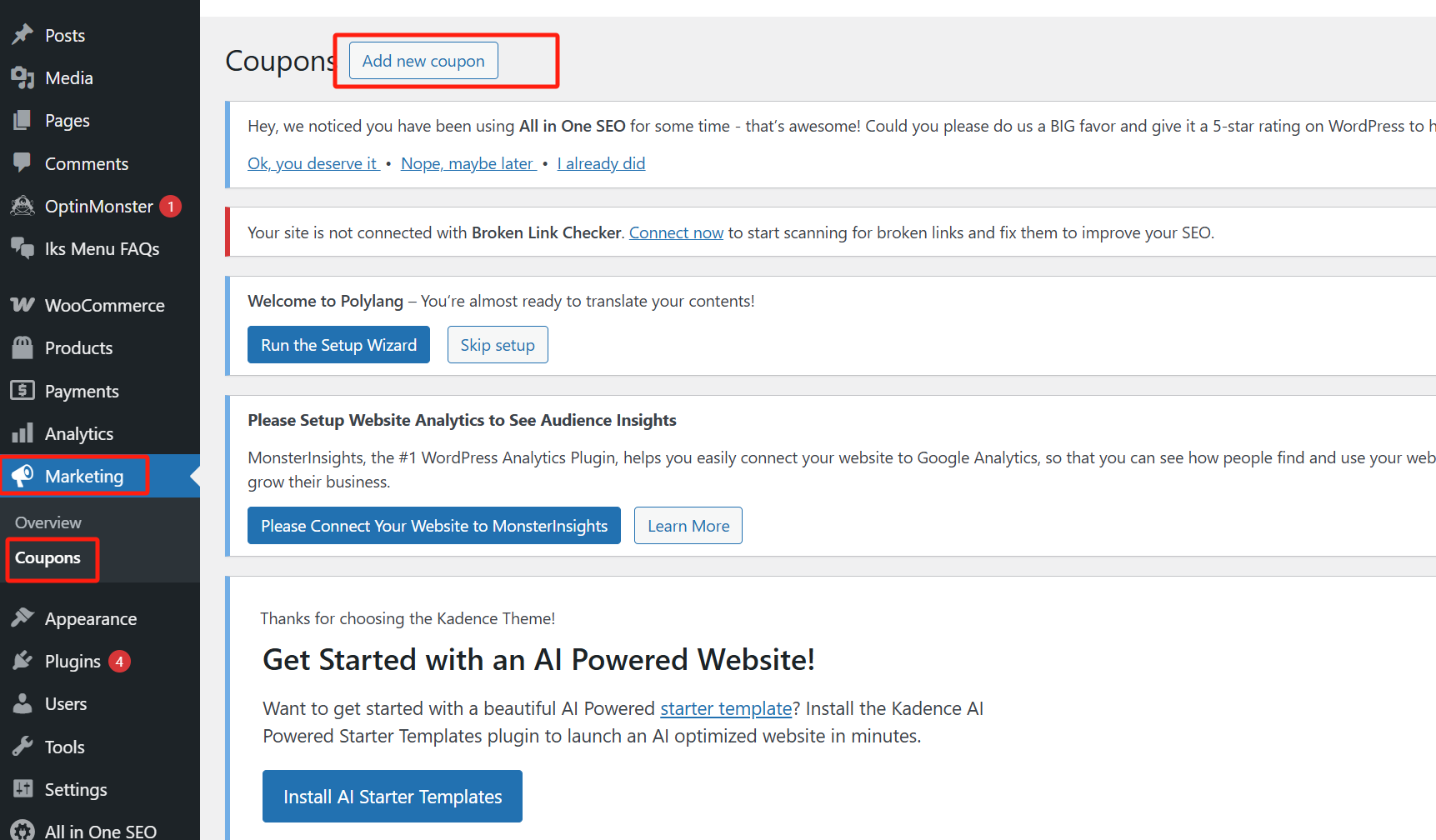
WooCommerce Discount Rules Explained: A Powerful Tool to Boost Ecommerce Sales
Get an in-depth understanding of how to set up discount rules in WooCommerce to boost sales, attract more customers, and increase conversions with a variety of strategies such as bulk discounts, cart discounts, user role discounts, and more.
How to Activate and Set Up Email Notifications for WooCommerce
Learn how to activate and set up email notification features in WooCommerce, including order notifications, email template customization, sending issue troubleshooting and SMTP configuration to enhance customer experience and e-commerce professionalism.
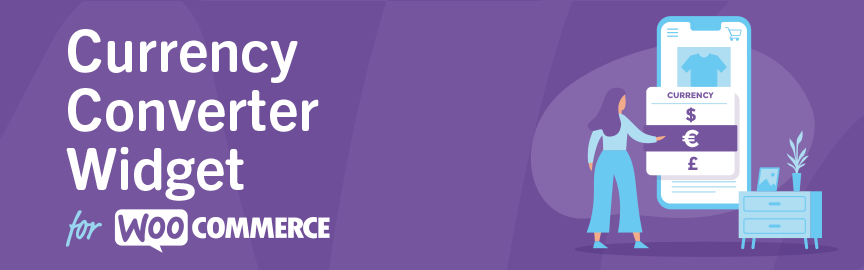
Complete Guide to the WooCommerce Multi-Currency Price Switching Widget (Currency Converter Widget)
Currency Converter Widget supports multi-currency display in WooCommerce store, integrated exchange rate service, front-end switching price symbols, flexible and practical operation.





