



WooCommerce Plugin Page 5
arrange in order
How to Add Uniform Borders to All WooCommerce Buttons in Bulk
With simple CSS, this article describes how to add uniform borders to all WooCommerce buttons in bulk to improve the overall visual consistency of your website. Includes button class names, code examples, usage and advanced optimization tips to help you design your e-commerce website more professionally.

Two Easy Ways to Set WooCommerce Minimum Order Amounts
Learn how to set minimum order amounts in WooCommerce to boost profitability and optimize operations. This article provides both PHP code and a plugin to help you easily manage WooCommerce cart spending limits and increase order conversions.

WooCommerce vs Shopify: which is better for your WordPress eCommerce site?
WooCommerce vs Shopify in-depth comparison! From the function, cost, SEO to the applicable population, comprehensive analysis of which is more suitable for WordPress e-commerce site, to help you choose the right platform to open the road of efficient independent station.

Stripe Connect Custom Accounts Setup Guide
This article details how to set up Stripe Connect Custom Accounts. It covers the core steps from creating account objects, collecting user identity information (KYC), and managing the flow of funds.
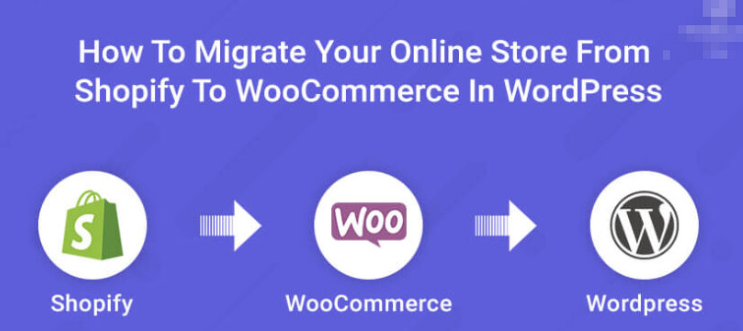
Shopify not flexible enough? Migrate to WordPress and save money!
Still worried about Shopify's high cost and limited functionality? 🔥 This article takes you through the whole process of Shopify to WordPress migration with low cost and zero loss!

Automatic Coupon Generation with WooCommerce API: Building an Efficient E-commerce Operation System
Automatically generate coupons through the WooCommerce REST API interface, and realize automated marketing strategies such as registering coupons, recovering abandoned orders, and VIP promotions. With PHP live code, no plug-ins, efficiently improve the conversion rate and operational efficiency.

How to enable Blocksy's content block feature in WordPress?
A comprehensive explanation of Blocksy Pro content block features, from installation and activation to display condition settings, covering bulletin boards, template replacements, mobile tips and other real-world applications, to help you create a more flexible and efficient WordPress website structure.

WooPayments Configuration Guide: Complete Setup and Optimization Explained
Learn how to quickly configure WooPayments in WooCommerce, including enabling test mode, checkout methods, and quick payment and fraud prevention settings for easy online collections.

WooCommerce Child Theme Development Tutorial: Customizing Your WooCommerce Store Appearance
Learn how to customize the look of your store using the WooCommerce child theme, including template overrides, styling tweaks, and feature extensions for personalized e-commerce site design.

Complete Guide: How to Configure WooPayments' Multi-Currency Feature
Master the WooPayments multi-currency feature set to display prices in multiple currencies, allowing cross-border stores to be more flexible in serving global customers and manage currencies and exchange rates with ease.

How to Activate and Setup Appointment Delivery Time Selection via WooCommerce
Add delivery appointment function for WooCommerce, support date and time selection, holiday exclusion and time period setting, improve customer experience and logistics efficiency.
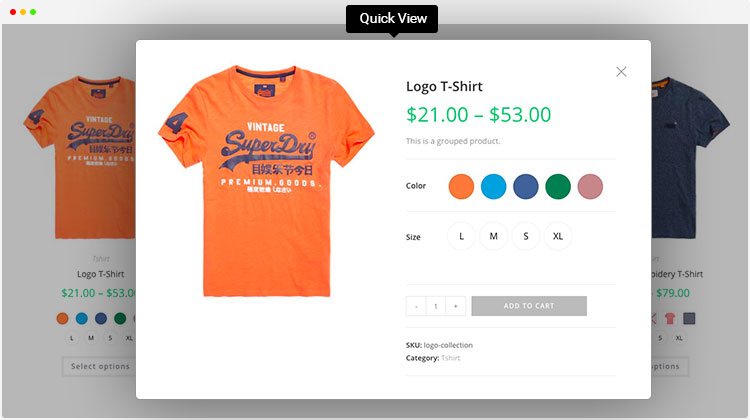
Enhance product presentation with the WordPress Multi-Variant and Multi-Attribute plugin
Explore how to optimize product pages using WordPress multi-variants and multi-attributes plugins to enhance user experience, boost shopping engagement, drive sales, and help merchants stand out in the fiercely competitive e-commerce market.

Use the Elementor plugin with WooCommerce to create the perfect e-commerce site!
Learn how to combine the Elementor plugin for external templates with the WooCommerce plugin to create a powerful and visually appealing e-commerce site that improves customer experience and conversion rates.

How to Add Custom Currencies and Symbols in WooCommerce
This tutorial teaches you how to add custom currencies and their symbols to your WooCommerce store to enhance the shopping experience and increase user conversions. With simple steps, it makes it easy for you to manage your store's currency options.

WooCommerce API to Logistics Tracking System: The Key to Automating Order Logistics
Docking the WooCommerce API with the logistics tracking system to achieve automatic order updates, improve customer experience and optimize e-commerce operational efficiency.

WooPayments 2025 Latest Trend Analysis: Functional Evolution, International Support and Future Directions
WooPayments 2025 is quietly changing the landscape of cross-border payments! The official team continues to optimize the interface, expand international support, and strengthen the compliance system to make it easier for WooCommerce merchants to collect payments globally. Here's an in-depth look at what's coming!

WoodMart's Guide to Optimizing the Shopping Cart and Checkout Processes
Master WoodMart shopping cart and checkout page optimization techniques to streamline the process layout, enhance the mobile experience, and effectively improve the conversion rate of e-commerce websites.

WooCommerce shopping cart product quantity and content of the real-time update display method
Add AJAX dynamic update function in WooCommerce shopping cart to allow customers to view the cart content and the number of products at any time. This article describes how to display shopping cart information in the navigation bar and realize automatic update through code to improve the shopping experience.

SEO Optimization Settings after WooCommerce Activation: Overall Improvement of Your Ecommerce Site's Search Ranking
Comprehensively explains SEO settings after WooCommerce activation, including Rank Math plugin configuration, product page optimization, image ALT, Schema markup, sitemap and noindex settings, which help e-commerce websites to improve search ranking and natural traffic.

WooCommerce Advanced Bulk Editing ROI Analysis: The Financial Case for Transforming from a Cost Center to an Efficiency Engine
This paper demonstrates the return on investment for advanced batch editing tools through quantitative analysis, covering hidden cost accounting, efficiency enhancement assessment, and investment decision-making frameworks to provide financial justification for e-commerce enterprises.

Newbie must see: Woocommerce plugin activation detailed tutorials, step by step to teach you to open the online store
Detailed graphic tutorials teach you how to install and activate the Woocommerce plugin, suitable for newcomers to quickly get started, easy to create their own WordPress online mall, support for payment, logistics, product management and other functions.
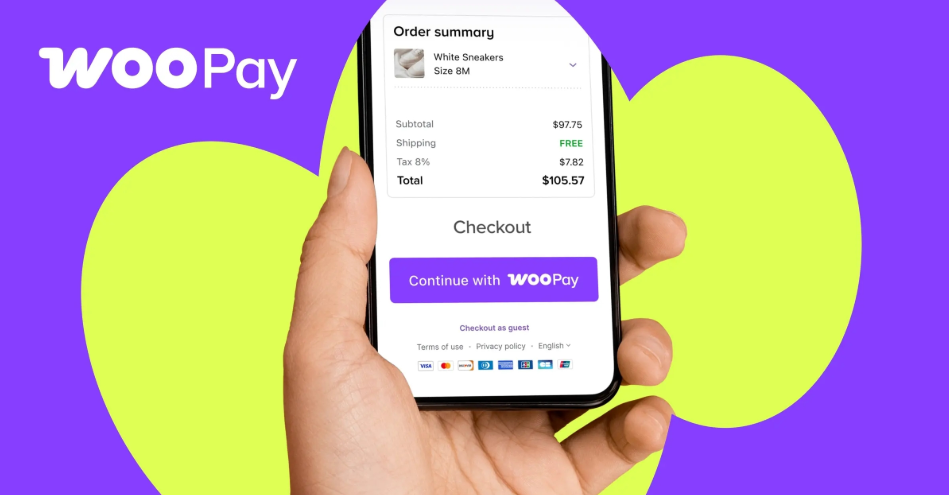
Does WooPayments work well? What to do about low payment success rates: a checklist and optimization methods
Customers are almost paid but failed? Don't worry! This article explains the real culprits of WooPayments' low payment success rate (bank risk control, 3DS, cache conflicts, callback exceptions) once and for all, with a 10-minute troubleshooting checklist + immediately available optimization tips to quickly pull back the order.

Build a Unified Payment System with Stripe that Supports APP, Web, and POS
Comprehensive analysis of how to use Stripe to realize a unified payment system for APP, Web and POS, improve efficiency and create a seamless omni-channel payment experience.

WordPress | How to Add Product Parameters Form to WooCommerce Product Detail Page
In the age of e-commerce, providing detailed and accurate product information has become a key part of enhancing the customer shopping experience. Especially in the apparel and accessories industry, the accuracy of size charts is directly related to customers' purchasing decisions. Today, we will explore how WooCommerce product details...
How to Activate WooCommerce and Set Up Payment Methods: Complete Tutorial for Beginners
This article explains how to activate the WooCommerce plugin in WordPress, and step-by-step configuration of Alipay, WeChat, PayPal, Stripe and other common payment methods, to help you easily set up an online store to support payment.

Breaking Performance Bottlenecks: A Guide to Optimizing Batch Operations for Very Large WooCommerce Goods Libraries
For super-large-scale commodity libraries, it provides a complete performance optimization solution from server configuration, the use of WP-CLI to chunk processing algorithms to solve performance bottlenecks in batch operations.
How to Activate and Setup Website Statistics and Analytics Tools with WooCommerce
Learn how to integrate Google Analytics, MonsterInsights and other mainstream web analytics tools in WooCommerce to achieve user behavior tracking, e-commerce statistics and conversion rate analysis, and comprehensively improve e-commerce operational efficiency.
The secret to doubling your monthly revenue! WooCommerce makes it easy to get recurring payments by getting subscriptions this way!
Easily implement a subscription shopping experience with WooCommerce, which supports auto-debits, user renewals, and trial periods to help create a stable e-commerce revenue stream!

WooPayments Installation and Registration Guide
This post details the installation and registration process for WooPayments, including system requirements, supported countries, manual installation and account registration steps to help WooCommerce stores quickly enable payments.

WooCommerce Checkout Page Plugin Recommendations: Helping You Simplify the Optimization Process
Want to boost sales? Learn about the best checkout plugins for WooCommerce that optimize checkout speed, streamline the process, increase user trust, and boost conversions immediately!

 简体中文
简体中文  English
  日本語
日本語  Français
  Español



