



Elementor Page 16
arrange in order

How to activate Elementor's experimental features
Elementor gives users the voluntary option to participate in testing and helping to refine new features before they are released. These new features are still in the experimental stage; that's why they are also called experimental features, so let's take a look at them together and how to activate them. How to use Elementor features 1. Turn...

Streamline business scheduling: Seamlessly integrate appointments with Elementor Pro and Google Business Suite
With the integration of Elementor Pro and Google Business Suite's appointment scheduling features, visitors can schedule appointments directly on your website without the need for additional plugins! Streamline your business scheduling with the latest features of Elementor Pro and Google In this number...

A Comprehensive Guide to Enhancing Elementor Website Accessibility: Best Practices for Ensuring Inclusion and Compliance
What is Elementor Accessibility? An accessible Elementor website is one that can be easily accessed and understood by all visitors, including people with disabilities or impairments. This means using tools or technologies that make the Internet easier to use for everyone. El...

Improve website performance across the board: update Elementor to optimize load speed, code cleanliness, and image processing
Past versions of Elementor took a big step forward in improving site performance, but this new version it adds a number of features that can speed up your site in three main ways: improved performance metrics, cleaner code, and faster image loading. While some features will...

Tutorial for Elementor Core installation and activation
Elementor Core is a free version of Elementor that provides basic page building functionality, allowing users to create and edit pages on WordPress sites through a drag and drop interface. This version includes many useful widgets and features for most basic website...
Performance Impact of Elementor Safe Mode and How to Optimize It
Elementor is a popular WordPress page builder that offers great features and flexibility. However, enabling Safe Mode may impact site performance when debugging and problem solving. In this article, we will explore the performance impact of Elementor's safe mode and provide optimization...

What is Elementor for WordPress?
Before we get into the details of what Elementor is, let's take a look at WordPress. What is WordPress? This is a screenshot of the WP backend with the Elementor plugin installed WordPress is a content management system (CMS) that simplifies the creation of a blog site...

How Elementor Quickly Accesses Widget and Configuration Page Settings
Effective management of your website's widgets not only improves the functionality of your website, but also optimizes the user experience. When using the Elementor editor, you can easily create and manage a "Favorites" section to quickly access the most frequently used widgets in the widget panel. This article focuses on how to utilize Ele...
Elementor Safe Mode vs. Regular Mode
Elementor, as a popular WordPress page builder, has won the favor of users with its rich features and user-friendly interface. In order to protect users in the process of building and managing websites, Elementor provides a secure mode and a regular mode. This article will ...

How to use element caching to speed up page loading
Reducing page load time can increase visitor retention and improve your SEO score. Site performance can be significantly improved by using element caching. When widgets are rendered on the server, the HTML output is stored in a database. This way, the next time the element appears, it will be retrieved from the database...
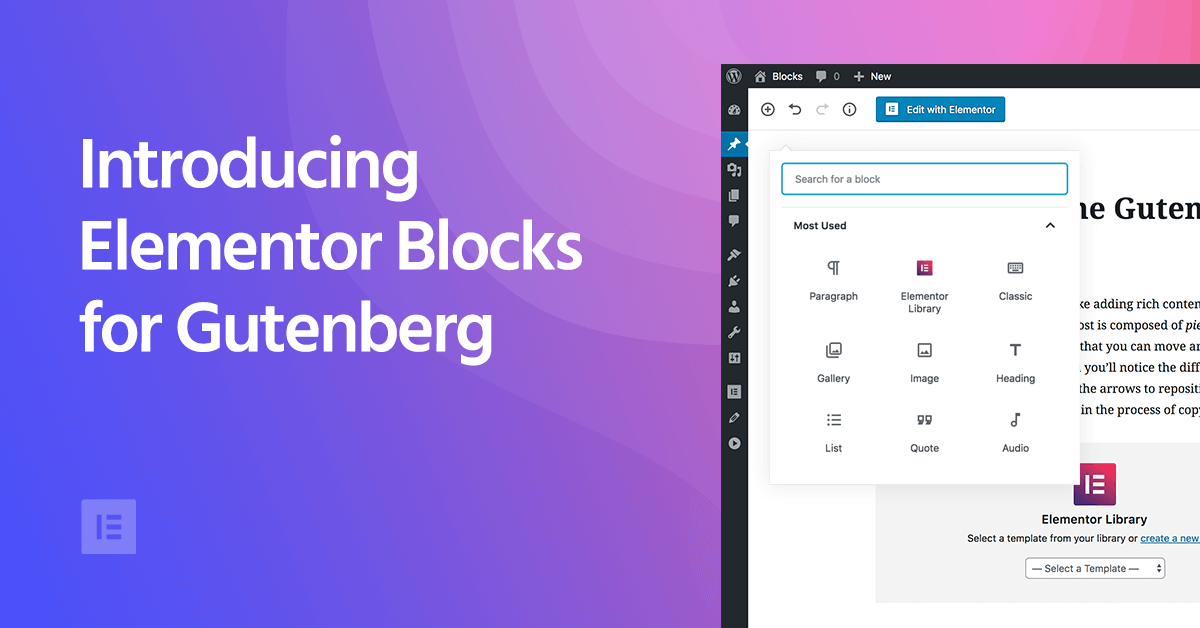
Elementor Blocks for Gutenberg: Using Elementor Blocks in the Gutenberg Editor
As WordPress has grown, the Gutenberg block editor has become its core editor, which builds content in "blocks". Although Gutenberg is very flexible, for those who want to add more advanced features to their site, Gutenberg is still...

How to Get Started with Elementor Popup Windows
If you use Elementor editor to build your web pages, then the built-in pop-up windows is a feature to know about. This powerful feature can help you grab users' attention, provide important information or offers, and it doesn't require any additional plugins to be installed at all...

Boosting Website Engagement: Innovative Uses of Elementor Dynamic Content
Increasing user engagement increases the time users spend on a website, improves the user experience, and ultimately drives conversions. To achieve this goal, many web designers and developers have begun to utilize dynamic content to engage users, and the Elementor plugin is a powerful way to achieve this...

In-Depth Website Editor Comparison: Core Differences Between Elementor and Gutenberg
An in-depth look at the core differences between Elementor and Gutenberg, from design freedom and performance to future directions, to help you choose the best editor for your next WordPress project.

How to Add Custom Fonts to Elementor and Elementor pro
A comprehensive explanation of adding custom fonts to Elementor and Elementor Pro, covering plug-ins, Pro features, and code methods for novices.

Elementor Cloud Templates is now available: Create your own design library!
Elementor 3.29 introduces Cloud Templates, a feature that allows you to quickly store and retrieve pages, blocks and containers across multiple sites for design unification and efficient collaboration, so you can say goodbye to repetitive productions and cumbersome import processes.
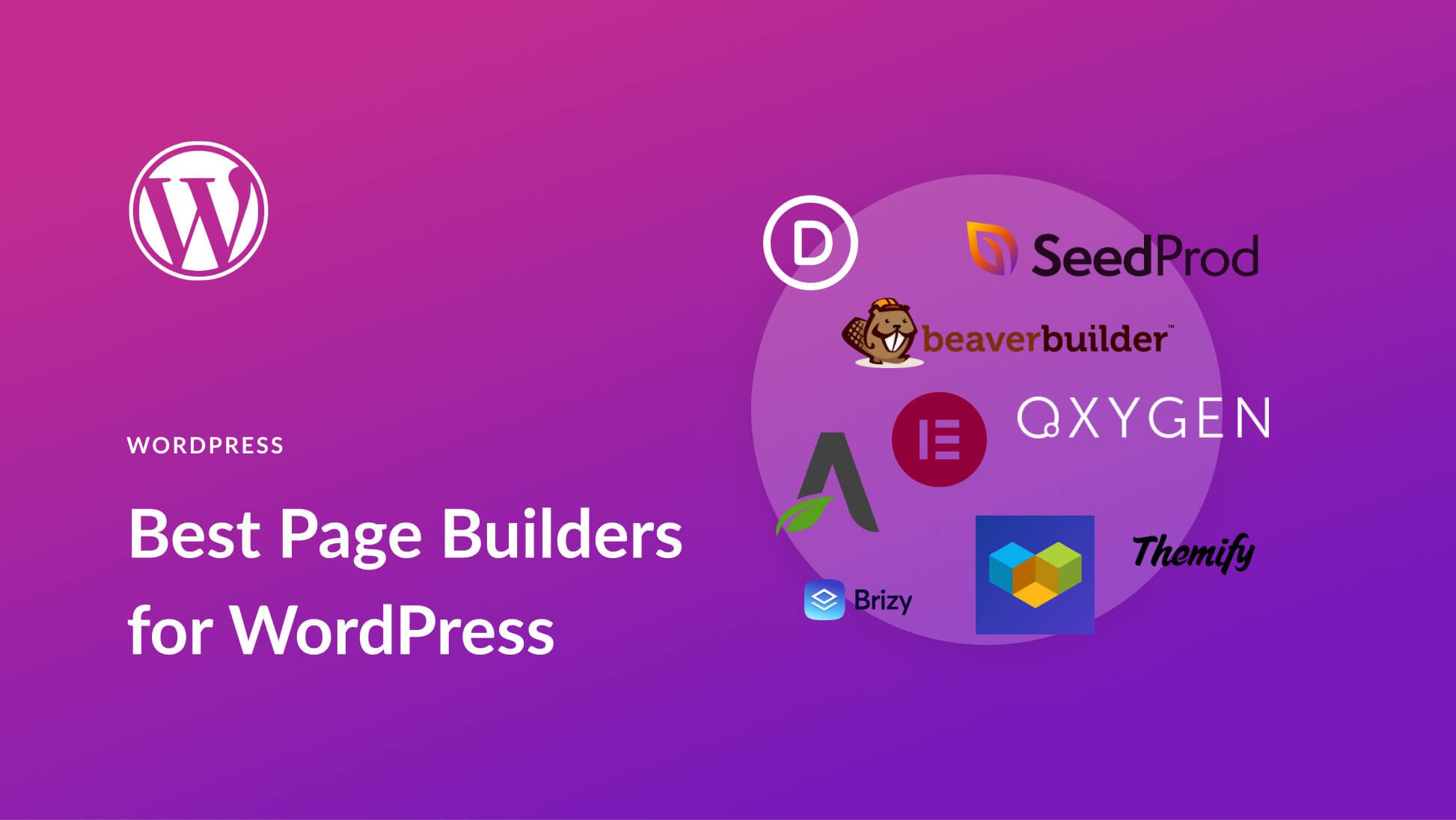
Elementor plugin for external templates vs. other page builders: which one fits your needs better?
In WordPress website building, the choice of page builder tool is crucial. In this article, we compare Elementor, WPBakery, Gutenberg and Brizy to help you choose the most suitable page builder plugin to improve design efficiency and website performance.

How to quickly create responsive web pages with Elementor plugin for external templates
Learn how to easily create responsive web pages adapted to various devices with Elementor plugin for external templates. This article provides detailed steps and practical tips to help you improve your website user experience and SEO ranking.

 简体中文
简体中文  English
  日本語
日本語  Français
  Español



