





arrange in order

Elementor error resolution: add the_content function correctly
Explain how to correctly call the_content function in custom templates to solve the common error problem of Elementor not being able to load content.
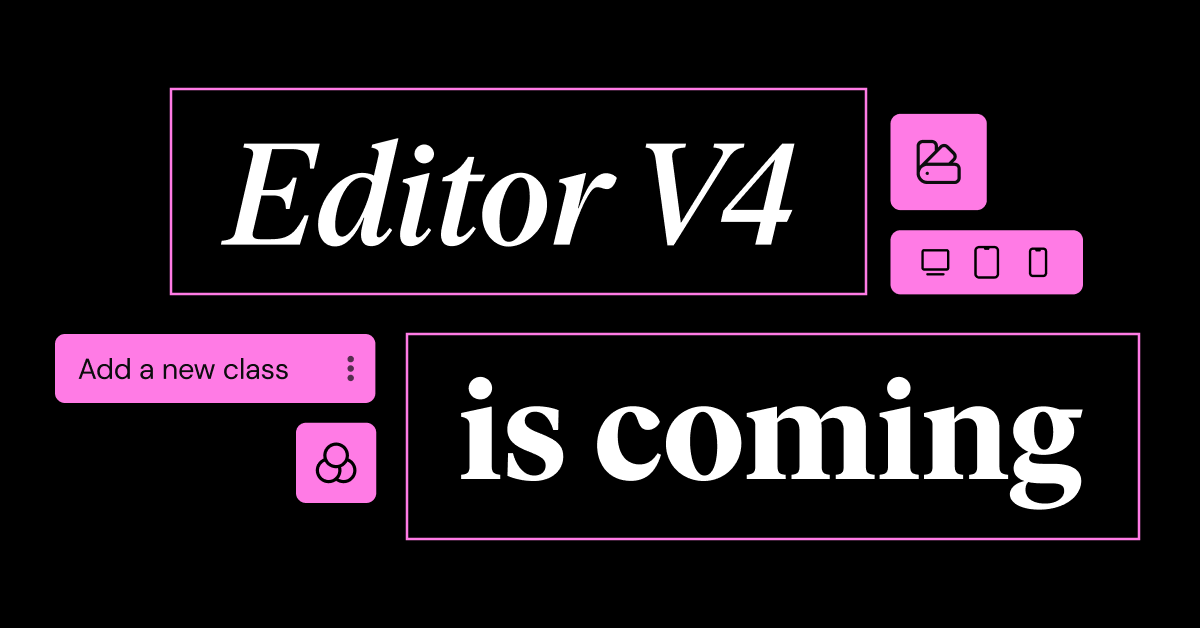
Introducing Editor V4 Alpha: The Future of Elementor Website Building
Learn about the new features that Editor V4 Alpha introduces in Elementor, including reusable classes, interactive styles, simplified DOM structure, and fully responsive design controls to help users increase productivity and optimize site performance.

How to make Elementor columns equal in height (also Flexbox containers)
Learn how to use the HappyAddons plugin to equalize columns and Flexbox containers in Elementor, simplifying the site design process, eliminating the need to write code, and improving page aesthetics and consistency.

Elementor Font Settings Not Working? Resolving Gutenberg Conflicts
Elementor Font Settings Not Working in Gutenberg? This article shares practical ways to resolve typography conflicts and make your website style uniform and consistent.

Elementor Secure Mode vs Debug Mode: Which is better for your workflow?
Understand the core difference between Elementor Safe Mode and Debug Mode, master how to quickly locate and solve common problems such as website loading, white screen, plugin conflicts, etc., to improve your WordPress development and design efficiency. Understand the core difference between Elementor safe mode and debug mode, master...

Complete Tutorial on Creating Comparison Tables with Elementor
Use Elementor in conjunction with widgets to easily create product comparison tables that showcase product features, images, and prices for e-commerce sites, service packages, or feature module comparisons.

Elementor's practical approach to avoiding content errors
Explain the common causes and solutions of content errors in Elementor template development, and recommend the correct usage to avoid the_content error.

Increase Conversion Rates with the Elementor Countdown Timer Widget
Detailed introduction to Elementor countdown timer installation and setup process, to help e-commerce sites to create an urgent atmosphere to enhance the user conversion effect, adapted to mobile and provide templates to use the program.

Turn off WordPress compression and cropping of images completely: the original quality of the image is returned to the designer!
Teach you to completely disable WordPress image compression and cropping, retaining the original image size and clarity for photography, e-commerce, and design websites.

Elementor Font Styles Not Working? A Quick Fix for Cache Interference
Failed to set Elementor font style? We'll show you how to recognize the caching problem and fix it with an easy way to quickly get your page back to the preset font effect.

Common Types of Malicious Code in Elementor Pro Cracked and How to Prevent It
Cracked Elementor Pro plugins often contain backdoors and ad scripts that pose security risks. Understand the types of risks and protection methods to keep your website running safely.
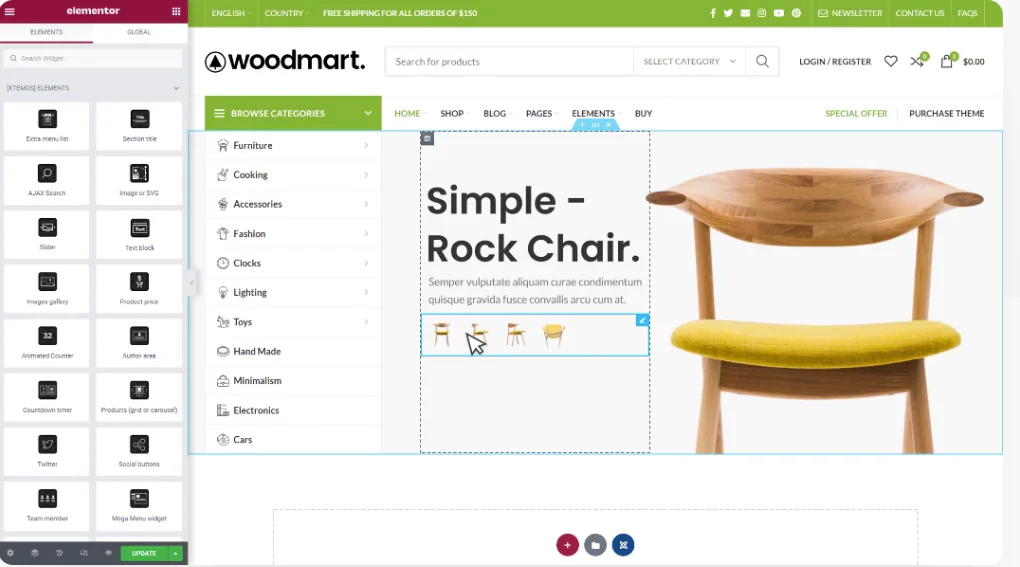
WoodMart and Elementor Tutorials for Building High Converting Landing Pages
The full tutorial teaches you how to use WoodMart with Elementor to build high converting landing pages, including structure building, component layout and publishing settings and other hands-on steps.

 简体中文
简体中文  English
  日本語
日本語  Français
  Español



