





arrange in order
How to Create a Wave Hover Effect in Elementor Gallery: Full Tutorial
Add a wave hover effect to your Elementor gallery to bring a dynamic visual experience to your WordPress site. This tutorial covers detailed steps including image settings, custom CSS code, animation tweaks, and more.
Tutorial on using the ACF plugin: creating field groups
Learn how to create and manage field groups in WordPress using the ACF plugin, mastering how to add fields, select field types, set field labels and field names, and configure location rules. Provide your website with powerful custom field functionality to improve content management and editing effectiveness...
Implementing Dynamic Tables in Elementor: A Guide to Automatic Updates and Custom Styles
Create dynamic tables in Elementor to display real-time updated data and reduce manual maintenance workload. This article introduces using TablePress and WP Data Tables to achieve automatic data synchronization for product catalogs, inventory information, etc., which helps to improve website user experience.

Accelerating Animation with Elementor AI: A Tutorial
With GSAP Animation and Elementor AI, learn how to add dynamic video effects to your website to enhance the user experience, increase interactivity, immerse visitors in the scrolling process, grab their attention, and boost website conversions.

Elementor 3.25 Update: CSS Optimizations, New Anchor Offset Controls and Search Widget Pagination
The Elementor 3.25 update brings continuous CSS optimization, new anchor offset controls, and real-time search paging to improve site speed, user experience, and interactivity to support site optimization.

How to solve "Post Content widget not found" error in Elementor
In the past two days, a reader left a comment in the community (Photon Community) that he encountered a "Post Content widget not found" error when using Elementor to design a WordPress single post template. This is a relatively common problem with Elementor, which usually occurs when creating or...
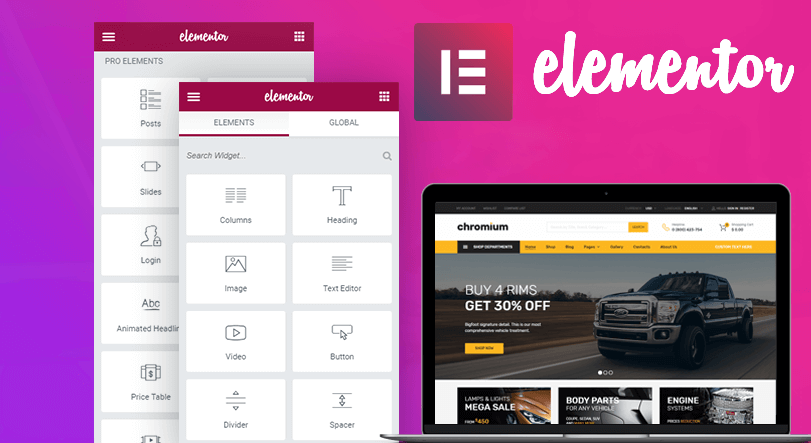
How to use the custom code feature in Elementor
Learn how to add HTML, JavaScript, and CSS custom code in Elementor to flexibly implement Google Analytics, Facebook Pixel, and other code tracking and custom styles to enhance the functionality and personalization of your WordPress website.
How Elementor Creates and Manages Single Product Templates (Comprehensive Guide)
Learn how to create, edit and manage single product templates to standardize your product presentation. This guide covers template exporting, renaming, deleting, and other operations to help you optimize your website's product page layouts and improve user experience and SEO.
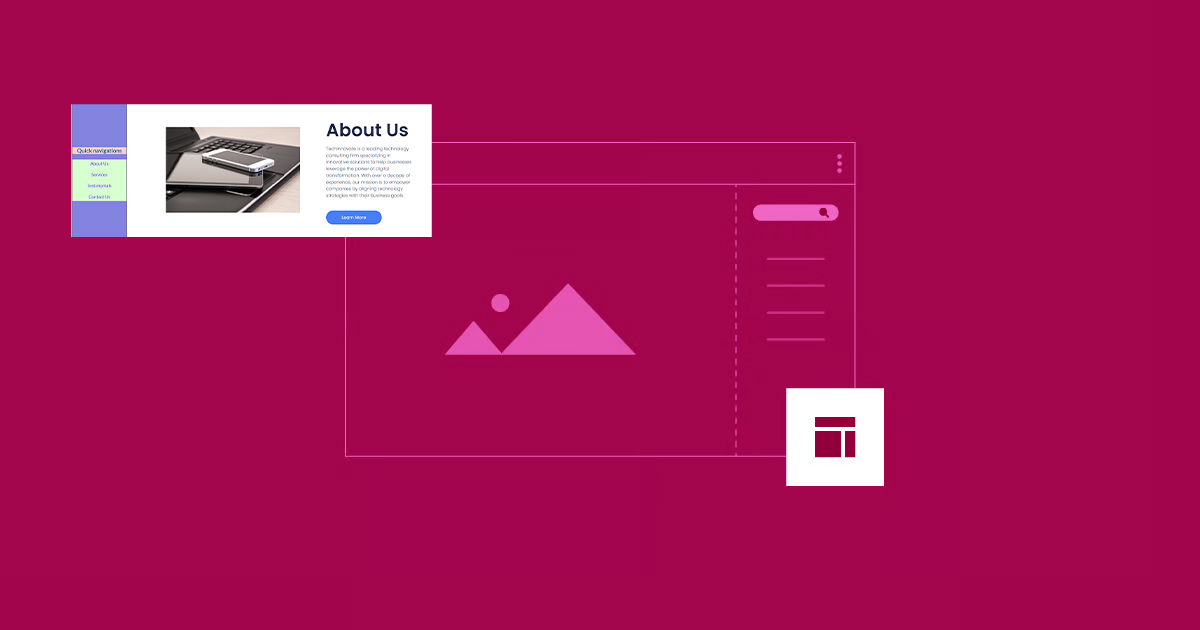
How to Create Vertical Sticky Headers with Containers in Elementor
What is a Vertical Sticky Header? Vertical Sticky Headers are a type of header bar that is fixed to the side of the page and stays visible as the user scrolls down the page, allowing easy access to other page areas or quick navigation. This design can be used in catalogs, navigation menus, link...

5 Creative Ways to Use Accordion Widgets: How to Embed Charts, Images, and More in Elementor
Web developers often use "Accordion widgets" (accordions) to organize content. Accordion widgets can show and hide content in a hierarchical fashion, i.e. a collapsible box, which makes the page look cleaner and improves the user interaction experience. With nested meta...

How to Optimize Images in Elementor: Improve Load Speed & SEO Results
Image optimization in an Elementor-powered WordPress website can improve loading speed and user experience. By properly optimizing image sizes, choosing the right format, compressing image files, and enabling delayed loading and content delivery networks (CDNs), you can ensure that pages load...
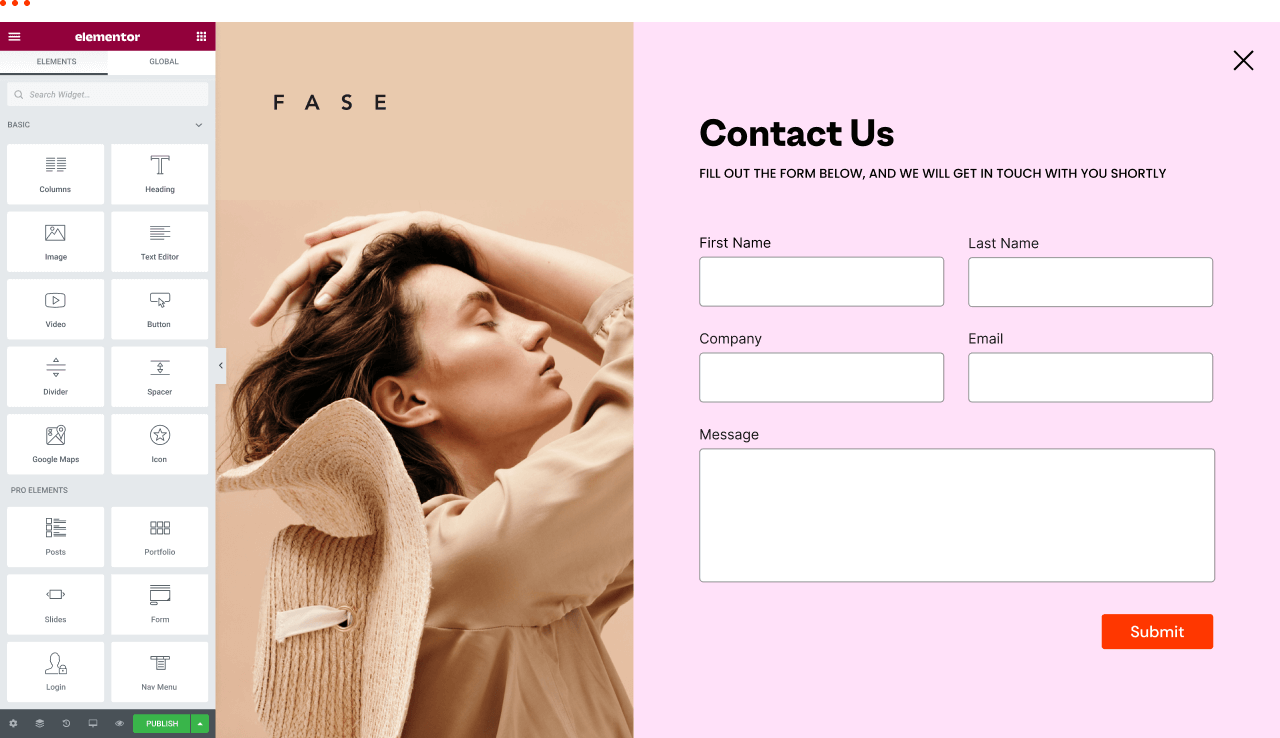
How to view and edit global fonts in Elementor
Using global fonts and colors is a crucial strategy in website design, not only to enhance the overall visual experience, but also to effectively reinforce your brand image. In this article, we'll explain in detail why it's important to use global fonts and colors, and we'll take a look at how to do so in Elementor...

 简体中文
简体中文  English
  日本語
日本語  Français
  Español



