





arrange in order
How to set the maximum number of products per user in WooCommerce?
When running a WooCommerce e-commerce platform, limiting the maximum number of products that can be purchased by each user is a very useful feature, especially when you need to sell limited edition products or manage inventory. With this feature, you can ensure a fairer distribution of products and avoid a few users...

How to Change Text Color and Typography Settings in Elementor
When building a website with Elementor, typography and colors are one of the key elements that determine the visual effect of a page.Elementor provides flexible and powerful tools that allow users to easily customize font typography and text colors. Let's take a look at how to modify these in Elementor...
Elementor custom fonts not showing up on live site
When using Elementor's custom fonts feature, a common problem is encountered: custom fonts are not displayed on the live site. There are many reasons for this problem, which may involve caching, HTTP/HTTPS settings, CORS errors, and so on. This article will analyze the possible causes and solutions in detail...

How to Implement Floating Contacts on WordPress with Chaty
In today's fast-paced internet world, it's crucial to maintain real-time communication with your users. With the Chaty plugin, you can implement a floating contact feature on your WordPress website to enhance user experience and increase conversions. Increase your orders. Step 1: Install and activate Chat...

How to Enable Multi-Currency Functionality in WordPress Themes with the FOX Currency Switcher Plugin
In a previous post there was written about the implementation of multi-currency functionality, but since it's going to be charged, I brought another free multi-currency plugin to use. Of course he also has a paid version, but free is basically enough. In a cross-border e-commerce scenario, providing multi-currency payment options is a great way to enhance...
How to Integrate Join.chat Live Chat Feature in WoodMart Theme
In order to enhance user experience and provide customers with a convenient communication channel, integrating real-time chat is one of the essential features of modern e-commerce websites.Join.chat is a very popular real-time chat plugin, which is especially suitable for integrating WhatsApp chat to help you realize with customers...
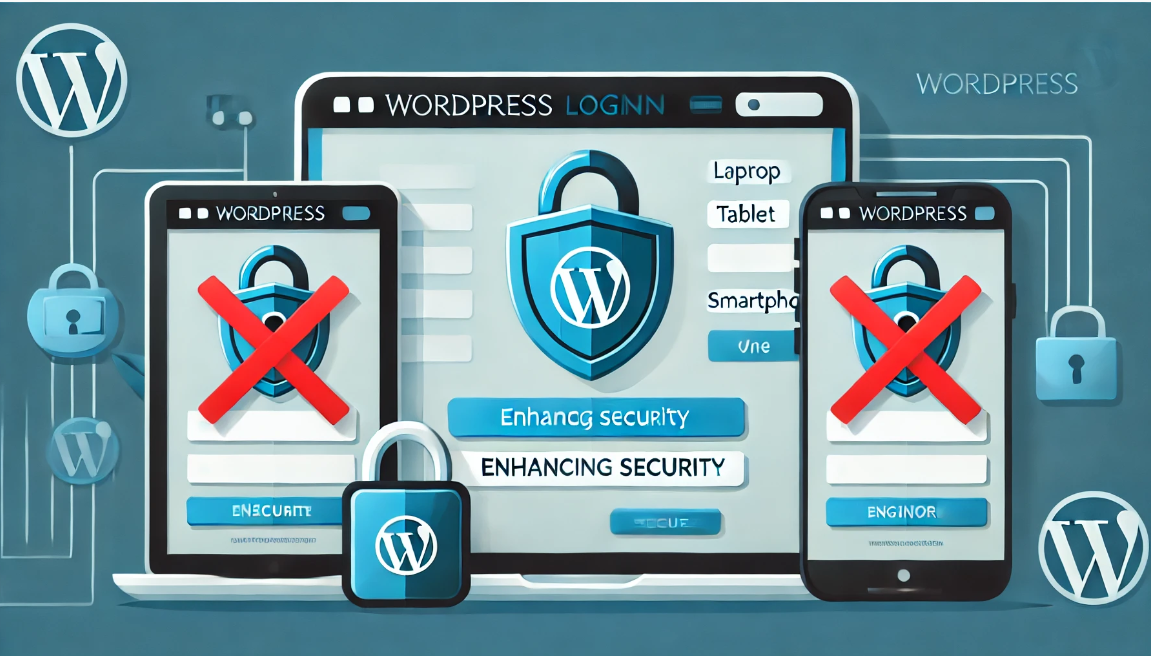
Limit WordPress Users to Multi-Device Logins to Improve Website Security
In some cases, you want to limit the number of user logins on your WordPress site, ensuring that each user can only log in on one device. This method not only improves the security of your website, but also prevents users from sharing login information across multiple devices. This article will detail...

How to Enhance User Review Experience with Customer Reviews for WooCommerce Plugin: Optimization and Hands-on Guide
On the back-end of the Wordpress site. If you have installed WooCommerce (e-commerce plugin) , itself provides the basic evaluation function, but in order to further optimize the user experience and enhance brand trust, Customer Reviews for WooCommerce plugin on the basis of this...
How to Create Exit Intent Popups with Elementor Pro
Exit intent popups are an effective tool for guiding users to take action before leaving a website, such as subscribing to a newsletter, getting a discount offer or filling out a form. With Elementor Pro, it's easy to create such popups that display key information when users try to leave...

Enhancing the User Experience: Creating Mobile-Friendly Sticky Footer Navigation in Elementor
Want your footer navigation to always be in sight like a mobile app? This guide will teach you how to create sticky footer navigation in Elementor for both free and paid versions of Elementor.Creating such navigation can greatly improve the user experience of your website, especially...
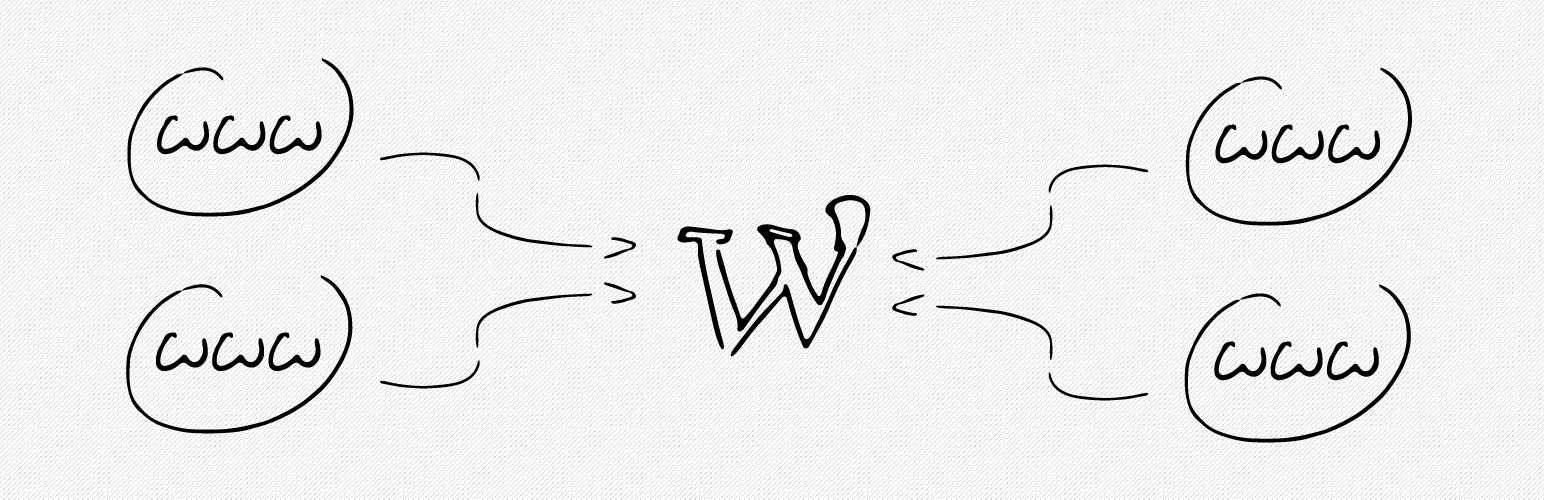
How to bind multiple domains on a WordPress site with a plugin?
Creating a site with WordPress is very easy and WordPress supports binding one domain name by default. If you have more than one domain name and want to point them to the same WordPress site, you can do it by using a domain mapping plugin. Not only that, but these plugins also support the use of domains that are not...

Elementor parallax background effect detailed tutorial: let the site more visual hierarchy
Elementor can create parallax background effects, which can make websites more vivid and add a sense of hierarchy. In this article, we'll show you how to create parallax backgrounds in Elementor for a compelling visual experience. What is Parallax? Parallax effect is a kind of pass...

 简体中文
简体中文  English
  日本語
日本語  Français
  Español



