





arrange in order
How to Change Font Typography and Color Settings in Elementor: A Detailed Guide
When designing a website with Elementor, the font typography and color settings can greatly affect the overall look and user experience of the site.Elementor offers a range of flexible design options that make it easy to adjust text size, color, font family, font weight, and other typographical...

Elementor Font and Color Settings Explained: How to Optimize Your Website Design with Global Styles and Custom CSS
In this post, we explore how to set fonts and colors with Elementor to ensure that your website maintains a consistent style while retaining flexibility for the sections that need it. Default Settings for Elementor Fonts and Colors In Elementor, you can enable or disable...

Detailed tutorial on how to set up multi-currency functionality in WooCommerce: manual selection vs. automatic switching (02)
So let's move on today to finish talking about some of the ways to set up multi-currency, with manual selection and automatic switching, but there was a little hiccup in sharing this tutorial, and the article is a little long, so please bear with us. Steps → Website Backend → Woocommerce → Currency Sw...

Optimizing Website Performance and Preventing Conflicts with the Elementor Compatibility Tag
The Compatibility tab is the mechanism Elementor uses to identify and manage theme and plugin compatibility. It helps identify potential issues and ensures that Elementor works well with other components of your WordPress site. Why use the compatibility tag? Prevents conflicts: Helps...
How to Implement Multi-Currency Functionality on a WordPress Site: A Practical Guide to Using the WooCommerce Plugin (01)
Today we're talking about websites that need multi-currency functionality and how it should be chosen and set up. In e-commerce operations, I've found that giving users familiar currency choices can greatly increase their willingness to buy. Especially if your website caters to a global audience, multi-currency functionality is almost a must...

Top 5 Elementor Plugins for WordPress and WooCommerce Websites
With additional plugins, you can further extend Elementor functionality and make your website more interactive and visually appealing. In this article, we'll dive into 5 top Elementor plugins that not only enhance design freedom, but also bring a wealth of widgets,...
How to add a full-width slideshow in Elementor
Elementor makes it easy to add a full-width slideshow module, and this article will take you step-by-step through how to create a full-width slideshow in Elementor. Step 1: Install and activate the Elementor plugin If you don't have the Elementor plugin installed, you need to install and activate it first. Please...
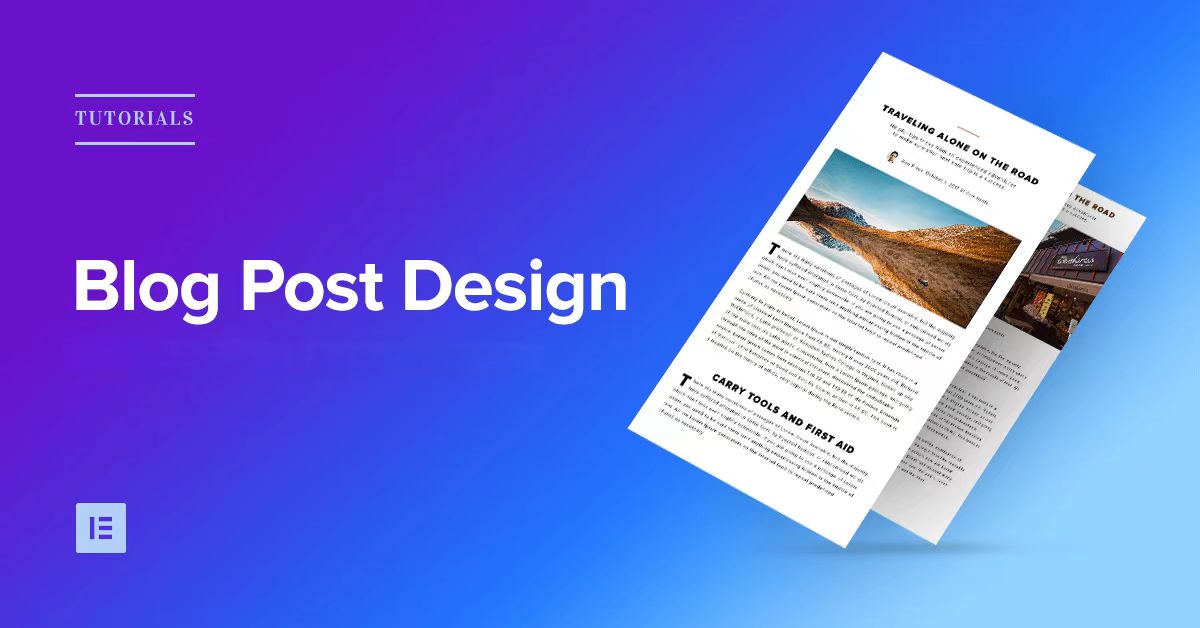
How to Design Your Own WordPress Blog Theme with Elementor
With Elementor, a powerful visual page editor, it's easy to create a professional and attractive WordPress blog theme without writing any code. This article will take you step by step through how to use Elementor to design your own WordPress ...

How to manage Elementor form submissions
This article will take a deep dive into how to manage form submissions in Elementor, covering a range of operations from data collection to accessing and exporting, and providing some advanced suggestions to help you manage website form submissions more efficiently. 1. Enable Form Submission Elementor's Form Submission...
How to fix "This content area was not found on your page!" in Elementor error
Elementor is a very popular WordPress page builder plugin, but sometimes when editing a page with it, you may encounter a "This content area was not found on your page!" error. This usually prevents you from editing the page properly or archiving the page. This article will...
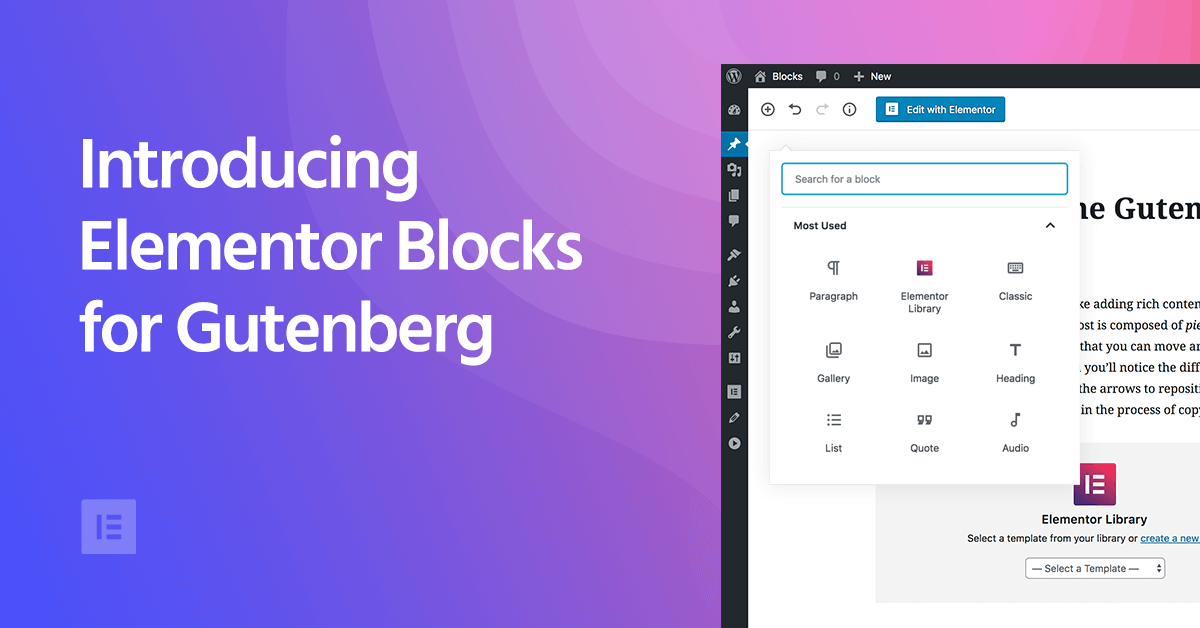
Elementor Blocks for Gutenberg: Using Elementor Blocks in the Gutenberg Editor
As WordPress has grown, the Gutenberg block editor has become its core editor, which builds content in "blocks". Although Gutenberg is very flexible, for those who want to add more advanced features to their site, Gutenberg is still...

How to Enhance Website Interactivity with Elementor Pro's Animations and Motion Effects
Elementor Pro, as a powerful WordPress page builder, provides rich animation effects and motion effects to help websites achieve more attractive interactive design. In this article, I will give you a detailed introduction on how to use Elementor Pro's animation features...

 简体中文
简体中文  English
  日本語
日本語  Français
  Español



