



WordPress Themes Page 5
arrange in order
Kadence Teaching: A Complete Guide to Kadence Theme Sidebars
Learn how to add and manage sidebars in Kadence Theme, this article includes site-wide and individual page sidebar settings, WooCommerce sidebar configuration, and how to enable sticky sidebars to make your WordPress website layout more flexible and interactive.

A Complete Guide to Creating Reusable Button Styles with GenerateBlocks Pro
Use GenerateBlocks Pro to create reusable button styles for unified maintenance and flexible reuse, improving the design efficiency and development quality of WordPress websites.
How to Quickly Create Site-wide Unified CTA Blocks with Blocksy Content Blocks
Blocksy Content Blocks creates unified CTA blocks across the entire website, realizing consistent structure, accurate display, efficient maintenance, and improving user conversion rate and brand professionalism.

Why should you choose Hello Biz and Elementor for your business website? This duo makes your web pages 10x more efficient in an instant!
Want your business website to stand out from the competition? Take advantage of the powerful combination of Hello Biz and Elementor to quickly build an efficient, SEO-optimized business website, easily customize the design, enhance the user experience, and save on development costs! Click now to learn how to achieve a high...

Blocksy 2: Reinventing the e-commerce experience and optimizing the product information hierarchy
Learn how to customize the product information layer in Blocksy 2, control the show and hide of each element, optimize the design of e-commerce pages, and improve website flexibility and customizability.

Optimize Category Archive Pages with Blocksy Theme
Learn how to optimize WordPress category archive page design with Blocksy theme. Explore customizations such as page titles, structural layouts, card options, and more to enhance the appearance and functionality of category pages.
Fatsome Theme Update: How to Maintain Theme Compatibility with WordPress
How to make sure your Fatsome theme is still stable after WordPress update? This article provides compatibility issues analysis, update process suggestions and maintenance tips to help you effectively deal with theme upgrade challenges.

WoodMart Performance Optimization Guide: Reducing JS/CSS Files and Enabling Delayed Loading
By reducing the size of JS/CSS files and enabling delayed loading of images, WoodMart theme improves loading speed and overall website performance, optimizes user experience and improves the responsiveness of e-commerce websites.
Adding Dynamic Subheadings to Posts in GeneratePress: Using Custom Fields and Block Element to Complete the Presentation
Use GeneratePress's Block Element and Custom Fields features to add dynamic subheadings to each post to enhance page layout and optimize structure without writing code.

Blocksy 2's new Copy Options feature: simplifying design consistency
Learn how to use the Copy Options feature in Blocksy 2 to quickly copy customized settings from one post type to another, achieving consistency in site design, saving setup time and improving overall aesthetics.

Creating Hovering Social Icon Buttons with GeneratePress and GenerateBlocks Tutorial
Add Left Hover Social Icon Buttons to Desktop with GeneratePress and GenerateBlocks Free Edition with Complete Steps and CSS Styles.

Fatsome Theme is a perfect match for Elementor: create a seamless design experience!
Discover the perfect way to combine Fatsome and Elementor to create fast, visually strong and smooth WordPress websites. Ideal for e-commerce, brand websites and marketing page design.
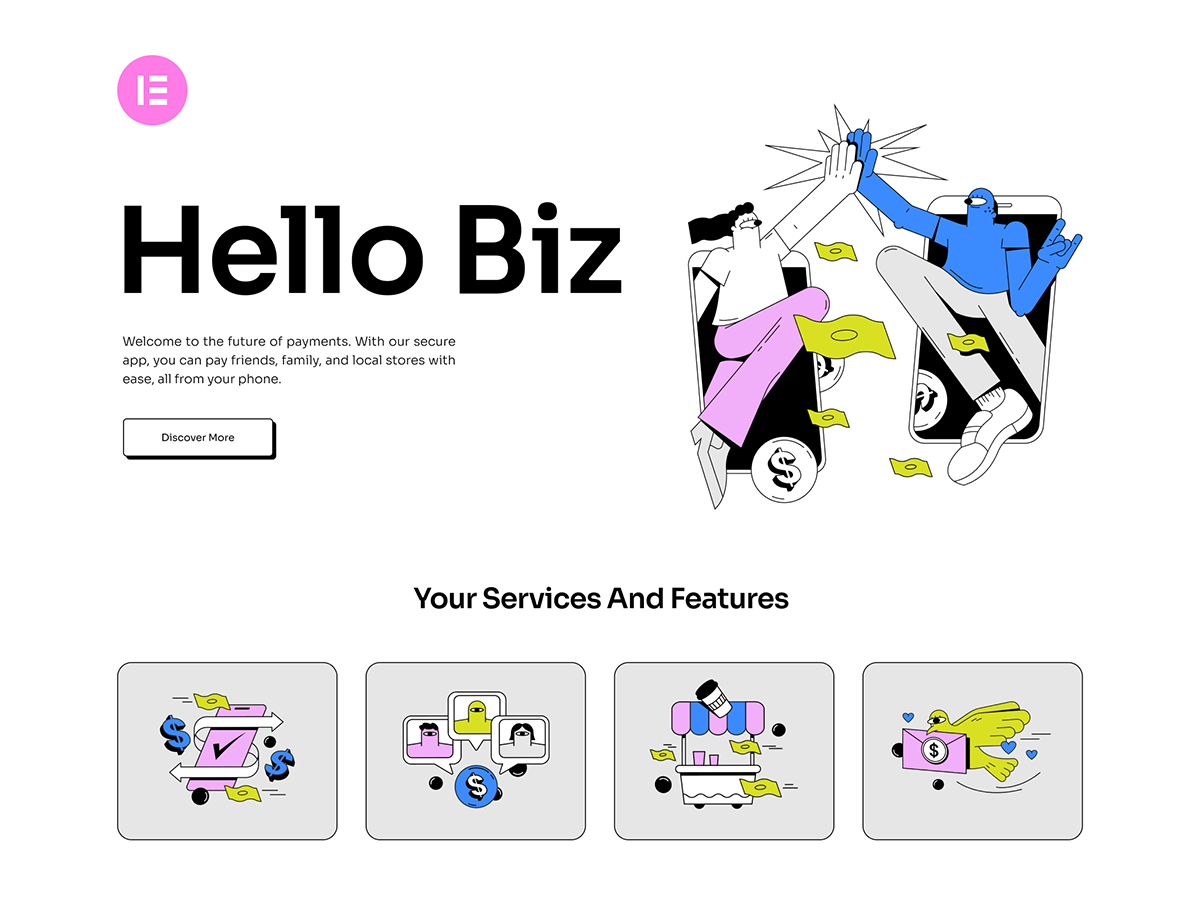
Introducing Hello Biz: a free WordPress business theme for beginners!
Hello Biz is a free WordPress business theme from Elementor, suitable for beginners and small businesses to build a website quickly, with built-in templates and specialized widgets to build professional websites easily.

Who's Making Big Money Quietly?Woodmart is Becoming the Core Engine of Cross-Border E-Commerce 2.0
Cross-border e-commerce has entered the 2.0 era, and opportunities are quietly shifting! This article reveals why Woodmart will be the core engine, and how you can seize the new windfall by mastering it.

Translating Categories, Tags, and Astra Strings with Polylang
Learn how to use the Polylang plugin to translate post categories, tags, and custom strings in your WordPress site and help add multilingual support to your Astra site for global adaptability and internationalization.

Hello Biz and Rank Math: the best combination to boost your website's ranking!
Want to skyrocket your website traffic? Come learn how you can easily boost your search rankings, optimize your website's performance, and bring higher exposure and traffic with the perfect combination of Hello Biz and Rank Math SEO plugin!
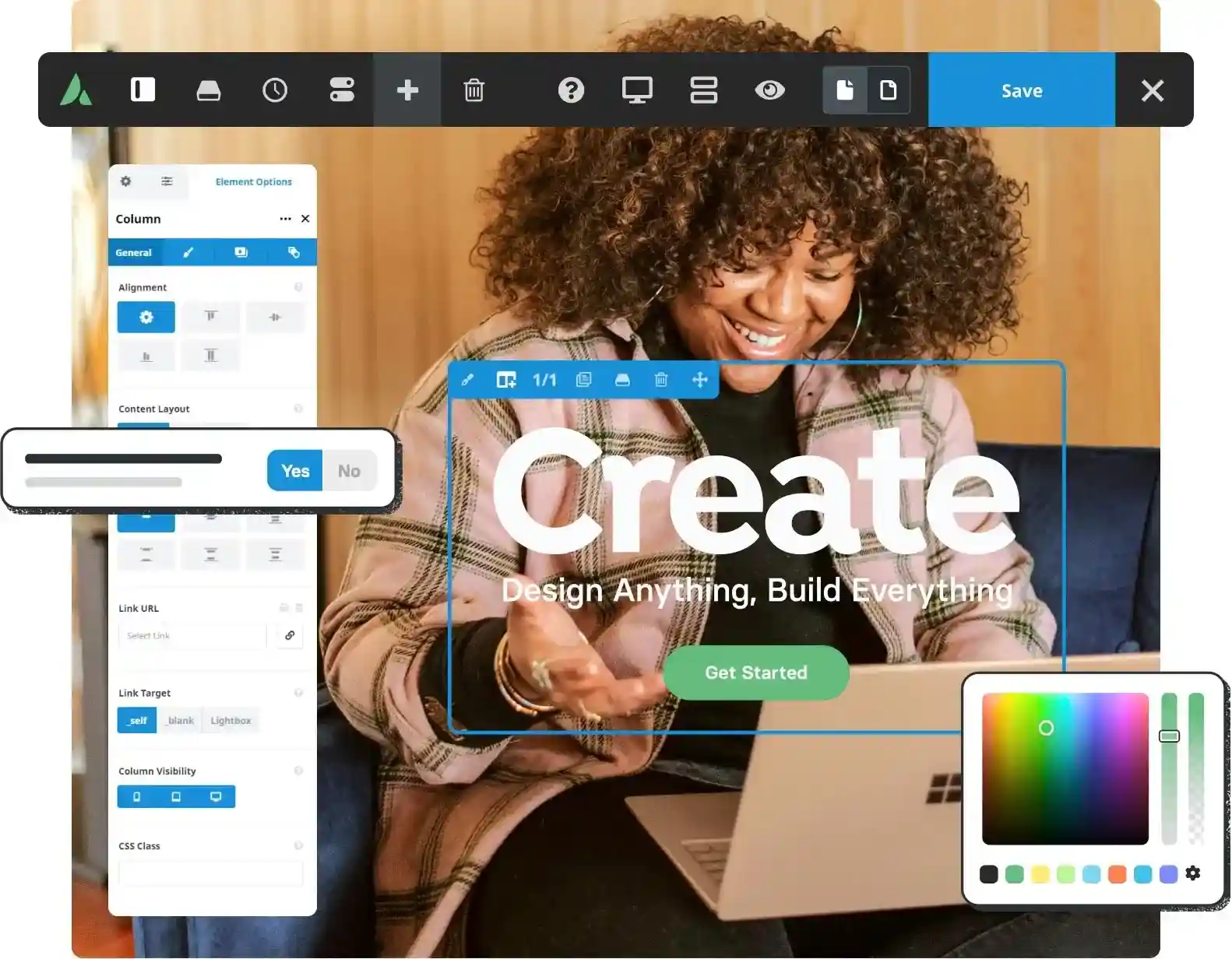
Avada slow loading pages? 5 most common problems and solutions
Your website loads too slowly with Avada? These 5 useful tips help you speed it up completely! From image compression to cache optimization, improve WordPress website speed and user experience across the board.

Complete method for inserting GA and Facebook Pixel in WoodMart
Introduces several ways to insert Google Analytics and Facebook Pixel in WoodMart, suitable for different levels of users, including plugin and theme configuration methods.

Blocksy Theme Released in Version 2.0.98, Improves WordPress Compatibility
Blocksy theme was released on May 1, 2025 with version 2.0.98, which enhances WordPress 6.5 compatibility and optimizes taxonomy blocks, WooCommerce variants, and shopping cart functionality, so we recommend upgrading in time.

Avada Theme Integration Rank Math with Yoast SEO Ultimate Guide!
Want to get your Avada website rankings off the ground? This guide teaches you step-by-step how to integrate Rank Math or Yoast to activate powerful SEO potential and make your website both look good and be seen!

Adding Variation Swatches to WooCommerce Products with blocksy 2
Learn how to improve the intuitiveness and aesthetics of your WooCommerce store product displays with blocksy 2's variant color palette feature. Use visual options such as images, colors, and buttons to enhance user experience and increase conversions.

Kadence Tutorial: Designing High-Converting Landing Pages with the kadence Blocks Plugin
Explain how to build high converting landing pages in WordPress with kadence theme and kadence Blocks plugin, including signup form, popup design, bullet point display and visual optimization, which will help to improve the conversion effect.

Manage and Optimize Sidebars in Blocksy Theme
Learn how to manage and optimize sidebars with Blocksy theme. Discover how to enable sidebars, adjust layout and spacing, set fixed sidebars, and more. Build more powerful customization options for your website with Blocksy Pro's multiple sidebar extensions.
GenerateBlocks template style customization tutorial: fonts, colors, spacing and structure of the uniform settings
Explains how to set fonts, button styles, header colors, block spacing, and container widths consistently in GenerateBlocks to create a coordinated page structure.

Kadence Advanced Navigation Tutorial: Submenu and Mega Menu Creation Explained
A complete tutorial on the use of Kadence's advanced navigation blocks, covering the creation, styling, and content migration of submenus and Mega menus for corporate, mall, and educational website navigation design.
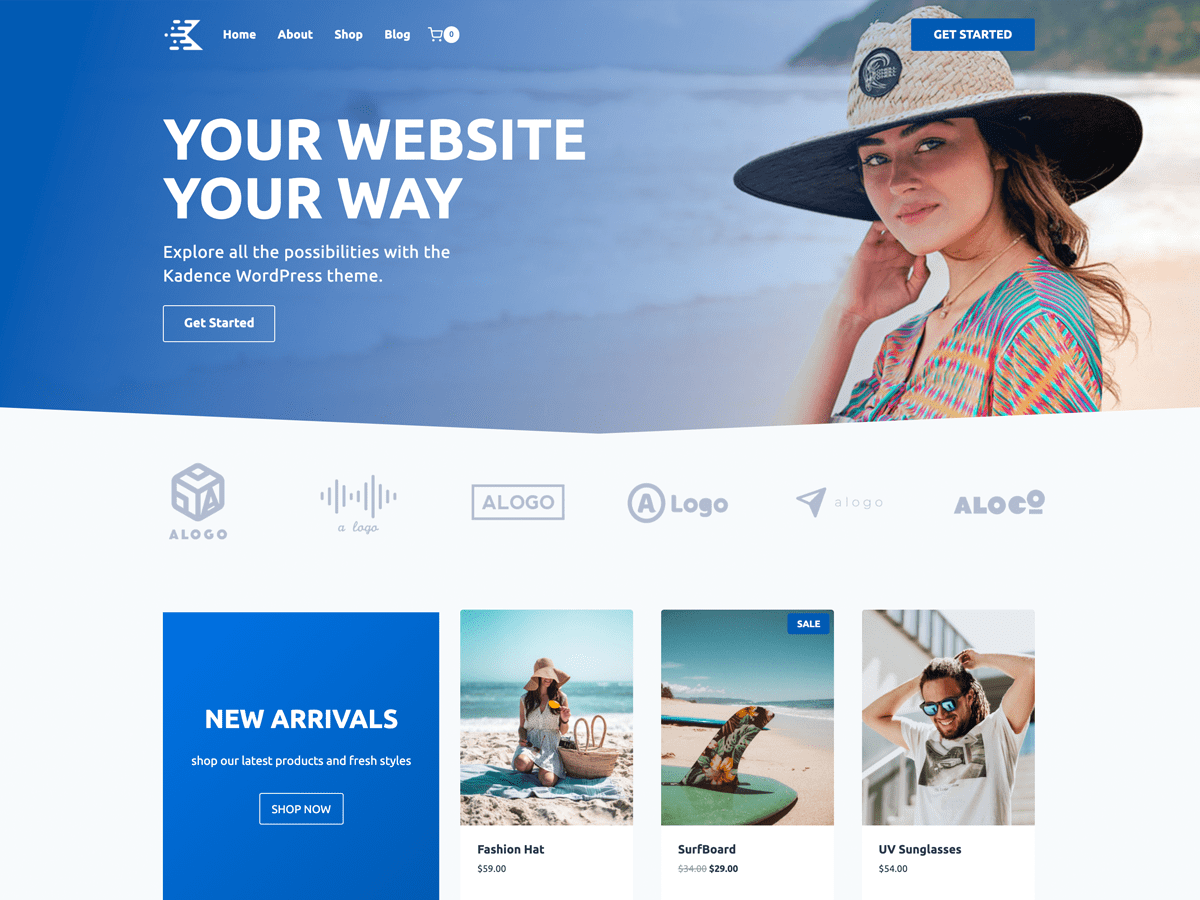
Speed up your website with Kadence Theme: Create a blazing fast online experience!
Learn how to build fast-loading websites with Kadence Theme to enhance the online service experience by optimizing performance, SEO, delayed loading, and other techniques that will help you improve user retention and website speed for an efficient and responsive online platform.

Blocksy Pro's Post Types Extra extension: a powerful tool to enhance content presentation
A comprehensive introduction to Blocksy Post Types Extra's extended read time, filters, visual optimization of categories, and other features that help make website content presentation more flexible and structured.

How to use GeneratePress to center the logo and balance the menu items on both sides of the site.
Using GeneratePress combined with custom CSS, the website navigation bar logo centered, the two sides of the menu items balanced distribution, to enhance the visual effect of the page and user experience.
Teach you how to master the GeneratePress dynamic font system and customize your site's typography without stress!
Learn how to customize your site's font styles with the GeneratePress Dynamic Font System, and easily control the typography of your site's headers, menus, body text, and more for a more professional and brand-recognizable look and feel without having to write CSS.

How to Create a Custom 404 Page with Blocksy Pro
Learn how to create custom 404 pages with Bloxy Pro to improve your website's user experience and retention rate through interesting design, interactive elements and brand presentation. Simple steps to make users want to continue browsing your site even when they encounter an error page.

 简体中文
简体中文  English
  日本語
日本語  Français
  Español



