



WP Theme Decoration Page 5
arrange in order

WoodMart brand display block settings and style optimization
Teaches you how to set up branded display blocks with WoodMart and CSS, supporting responsive layouts, logo hover effects, and adapting to Elementor page builds.

Product Quick View pop-ups with WoodMart
Explains the complete steps to enable Quick View feature in WoodMart theme, including button settings, popup content adjustment and mobile optimization methods.
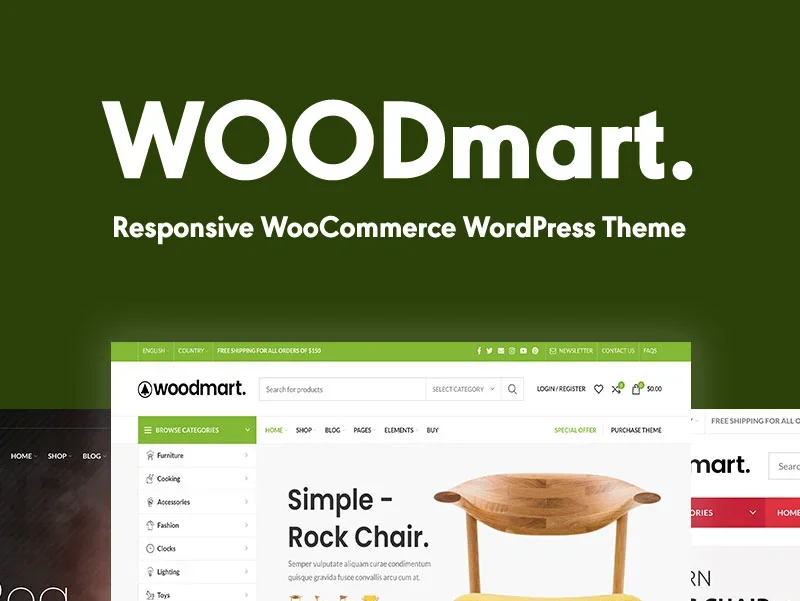
WoodMart Configuration WPML Multilingual Complete Tutorial
Detailed explanation of the complete process and setup techniques to enable WPML plugin in WoodMart theme to realize multilingual e-commerce website.

WoodMart Product Countdown Setting Tutorial
Use WoodMart to enable countdown promotions for specific products, quickly set up a limited time rush page, and improve the efficiency of product transactions.

A complete tutorial on building branded display and filter pages with WoodMart
Detailed information on how to use WoodMart to build brand display pages, set up brand filtering functions, and bind brands to products to achieve a clear layout of brand categorization.

Enable WoodMart Ajax Filter to Improve Product Filtering Efficiency
Introduces how to enable Ajax product filtering in WoodMart theme and practical tips to make product filtering smoother, improve the conversion efficiency, and avoid the problem of bouncing caused by repeated page refreshes.
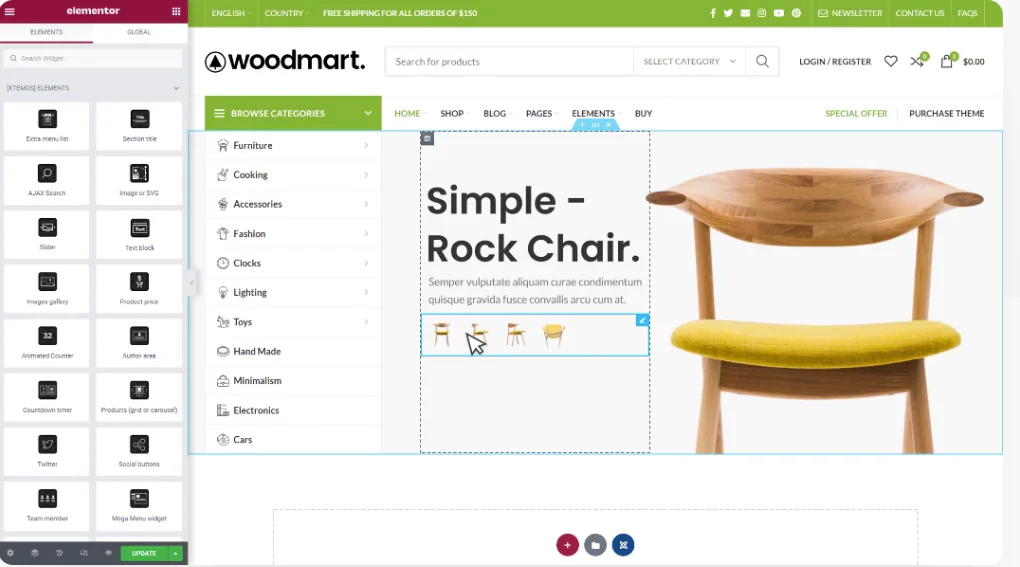
WoodMart and Elementor Tutorials for Building High Converting Landing Pages
The full tutorial teaches you how to use WoodMart with Elementor to build high converting landing pages, including structure building, component layout and publishing settings and other hands-on steps.

Complete method for inserting GA and Facebook Pixel in WoodMart
Introduces several ways to insert Google Analytics and Facebook Pixel in WoodMart, suitable for different levels of users, including plugin and theme configuration methods.

How to Set Sidebars on Archive, Blog and Post Pages in WoodMart Theme
Comprehensive explanation on how to configure sidebar and top filter features on store and blog pages in WoodMart theme to improve page structure and browsing efficiency.

Complete setup of WoodMart header layout and navigation menu
The tutorial explains the WoodMart theme header layout and navigation menu setup process, build a professional navigation structure suitable for e-commerce websites from scratch.

Complete Guide to Setting Up WoodMart Product Comparison and Collection Features
Using WoodMart to build an e-commerce site? This article teaches you to fully open the product comparison and collection features, no plugin to quickly complete the configuration.

WoodMart Performance Optimization Guide: Reducing JS/CSS Files and Enabling Delayed Loading
By reducing the size of JS/CSS files and enabling delayed loading of images, WoodMart theme improves loading speed and overall website performance, optimizes user experience and improves the responsiveness of e-commerce websites.

WoodMart Theme Complete Getting Started Tutorial: A Guide from Installation to Initial Configuration
Comprehensive explanation of WoodMart theme installation, plugin configuration, demo import and basic settings, to help newbies quickly build a full-featured WooCommerce mall site.

WoodMart Product Filter Setup Tutorial: A Complete Guide to Price, Brand and Attribute Filtering
Comprehensive explanation on how to set up product filters in WoodMart theme, including price slider, brand list and attribute filters such as color, size, etc. to enhance the efficiency of mall browsing.
Free vs Paid: Which WordPress Slideshow Plugin is the Better Investment?
Wondering what's the difference between free and paid WordPress slideshow plugins? This article provides an in-depth comparison of features, performance, price and scenarios to help you find the best slideshow solution for your site.

WoodMart Theme: why it's the best choice for building an e-commerce website?
WoodMart theme provides powerful features for e-commerce websites, including WooCommerce support, delayed loading, responsive design and SEO optimization to help merchants build efficient and beautiful online stores.

Integration and Optimization of Astra Themes with Elementor
This article introduces Astra theme and Elementor page builder efficient integration methods, including preset template import, global settings tips and performance optimization suggestions to help newbies quickly build both beauty and speed of professional websites.

How to Integrate Join.chat Live Chat Feature in WoodMart Theme
In order to enhance user experience and provide customers with a convenient communication channel, integrating real-time chat is one of the essential features of modern e-commerce websites.Join.chat is a very popular real-time chat plugin, which is especially suitable for integrating WhatsApp chat to help you realize with customers...

How to implement multi-language support in WoodMart theme: detailed tutorial and plugin advantages and disadvantages analysis
For e-commerce websites using WoodMart theme, adding multi-language support can improve user experience and market coverage. So how do we go about adding this feature and how do we choose it? Why choose multilingual support? Adding multilingual support to a website has multiple good...

Avada theme header and footer can not be set? Detailed solution and practical tips
In the last issue, we talked about the basic Avada theme settings, but still can not set the header and footer We say a separate issue of the header and footer can not be set, as well as some of the ways to set the Steps: Site back-end → Avada → Layouts → Layout Builder → Main He...

How to disable the background image of a specific page in Astra theme
In Astra themes, background images can add visual interest to a page, which can be achieved using Astra Pro. However, sometimes it is desirable to disable background images on specific pages for a cleaner or customized look. This article will detail how to disable the background on specific pages in Astra themes...

Easy to optimize your Avada theme: global settings in one step (07)
Previously talked about the Avada theme layout and some features, today we continue to get more important global settings. In fact, these settings are like the site's "behind-the-scenes engineering", mastered, your site effect instantly improve a lot! Don't worry, the steps are not complicated, follow the good ~ Steps ...

Using Avada's own canvas function to easily realize the pop-up window effect: to create an efficient user experience (06)
In modern websites, Popup is an important tool to effectively increase the conversion rate of users, especially in foreign trade websites, timely popups can effectively guide users to initiate inquiries or participate in promotional activities. However, many people still do not understand that Avada theme comes with a "canvas" (...

Bricks Themes Explained: Fast, Efficient, and Flexible Website Builders (01)
When building a WordPress website, choosing the right theme is critical for performance, load speed, and design flexibility. In recent years, the Bricks theme has quickly emerged with its built-in visual page builder, clean code structure, and excellent customization...

In-depth analysis of Avada theme special modules: product rotation, product grid and image hotspot (05)
In the last installment, we explored the basic module setup in Avada theme. Today, we'll move on to some of the more unusual modules such as the WooCommerce Product Rotator, Product Grid and Image Hotspot modules. These modules provide an opportunity to exhibit...

Comprehensive analysis of Avada theme homepage layout and container setting tips (04)
When using Avada theme, many newbies may be confused about its homepage layout, especially in the selection and setting of containers and modules. Compared to other page builders such as Elementor and WPBakery Page Builder, Avada theme's built-in editor provides a more intuitive and...

A Guide to the Gutenberg Module and Patterns Patterns for Quick Typography Homepage (05)
In the last installment, we discussed WordPress default theme with Gutenberg (Gutenberg) editor header settings. In this installment, we will take you through how to quickly layout your homepage with Gutenberg. If you feel that adding modules one by one (such as header, text, buttons, images, etc...

Gutenberg editor decoration guide: menu additions and theme switching compatibility details (04)
In this article, we'll take you on an in-depth tour of how to use the Gutenberg editor to decorate and design your WordPress site. Whether you are using the default theme, or using another theme before switching to the default theme, Gutenberg can help you realize the spirit...

How to set the homepage image and slider of Avada theme: detailed tutorial (03)
In modern website design, images and sliders on the homepage are one of the key elements that catch the visitor's eye. The use of sliders not only enhances the dynamics of your website, but also better showcases the core content and visual information. As a powerful WordPress theme, Avada theme comes with...

How to set up menus and mega menus in Avada theme: detailed tutorial (02)
Welcome to this tutorial, today we will tell you in detail how to set up the Normal Menu and Mega Menu (Mega Menu) in Avada theme. Although the normal menu is relatively simple to set up, we will not repeat it, if you want to understand, you can refer to Basel Theme's Menu...

 简体中文
简体中文  English
  日本語
日本語  Français
  Español



