







introductory
many ofWordPressWebmasters believe that after deploying a comment anti-spam plugin, their site is safe. This common misconception stems from the notion that spam exists only in the comments area. The truth is that modern spam bots are sophisticated and pervasive. They systematically scan every open interface of a website, looking for any loophole where information can be injected. Focusing all of your defense efforts on the comment module is like reinforcing only the front door while leaving the back door, windows and air ducts open.

This article aims to reveal those often overlooked "hidden corners" to help you build a truly comprehensive WordPress anti-spam protection system.
Chapter 1: Contact Forms - The Most Popular Open Mailboxes
The contact form is the lifeblood of a website's communication with visitors, and because it's open to everyone, it's a prime target for spambots.
1.1 Forms of spam infiltration
Attackers will use automated scripts to submit tons of advertising messages, phishing links or meaningless characters to your contact form. Not only will this fill up your inbox, it's more likely to mask the customer inquiries that really matter.

1.2 Effective means of protection
- start usingHoneypotTrap Fields: Add a field to the form that is not visible to humans, but is visible to bots. If this field is filled in, the system can determine that the submitter is a bot and silently block the submission. This is a lightweight and efficient way of processing.
- Integrate intelligent filtering services: Consider using specialized services to validate form submissions. These services can analyze submission behavior and data to determine if it is spam.
- Implement simple math problem validation: Add a basic math problem to the form, such as "3 + 5 = ?" . This method is simple but effective in blocking a large number of basic bots.
Chapter 2: User Registration Page - Gateway to Guardian Accounts
If an open-registration site doesn't have safeguards in place, it's likely to have become a manufacturing plant for fraudulent accounts.
2.1 Potential hazards of spam attacks
Malicious elements use bots to register accounts in bulk for posting spam content, spreading bad information in forums, and even using these account privileges to conduct higher-level cyberattacks, consuming server resources and destroying the ecology of websites.

2.2 Critical defenses
- Enable administrators to manually review registrations: In WordPress "Settings" > "General", after checking "Anyone can register", be sure to select "Default role for new users" as "Subscriber" or other low-level permissions, and enable manual email verification or administrator review. After checking "Anyone can register", make sure to select "Default role for new users" as "Subscriber" and other low-level permissions, and enable manual email verification or administrator audit.
- Use the invitation code to register for the system: Restricts registration access to users with a specific invitation code. This fundamentally eliminates the possibility of anonymous bulk registration.
- Limit the frequency of enrollment: Limit the frequency of registration requests from the same IP address, e.g. only one registration attempt in a minute, via server-side rules or specific plug-ins.
Chapter 3: WooCommerce Product Reviews - The Cornerstone of Ecommerce Credibility
For webmasters running online stores, product reviews are a central element in building trust and driving sales. This is also a high spamming area.
3.1 Negative impacts of waste evaluation
Fake and advertorial product reviews can seriously damage a store's credibility, mislead potential consumers, and lower conversion rates. Cleaning up these spam reviews takes a lot of unnecessary time and cost.

3.2 Targeted protection programs
- Mandatory post-login evaluation: Set only logged in users can submit product reviews. This feature is available in theWooCommerceis turned on directly in the settings to bind evaluation permissions to verified user accounts.
- Purchase verification function: Enable the option "Allow reviews only from verified owners". This means that only users who have actually purchased this item from the store are eligible to leave a review.
- Enabling evaluation review mechanisms: As with article reviews, all newly submitted product reviews are first placed in a pending queue and checked by an administrator before deciding whether to display them publicly.
Chapter 4: The Login Page - Stopping the Brute Force Breach Onslaught
wp-login.php This page is the standard entry point to WordPress, which endures constant brute-force cracking attacks.
4.1 Attack Principles of Brute Force Breach
Attackers use automated tools to try thousands of username and password combinations in an attempt to force their way into your website's backend. This attack itself generates a large number of spam requests that consume bandwidth and server resources.
4.2 Methods for enhancing the login page
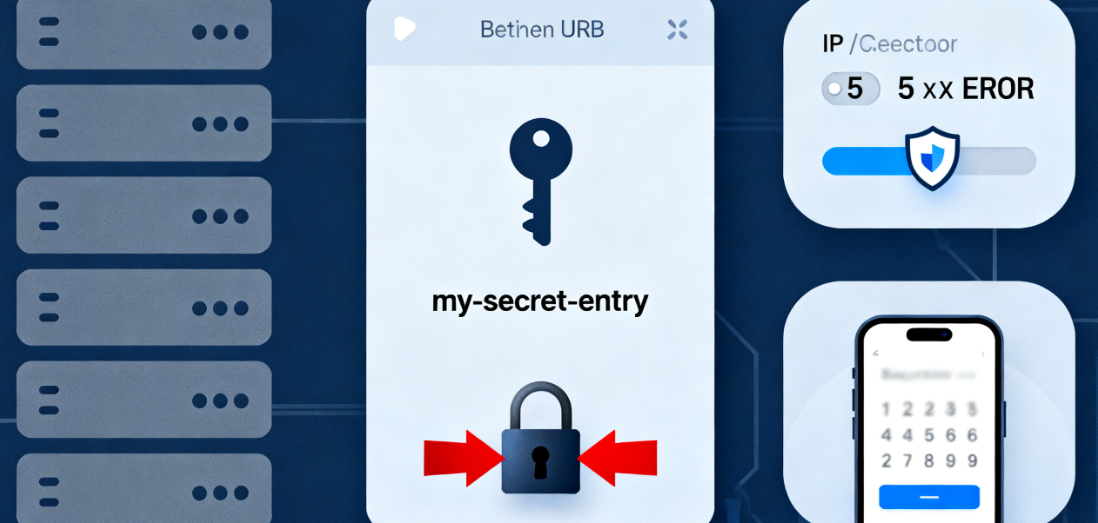
- Change the default login address: Changing the default login using the security pluginURLFor example, it would be
yoursite.com/wp-login.phpchange intoyoursite.com/my-secret-entry. This immediately invalidates automated scripts that target standard addresses. - Enforce login attempt restrictions: Configure security rules to temporarily lock the same IP or require secondary authentication when the same IP enters incorrect passwords for a certain number of times in a short period of time.
- Apply two-factor authentication: Enable two-factor authentication for administrators and other high-privileged users. Even in the unfortunate event that a password is stolen, an attacker will not be able to successfully log in without your secondary device (e.g., a cell phone verification code).
Chapter 5: XML-RPC Interfaces - The Forgotten System Backdoor
XML-RPCis a remote communication interface for WordPress that allows users to publish posts through an external client. However, in today's environment, it is more often abused for attacks.
5.1 Ways in which XML-RPC can be abused
Attackers primarily utilize their system.multicall feature that performs hundreds of login attempts in a single request, making brute force cracking exponentially more efficient. It may also be used to launchDDoSAttack.
5.2 Recommendations for handling XML-RPC interfaces
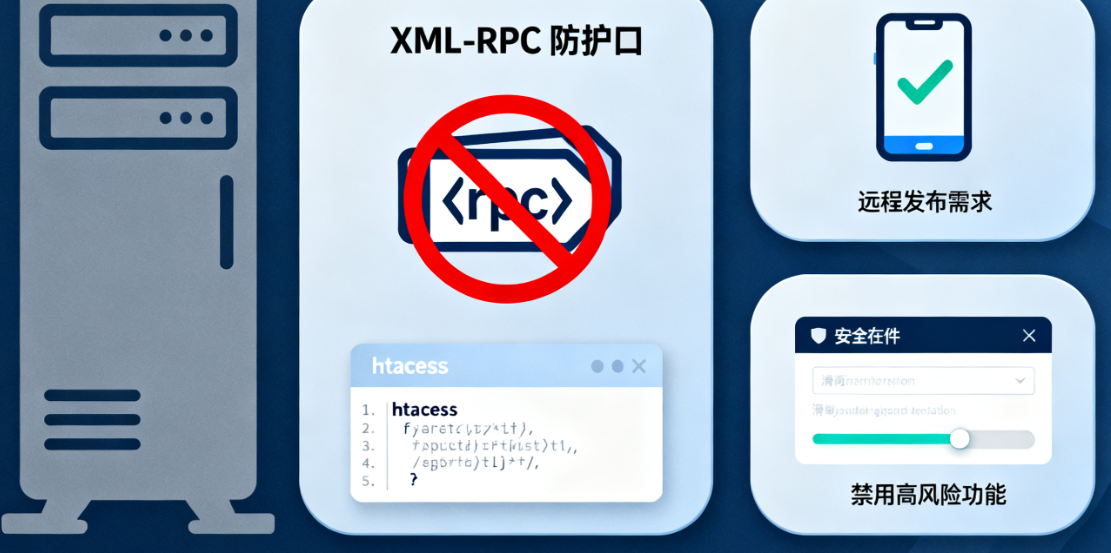
- Evaluate the need to turn off XML-RPC: If you don't use a mobile app or other remote publishing tool that requires this feature, the safest way is to turn it off completely. This can be done by setting the
.htaccessfile to add a simple piece of code to accomplish this. - Manage it using the security plugin: Most major WordPress security plugins offer the option to disable or manage XML-RPC functionality, and you can choose to disable it completely or only its high-risk features as needed.
concluding remarks
Building a solid WordPress anti-spam defense requires looking beyond the comments section. Contact forms, user registration, product reviews, login pages, and XML-RPC interfaces are all seemingly minor corners that come together to form the overall outline of your website's security. By scrutinizing each and every one of them and applying the proper protection, your website can truly be solid as gold and stay away from spam.

Link to this article:https://www.361sale.com/en/79892/The article is copyrighted and must be reproduced with attribution.


















![Emoji[wozuimei]-Photonflux.com | Professional WordPress repair service, worldwide, rapid response](https://www.361sale.com/wp-content/themes/zibll/img/smilies/wozuimei.gif)

![Emoticon[baoquan] - Photon Wave Network | Professional WordPress Repair Services, Worldwide Coverage, Rapid Response](https://www.361sale.com/wp-content/themes/zibll/img/smilies/baoquan.gif)


 简体中文
简体中文  English
  日本語
日本語  Français
  Español


No comments