





The guy was lazy and didn't write anything...


How to Backup and Restore WordPress Database: Graphic Tutorials
Learn how to backup and restore your WordPress database using phpMyAdmin and UpdraftPlus plugins to keep your website data safe from data loss.
WordPress database structure in detail: the characteristics and role of each table
Learn about WordPress database tables and their characteristics, and analyze the functions of wp_posts, wp_users, wp_comments, etc. to help webmasters optimize their website management and development work.
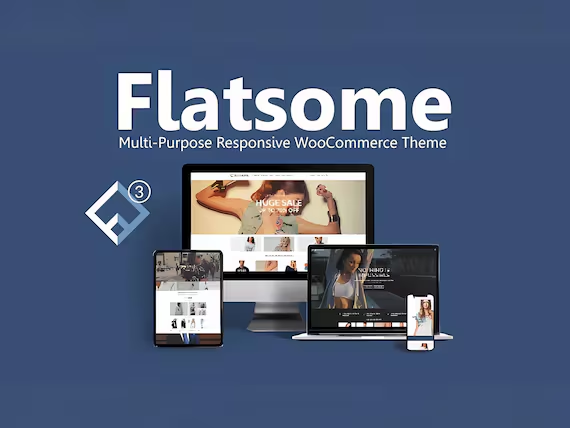
Flatsome Theme Customization: Personalize Your Website Design with Ease!
Learn about the customization features of the Flatsome theme and explore how to achieve a unique and personalized website design using features like UX Builder, WooCommerce integration, header and footer customization, and mobile optimization.
Yoast SEO Advanced Feature: How to Use Breadcrumb Navigation to Enhance Your Site Structure
Learn how to use Yoast SEO's breadcrumb navigation feature to optimize your site's structure, improve search engine crawling efficiency, user experience and page hits, and enhance your site's SEO performance.

Yoast SEO Automation Premium: How to Automatically Optimize Your Site's Content for Better Search Rankings
Learn how to optimize your website content and boost search engine rankings with the automated features of the Yoast SEO plugin. Automatically generate meta descriptions, keyword optimization, internal link suggestions, social media metadata, and more to streamline SEO efforts and improve site performance.

WooCommerce Theme Mobile Optimization Guide: Enhancing the Mobile and Tablet Shopping Experience
Comprehensively optimize the performance of WooCommerce theme on cell phones and tablets, from page layout and navigation structure to checkout flow and loading speed, to improve the efficiency of mobile shopping and website performance.

WooCommerce Child Theme Development Tutorial: Customizing Your WooCommerce Store Appearance
Learn how to customize the look of your store using the WooCommerce child theme, including template overrides, styling tweaks, and feature extensions for personalized e-commerce site design.
WordPress must do after the installation of settings: ten steps to strengthen the foundation of the site, improve operational efficiency
From the title settings to cache optimization, this article summarizes the WordPress installation must be done after the ten basic settings to help the new site stable operation and lay a good foundation for long-term operation.
Elementor Fonts Fail to Load? A Complete Guide to Troubleshooting Font File Paths
Experiencing problems with Elementor custom fonts not displaying? In this article, we investigate in detail the common reasons such as font file path error, cache interference, cross-domain restriction, etc., to help you quickly solve the loading failure.

Elementor Font Settings Invalid? A Practical Way to Resolve Theme Style Conflicts
Invalid Elementor Font Settings? This article explains the root cause of theme style conflicts and provides solutions such as disabling default styles, cleaning cache, customizing CSS and so on.

Elementor style lost after font setup? The right way to add CSS manually
Invalid Elementor font settings or missing styles? This article teaches you to fix the font conflict problem with the right CSS writing style, so that the page text is displayed stably and avoid styles being overwritten by the theme.
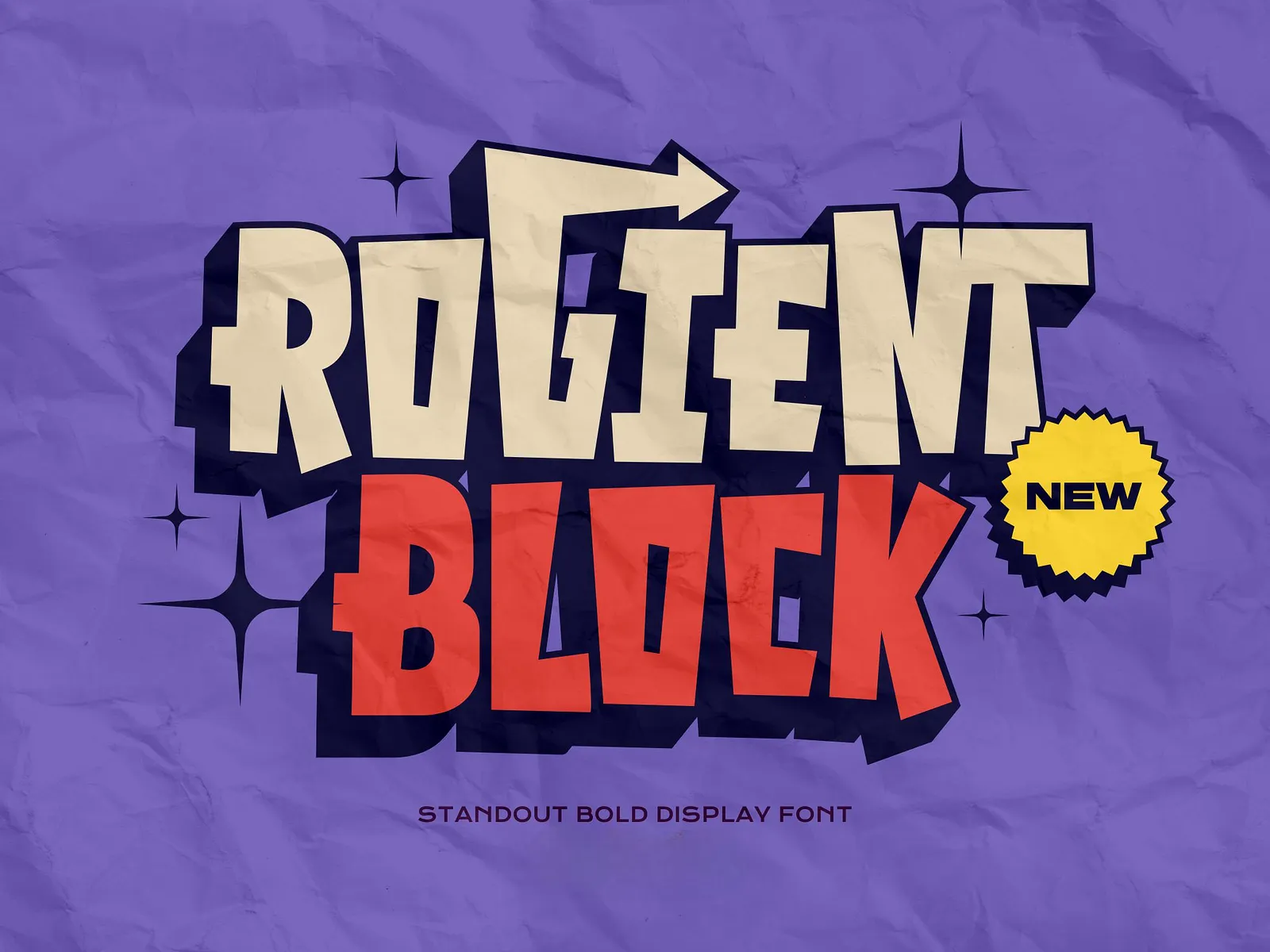
Rogient Block Font Download Address and Installation
Rogient Block is a modern industrial style font, this article describes how to download and install it for Windows and macOS.
Rogient Block Fonts in WordPress with Loading Tips
Learn how to apply Rogient Block fonts in WordPress, including uploading methods, theme calls, CSS introduction and font loading optimization to easily create unique page styles.
Elementor conflicts with theme templates resulting in content function error fixes
Encountered Elementor reported error "You must call the content function"? This article explains why and how to fix it, including solutions such as modifying theme templates, using specialized page templates and Elementor conditional layouts.
Resolving Error 521 Status Codes: Ways to Avoid Cloudflare's Failure to Connect to the Source Site
Cloudflare returns Error 521 mostly due to the source station can not respond to the request, this article introduces the troubleshooting methods, including server status, SSL configuration, firewall settings and IP whitelist optimization and other steps.

WoodMart Theme Complete Getting Started Tutorial: A Guide from Installation to Initial Configuration
Comprehensive explanation of WoodMart theme installation, plugin configuration, demo import and basic settings, to help newbies quickly build a full-featured WooCommerce mall site.

Elementor Font Settings saving not working? Check if optimized font loading is enabled
Elementor font settings are invalid? This article analyzes the impact of optimizing the font loading feature on font display, and provides solutions for turning off the method, cache handling, and calling fonts correctly.

WoodMart Product Filter Setup Tutorial: A Complete Guide to Price, Brand and Attribute Filtering
Comprehensive explanation on how to set up product filters in WoodMart theme, including price slider, brand list and attribute filters such as color, size, etc. to enhance the efficiency of mall browsing.

Resolving Error 521: Checking Server Protection and Timeout Settings
Error 521 means that Cloudflare can not connect to the source server, this article explains how to troubleshoot firewall interception, timeout configuration and server stress issues to reduce the frequency of error reports.
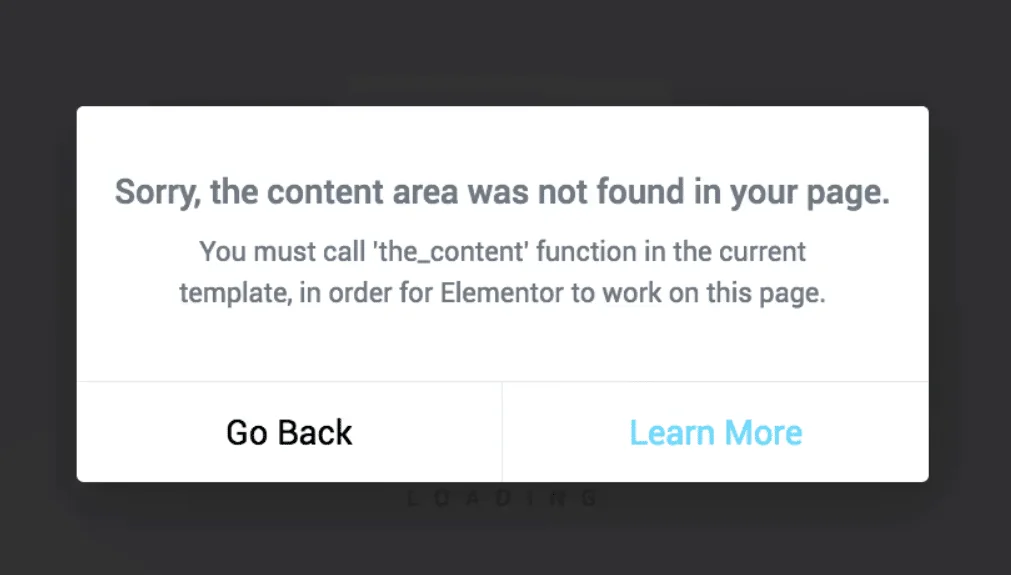
Elementor error content function?
When Elementor reported error "You must call the content function", the problem is usually in the template lack of the_content() function, this article explains the structure of the WordPress content loop and repair methods.

What is the difference between a 521 error and a 502 or 504? Figure out the difference.
This article explains the difference between the three common errors 521, 502, and 504 to help you determine if the problem is with Cloudflare, gateway response, or server processing timeout.

Practical solution to the problem of Elementor fonts not overriding Gutenberg styles
This article shares useful tips to solve Elementor font settings being overridden by Gutenberg styles to help you achieve font style uniformity in your WordPress website.

Troubleshooting and Debugging Guide for Elementor Missing Content Function Error Reporting
This article describes in detail the causes of Elementor's Missing Content Function error, and guides how to turn on WordPress debug mode to quickly locate and solve the problem.
Resolving Error 521: Troubleshooting and Responding after Website Migration
Learn the typical causes and solutions for Error 521 after website migration, including server firewall settings, port checking, DNS configuration, SSL certificates and web service status troubleshooting, which will help you restore normal website access.

WoodMart Performance Optimization Guide: Reducing JS/CSS Files and Enabling Delayed Loading
By reducing the size of JS/CSS files and enabling delayed loading of images, WoodMart theme improves loading speed and overall website performance, optimizes user experience and improves the responsiveness of e-commerce websites.
Why must Elementor templates include the_content function?
In-depth analysis of Elementor templates why you must call the_content function, to avoid content does not display, page blanks and other common problems, and provide accurate and practical fixes.

Elementor Global Font Settings Tips: The Right Way to Avoid Style Conflicts
Master the correct usage of Elementor global fonts to avoid conflicts with themes or plugins, improve page style consistency, and create a WordPress website with unified style and stable loading.

Enable WoodMart Ajax Filter to Improve Product Filtering Efficiency
Introduces how to enable Ajax product filtering in WoodMart theme and practical tips to make product filtering smoother, improve the conversion efficiency, and avoid the problem of bouncing caused by repeated page refreshes.
Elementor Font Styles Not Working? A Quick Fix for Cache Interference
Failed to set Elementor font style? We'll show you how to recognize the caching problem and fix it with an easy way to quickly get your page back to the preset font effect.

Elementor not loading content? Check the WooCommerce template first!
Elementor editing WooCommerce page with content function error? Most of them are template structure problems, this article helps you quickly locate and fix.

 简体中文
简体中文  English
  日本語
日本語  Français
  Español



