



Server operation and maintenance Page 6
arrange in order

Resolving Elementor Loading Issues: Checking and Fixing WordPress Security Plugin Interference
Troubleshoot the cause of Elementor loading failures, identify and optimize WordPress security plugin settings, and restore the editor to normal operation.

502 and 504: two mirrors of the "invisible fault" in modern digital business
502 and 504 errors are often misunderstood as occasional failures, but in fact, hidden system bottlenecks. This paper analyzes their nature, the risk of misjudgment and response methods.

The Relationship Between Cloudflare 521 Errors and "Orange Cloud / Gray Cloud" Settings
Detailed Analysis of Cloudflare 521 Error and Its Relationship with Orange Cloud and Gray Cloud Settings From access paths and origin server configurations to practical troubleshooting steps, this guide helps you quickly identify and resolve connection issues in proxy mode.

How can I see how many physical CPUs and the number of cores per CPU there are on my current Linux system?
You can use the command line tool lscpu to view the CPU information of the current Linux system, including the number of physical CPUs, the number of cores of each physical CPU, the CPU model, etc. Open a terminal and enter the following command to view the CPU information: copy codelscpu. Open a terminal and enter the following command to view CPU information: copy codelscpu Execute this command...

Learn the right way to turn on DISALLOW_FILE_EDIT to make your WordPress more secure!
Many WordPress websites have been tampered with because attackers inserted malicious code using the backend theme/plugin editor. By configuring DISALLOW_FILE_EDIT, a core security constant, you can disable this feature at the source and effectively strengthen your website security.

How to Install Python on a Linux Server
There are usually two ways to install Python on Linux: through a package manager or manually. Here we describe how to install Python through a package manager: Installing Python with a Package Manager Linux distributions usually come with Python, but it may be an older version of Py...

The Relationship Between Cloudflare 1016 and DNS Configuration Errors
In-depth Analysis of the Relationship Between Cloudflare Error 1016 and DNS Configuration Explaining Trigger Causes, Troubleshooting Processes, and Reproducible Solutions Through Real-World Scenarios Helping Webmasters Quickly Restore Website Access

Getting to grips with the WordPress write test mechanism: the significance of the temp-write-test file
Comprehensively explains the principle and role of WordPress temp-write-test file generation, to understand its significance in the detection of server write permissions, automatic updates and system security, to help you better maintain stable operation of the site.
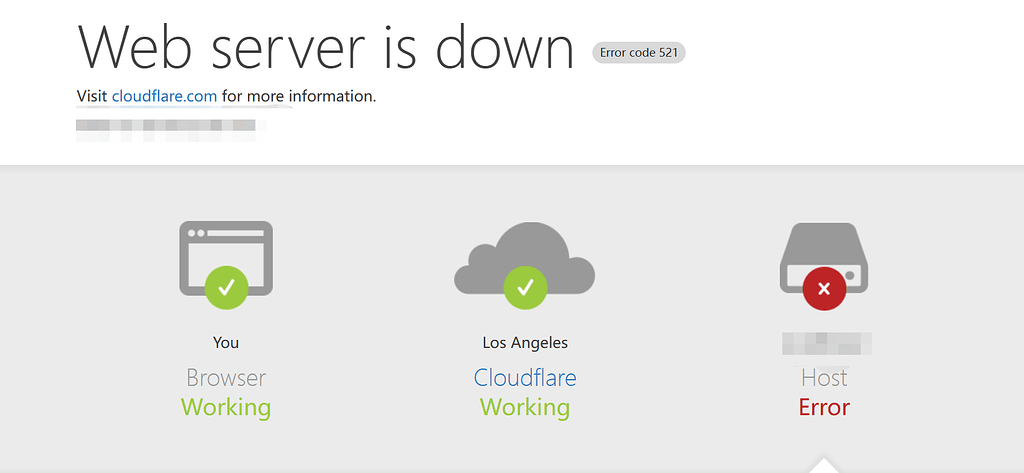
HTTP 521 Causing Website Unavailability? How to Create Emergency Pages and Implement Access Downgrade
When HTTP 521 errors render websites inaccessible, emergency pages and access degradation can ensure basic availability. This article provides strategies for rapid root cause identification, emergency response, and stability optimization.

502 Bad Gateway Errors: Causes, Prevention and Solutions
What is a 502 Bad Gateway error? 502 Bad Gateway is when a web server, acting as a gateway or proxy server, receives an invalid response from an upstream server, such as an application server. This is usually due to the fact that the upstream server is not working properly or is unable to respond in a timely manner...

10 Basic Linux Commands for More Efficient Use of the Operating System
Linux is a popular operating system with many powerful features and tools. As a Linux user, it is very important to master basic commands. In this article, we will introduce some common Linux commands to help you use your Linux system more efficiently. 1. ls The ls command is used to...

How to install Python 3.9.5 on a Linux system
Step 1: Update the System Package List Before installing any software, it is recommended to update the system package list to ensure that the latest packages are used. Run the following command in a terminal: sqlCopy codesudo apt-get update Step 2: Install the dependencies needed to build Python...

What does the speed of a website have to do with the server?
The speed of the website is related to a number of factors of the server, the following are a few of the main factors: Server hardware configuration: the higher the hardware configuration of the server, the faster the website response speed. For example, the speed and capacity of hardware resources such as CPU, memory, hard disk, network card, etc. will affect the service...

How to Effectively Manage PHP High Concurrency: Performance Testing and Optimization Strategies
What is PHP high concurrency? The problem of high concurrency is often encountered in the development and deployment of applications, when with the traffic becomes larger, a variety of technical problems will be encountered, such as interface response timeout, elevated CPU load, frequent GC, deadlocks, large data volume storage and so on. For example: Taobao's double...

PHP Handling Strategies for Highly Concurrent Environments: The Complete Guide
Introduction In the web world, high concurrency is a challenge that many websites and applications have to face. When the number of users surges and requests to the system peaks, the server may become overloaded, resulting in longer web page response times and even server crashes. This article will demystify some effective...

How to realize the domain name forced jump? Cautions and steps in detail
Domain name forced jump refers to the automatic redirection of all requests to visit a website to a specified domain name or sub-domain, in order to achieve the purpose of unifying the way of website access. In the actual website operation, the implementation of domain name forced jump helps to optimize the user experience of the website and improve the website's SEO...

How should we adjust when a website is overloaded with traffic and the server crashes?
When website traffic is overloaded, server crashes may be caused by insufficient server resources or excessive load. In order to adjust this situation, the following measures can be taken: Expanding server resources: If the server hardware resources are insufficient, consider increasing the hard disk, memory, CPU, bandwidth...
502 Common Troubleshooting Steps for Bad Gateway Errors
The 502 Bad Gateway error is a common HTTP status code indicating that a server received an invalid response from an upstream server while acting as a gateway or proxy. This error is commonly seen in load balancer, proxy server or reverse proxy setups and affects website accessibility and user...

How to Fix "The Link You Followed is Expired" Error in WordPress
If you've ever uploaded a theme or plugin to WordPress and encountered the "The link you follow has expired" error, this article is for you. This article will delve into the causes of this error and how to fix it to ensure that you can upload your files without this problem...

Will the database shut down if there is too much traffic to the site, and why will it shut down?
When there is too much traffic, if the server is overloaded, it may cause the database to shut down or fail to respond to requests properly. This is usually because the database's performance resources are exhausted and it cannot continue to process more requests, which causes the database to stop responding. The following are possible causes of database...

Server O&M basics include the following:
Hardware knowledge: understand the server hardware structure, principles and common troubleshooting methods, including CPU, memory, hard disk, power supply and other components. Operating system: master the common server operating system, such as Linux, Windows, etc., to understand the system installation, configuration, upgrading and maintenance, etc. ...

How to deal with server crashes due to user surges? A detailed guide
In response to a sudden surge of users, we can take the following measures: Planning and forecasting ahead of time In order to avoid unnecessary trouble when dealing with a surge of users, we need to plan and forecast ahead of time. Specific measures are as follows: Collect and analyze historical data to understand the website or application's...

In-Depth Analysis: Optimizing PHP Applications to Efficiently Handle MySQL High Concurrency
With the increasing performance demands of web applications, optimizing PHP applications for highly concurrent MySQL access has become a major challenge for developers. This article explores a number of strategies that are designed to provide concrete and practical solutions. Strategy 1: Efficient Persistent Connection ...

Say goodbye to hand slips: How to prevent team member misuse disasters with DISALLOW_FILE_EDIT?
In WordPress teamwork, internal misuse is more destructive than external attacks. A single code error can lead to website paralysis.DISALLOW_FILE_EDIT provides effective permission control solution for enterprises by disabling the background file editing function to protect the stable operation of business...

Exploring PHP High Concurrency Solutions: From ReactPHP to Swoole
In modern Internet applications, high concurrency has become an important criterion for testing the performance of a platform.PHP, as a popular server-side scripting language, faces a number of challenges in handling highly concurrent requests, although it has its unique advantages in rapid development and deployment. However, through ...

How to Fully Backup and Restore a WooCommerce Database: Keeping Your Store Data Safe
Learn how to backup your WooCommerce database and restore your data easily with manual, plugin, hosted service and command line methods. Protect your store data from losses due to data loss.
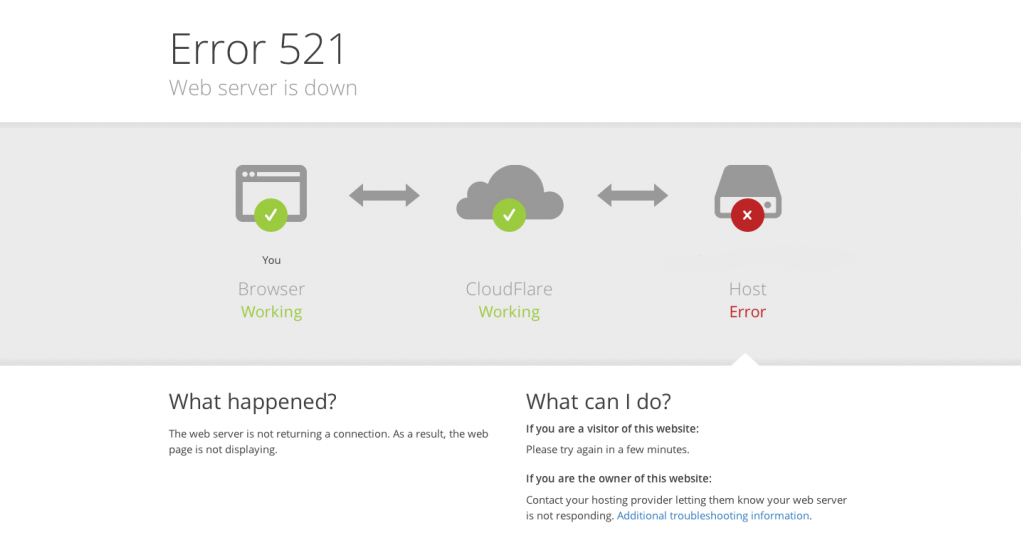
When accessing the website, a Cloudflare 521 error appears. What does this indicate about the server?
This article systematically analyzes the true meaning behind Cloudflare's 521 error, detailing common causes and standard troubleshooting procedures from server operational status, firewall blocking, port monitoring to HTTPS configuration anomalies. It helps webmasters quickly pinpoint issues and restore website access.

What should you look for when you need to modify the database in Magento?
In Magento, if you need to make changes to the database, you can usually do so by following these steps: In the Magento backend, navigate to System > Settings > Advanced > Developer, find the Debugging tab, and change the "Enable template paths..." to "Enable template paths...". "In the Magento backend, navigate to System > Settings > Advanced > Developer, find the Debugging tab, and change the "Enable template path..." to "Enable template path...".

What are the common commands for linux?
Linux is a Unix-based operating system that provides many powerful command-line tools and commands. Here are some common Linux commands: File and directory manipulation commands: ls: List files and subdirectories in a directory cd: Change the current directory pwd: Display the current directory's...

HTTPS encryption: the cornerstone of Internet security.
In today's network world, with a large amount of sensitive information being transmitted over the Internet, securing that information is becoming increasingly important. In this context, HTTPS (Hypertext Transfer Protocol Secure) came into being.HTTPS is a secure communication protocol used to ensure that in...

 简体中文
简体中文  English
  日本語
日本語  Français
  Español



